
 Carmen J. Moore

Are you ready to take your photography skills to the next level? Digital SLR cameras offer a wide range of features and capabilities that can help you capture stunning images with ease. Whether you’re a beginner or an experienced photographer, mastering the basics of using a digital SLR camera is essential for creating high-quality photos.
In this article, we’ll guide you through the key steps to using a digital SLR camera effectively. From understanding camera settings to mastering composition techniques, you’ll learn everything you need to know to start taking professional-quality photos in no time.


Mastering the basics
Before diving into the advanced features of your digital SLR camera, it’s essential to master the basics. Understanding the fundamental settings and functions will help you capture better photos and unlock the full potential of your camera.
1. Know your camera
Take the time to familiarize yourself with your camera’s buttons, dials, and menu options. Read the manual, experiment with different settings, and practice using the camera in various shooting scenarios.
2. Learn about exposure
Understanding exposure is crucial for getting the right amount of light in your photos. Learn how aperture, shutter speed, and ISO settings affect exposure, and experiment with different combinations to achieve the desired results.
Understanding the camera settings
When using a digital SLR camera, it is essential to understand the various settings available to you. These settings can greatly impact the quality and outcome of your photos. Here are some key settings you should familiarize yourself with:
- Shutter Speed: This setting determines how long the camera’s shutter remains open when taking a photo. A faster shutter speed freezes motion, while a slower shutter speed can create motion blur.
- Aperture: Aperture controls the size of the opening in the lens that lets light in. A smaller aperture (higher f-stop number) results in a larger depth of field, while a larger aperture (lower f-stop number) creates a shallower depth of field.
- ISO: ISO measures the camera sensor’s sensitivity to light. A lower ISO is ideal for bright conditions, while a higher ISO is suitable for low-light situations. Keep in mind that higher ISO settings can introduce more noise in your photos.
- White Balance: White balance adjusts the color temperature of your photos to ensure accurate colors under different lighting conditions. You can choose preset white balance settings or manually adjust it based on the lighting situation.
- Exposure Compensation: Exposure compensation allows you to adjust the brightness of your photos. You can increase or decrease exposure to achieve the desired level of brightness in your images.
By understanding and mastering these camera settings, you can take full control of your digital SLR camera and capture stunning photos in various shooting conditions.

Choosing the Right Lens
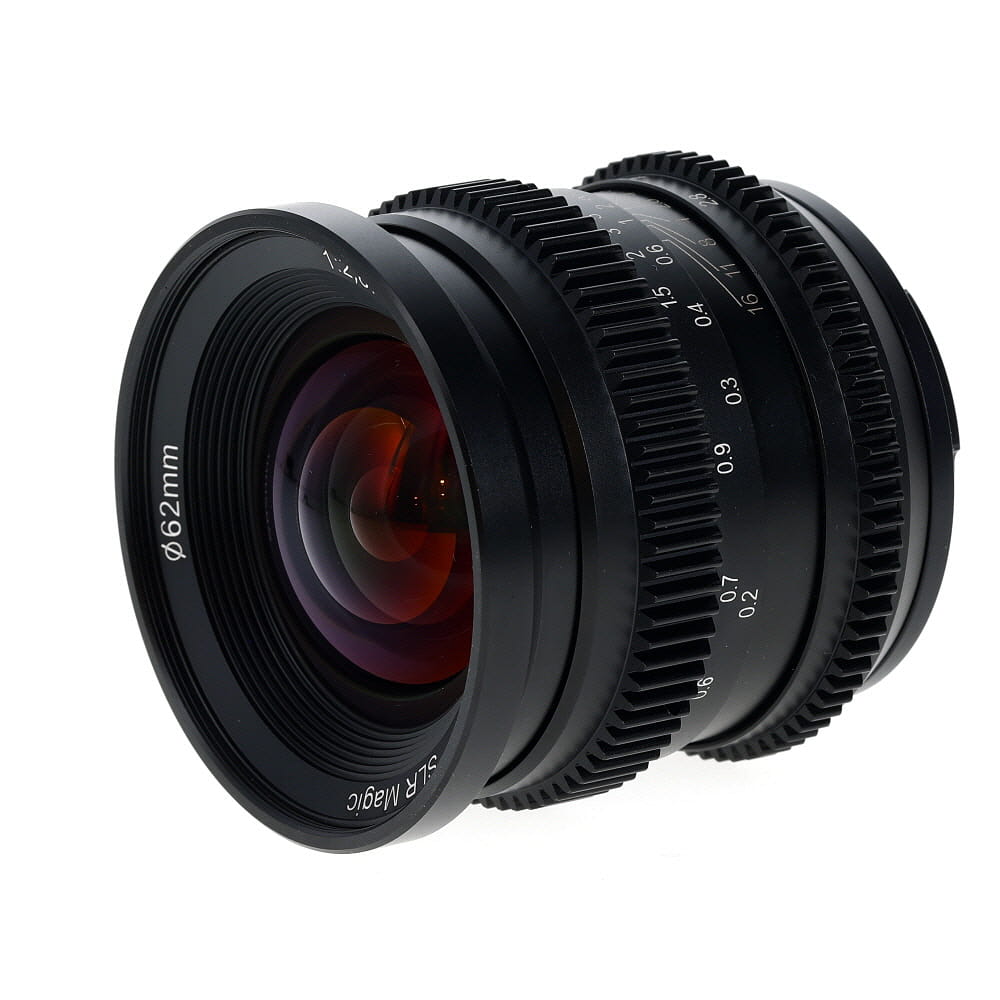
One of the most important decisions you will make when using a digital SLR camera is choosing the right lens for the job. The lens you select will have a significant impact on the quality and style of your photographs. Here are some key factors to consider when choosing a lens:
1. Focal Length
The focal length of a lens determines how much of the scene will be captured in your photograph. A shorter focal length (e.g., 18mm) will capture a wider angle of view, while a longer focal length (e.g., 200mm) will zoom in closer to your subject. Consider the type of photography you will be doing and choose a focal length that suits your needs.
2. Aperture
The aperture of a lens controls the amount of light that enters the camera. A wider aperture (e.g., f/2.8) allows more light to reach the sensor, making it ideal for low-light conditions and creating a shallow depth of field. A narrower aperture (e.g., f/11) lets in less light but provides greater depth of field, suitable for landscape photography. Choose an aperture that matches your shooting conditions and desired effect.
| Lens Type | Best For |
|---|---|
| Wide-angle | Landscape, architecture |
| Telephoto | Wildlife, sports |
| Prime | Portraits, low-light |
Capturing the perfect shot
When it comes to capturing the perfect shot with your digital SLR camera, there are a few key factors to keep in mind:
- Composition: Pay attention to the rule of thirds and framing your subject in a visually appealing way.
- Lighting: Use natural light whenever possible, and consider the direction and intensity of the light for the best results.
- Focus: Ensure your subject is in focus by adjusting the focus points on your camera or manually focusing if needed.
- Shutter speed: Choose the right shutter speed to capture motion or freeze action, depending on the effect you want to achieve.
- Aperture: Adjust the aperture to control depth of field and achieve the desired level of background blur.
- ISO: Set the ISO to the appropriate level for the lighting conditions to avoid graininess in your photos.
By mastering these key elements and practicing regularly, you’ll be able to consistently capture stunning photos with your digital SLR camera.
Utilizing manual mode effectively
Manual mode on a digital SLR camera gives you full control over the settings, allowing you to take creative and unique photos. Here are some tips for utilizing manual mode effectively:
1. Understand the Exposure Triangle
The exposure triangle consists of three elements: aperture, shutter speed, and ISO. Adjusting these settings in manual mode allows you to control the amount of light that enters the camera and the overall look of your photos.
2. Experiment with Different Settings
Don’t be afraid to experiment with different combinations of aperture, shutter speed, and ISO to see how they affect your photos. Practice shooting in different lighting conditions to get a feel for what works best in each situation.
| Aperture | Shutter Speed | ISO |
|---|---|---|
| Controls depth of field | Determines motion blur | Affects image noise |
| Lower f-stop = larger aperture = shallower depth of field | Fast shutter speed freezes motion | Higher ISO = more sensitivity to light |
Experimenting with different angles
When using a digital SLR camera, don’t be afraid to experiment with different angles to add interest to your photos. Try shooting from a low angle to make your subject appear larger and more imposing, or experiment with shooting from a high angle to create a sense of depth. You can also try shooting from different sides of your subject to see how the light interacts with your scene. Changing your perspective can completely transform the mood and composition of your photos, so don’t be afraid to get creative!
Post-processing techniques
After capturing your images with your digital SLR camera, post-processing is an essential step to enhance the quality of your photos. Here are some common post-processing techniques:

- Adjusting exposure: Use software like Adobe Lightroom or Photoshop to adjust the exposure of your images. You can lighten or darken the overall exposure or specific areas of the image.
- White balance correction: Correct the white balance of your photos to ensure accurate colors. You can adjust the temperature and tint to achieve the desired color balance.
- Cropping and straightening: Crop your images to remove distractions and improve composition. Straighten tilted horizons for a more professional look.
- Sharpening and noise reduction: Enhance the sharpness of your images and reduce noise for a cleaner result. Use sharpening tools and noise reduction filters in post-processing software.
- Color correction: Adjust the saturation, vibrance, and hue of your photos to achieve the desired color effects. You can also use color grading techniques to create a specific mood or style.
Experiment with different post-processing techniques to enhance your images and develop your own unique style. Remember to always save your edited photos in a high-quality format to preserve the details and colors.
Creating stunning compositions
Composition is key to creating visually appealing and impactful photographs with your digital SLR camera. Here are some tips to help you create stunning compositions:
1. Rule of Thirds
The rule of thirds is a fundamental principle in photography that involves dividing your frame into thirds both horizontally and vertically. By placing your subject or key elements along these lines or at the intersections, you can create a more balanced and visually pleasing composition.
2. Leading Lines
Leading lines are elements within a photo that lead the viewer’s eye towards the main subject or focal point. Look for natural or man-made lines such as roads, fences, or rivers that can guide the viewer’s gaze through the image and create a sense of depth and movement.
By incorporating these compositional techniques into your photography, you can elevate your images and create visually stunning compositions that capture the viewer’s attention.

Enhancing your photography skills
Photography is an art that requires practice and continuous learning to improve your skills. Here are some tips to help you enhance your photography skills:
1. Experiment with different settings
Try experimenting with different settings on your digital SLR camera, such as aperture, shutter speed, and ISO. Understanding how these settings affect your photos will help you create better images.
2. Learn composition techniques
Composition is key to creating visually appealing photos. Learn about composition techniques such as the rule of thirds, leading lines, and framing to improve the quality of your photos.
Practice regularly and don’t be afraid to try new things to enhance your photography skills!
Showcasing your work online
Once you have captured stunning images with your digital SLR camera, it’s time to showcase your work online. Here are some tips to help you effectively display your photography:

1. Create a professional website
Consider creating a professional website to showcase your portfolio. Make sure your website is visually appealing and easy to navigate. Include a gallery of your best work, a brief bio, and contact information.
2. Use social media
Utilize social media platforms like Instagram, Facebook, and Flickr to share your photos with a wider audience. Engage with your followers, participate in photography communities, and use relevant hashtags to increase visibility.
- Regularly update your social media profiles with new photos
- Interact with other photographers and potential clients
By showcasing your work online, you can attract potential clients, collaborators, and opportunities to further your photography career.
FAQ
What is a digital SLR camera and how does it differ from a regular point-and-shoot camera?
A digital SLR camera is a type of camera that uses a digital image sensor to capture and store photographs. It differs from a regular point-and-shoot camera in several ways, including the ability to change lenses, manual controls for settings like aperture and shutter speed, and generally higher image quality.
How do I choose the right digital SLR camera for my needs?
When choosing a digital SLR camera, consider factors such as your budget, intended use (e.g., professional photography, hobbyist, travel), desired features (e.g., resolution, video capabilities, connectivity options), and compatibility with any existing lenses or accessories you may have.

What are some basic tips for using a digital SLR camera?
Some basic tips for using a digital SLR camera include learning how to control settings like aperture, shutter speed, and ISO to achieve the desired exposure, practicing framing and composition techniques, experimenting with different lenses for different effects, and regularly cleaning and maintaining your equipment.
Can you explain the concept of aperture and how it affects photography with a digital SLR camera?
Aperture refers to the size of the opening in the lens that allows light to pass through to the image sensor. It is measured in f-stops, with smaller f-stop numbers indicating larger apertures. Aperture affects the depth of field in a photograph, with larger apertures (smaller f-stop numbers) resulting in a shallower depth of field and smaller apertures (larger f-stop numbers) providing a greater depth of field.
What are some common accessories that can enhance the use of a digital SLR camera?
Common accessories that can enhance the use of a digital SLR camera include additional lenses (e.g., wide-angle, telephoto, macro), external flash units, tripods or monopods for stability, camera bags or cases for protection and storage, memory cards with larger storage capacities, and filters for creative effects or protection of the lens.


