
 Carmen J. Moore

Casio digital cameras are known for their high-quality images and user-friendly interfaces. Whether you’re a beginner or a seasoned photographer, learning how to use a Casio digital camera can help you capture stunning photos with ease.
In this guide, we’ll walk you through the essential steps to get started with your Casio digital camera, from setting up the camera to taking your first shot. With a few simple tips and tricks, you’ll be well on your way to mastering the art of digital photography.




Understanding the basic functions
Before you start using your Casio digital camera, it’s important to familiarize yourself with its basic functions. Here are some key features you should know:
- Power button: This button turns the camera on and off. Make sure to turn it off when not in use to conserve battery life.
- Shutter button: Pressing this button will take a photo. Half-press the button to focus before fully pressing it to take the shot.
- Mode dial: Use this dial to switch between different shooting modes, such as automatic, manual, or scene modes.
- Zoom controls: The zoom controls allow you to zoom in and out when framing your shots. Use the zoom lever to adjust the focal length.
- Menu button: Pressing this button will bring up the camera’s menu, where you can adjust settings like image quality, white balance, and ISO.
By understanding these basic functions, you’ll be able to use your Casio digital camera more effectively and capture great photos.
Tips for capturing great shots
Here are some tips to help you take better photos with your Casio digital camera:
| 1. | Use natural light whenever possible to avoid harsh shadows. |
| 2. | Experiment with different angles and perspectives to add interest to your shots. |
| 3. | Play around with the camera settings to find the best options for each scene. |
| 4. | Keep your camera steady to avoid blurry photos, especially in low light situations. |
| 5. | Focus on the subject and make sure it is clear and in sharp focus. |
| 6. | Consider the composition of your shot and use the rule of thirds to create a balanced image. |
Exploring advanced features
Once you have mastered the basic functions of your Casio digital camera, it’s time to explore its advanced features to enhance your photography experience.
1. Manual settings
Experiment with the manual settings on your camera to have more control over your photos. Adjust the aperture, shutter speed, and ISO to achieve the desired effect.

2. Shooting modes
Explore the different shooting modes such as landscape, portrait, and night mode to optimize your camera settings for various scenarios.
- Use the macro mode for close-up shots of small objects.
- Try the panorama mode to capture wide scenic views.
By familiarizing yourself with these advanced features, you can take your photography skills to the next level with your Casio digital camera.
Editing and sharing your photos
After capturing stunning photos with your Casio digital camera, you may want to enhance them further or share them with friends and family. Here are some tips on editing and sharing your photos:
1. Editing:
Use photo editing software like Adobe Photoshop or Lightroom to adjust the exposure, contrast, color balance, and other aspects of your photos. You can also crop, resize, and apply filters to make your photos look even more professional.
2. Sharing:
Once you’ve edited your photos to perfection, you can easily share them on social media platforms like Facebook, Instagram, or Twitter. You can also create online photo albums or print your photos to display them in your home.
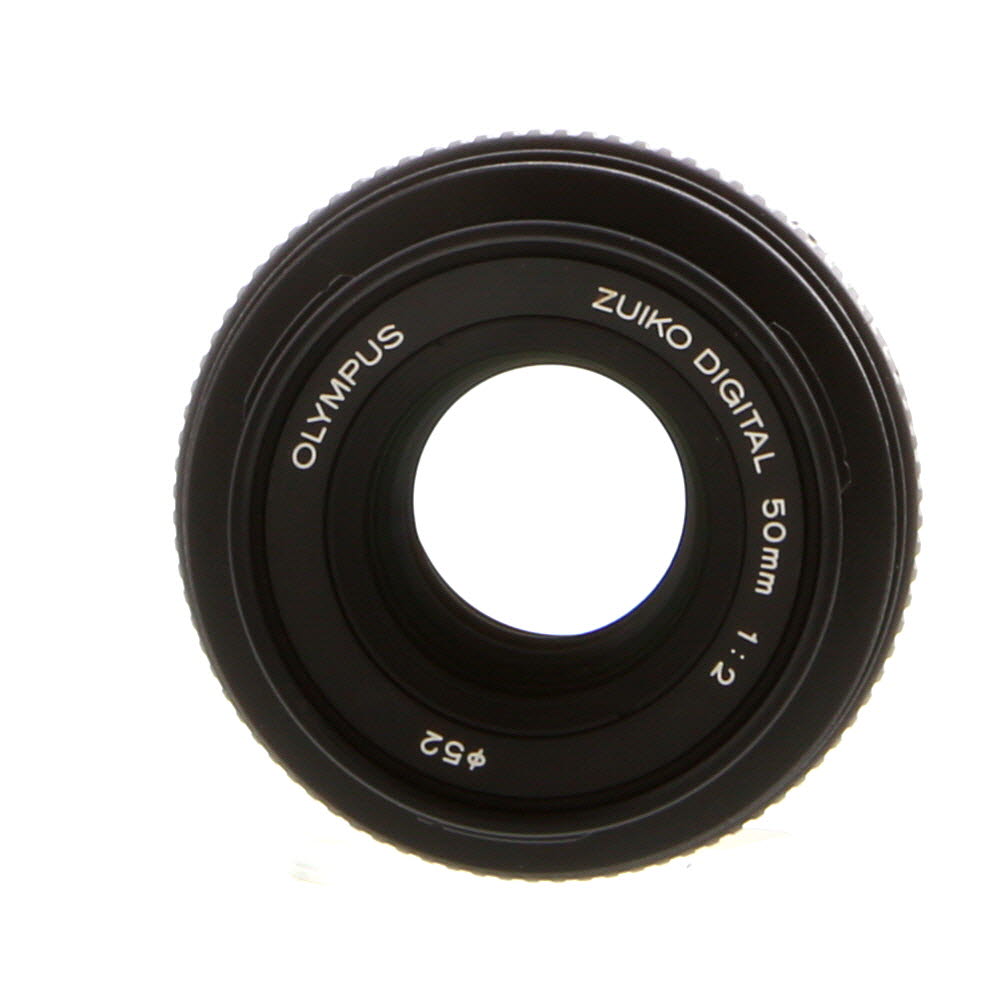
Accessory recommendations for Casio cameras
When using a Casio digital camera, there are a few accessories that can enhance your photography experience. Here are some recommendations:
Lens attachments
Consider investing in wide-angle or telephoto lens attachments to expand your camera’s capabilities and capture a variety of shots.
Memory cards
Ensure you have a high-capacity memory card to store all your photos and videos without running out of space. Look for a reliable brand with fast read/write speeds.
External flash
For better lighting in low-light conditions or to add creative lighting effects, consider purchasing an external flash that is compatible with your Casio camera.

Protect your camera and accessories by investing in a quality camera bag that is padded and provides ample storage space for all your gear.
FAQ
How do I turn on a Casio digital camera?
To turn on a Casio digital camera, locate the power button on the camera, usually located on the top or back of the device. Press and hold the power button until the camera powers on. You may need to set the date and time on the camera if it’s the first time you’re using it.
What are some key features of a Casio digital camera?
Casio digital cameras usually come with a variety of features, including different shooting modes, zoom capabilities, image stabilization, and various scene settings. They also have a menu system that allows you to adjust settings such as exposure, white balance, and image quality. Some models may have built-in Wi-Fi or Bluetooth for easy sharing of photos.



How does the Casio compare to other brands in terms of image quality? Is it worth the price?
I recently started using a Casio camera for my travel photos. The battery life is impressive, and I love how easy it is to switch between shooting modes. I also found that using natural light makes a huge difference in my photos. Anyone else have tips for travel photography with these cameras?
I disagree with the tip about using the rule of thirds. Sometimes breaking that rule can lead to really unique and striking photos. It all depends on the subject!
I'm new to photography and just got a Casio camera. How do I know which shooting mode to use in different situations? Any tips?
For beginners, I recommend starting with automatic mode to let the camera handle the settings. Once you're comfortable, try switching to scene modes based on what you're shooting, like landscape or portrait.
I found that using a tripod helped me get clearer shots, especially in low light. It really makes a difference!