
 Carmen J. Moore

Digital cameras have revolutionized the way we capture and store photographs. Unlike traditional film cameras, digital cameras use electronic sensors to capture images and store them as digital files.
When you take a photo with a digital camera, the sensor converts the light that hits it into electrical signals. These signals are then processed by the camera’s image processor and stored on a memory card.
Most digital cameras use memory cards such as SD cards or CompactFlash cards to store photographs. These cards have a certain amount of storage capacity, measured in gigabytes, which determines how many photos can be stored on them.
Additionally, some digital cameras also have built-in memory that can be used to store images if a memory card is not present. This internal memory is usually limited in capacity compared to memory cards.



The Basics of Digital Cameras
When you take a photo with a digital camera, the camera’s image sensor captures the light and turns it into an electronic signal. This signal is then processed by the camera’s image processor to create a digital image file.
Digital cameras store photographs in digital format, typically using file formats such as JPEG, TIFF, or RAW. These files can be stored on the camera’s internal memory or on a memory card inserted into the camera.
Memory cards are portable storage devices that come in different capacities, allowing you to store a large number of photos. Common types of memory cards used in digital cameras include SD, microSD, and CompactFlash cards.
When you transfer photos from your camera to a computer or other device, you can use a USB cable, memory card reader, or wireless connection. Once the photos are transferred, you can view, edit, and share them digitally.
Understanding Image Capture
When you click the shutter button on a digital camera, the camera’s sensor captures the light that enters the lens and converts it into an electronic image. This process involves several key steps:

| Step 1: | The camera’s sensor, typically a CMOS or CCD sensor, receives the incoming light. |
| Step 2: | Each pixel on the sensor measures the intensity of light it receives and converts it into an electrical signal. |
| Step 3: | The analog electrical signals are then converted into digital data using an analog-to-digital converter (ADC). |
| Step 4: | The digital data is processed by the camera’s image processor, which applies settings such as white balance, exposure, and color correction. |
| Step 5: | The processed image data is then saved to the camera’s memory card in a file format such as JPEG or RAW. |
By understanding this image capture process, you can appreciate the technology behind digital cameras and how they store photographs with precision and clarity.
Image Processing in Cameras
Modern digital cameras use sophisticated image processing algorithms to capture and store photographs. When you press the shutter button, the camera’s image sensor captures the light from the scene and converts it into an electronic signal. This signal is then processed by the camera’s image processor, which applies various adjustments to the image, such as white balance, exposure, and color correction.
The processed image is then saved to the camera’s memory card in a digital format, such as JPEG or RAW. JPEG files are compressed and suitable for sharing and printing, while RAW files retain all the original data captured by the sensor, allowing for more advanced editing options.
Additionally, some cameras offer in-camera processing options, such as filters and effects, which can be applied to the image before it is saved. These processing options can enhance the image creatively without the need for external editing software.
| Image Processing Steps: | 1. Image sensor captures light | 2. Electronic signal processed by image processor | 3. Adjustments applied (white balance, exposure, etc.) | 4. Processed image saved to memory card | 5. Optional in-camera processing effects |
|---|
Digital Camera Memory
When you take a photo with a digital camera, the image is stored on a memory card inside the camera. Digital cameras use different types of memory cards, such as SD cards, CF cards, or microSD cards, to store photographs.
Types of Memory Cards:
SD cards are the most common type of memory card used in digital cameras. They are small, lightweight, and have a high storage capacity. CF cards are larger and more durable, often used in professional cameras. MicroSD cards are tiny and commonly used in smartphones and compact cameras.
Memory Capacity: The storage capacity of a memory card determines how many photos can be stored on it. Memory cards come in different capacities, ranging from a few gigabytes to several terabytes. The higher the capacity, the more photos you can store.
File Formats:
Photos taken with a digital camera are saved in different file formats, such as JPEG, RAW, or PNG. JPEG is the most common format, as it compresses the image to reduce file size without losing much quality. RAW files contain unprocessed data captured by the camera sensor, allowing for more flexibility in editing.
Types of Memory Cards
When it comes to storing photographs on digital cameras, memory cards play a crucial role. There are several types of memory cards available in the market, each with its own storage capacity and speed. Some of the common types of memory cards used in digital cameras include:
- Secure Digital (SD) Card: SD cards are widely used and come in various sizes, including SD, SDHC, and SDXC. They are known for their reliability and compatibility with most devices.
- CompactFlash (CF) Card: CF cards are larger in size compared to SD cards and are often used in professional cameras due to their high storage capacity and fast data transfer speeds.
- MicroSD Card: MicroSD cards are smaller in size and are commonly used in smartphones and action cameras. They are known for their compact design and versatility.
- XQD Card: XQD cards are a newer type of memory card that offers high-speed data transfer rates, making them ideal for capturing high-resolution images and videos.
Choosing the right memory card for your digital camera depends on factors such as storage capacity, speed, and compatibility. It’s important to select a memory card that meets your specific needs to ensure reliable performance and efficient storage of your photographs.
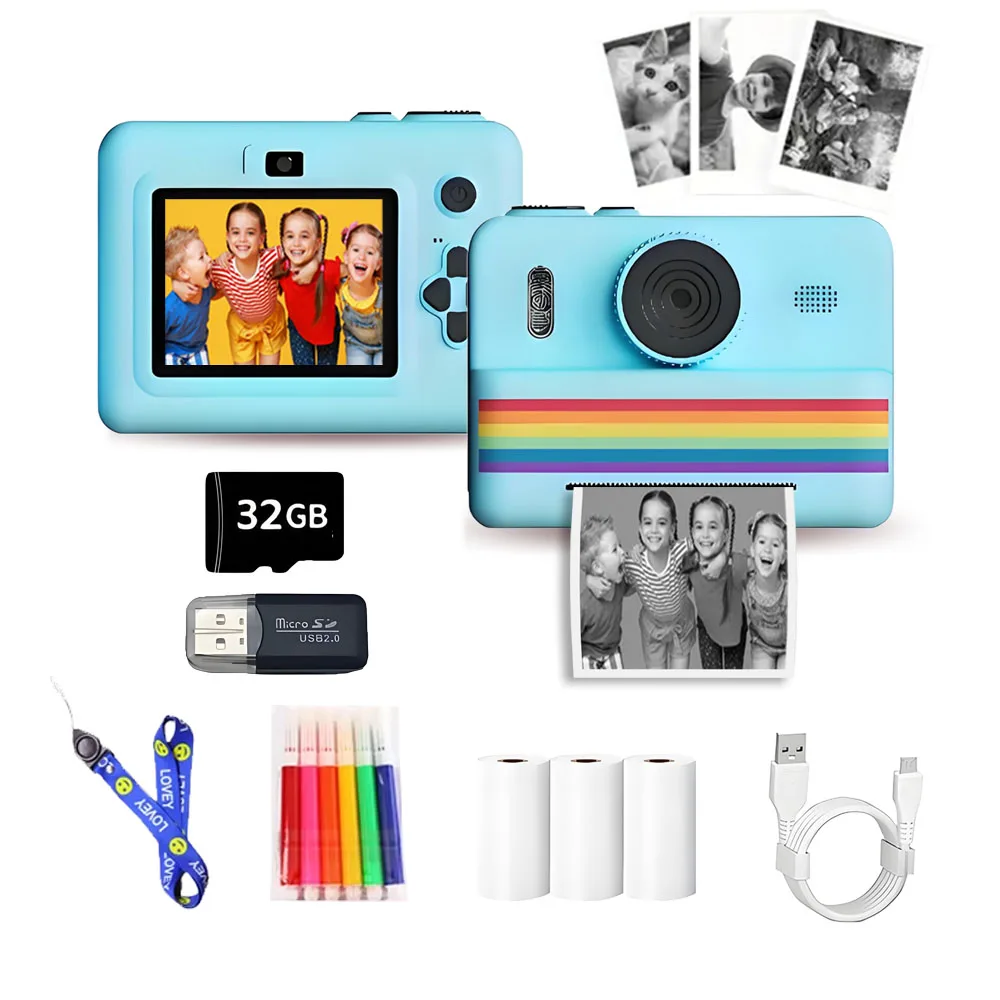
How Digital Cameras Store Photos
When you take a photo with a digital camera, the image is captured by the camera’s image sensor, which converts the light that hits it into digital data. This digital data is then processed and stored in the camera’s memory.
Types of Memory Cards
Most digital cameras use memory cards to store photos. Common types of memory cards include Secure Digital (SD), CompactFlash (CF), and Memory Stick. These cards come in different capacities, ranging from a few gigabytes to several terabytes, allowing you to store hundreds or even thousands of photos.
File Formats
Photos taken by digital cameras are saved in various file formats, such as JPEG, RAW, and PNG. JPEG is the most common format and is widely supported by devices and software. RAW files contain unprocessed data captured by the camera’s sensor, giving photographers more flexibility during post-processing. PNG files are lossless and offer high-quality images but may result in larger file sizes.
- JPEG: Compressed format suitable for sharing and printing
- RAW: Unprocessed data for advanced editing
- PNG: Lossless format for high-quality images
File Formats for Photos
When you take a photo with a digital camera, the image is saved in a specific file format. There are several common file formats used for storing photographs, each with its own unique characteristics:
| File Format | Description |
|---|---|
| JPEG | JPEG (Joint Photographic Experts Group) is a popular file format for photographs due to its high compression ratio, which reduces file size while maintaining decent image quality. It is widely supported and compatible with most devices and software. |
| PNG | PNG (Portable Network Graphics) is another common format that is known for its lossless compression, meaning it preserves image quality without sacrificing file size. PNG files are often used for graphics and images with transparent backgrounds. |
| GIF | GIF (Graphics Interchange Format) is a format that supports animations and is commonly used for short video clips or simple animations. It has a limited color palette but is widely supported on the web. |
| RAW | RAW is a file format that stores unprocessed image data directly from the camera sensor, preserving all the details and allowing for extensive editing without loss of quality. It is favored by professional photographers for its flexibility. |
These are just a few examples of the many file formats available for storing digital photos. The choice of format often depends on the intended use of the image and the level of quality and compression desired.

Transferring Photos to a Computer
Once you have captured stunning photos with your digital camera, you may want to transfer them to your computer for editing, sharing, or storage. Most digital cameras come with a USB cable that allows you to connect the camera to your computer. Simply plug one end of the USB cable into the camera and the other end into a USB port on your computer.
After connecting the camera, your computer may automatically detect the device and prompt you to import the photos. If not, you can open the camera as a storage device from your computer’s file explorer and manually transfer the photos to a folder on your computer.
Alternatively, you can remove the memory card from the camera and insert it into a card reader connected to your computer. The memory card will appear as a removable drive, allowing you to access and transfer the photos stored on it.
Once the photos are transferred to your computer, you can organize them into folders, edit them using photo editing software, and share them with friends and family through email, social media, or cloud storage services.
Backing Up Your Digital Photos
Backing up your digital photos is crucial to ensure that your precious memories are safe and secure. There are several methods you can use to back up your photos:
1. External Hard Drive:
One of the most common ways to back up your digital photos is to use an external hard drive. Simply connect the external hard drive to your computer and transfer your photos to the drive. This provides an additional copy of your photos that you can access in case your computer crashes.
2. Cloud Storage:
Another popular option is to store your photos in the cloud. There are many cloud storage services available, such as Google Drive, Dropbox, and iCloud, that allow you to upload and store your photos securely online. This way, you can access your photos from any device with an internet connection.
By regularly backing up your digital photos using one or more of these methods, you can ensure that your memories are protected and easily accessible whenever you need them.
FAQ
How do digital cameras store photographs?
Digital cameras store photographs by converting the image captured by the camera’s sensor into a digital format. This digital data is then saved onto a memory card inside the camera. The memory card acts as a storage device where the image files are written to and can be accessed later for viewing or transferring to a computer.
What is the process of saving a photo in a digital camera?
When you take a photo with a digital camera, the camera’s sensor captures the image and converts it into digital data. This data is then processed by the camera’s internal software and saved onto a memory card. The photo is stored as a file on the memory card, usually in formats like JPEG or RAW, which can be accessed and viewed later.

Can digital cameras store photos in different file formats?
Yes, digital cameras can store photos in different file formats such as JPEG, RAW, TIFF, and others. The choice of file format depends on the camera settings and the photographer’s preferences. Each file format has its own advantages and disadvantages in terms of image quality, file size, and compatibility with editing software.
How much storage capacity do memory cards in digital cameras have?
Memory cards in digital cameras come in various storage capacities ranging from a few gigabytes to several terabytes. The storage capacity of a memory card determines how many photos can be stored on it. Higher capacity memory cards allow for more photos to be saved, but they also tend to be more expensive. Photographers often choose memory cards based on their storage needs and budget.





What are the main differences between JPEG and RAW files when storing photos from a digital camera?
Can someone explain how CompactFlash cards compare to SD cards? I've heard CF cards are better for professional use, but are they worth the extra cost?
CompactFlash cards generally offer higher durability and faster data transfer speeds, making them suitable for professional cameras. However, SD cards are more commonly used and are often more affordable.
I've been using SD cards for my camera, and they work great. Just be sure to get a high-speed one for better performance!
Always format your memory card in the camera before use. It helps avoid issues with file storage!