
 Carmen J. Moore

Many people wonder if they can use their Samsung digital camera as a web camera. The idea of repurposing a digital camera for live streaming or video calls is appealing, as it can potentially offer better image quality compared to built-in laptop webcams. However, the answer to whether you can use a Samsung digital camera as a web camera depends on the specific model and features of the camera.
Some Samsung digital cameras do have the capability to be used as web cameras, especially newer models with advanced connectivity options. These cameras may offer features like live streaming via USB or Wi-Fi, making them suitable for use in online meetings, video conferencing, or streaming to platforms like YouTube or Twitch.
Before attempting to use your Samsung digital camera as a web camera, it’s important to check the camera’s specifications and compatibility with your computer or streaming software. You may need to install additional drivers or software to enable this functionality, so be sure to consult the camera’s user manual or manufacturer’s website for guidance.
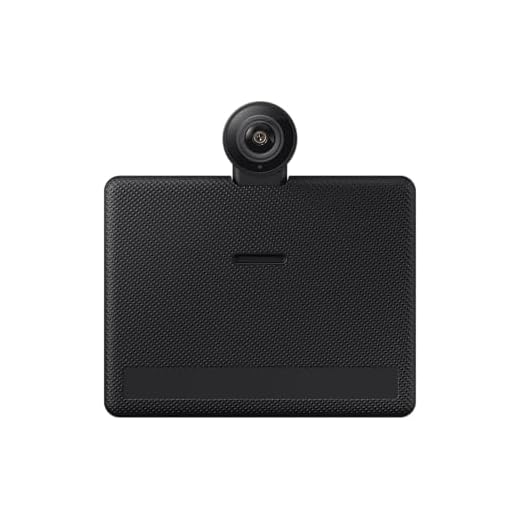



Using Samsung Digital Camera as Web Camera: A Comprehensive Guide
Are you wondering if you can use your Samsung digital camera as a web camera for video calls or live streaming? The good news is that many Samsung cameras can function as webcams with the right setup. This guide will walk you through the steps to make it happen.
Step 1: Check Compatibility
First, make sure your Samsung digital camera model supports webcam functionality. Check the camera’s specifications and look for any information on using it as a webcam. Some newer Samsung cameras come with built-in webcam features, while others may require additional software or adapters.
Step 2: Install Required Software
If your Samsung camera requires software to be used as a webcam, download and install the necessary drivers or applications from the Samsung website. Follow the instructions provided to set up the camera for use with your computer.
Once you have the software installed, connect your Samsung camera to your computer using a USB cable or wireless connection.
Important Note:

Make sure to fully charge your camera or connect it to a power source to avoid any interruptions during video calls or streaming.
With your Samsung digital camera set up as a webcam, you can enjoy high-quality video and audio for your online meetings, video chats, or content creation. Explore the features of your camera and unleash its full potential as a webcam for a seamless online experience.
Compatibility of Samsung Digital Cameras with Web Camera Function
Samsung digital cameras are designed primarily for capturing photos and videos, but some models have the capability to be used as web cameras. However, not all Samsung digital cameras have this feature, so it’s important to check the specifications of your specific camera model to see if it can be used as a web camera.
To use your Samsung digital camera as a web camera, you may need to install additional software or drivers provided by Samsung. This software will allow you to connect your camera to your computer and use it for video calls, live streaming, or other webcam functions.
It’s worth noting that using a digital camera as a web camera may not provide the same level of quality or features as a dedicated webcam. The resolution and frame rate of the video may be limited by the capabilities of the camera, and you may not have access to features like autofocus or exposure adjustments.
If you’re unsure about whether your Samsung digital camera can be used as a web camera, you can consult the user manual or contact Samsung customer support for more information.
Steps to Set Up Samsung Camera as a Web Camera
If you want to use your Samsung digital camera as a web camera for video conferencing or live streaming, follow these steps:
| Step 1: | Check if your Samsung camera has the capability to be used as a web camera. Not all models support this feature. |
| Step 2: | Download and install the necessary software or drivers for your Samsung camera that allow it to function as a webcam. |
| Step 3: | Connect your Samsung camera to your computer using a compatible USB cable. |
| Step 4: | Turn on your Samsung camera and set it to the appropriate mode for webcam use. |
| Step 5: | Open the video conferencing or streaming application on your computer and select your Samsung camera as the video input source. |
| Step 6: | Adjust the camera settings, such as resolution and frame rate, to suit your needs. |
| Step 7: | You are now ready to use your Samsung camera as a web camera for your online meetings or live broadcasts. |
Benefits of Using Samsung Digital Camera as a Web Camera
Using a Samsung digital camera as a web camera can offer several advantages for your video conferencing and streaming needs.
1. High-Quality Video
Samsung digital cameras are known for their high-quality imaging technology, which can result in clearer and sharper video compared to built-in web cameras on laptops or desktops.
2. Versatility
By utilizing your Samsung digital camera as a web camera, you can take advantage of its advanced features and settings to enhance your video conference experience, such as adjusting exposure, focus, and white balance.

Software Requirements for Using Samsung Camera as Web Camera
When using your Samsung digital camera as a web camera, you will need to have the appropriate software installed on your computer to enable this functionality. Here are the software requirements:
| 1. Samsung Camera Software: | Make sure you have the necessary Samsung camera software installed on your computer. This software is usually provided with the camera and may include drivers and applications for camera control. |
| 2. Camera Connection Software: | Some Samsung cameras may require additional camera connection software to establish a connection between the camera and your computer for using it as a web camera. |
| 3. Webcam Software: | To utilize your Samsung camera as a web camera, you may need webcam software that can recognize the camera and enable it to function as a webcam for video calls and live streaming. |
| 4. Camera Drivers: | Ensure that the necessary camera drivers are installed on your computer to recognize the Samsung camera when you connect it and allow it to work as a webcam. |
Quality of Video and Audio when Using Samsung Camera as Web Camera
When using a Samsung digital camera as a web camera, the quality of both video and audio can vary depending on the model and specifications of the camera.
The video quality may be limited to the resolution and frame rate supported by the camera. Some Samsung cameras may offer high-definition video capabilities, providing sharp and clear images for video calls and streaming.
However, it’s important to note that the video quality may not be as high as dedicated web cameras designed specifically for video conferencing. The camera’s sensor size, lens quality, and image processing capabilities can all impact the overall video quality.
As for audio quality, Samsung cameras typically have built-in microphones that can capture sound for video calls. The audio quality may be sufficient for basic communication, but it may not offer the same level of clarity and noise cancellation as dedicated web cameras with advanced audio features.

Overall, while using a Samsung camera as a web camera can be a convenient option, it’s essential to manage your expectations regarding the quality of both video and audio compared to dedicated web cameras.
Comparison of Samsung Camera with Dedicated Web Cameras
When comparing a Samsung digital camera to a dedicated web camera, there are several factors to consider:
- Resolution: Samsung digital cameras typically have higher resolution sensors compared to web cameras, resulting in better image quality.
- Connectivity: While Samsung cameras may have USB connectivity for transferring files, dedicated web cameras often have specific features for online video conferencing.
- Software: Dedicated web cameras come with software that allows for easier integration with video conferencing platforms, while Samsung cameras may require additional software or settings adjustments.
Conclusion
In conclusion, while Samsung digital cameras can potentially be used as web cameras, dedicated web cameras offer specific features and software tailored for online video conferencing, making them a better choice for this purpose.
Tips for Optimizing Your Samsung Camera for Web Camera Use
If you want to use your Samsung digital camera as a web camera, there are a few tips you can follow to optimize its performance:
Check Compatibility
First and foremost, make sure that your Samsung camera is compatible with being used as a web camera. Check the manufacturer’s website or user manual for information on this.
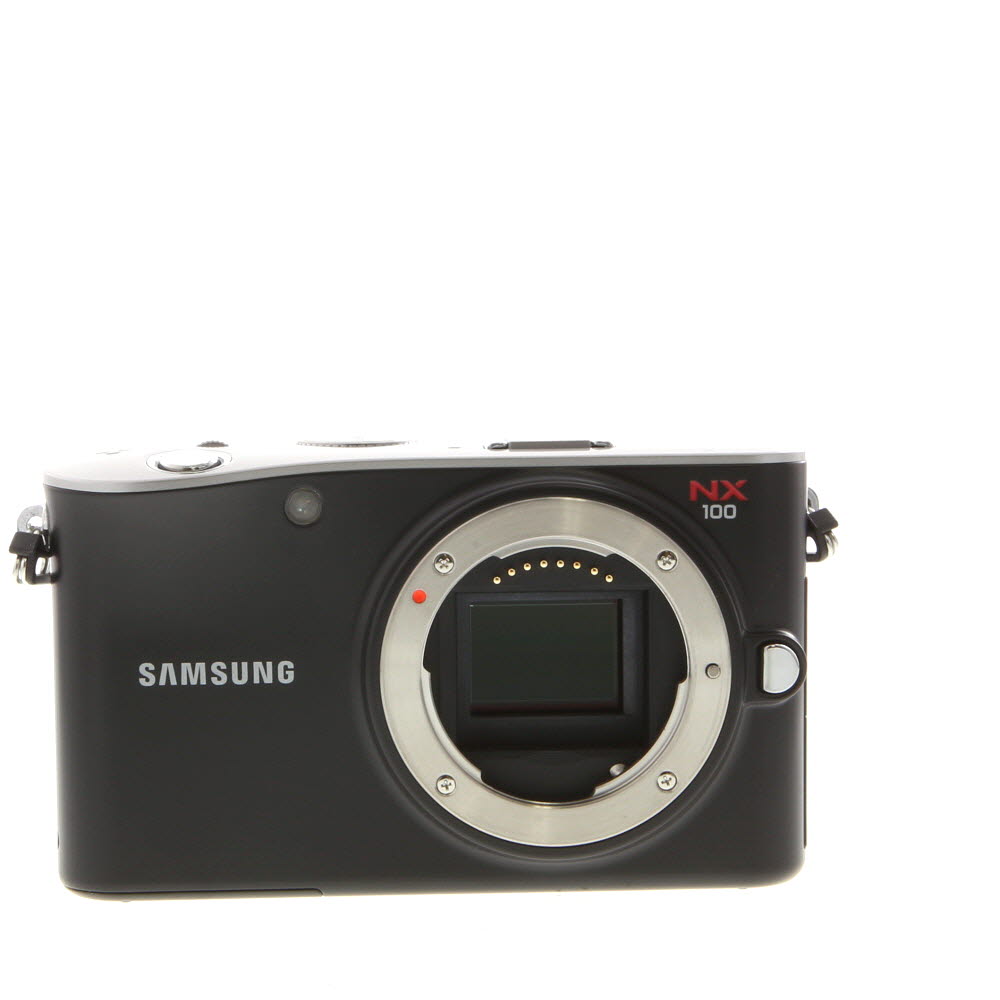
Install Necessary Software
Some Samsung cameras may require specific software to be installed on your computer in order to function as a web camera. Make sure you have the necessary drivers and software installed before attempting to use your camera for this purpose.
Adjust Camera Settings
Once your camera is connected to your computer, you may need to adjust the settings to ensure optimal performance. This can include adjusting the resolution, frame rate, and focus settings to suit your needs.
Position Your Camera
When using your Samsung camera as a web camera, make sure to position it in a way that provides a clear view of you or the subject you are capturing. Consider using a tripod or other stabilizing device to keep the camera steady.
FAQ
Can I use my Samsung digital camera as a webcam?
Yes, you can use your Samsung digital camera as a webcam with the help of certain software applications or tools. Some Samsung cameras come with a feature that allows them to be used as webcams, while for others, you may need to download third-party software to enable this functionality.
What software do I need to use my Samsung digital camera as a webcam?
To use your Samsung digital camera as a webcam, you may need software like SparkoCam, ManyCam, or other similar programs that allow you to connect your camera to your computer and use it for video conferencing, live streaming, or other webcam-related activities.
Is it easy to set up a Samsung digital camera as a webcam?
Setting up your Samsung digital camera as a webcam can vary in difficulty depending on the model of your camera and the software you choose to use. In general, the process involves connecting your camera to your computer, installing the necessary software, and configuring the settings to use your camera as a webcam.
What are the benefits of using a Samsung digital camera as a webcam?
Using a Samsung digital camera as a webcam can provide higher video quality compared to built-in webcams on laptops or desktop computers. It can also give you more control over the settings and features of your camera, allowing you to customize your video feed for different purposes such as video calls, live streaming, or content creation.




I'm curious if all Samsung digital cameras can be used as webcams. How do I check if mine is compatible?
To check if your Samsung camera can be used as a webcam, look at the specifications in the user manual or on the manufacturer's website. Newer models usually support this feature.
I disagree with the idea that Samsung cameras are better than dedicated webcams. My Logitech webcam offers features like auto-focus and noise-canceling that my camera lacks.
That's a good point! Dedicated webcams are built specifically for video chats, so they usually perform better in those situations.