
 Carmen J. Moore

GoPro cameras are known for their rugged design and high-quality video capabilities, making them a popular choice for capturing action-packed moments. But can you use a GoPro camera for Facebook Live streaming? The answer is yes!
With the right setup and accessories, you can easily connect your GoPro camera to your Facebook Live account and stream live video to your followers. Whether you’re recording extreme sports, travel adventures, or any other exciting events, using a GoPro for Facebook Live can take your live streaming game to the next level.

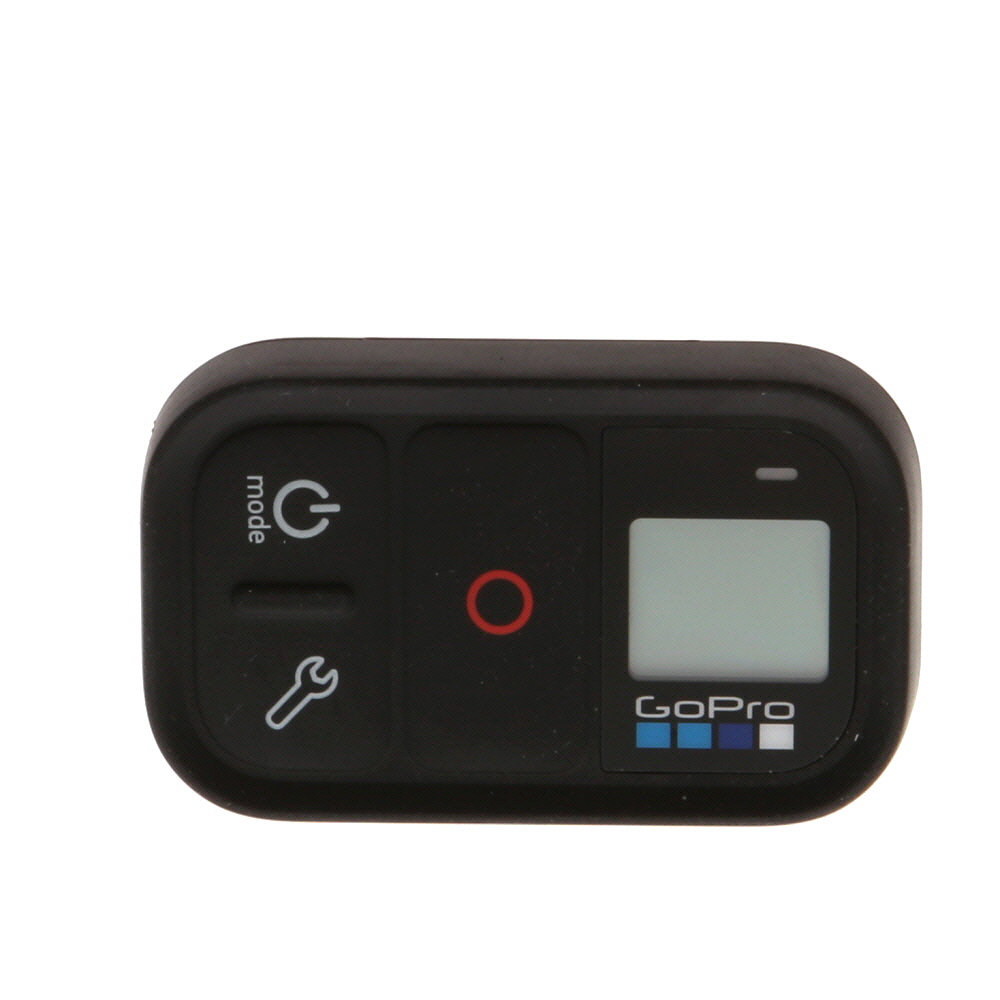

From setting up the connection to adjusting the camera settings for optimal streaming quality, using a GoPro for Facebook Live can be a game-changer for content creators looking to engage their audience with dynamic live video content.
Can you use a GoPro camera for Facebook Live?
Yes, you can use a GoPro camera for Facebook Live streaming. To do this, you will need to connect your GoPro camera to your mobile device and use the GoPro app to stream directly to Facebook Live.
Here’s how you can set it up:
- Download and install the GoPro app on your mobile device.
- Connect your GoPro camera to your mobile device using Wi-Fi or Bluetooth.
- Open the GoPro app and select the “Live” option.
- Log in to your Facebook account and grant permission for the GoPro app to access your account.
- Enter a description for your live stream and select the audience you want to share it with.
- Press the “Go Live” button to start streaming from your GoPro camera to Facebook Live.
Make sure you have a strong internet connection and sufficient battery power on both your GoPro camera and mobile device to avoid any interruptions during the live stream.
Benefits of using a GoPro for live streaming
GoPro cameras offer several advantages when it comes to live streaming on platforms like Facebook:
| High-quality video: | GoPro cameras are known for their high-quality video output, ensuring that your live stream looks professional and engaging. |
| Compact and portable: | GoPro cameras are small and lightweight, making them easy to carry around and set up for live streaming on the go. |
| Wide-angle lens: | GoPro cameras come with a wide-angle lens that allows you to capture more of the action in your live stream, perfect for outdoor activities and events. |
| Durable and waterproof: | Many GoPro models are rugged and waterproof, making them ideal for live streaming in challenging environments or outdoor settings. |
| Easy to use: | GoPro cameras are user-friendly and offer simple controls, making it easy for beginners to start live streaming without a steep learning curve. |
Setting up your GoPro for Facebook Live
To use your GoPro camera for Facebook Live, you need to follow these steps:
- Connect your GoPro to your phone: Use the GoPro app to connect your camera to your smartphone or tablet.
- Open the Facebook app: Make sure you have the latest version of the Facebook app installed on your device.
- Start a new post: Tap on the “Live” option in the post creation menu.
- Select your GoPro: Look for the option to connect your GoPro camera to Facebook Live.
- Start broadcasting: Once your GoPro is connected, you can start broadcasting your live video to Facebook.
By following these steps, you can easily set up your GoPro camera for Facebook Live and share your adventures with your friends and followers in real-time.
Connecting your GoPro to Facebook
If you want to stream live videos from your GoPro camera to Facebook, you can easily do so by following these steps:
Step 1: Prepare your GoPro
- Make sure your GoPro is fully charged and connected to a stable Wi-Fi network.
- Ensure that your GoPro is updated to the latest firmware version to support live streaming.
Step 2: Connect to Facebook
- Download the GoPro app on your smartphone or tablet.
- Open the app and select the “Live” option from the main menu.
- Log in to your Facebook account and authorize the GoPro app to access your account.
Once you have completed these steps, you are ready to start streaming live videos from your GoPro camera directly to Facebook. Enjoy sharing your adventures with your friends and followers!
Choosing the right GoPro settings for live streaming
When live streaming on Facebook with your GoPro camera, it’s important to choose the right settings to ensure a smooth and high-quality broadcast. Here are some tips for selecting the best GoPro settings for live streaming:
1. Resolution: For optimal quality, set your GoPro to at least 1080p resolution. Higher resolutions like 4K can provide even better clarity but may require more bandwidth.
2. Frame rate: A frame rate of 30fps is typically recommended for live streaming on social media platforms like Facebook. This will help avoid motion blur and provide a smooth viewing experience.
3. Field of view: Consider the field of view based on your streaming needs. A wide field of view can capture more of the scene, while a narrow field of view can focus on specific details.
4. Bitrate: Ensure a stable internet connection and set an appropriate bitrate for your stream. Higher bitrates can improve image quality but may require more bandwidth.
5. Audio settings: Check your GoPro’s audio settings to ensure clear sound during the live stream. You may need an external microphone for better audio quality.
By adjusting these settings and testing them before going live, you can optimize your GoPro camera for a successful Facebook live stream.
Tips for a Successful Facebook Live Stream with a GoPro
1. Plan your content: Before going live, have a clear idea of what you want to share with your audience. Prepare a script or outline to keep your stream engaging and on track.
2. Check your connection: Make sure you have a strong and stable internet connection before starting your Facebook Live stream. A weak connection can lead to interruptions and poor video quality.
3. Use a tripod: To ensure steady footage, consider using a tripod or stabilizer for your GoPro camera. This will help avoid shaky footage and provide a more professional look.
4. Engage with your audience: Interact with viewers by responding to comments and questions during the live stream. This will help create a more interactive and engaging experience for your audience.
5. Promote your stream: Share your upcoming Facebook Live stream on your page and other social media platforms to attract more viewers. Consider creating a teaser to generate excitement and anticipation.
6. Test your equipment: Before going live, test your GoPro camera, microphone, and other equipment to ensure everything is working properly. This will help prevent technical issues during the stream.
Comparison with other live streaming cameras
When comparing the GoPro camera for Facebook Live with other live streaming cameras, there are several factors to consider:
- Portability: The GoPro camera is known for its compact size and lightweight design, making it easy to carry around and use on-the-go.
- Image quality: GoPro cameras are known for their high-quality video output, capturing crisp and clear footage even in challenging conditions.
- Compatibility: Some other live streaming cameras may offer more built-in features or connectivity options, but the GoPro can easily connect to Facebook Live via the GoPro app.
Conclusion
While other live streaming cameras may have their own advantages, the GoPro camera is a solid choice for those looking for a portable, high-quality solution for Facebook Live streaming.




I’ve been considering using my GoPro for Facebook Live, but I’m not sure about the battery life. How long can I stream before it dies?
Can you clarify if you need a specific GoPro model for live streaming? I have an older version.
I recently tried streaming a hike using my GoPro, and it worked really well! I followed all the steps in the article, and the video quality was fantastic. I did have some trouble with the connection at one point, but overall, it was an amazing experience. Just remember to use a tripod for steady shots, especially on uneven terrain.