
 Carmen J. Moore

Choosing the right SD card format for your Nikon digital camera is crucial to ensure optimal performance and compatibility. Nikon cameras are designed to work with SD (Secure Digital) cards, which are widely used in digital devices for storing photos, videos, and other data.
When it comes to formatting an SD card for your Nikon camera, there are a few factors to consider. The most common formats for SD cards are FAT32 and exFAT. FAT32 is an older file system that is compatible with most Nikon cameras, while exFAT is a newer format that offers better support for larger file sizes and storage capacities.
Before formatting your SD card, it is important to check your Nikon camera’s specifications to determine which format is recommended for optimal performance. Some Nikon cameras may require a specific format for the SD card to function properly, so it is essential to follow the manufacturer’s guidelines.

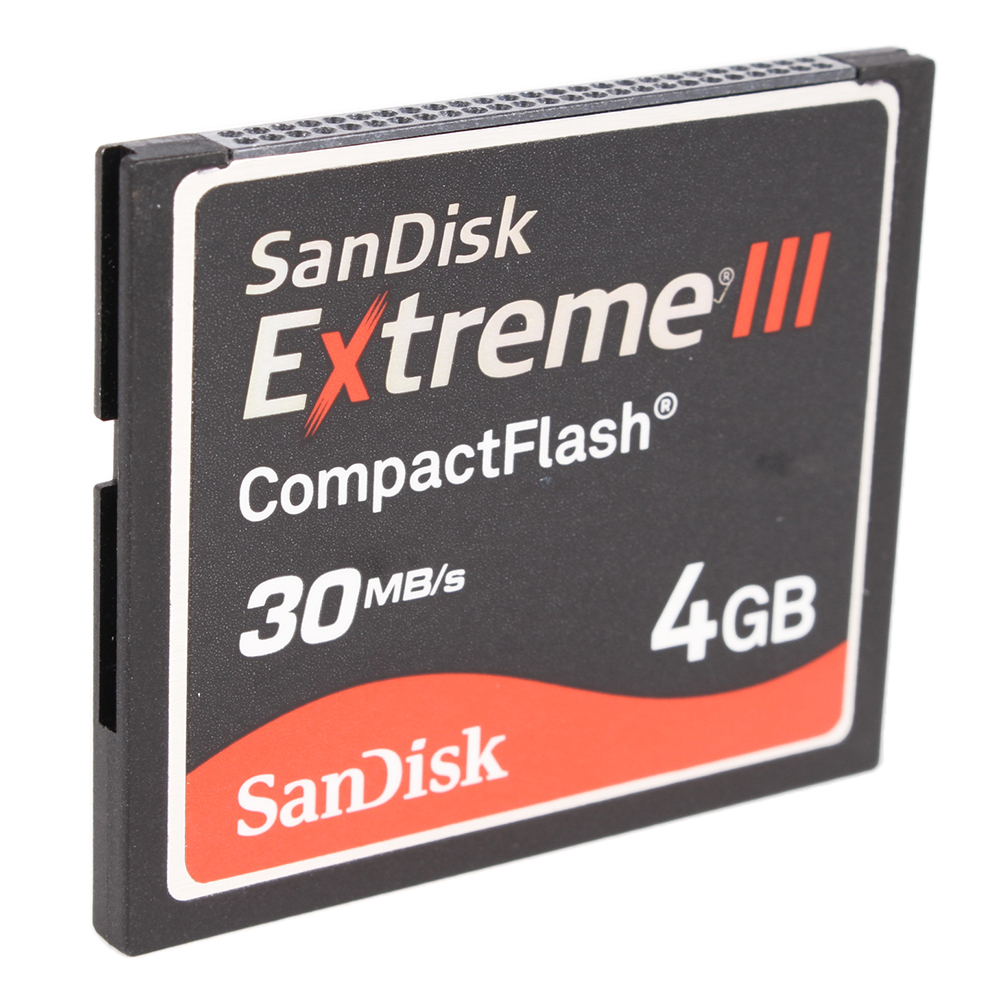

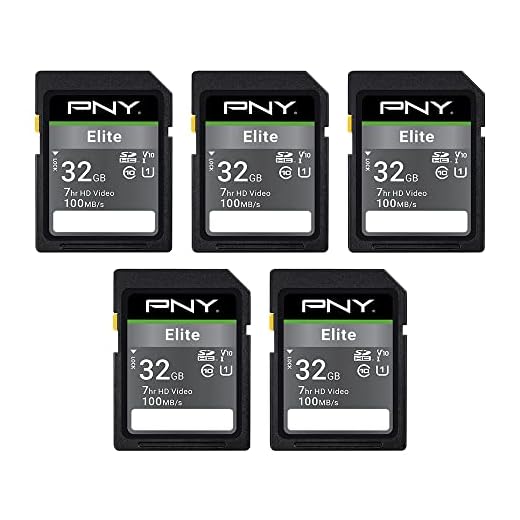
What Format SD Card for Nikon Digital Camera
When using an SD card with your Nikon digital camera, it’s important to format the card correctly to ensure optimal performance and compatibility. Nikon cameras typically support SD, SDHC, and SDXC cards, so make sure to choose a card that is compatible with your specific camera model.
To format the SD card for your Nikon camera, follow these steps:
- Insert the SD card into your camera.
- Turn on the camera and access the menu.
- Navigate to the “Setup” or “Tools” menu.
- Locate the “Format Card” option and select it.
- Follow the on-screen instructions to confirm the formatting process.
Formatting the SD card will erase all data stored on it, so make sure to back up any important files before proceeding. By formatting the SD card in your Nikon camera, you can ensure that it is properly configured for use and avoid any potential compatibility issues.
Choosing the Right SD Card
When selecting an SD card for your Nikon digital camera, it is important to choose the right format to ensure optimal performance and compatibility. Here are some key factors to consider:
1. Capacity:
Make sure to choose an SD card with sufficient storage capacity for your needs. Consider the size of the files you will be storing and choose a card with enough space to accommodate them.

2. Speed Class:
Look for SD cards with a high speed class rating to ensure fast data transfer speeds, especially if you will be shooting in burst mode or recording high-definition video.
- Class 2: Minimum write speed of 2 MB/s
- Class 4: Minimum write speed of 4 MB/s
- Class 6: Minimum write speed of 6 MB/s
- Class 10: Minimum write speed of 10 MB/s
Choose a speed class that meets the performance requirements of your Nikon camera.
Compatibility with Nikon Cameras
When choosing an SD card for your Nikon digital camera, it is important to ensure compatibility to prevent any issues with storage or performance. Nikon cameras typically support a wide range of SD card formats, including SD, SDHC, and SDXC. However, it is recommended to refer to your camera’s user manual or the manufacturer’s website to determine the specific SD card requirements for your model.
It is essential to consider the capacity and speed class of the SD card when selecting one for your Nikon camera. Higher resolution photos and videos require a larger capacity card, while faster write speeds are necessary for capturing high-quality images in quick succession. Make sure to choose an SD card that meets the minimum requirements for your camera’s specifications to ensure optimal performance.
| SD Card Format | Compatibility |
|---|---|
| SD | Most Nikon cameras support SD cards up to 2GB in capacity. |
| SDHC | Many Nikon cameras are compatible with SDHC cards, which offer capacities between 4GB and 32GB. |
| SDXC | Newer Nikon models often support SDXC cards, which provide capacities of 64GB and higher. |
It is advisable to purchase SD cards from reputable brands to ensure reliability and performance. Always format your SD card in the camera before use to prevent any compatibility issues. By selecting the right SD card for your Nikon camera, you can maximize storage capacity and capture stunning images with ease.
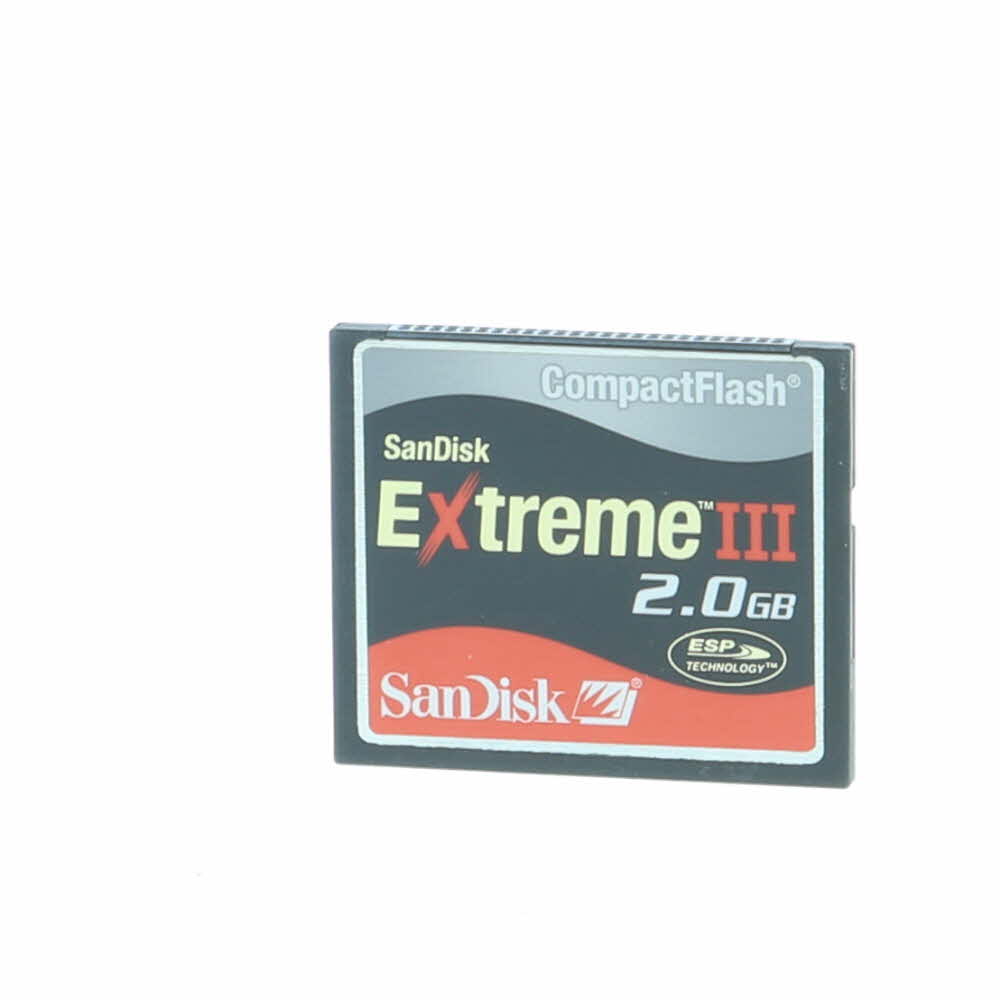
Speed Class and Capacity
When choosing an SD card for your Nikon digital camera, it is important to consider both the speed class and capacity of the card. The speed class indicates the minimum sustained write speed of the card, which is crucial for capturing high-quality photos and videos without any lag or delay. Nikon cameras typically require a minimum speed class of Class 10 or higher for optimal performance.
In addition to speed class, you should also consider the capacity of the SD card. The capacity refers to the amount of data the card can hold, measured in gigabytes (GB) or terabytes (TB). For most Nikon cameras, a capacity of 32GB to 128GB is sufficient for storing a large number of photos and videos. However, if you plan to shoot in RAW format or 4K resolution, you may need a higher capacity card to accommodate the larger file sizes.
Formatting for Optimal Performance
Formatting your SD card correctly is crucial for optimal performance with your Nikon digital camera. Follow these steps to ensure your SD card is formatted properly:
1. Backup your data: Before formatting your SD card, make sure to back up all the data stored on it to prevent any loss of important files.
2. Use the camera: It is recommended to format your SD card using the camera itself rather than a computer. This ensures compatibility and proper formatting for your specific Nikon camera model.

3. Format in-camera: Navigate to the menu settings on your Nikon camera and locate the option to format the SD card. Follow the on-screen instructions to complete the formatting process.
4. Choose the right format: Nikon cameras typically support the FAT32 file system for SD cards. Make sure to select this format option for optimal performance.
5. Verify the format: After formatting, check the SD card to ensure it has been formatted correctly and is ready for use in your Nikon digital camera.
By following these steps, you can ensure that your SD card is formatted properly for optimal performance and compatibility with your Nikon digital camera.
Protecting Data on SD Cards
SD cards are commonly used to store important data, such as photos, videos, and documents. It is essential to protect this data from loss or unauthorized access. Here are some tips to help you keep your data secure on SD cards:

- Use a secure password or encryption to protect sensitive files on your SD card.
- Avoid using public Wi-Fi networks when transferring data to or from your SD card to prevent potential hacking.
- Regularly back up your data from the SD card to a secure location to prevent loss in case the card gets damaged or lost.
- Avoid using the same SD card for multiple devices to reduce the risk of malware infections.
- Keep your SD card in a protective case to prevent physical damage that can lead to data loss.
FAQ
What is the recommended SD card format for a Nikon digital camera?
The recommended SD card format for Nikon digital cameras is SD, SDHC, or SDXC. These formats are commonly supported by most Nikon cameras and offer varying storage capacities to suit your needs.
Can I use a microSD card with an adapter in a Nikon digital camera?
Yes, you can use a microSD card with an adapter in a Nikon digital camera. However, it is recommended to use a standard SD card for better compatibility and reliability, as some cameras may have limitations with microSD cards.
What is the maximum SD card capacity that a Nikon digital camera can support?
The maximum SD card capacity that a Nikon digital camera can support depends on the camera model. Most Nikon cameras support SDHC cards up to 32GB and SDXC cards up to 2TB. It is important to check the camera’s specifications to ensure compatibility with higher capacity cards.
Will using a higher speed SD card improve the performance of my Nikon digital camera?
Using a higher speed SD card can improve the performance of your Nikon digital camera, especially when shooting in burst mode or recording high-quality video. Faster read and write speeds can reduce buffering time and allow for quicker data transfer, resulting in smoother operation and better overall performance.



I recently upgraded to a Nikon camera that supports SDXC cards. I didn’t realize how crucial the format was until I tried using a regular SD card and had issues. Switching to a Class 10 SDXC card really boosted my camera's performance, especially in burst mode. It's worth investing in a good quality card!
What’s the difference between FAT32 and exFAT when formatting an SD card for my Nikon? Do I need to worry about file sizes?