
 Carmen J. Moore

Unlock the full potential of your photography skills with the powerful tool that is an 18 mega pixels digital camera. Capturing stunning images has never been easier with the high resolution and advanced features that this camera offers. Whether you are a beginner looking to delve into the world of photography or a seasoned pro seeking to elevate your craft, this guide will walk you through the essential tips and tricks to make the most out of your camera.
From understanding the basics of camera settings to mastering composition techniques, this article will equip you with the knowledge and skills needed to take your photography to the next level. Learn how to harness the power of 18 mega pixels to capture intricate details and vibrant colors in your images. Discover the secrets to creating professional-quality photographs that will leave a lasting impression on your audience.
Understanding the basics
Resolution: The 18 mega pixels digital camera captures images with a resolution of 18 million pixels. This means that the images will have high detail and clarity, making them suitable for printing in large sizes.
Image quality: Higher resolution does not always mean better image quality. Factors like sensor size, lens quality, and image processing also play a crucial role in determining the overall image quality.

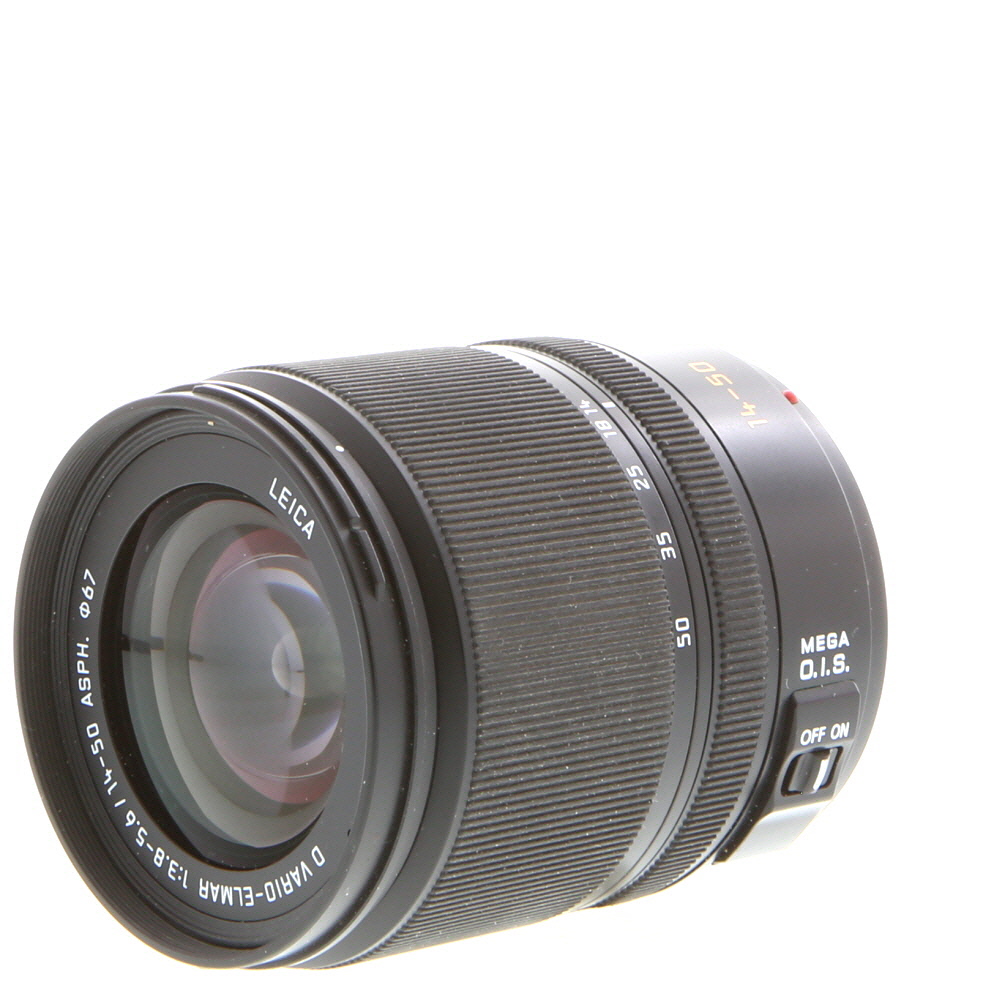


Zoom: Digital cameras come with optical zoom and digital zoom features. Optical zoom uses the camera’s lens to magnify the image without loss of quality, while digital zoom enlarges the image digitally, resulting in a loss of image quality.
Shutter speed and aperture: Understanding the relationship between shutter speed and aperture is essential for capturing sharp and well-exposed images. Shutter speed controls the duration of light hitting the sensor, while aperture regulates the amount of light entering the camera.
Choosing the right settings
When using an 18 mega pixels digital camera, it is important to choose the right settings to ensure high-quality photos. Here are some tips to help you select the appropriate settings:
1. Select the right resolution
Choose the highest resolution available on your camera (18 mega pixels) to capture the most detail in your photos. This will allow you to crop and enlarge your images without losing quality.
2. Adjust the ISO setting
Depending on the lighting conditions, adjust the ISO setting on your camera to control the sensitivity of the sensor. Use a lower ISO (such as 100 or 200) for well-lit conditions and a higher ISO for low-light situations.

Tips for capturing great shots
1. Use the rule of thirds: When framing your shot, imagine breaking the image into thirds both horizontally and vertically. Place your main subject at the intersection points to create a more visually appealing composition.
2. Pay attention to lighting: Good lighting can make or break a photo. Avoid harsh midday sun and opt for soft, diffused light for more flattering results. Consider shooting during the golden hours of early morning or late afternoon for beautiful natural light.
3. Experiment with angles: Don’t be afraid to get creative with your shooting angles. Try shooting from high above or down low to add a unique perspective to your images.
4. Use leading lines: Look for natural lines in your environment, such as roads, fences, or tree branches, that can lead the viewer’s eye through the photo. These lines can add depth and interest to your composition.
5. Keep your camera steady: To avoid blurry photos, use a tripod or stabilize your camera against a solid surface. You can also adjust your camera settings to increase the shutter speed for sharper images.
Utilizing different modes
Modern digital cameras come with a variety of shooting modes that can help you capture the perfect shot in different situations. Here are some common modes found in 18 mega pixels digital cameras:
1. Auto Mode
The Auto mode is perfect for beginners or when you want the camera to make all the decisions for you. It automatically adjusts settings like aperture, shutter speed, and ISO to produce well-exposed images.
2. Manual Mode
For more advanced users, the Manual mode allows you to have full control over the camera settings. You can adjust the aperture, shutter speed, and ISO to achieve the desired exposure and creative effects.
Experiment with different modes to see which one works best for your shooting style and the specific conditions you are in.
Editing and enhancing images
Once you have captured your photos with your 18 megapixels digital camera, you may want to edit and enhance them to make them even more appealing. Here are some tips on how to do it:

1. Use photo editing software: There are many photo editing software available that can help you enhance your images. Popular options include Adobe Photoshop, Lightroom, and GIMP. These tools allow you to adjust colors, contrast, brightness, and more.
2. Crop and resize: Sometimes, your photos may benefit from cropping to remove unnecessary elements or resizing to fit a specific format. Make sure to maintain the aspect ratio to avoid distortion.
3. Adjust exposure: If your photos are too dark or too bright, you can adjust the exposure settings to make them look more balanced. This can help bring out details in shadows and highlights.
4. Apply filters: Filters can add artistic effects to your images, such as black and white, sepia, or vintage looks. Experiment with different filters to find the style that best suits your photos.
5. Sharpen and reduce noise: To make your images appear sharper and clearer, you can apply sharpening filters. Additionally, noise reduction tools can help minimize graininess in your photos.

By following these tips and experimenting with different editing techniques, you can take your photos to the next level and create stunning images with your 18 megapixels digital camera.
Sharing your photos online
Once you have captured stunning photos with your 18 megapixels digital camera, it’s time to share them online with your friends, family, or the world. Here are some tips on how to do it:
1. Select the best platform
There are numerous online platforms where you can share your photos, such as social media sites like Instagram, Facebook, and Twitter, or photo-sharing websites like Flickr and 500px. Choose the platform that best suits your needs and audience.
2. Upload your photos
Before uploading your photos, make sure to resize them to a web-friendly resolution to ensure faster loading times. You can also add captions or tags to make your photos more searchable and engaging. Once uploaded, don’t forget to adjust the privacy settings according to your preferences.
| Social Media | Photo-Sharing Websites |
| Flickr | |
| 500px | |
Storing and backing up your images
Once you have captured stunning images with your 18 mega pixels digital camera, it’s crucial to store and back them up properly to ensure they are safe and easily accessible.
Here are some tips to help you manage your image files:
1. Organize your files
Start by creating a logical folder structure on your computer or external hard drive to store your images. You can categorize them by date, event, or subject to make it easier to find specific photos later.
2. Backup your images
Make sure to regularly back up your image files to prevent losing them in case of a computer crash or other unforeseen events. Consider using cloud storage services or external hard drives for backup.
Exploring advanced features
1. Manual Mode: Take full control of your photography by switching to manual mode. Adjust settings such as aperture, shutter speed, and ISO to capture the perfect shot.
2. HDR Mode: Capture stunning high dynamic range images by enabling the HDR mode on your camera. This feature combines multiple exposures to create a balanced and detailed photo.

3. Panorama Mode: Expand your creativity with the panorama mode. Capture sweeping landscapes or cityscapes by panning your camera and letting it stitch together multiple images.
4. Time-Lapse Mode: Create captivating time-lapse videos by setting up your camera to take photos at regular intervals. Combine the images to produce a mesmerizing time-lapse sequence.
5. Wi-Fi Connectivity: Transfer your photos wirelessly to your smartphone or computer using the built-in Wi-Fi connectivity feature. Share your images instantly with friends and family.
FAQ
What are the key features of an 18 mega pixels digital camera?
An 18 mega pixels digital camera offers high resolution images, allowing for detailed photos with crisp clarity. It also provides the ability to crop and enlarge photos without losing quality. Additionally, it typically has advanced shooting modes, manual settings, and image stabilization for better quality shots.
How can I maximize the use of an 18 mega pixels digital camera for landscape photography?
To make the most of your 18 mega pixels digital camera for landscape photography, you can use a wide-angle lens to capture more of the scene, set the aperture to a smaller f-stop for greater depth of field, and use a tripod to ensure sharp images. Experiment with different settings and compositions to achieve stunning landscape shots.

What are the advantages of shooting in RAW format with an 18 mega pixels digital camera?
Shooting in RAW format with an 18 mega pixels digital camera preserves all the data captured by the sensor, giving you more flexibility during post-processing. RAW files contain more information and allow for better adjustments to exposure, white balance, and colors without losing image quality. This can be especially beneficial for professional photographers or those who want to have more control over their final images.
Can I print large-scale photos taken with an 18 mega pixels digital camera?
Yes, you can print large-scale photos taken with an 18 mega pixels digital camera. The high resolution of 18 mega pixels allows you to create prints of various sizes, from standard 8×10 prints to larger posters or canvases. Just make sure to use a high-quality printer and choose the appropriate paper for the best results.
How can I improve the low-light performance of an 18 mega pixels digital camera?
To enhance the low-light performance of an 18 mega pixels digital camera, you can use a wider aperture lens to allow more light to reach the sensor, increase the ISO setting to boost sensitivity in dim conditions, and consider using a tripod to stabilize the camera for longer exposures. Additionally, you can experiment with different shooting modes like night mode or long exposure to capture better low-light shots.



I disagree with the idea that higher megapixels always mean better quality. I've taken great photos with lower resolution cameras. It really depends on the lens and sensor quality too.
That's a valid point! While higher megapixels can provide more detail, overall image quality depends on multiple factors, including lens quality, sensor size, and how the camera processes the image.
I've been using a 12 mega pixels camera for a while. I’m intrigued by the 18 mega pixels model but not sure if the upgrade is worth it. How much of a difference in quality can I expect when enlarging prints?
Upgrading to an 18 mega pixels camera will provide you with higher resolution images, which is beneficial for printing larger sizes without losing detail. The difference can be noticeable, especially if you often print photos in large formats.
I recently switched to an 18 mega pixels camera and the difference in image quality is incredible! I've noticed that using the rule of thirds has really improved my compositions. Just need to learn more about adjusting the ISO settings for low light.
That's great to hear! The rule of thirds is a fundamental technique that can really enhance your photos. As for ISO settings, experimenting with different values can help you find the right balance for various lighting conditions.
What are the benefits of using manual mode instead of auto mode?
The golden hour is the best time to shoot! The lighting just enhances everything.
Can someone clarify the difference between optical zoom and digital zoom? I always thought they were the same until I read this article.