
 Carmen J. Moore

Have you ever encountered a frustrating memory card error on your digital camera? It’s a common issue that can happen for various reasons, but the good news is that there are several methods you can try to resolve it. From formatting the card to using data recovery software, there are steps you can take to get your camera back up and running.
In this article, we’ll explore some of the most effective ways to fix memory card errors on your digital camera. Whether you’re facing a “card error” message or your camera is unable to read the card, we’ve got you covered with practical solutions that can help you troubleshoot and resolve the issue.
Don’t let a memory card error ruin your photo-taking experience. Follow our guide to learn how to diagnose the problem, apply the appropriate fixes, and prevent future errors from occurring. With a bit of patience and know-how, you’ll be back to capturing memories in no time!

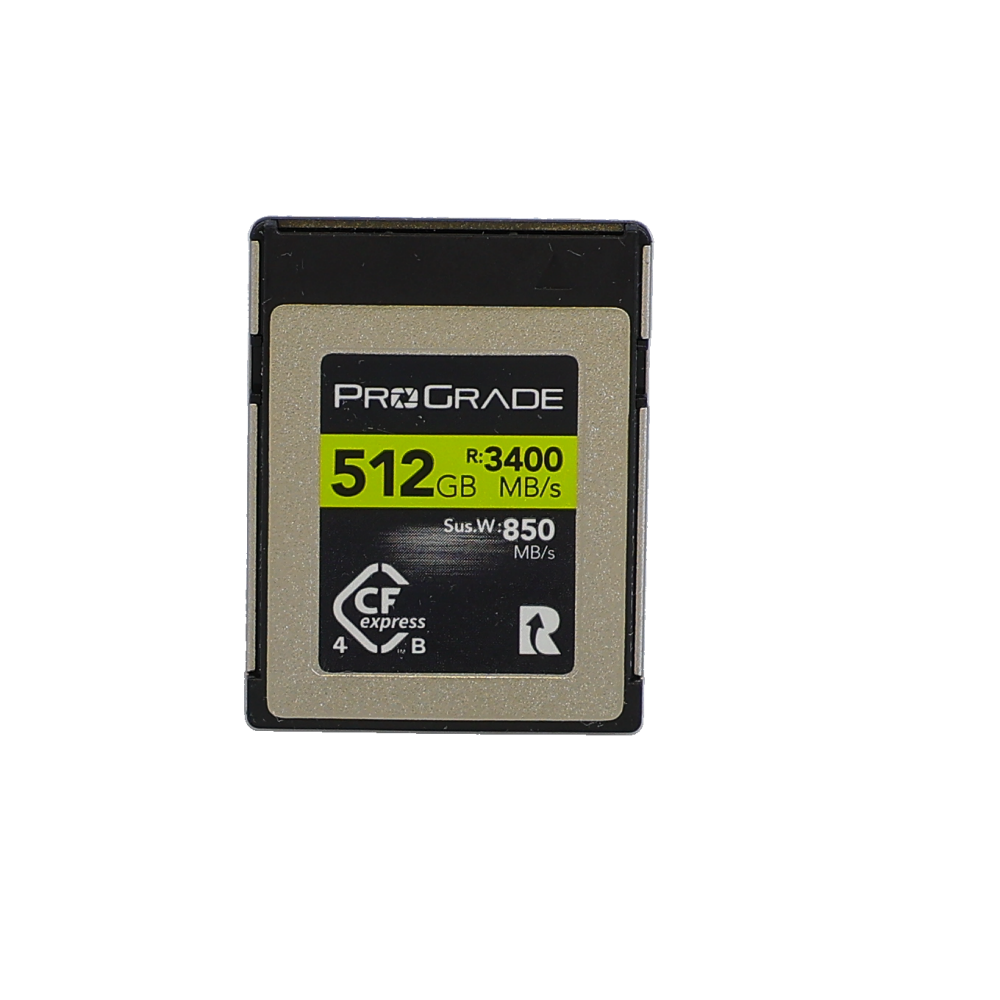


Steps to troubleshoot digital camera memory card error
If you’re encountering a memory card error on your digital camera, follow these steps to troubleshoot the issue:
- Check the memory card: Remove the memory card from the camera and inspect it for any physical damage or dirt. Clean the contacts with a soft cloth if necessary.
- Try a different card reader: If you’re using a card reader to transfer files, try using a different one to see if the error persists.
- Format the memory card: Back up your data and format the memory card in the camera or using a computer. Make sure to use the correct file system (FAT32 or exFAT).
- Update camera firmware: Check if there are any firmware updates available for your camera and install them to ensure compatibility with the memory card.
- Reset camera settings: Reset the camera to its default settings to rule out any software-related issues causing the error.
- Test with a different memory card: If possible, test the camera with a different memory card to determine if the error is specific to the card or the camera itself.
By following these steps, you can troubleshoot and resolve the memory card error on your digital camera.
Check memory card compatibility
Ensure that your memory card is compatible with your digital camera. Some older cameras may not support newer high-capacity SDXC cards. Check your camera’s user manual or manufacturer’s website for information on compatible memory card types and maximum storage capacity.
Format memory card in the camera
If you are encountering a memory card error on your digital camera, one of the solutions is to format the memory card directly in the camera itself. This process can help fix any file system errors or corruption that may be causing the error message.
Steps to format the memory card in the camera:
| 1. | Turn off your camera and remove the memory card. |
| 2. | Insert the memory card back into the camera. |
| 3. | Access the camera’s menu and look for the option to format the memory card. |
| 4. | Follow the on-screen prompts to confirm the formatting process. |
| 5. | Wait for the formatting to complete. Once done, your memory card should be ready for use. |
By formatting the memory card in the camera, you can often resolve memory card errors and ensure smooth operation during your photography sessions.

Clean memory card contacts
If the contacts on your memory card are dirty or covered with dust, it can lead to connection issues and memory card errors. To fix this, you can gently clean the contacts using a soft, dry cloth or a microfiber cloth. Be careful not to use any liquids or harsh chemicals that could damage the contacts. Simply wipe the contacts gently to remove any dirt or dust that may be interfering with the connection. Once the contacts are clean, reinsert the memory card into the camera and see if the error message has been resolved.
Update camera firmware
If you are experiencing memory card errors on your digital camera, it could be due to outdated firmware. Updating your camera’s firmware can often resolve compatibility issues and improve the overall performance of your camera.
Here are the steps to update your camera’s firmware:
- Visit the manufacturer’s website and look for firmware updates for your specific camera model.
- Download the firmware update file to your computer.
- Follow the instructions provided by the manufacturer to install the firmware update on your camera.
- Once the update is complete, restart your camera and test if the memory card error has been resolved.
Updating your camera’s firmware regularly can help prevent memory card errors and ensure smooth operation of your device.
Use a different memory card reader
If your memory card is not being recognized by your current card reader, try using a different memory card reader. Sometimes the issue may be with the card reader itself and not the memory card. By using a different reader, you can determine if the problem lies with the reader or the card. Make sure the new card reader is compatible with your memory card type and try accessing the card again.
Try a different memory card
If you are still encountering memory card errors after trying the above solutions, it may be time to consider using a different memory card. The error could be due to a faulty memory card, so switching to a new one might solve the issue.
Ensure that the new memory card is compatible with your camera and has enough storage capacity for your needs. Insert the new memory card into your camera and see if the error persists. If the error goes away with the new memory card, then the problem likely lies with the original card.
Repair or Replace the Memory Card
If after trying the above methods, the memory card error persists, it might be time to consider repairing or replacing the memory card.
First, try connecting the memory card to a computer and running a disk repair tool to fix any potential file system errors. If this does not work, the memory card may be physically damaged and beyond repair.
In this case, it is recommended to replace the memory card with a new one. Make sure to choose a high-quality, reliable memory card from a reputable brand to avoid future issues.

Contact technical support
If you have tried all the methods mentioned above and still can’t fix the memory card error on your digital camera, it might be time to contact technical support. Most camera manufacturers have customer support services that can assist you in resolving the issue. You can reach out to them via phone, email, or online chat for guidance on how to proceed.
Before contacting technical support, make sure to have all the necessary information about your camera model, the memory card brand, and the error message displayed on the screen. This will help the support team understand the issue better and provide you with a more accurate solution.
Remember to be patient and cooperative when communicating with technical support. They are there to help you, and by working together, you can hopefully resolve the memory card error on your digital camera.
FAQ
Why am I getting a memory card error on my digital camera?
A memory card error on your digital camera can occur due to various reasons such as corrupted files, physical damage to the memory card, compatibility issues, or even if the memory card is full. It is important to troubleshoot the issue by trying different solutions to fix the error.
How can I fix a memory card error on my digital camera?
To fix a memory card error on your digital camera, you can try the following solutions: 1. Remove and reinsert the memory card. 2. Format the memory card in the camera. 3. Use a different memory card reader. 4. Check for physical damage on the memory card. 5. Update the camera firmware. 6. Test the memory card on another device. By trying these steps, you may be able to resolve the memory card error on your digital camera.



I faced a memory card error last month while on vacation. I was panicking, but I followed the steps in this article. Cleaning the contacts helped a lot! I didn't think that would make a difference, but it did. Luckily, I didn't lose any photos, but it was a stressful experience.
Thanks for sharing your experience! Cleaning contacts is often overlooked but can solve many connection issues.
I saw that some people recommend SD cards from specific brands for better reliability. Is it really worth paying more for a well-known brand?
Yes, investing in reputable brands can minimize the risk of errors and data loss, especially for important photos.
Has anyone else experienced a memory card error that wasn't fixed by formatting? I tried that method and still got the error message. Any other tips?
I've had that issue! Sometimes the card itself is faulty, even after formatting. You might want to try a different card altogether.
I disagree with the idea that formatting will always fix the error. Sometimes, I think it can just mask the problem temporarily, especially if the card is damaged. That's been my experience anyway.
You make a valid point. Formatting is a helpful troubleshooting step, but persistent errors often indicate underlying issues with the card itself.