
 Carmen J. Moore
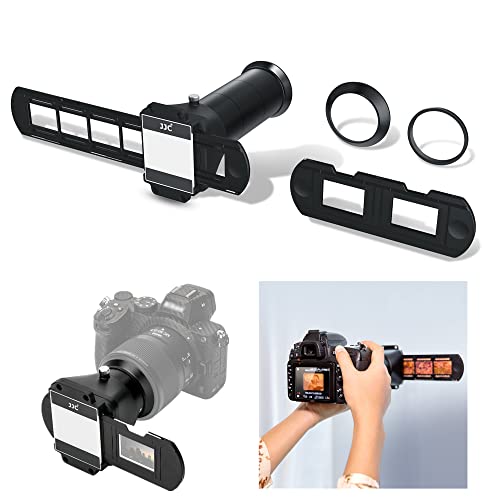
Do you have a collection of 35mm slides that you want to digitize and preserve? One of the most effective ways to do this is by using a digital camera to copy the slides onto your computer or other digital devices. This process allows you to easily share and store your precious memories in a modern and convenient format.
Copying 35mm slides with a digital camera is a relatively simple process that can be done at home with the right equipment and techniques. In this article, we will guide you through the steps to ensure that you can successfully transfer your slides into a digital format.



By following these instructions, you can create high-quality digital copies of your 35mm slides that will last for years to come. Whether you are looking to share your old family photos with loved ones or preserve important historical images, copying 35mm slides with a digital camera is a valuable skill to have.
Step-by-Step Guide to Copying 35mm Slides with Digital Camera
Step 1: Set up your digital camera on a stable surface with good lighting.
Step 2: Place your 35mm slide on a light table or a backlit surface.
Step 3: Adjust the focus of your digital camera to capture a clear image of the slide.
Step 4: Use a remote trigger or self-timer to minimize camera shake when capturing the image.
Step 5: Capture the image of the 35mm slide with your digital camera.
Step 6: Review the captured image on your camera’s display to ensure clarity and focus.
Step 7: Transfer the image from your camera to a computer for further editing and processing.
Step 8: Use photo editing software to enhance the image quality if needed.
Step 9: Save the digital copy of the 35mm slide on your computer for future use or sharing.
Prepare Your Equipment
Before you start copying your 35mm slides with a digital camera, make sure you have all the necessary equipment ready. Here’s what you’ll need:
- Digital camera: Make sure your camera is fully charged and has enough storage space for the photos you’ll be taking.
- 35mm slide holder: This will help you position your slides correctly for capturing.
- Light source: Ensure you have good lighting to illuminate the slides properly.
- Clean cloth: Use a soft, lint-free cloth to gently clean your slides before capturing to avoid dust and smudges.
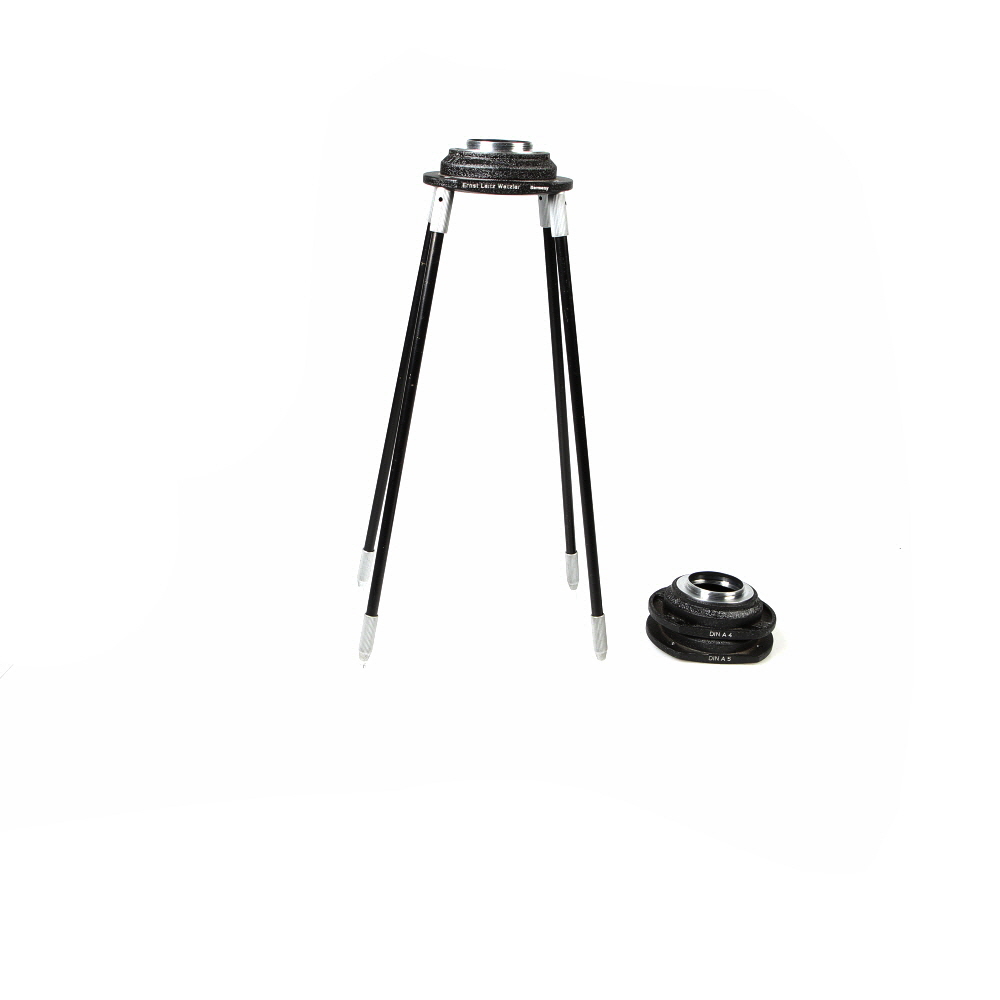
- Tripod: A tripod will help keep your camera steady and ensure sharp images.
Having all these items ready will help you streamline the copying process and ensure you get high-quality digital copies of your 35mm slides.
Set Up a Proper Lighting Environment
Proper lighting is crucial when copying 35mm slides with a digital camera. Here are some tips to help you set up a suitable lighting environment:
- Choose a well-lit room with natural light or artificial lighting sources that can be controlled.
- Avoid direct sunlight, as it can cause glare and affect the quality of your images.
- Use diffused lighting to create soft, even illumination without harsh shadows.
- Position your lighting sources at an angle to minimize reflections and ensure uniform lighting across the slide.
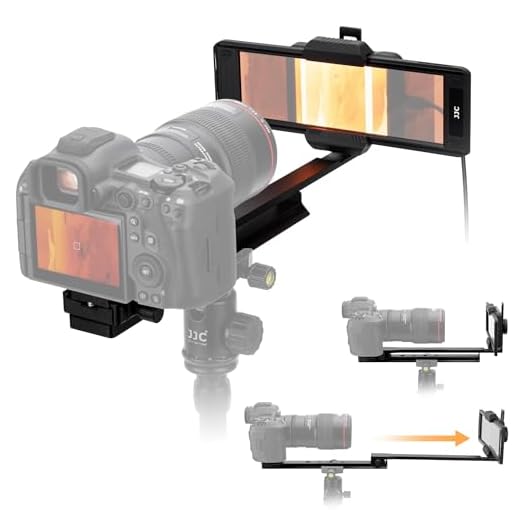
- Consider using a lightbox or light table to backlight the slides for better transparency and color accuracy.
By setting up a proper lighting environment, you can capture clear and high-quality images of your 35mm slides with a digital camera.
Clean Your 35mm Slides
Before copying your 35mm slides with a digital camera, make sure to clean them properly to ensure the best possible image quality. Dust and dirt on the slides can affect the clarity of the images.

Here are some steps to clean your 35mm slides:
- Use a soft brush: Gently brush off any loose dust or debris from the surface of the slide using a soft brush.
- Use compressed air: If there are stubborn particles on the slide, you can use compressed air to blow them away. Be careful not to use too much pressure.
- Use a microfiber cloth: For smudges or fingerprints, gently wipe the surface of the slide with a clean microfiber cloth. Avoid using harsh chemicals or abrasive materials.
By cleaning your 35mm slides before copying them with a digital camera, you can ensure that your final images are clear and free of any unwanted artifacts.
Position Your Camera Correctly
When copying 35mm slides with a digital camera, it is crucial to position your camera correctly for optimal results. Make sure your camera is parallel to the slide tray to avoid distortion and ensure sharp focus on the slide. Position the camera at a suitable distance from the slides to capture clear and detailed images. Additionally, ensure that the lighting is adequate and evenly distributed to avoid glare or shadows on the slides. By positioning your camera correctly, you can achieve high-quality digital copies of your 35mm slides.
Adjust Camera Settings for Slide Copying
Before you start copying your 35mm slides with a digital camera, it’s important to adjust your camera settings for optimal results. Here are some key settings to consider:
1. Set the ISO
For slide copying, it’s best to set your camera’s ISO to the lowest possible setting to minimize noise and ensure crisp, clear images. This will help reduce any graininess in your copies.

2. Adjust White Balance
Since slides may have different color temperatures, it’s important to adjust your camera’s white balance settings to ensure accurate color reproduction. Use a custom white balance setting or select the appropriate preset for your lighting conditions.
By adjusting these settings, you can ensure that your digital copies of 35mm slides are of the highest quality and accurately represent the colors and details of the original slides.
Focus Your Camera on the Slide
Once you have set up your camera and slide holder, it’s time to focus your camera on the slide.
Ensure that the slide is positioned correctly in the holder and that it is well-lit to get a clear image. Use the manual focus option on your camera to adjust the focus until the slide appears sharp and clear in the viewfinder or on the camera screen.
Adjust the focus carefully to avoid any blurriness or distortion in the final image.
Take Test Shots and Adjust as Needed
Before you start copying all your slides, it’s a good idea to take some test shots to ensure the lighting, focus, and settings are correct. Place a few slides on the light table, set up your digital camera on a tripod, and take a few test shots.
Review the test shots on your camera’s screen and adjust the settings as needed. You may need to tweak the exposure, white balance, or focus to get the best results. Once you are satisfied with the test shots, you can proceed to copy the rest of your slides with confidence.
Capture High-Quality Images of Your Slides
When copying 35mm slides with a digital camera, it’s essential to ensure that you capture high-quality images that preserve the details and colors of your slides. Follow these tips to achieve the best results:
- Use a tripod: To prevent camera shake and ensure sharp images, use a tripod to stabilize your camera.
- Set up proper lighting: Make sure your slides are evenly lit to avoid shadows and reflections that can distort the image.
- Adjust camera settings: Set your camera to the highest resolution and quality settings to capture the most detail.
- Focus carefully: Use manual focus to ensure the slide is sharp and in focus.
- Check the exposure: Adjust the exposure settings to avoid overexposed or underexposed images.
- Edit the images: After capturing the images, use photo editing software to enhance colors, adjust brightness, and remove any imperfections.
Transfer and Store Your Digital Copies
Once you have successfully copied your 35mm slides with your digital camera, it is important to transfer the digital files to your computer for safekeeping and easy access. You can do this by connecting your camera to your computer using a USB cable or by removing the memory card from your camera and inserting it into a card reader connected to your computer.
After transferring the digital files to your computer, it is a good idea to organize them into folders based on date, event, or subject matter. This will make it easier to find and view your digital copies in the future.

It is also recommended to back up your digital copies to an external hard drive or cloud storage service to prevent data loss in case your computer crashes or your files get corrupted.
| Transfer Method | Storage Option |
|---|---|
| USB Cable | Computer hard drive |
| Memory card | External hard drive or cloud storage |
FAQ
What equipment do I need to copy 35mm slides with a digital camera?
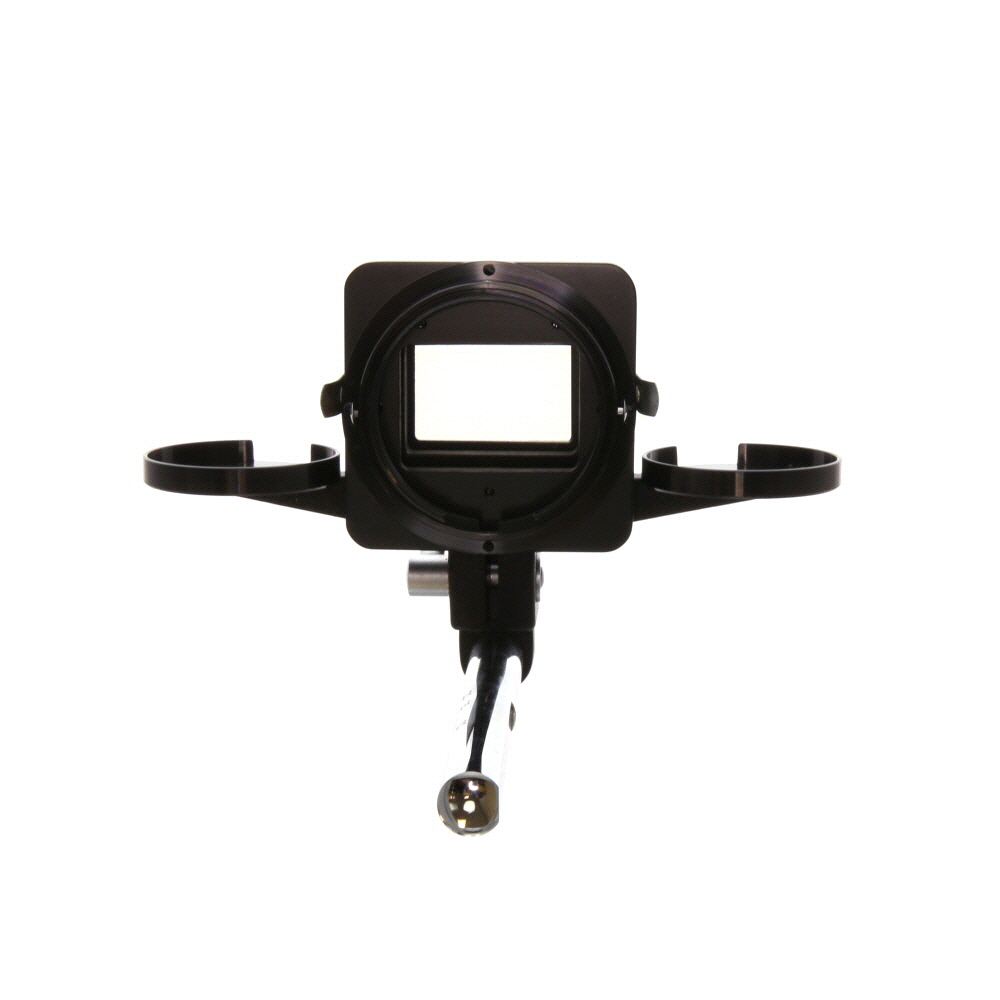
To copy 35mm slides with a digital camera, you will need a digital camera with a macro lens or a dedicated slide copier attachment. You will also need a light source to backlight the slides, a tripod to stabilize your camera, and a white or neutral background to place the slides on.
Can I use a regular camera to copy 35mm slides?
Yes, you can use a regular digital camera to copy 35mm slides, but you will need a macro lens or a slide copier attachment to achieve high-quality results. Without these accessories, you may struggle to capture the fine details and colors of the slides accurately.
What is the best way to light 35mm slides for copying with a digital camera?
The best way to light 35mm slides for copying with a digital camera is to use a backlighting source that evenly illuminates the slides without creating harsh shadows. You can use a lightbox, a diffused light source, or natural light filtered through a white curtain to achieve optimal lighting conditions.
How can I ensure the colors of the copied slides match the original ones?
To ensure the colors of the copied slides match the original ones, you can adjust the white balance settings on your digital camera to match the lighting conditions. Additionally, you can use photo editing software to fine-tune the colors and contrast of the copied images to closely resemble the original slides.

Is it possible to automate the process of copying 35mm slides with a digital camera?
Yes, it is possible to automate the process of copying 35mm slides with a digital camera by using a slide copier attachment that allows you to quickly capture multiple slides in succession. You can also use batch processing features in photo editing software to streamline the editing and organizing of the copied images.



I disagree with the suggestion of using a tripod. I found that holding the camera steady gave me more control and allowed for quicker adjustments. A tripod can be limiting in tight spaces.
I have some old slides but I'm not sure if my digital camera is good enough for this. What are the minimum camera specs I should look for to get decent quality?
For good quality slide copying, look for a camera with at least 10 megapixels, manual focus capabilities, and good low-light performance. A DSLR or mirrorless camera would work best, but many compact cameras can also do a decent job.
I recommend cleaning the slides before you start. Dust can really mess up the final images! A soft brush and microfiber cloth worked well for me.
What’s the best way to adjust the white balance on my camera? I’ve never done that before. Any tips?
I recently digitized some of my family’s 35mm slides using a similar method. I found that using a lightbox made a huge difference in image quality. I also took my time adjusting the focus and lighting. It took a while, but the results were worth it!