Carmen J. Moore

Digital cameras have revolutionized the way we capture moments and memories. With the convenience of instant viewing and editing, anyone can become a skilled photographer with the right knowledge and practice.
Learning how to take stunning photos with a digital camera involves understanding its features, settings, and techniques. By mastering these elements, you can elevate your photography skills to new heights and create captivating images that tell a story.

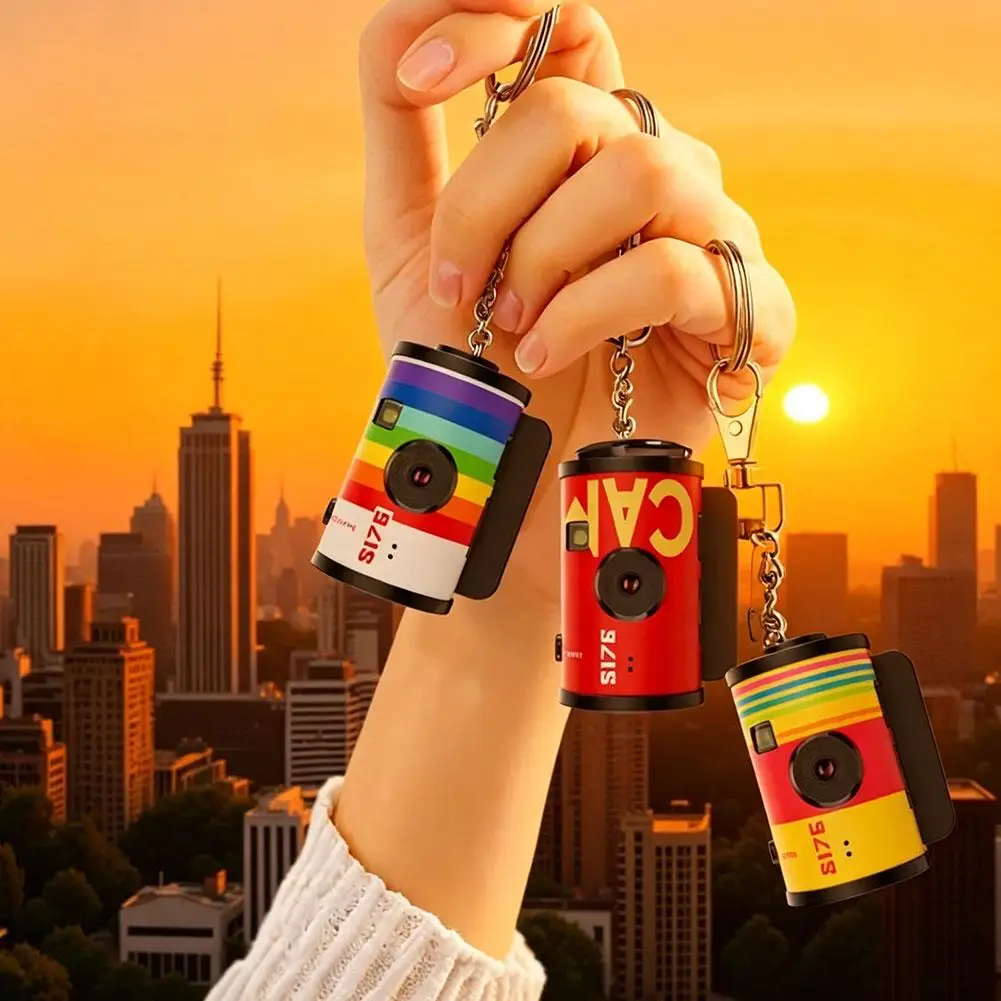

Whether you’re a beginner or an experienced photographer, this guide will provide you with essential tips and tricks to enhance your photography skills and unleash your creativity through the lens of a digital camera.
The Basics of Digital Photography
Digital photography is a popular and accessible way to capture moments, memories, and scenes. Whether you’re a beginner or an experienced photographer, understanding the basics of digital photography can help you take better photos with your digital camera.
1. Understanding Your Camera
Before you start taking photos, it’s important to familiarize yourself with your camera’s settings and functions. Read the camera manual to learn about the different modes, settings, and features available on your specific camera model.
2. Mastering Composition
Composition plays a crucial role in creating visually appealing photos. Learn about the rule of thirds, leading lines, framing, and other composition techniques to enhance the quality of your photos. Experiment with different angles and perspectives to capture unique and interesting shots.
Choosing the Right Camera
When selecting a digital camera, there are several factors to consider to ensure you get the best device for your needs.

Resolution: Higher resolution cameras capture more detail in your photos. Choose a camera with at least 12 megapixels for high-quality images.
Zoom: Look for cameras with optical zoom capabilities for better quality close-up shots. Digital zoom can often degrade image quality.
Size and Weight: Consider the size and weight of the camera, especially if you plan to carry it around frequently. Compact cameras are great for portability.
Features: Determine what features are important to you, such as manual settings, video recording capabilities, or connectivity options.
Brand and Price: Research different brands and compare prices to find a camera that fits your budget while offering the features you need.
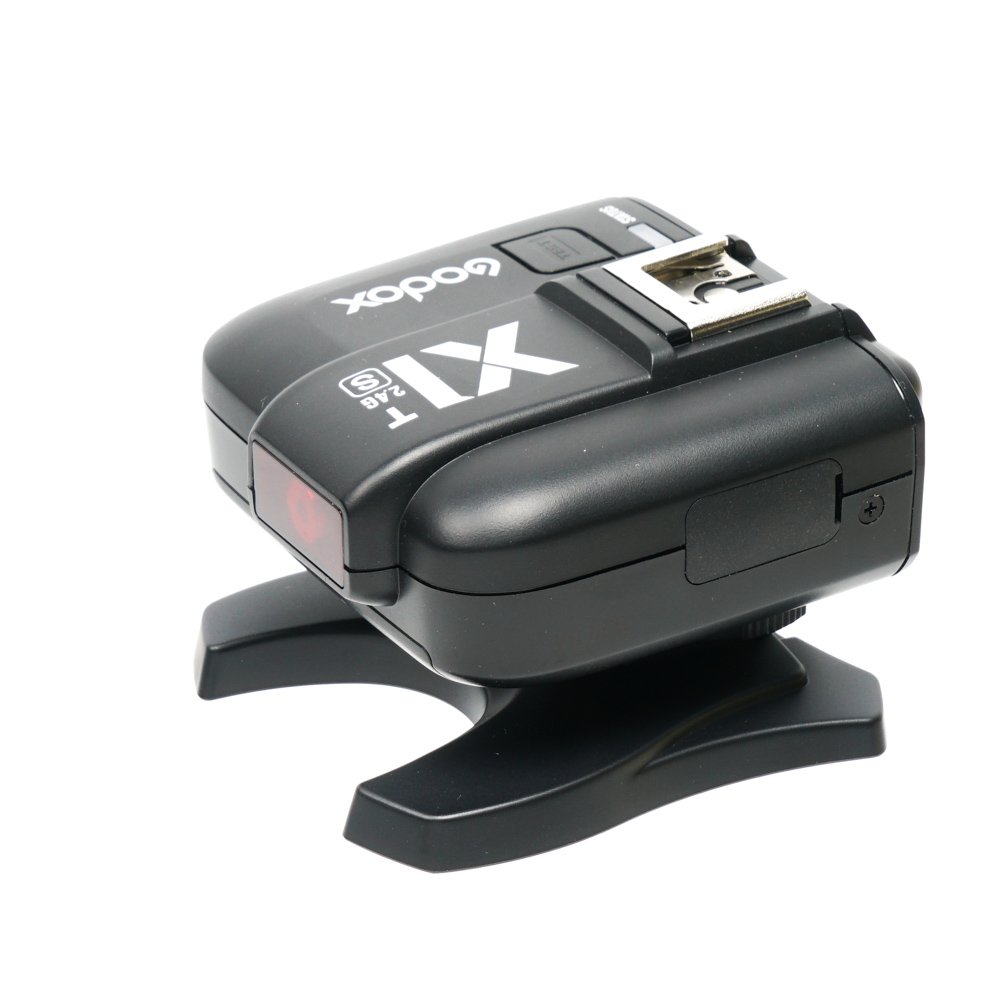
By evaluating these factors, you can choose the right digital camera that meets your photography requirements and preferences.
Understanding Camera Settings
When using a digital camera, it’s important to understand the different settings available to you. Here are some key settings to pay attention to:
1. ISO
The ISO setting on your camera determines how sensitive the sensor is to light. A lower ISO (e.g. 100) is ideal for bright conditions, while a higher ISO (e.g. 1600) is better for low-light situations. Keep in mind that higher ISO settings can introduce noise to your photos.
2. Aperture
The aperture setting controls the size of the opening in the lens that lets light in. A lower f-stop (e.g. f/2.8) creates a shallow depth of field, while a higher f-stop (e.g. f/16) results in a larger depth of field. Adjusting the aperture can help you achieve the desired focus and background blur in your photos.
Lighting Techniques for Photography
1. Natural Light: Utilize natural light from windows, doors, or outdoor spaces for soft and flattering lighting. Avoid harsh shadows by positioning your subject facing the light source.

2. Artificial Light: Experiment with artificial lighting sources like studio lights, lamps, or flashes to control the intensity and direction of light. Use diffusers or reflectors to soften harsh light.
3. Backlighting: Create a dramatic effect by placing the light source behind your subject. This technique can produce silhouettes or add a halo effect around the subject.
4. Fill Light: Use a secondary light source to fill in shadows and balance the exposure. This can be achieved with a reflector, a flash, or a light bulb placed opposite the main light source.
5. Rembrandt Lighting: Mimic the classic Rembrandt lighting style by positioning the light at a 45-degree angle to the subject, creating a small triangle of light on the cheek opposite the light source.
6. Low-Key and High-Key Lighting: Experiment with low-key lighting for dramatic and moody images with deep shadows, or high-key lighting for bright and airy photos with minimal shadows.

7. Light Modifiers: Use light modifiers like softboxes, umbrellas, grids, or gels to control the quality, color, and direction of light to achieve the desired mood and effect in your photos.
Composition Tips for Better Photos
Composition plays a crucial role in creating visually appealing photos. Here are some tips to help you improve your composition:
1. Rule of Thirds
One of the basic principles of composition is the rule of thirds. Imagine dividing your frame into a grid of nine equal parts with two vertical and two horizontal lines. Place key elements of your photo along these lines or at their intersections to create a more balanced and dynamic composition.
2. Leading Lines
Use leading lines in your composition to guide the viewer’s eye towards the main subject. These lines can be roads, fences, or any other element that leads the viewer’s gaze through the image. Leading lines add depth and visual interest to your photos.
Using Filters and Lenses Effectively
Filters and lenses are essential tools for enhancing your photography with a digital camera. Here are some tips on how to use them effectively:
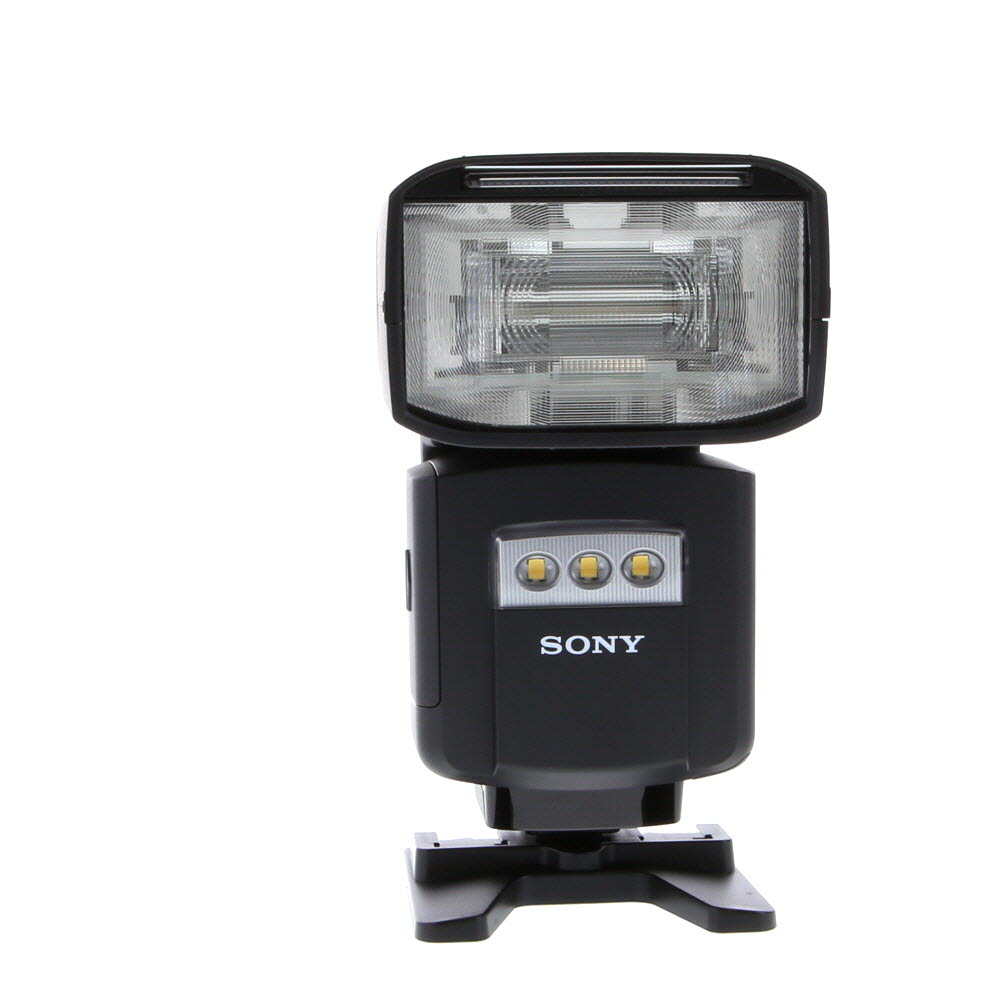
- Experiment with different filters to achieve various effects such as polarizing, color correction, or ND filters for long exposure shots.
- Consider using a UV filter to protect your lens from scratches and dust.
- Invest in high-quality lenses to improve the sharpness and clarity of your photos.
- Try using wide-angle lenses for landscape photography and telephoto lenses for wildlife or sports photography.
- Learn how to properly clean and maintain your filters and lenses to ensure they are in top condition.
Editing and Enhancing Photos
After capturing your photos with a digital camera, editing and enhancing them can take your images to the next level. There are many software programs available that allow you to adjust the brightness, contrast, color balance, and other aspects of your photos. You can also crop, resize, and apply filters to create unique effects.
Some popular photo editing software options include Adobe Photoshop, Lightroom, GIMP, and Snapseed. These programs offer a wide range of tools and features to help you enhance your photos and unleash your creativity. Experiment with different editing techniques to find the style that best suits your vision.
Remember, editing is a personal process, so don’t be afraid to try new things and make mistakes. The more you practice, the better you’ll become at editing and enhancing your photos to make them truly stand out.
Capturing Action Shots
When taking action shots with a digital camera, it’s important to set your camera to a fast shutter speed to freeze the motion of your subject. A shutter speed of at least 1/500th of a second is recommended for capturing fast-moving subjects like athletes or wildlife.
It’s also helpful to use continuous shooting mode or burst mode if your camera has this feature. This allows you to take multiple shots in quick succession, increasing your chances of getting the perfect action shot.
Focus on the subject’s eyes or the point of action to ensure your photos are sharp and clear. Anticipate the movement of your subject and be ready to press the shutter button at the right moment to capture the action.
Experiment with different angles and perspectives to add interest to your action shots. Try shooting from a low angle or using a telephoto lens to zoom in on the action. Don’t be afraid to crop your photos later to highlight the most dynamic parts of the scene.
Portrait Photography Tips
When taking portraits with a digital camera, there are a few key tips to keep in mind to ensure a successful shot:
- Focus on the eyes: The eyes are the focal point of any portrait, so make sure they are sharp and in focus.
- Use a wide aperture: A wide aperture (low f-stop number) will create a shallow depth of field, blurring the background and making your subject stand out.
- Pay attention to lighting: Good lighting is essential for a great portrait. Natural light is often the best choice, but you can also use artificial lighting for more control.
- Pose your subject: Guide your subject on how to pose to create a flattering and engaging portrait. Experiment with different angles and compositions.
- Consider the background: A cluttered or distracting background can take away from your portrait. Choose a simple and clean background to make your subject pop.
By following these portrait photography tips, you can capture stunning and memorable portraits with your digital camera.
Landscape Photography Techniques
When shooting landscapes with your digital camera, there are several techniques you can use to capture stunning images:

- Choose the right time of day: Early morning and late afternoon light can add depth and warmth to your landscape photos.
- Use a tripod: A tripod will help you stabilize your camera and ensure sharp images, especially in low light situations.
- Select the right aperture: A smaller aperture (higher f-stop number) will give you a greater depth of field, keeping more of the scene in focus.
- Focus on the foreground: Including an interesting foreground element can add depth and perspective to your landscape photos.
- Experiment with composition: Try different angles, leading lines, and framing techniques to create dynamic and engaging compositions.
- Consider using filters: Neutral density filters can help you balance exposure in high-contrast scenes, while polarizing filters can enhance colors and reduce glare.
Tips for Taking Great Night Photos
When taking photos at night, it’s important to pay attention to certain factors to ensure great results. Here are some tips for capturing stunning night photos:
1. Use a Tripod
Shaky hands can result in blurry night photos. To avoid this, use a tripod to keep your camera steady and capture sharp images.
2. Adjust Your Camera Settings
Experiment with different settings like ISO, aperture, and shutter speed to get the right exposure for night photography. Increase the ISO for better low-light performance, use a wide aperture for more light, and adjust the shutter speed accordingly.
| ISO: Higher ISO settings (e.g., 800-1600) are ideal for night photography to capture more light. |
| Aperture: Use a wide aperture (e.g., f/2.8) to let in more light for better night shots. |
| Shutter Speed: Experiment with longer exposures to capture light trails or starry skies, but be mindful of camera shake. |
By following these tips and practicing night photography techniques, you can capture stunning photos even in low-light conditions.
FAQ
What are the basic settings to consider when taking photos with a digital camera?
When taking photos with a digital camera, you should pay attention to settings such as ISO, aperture, and shutter speed. These settings affect the exposure, depth of field, and motion blur in your photos.
How can I improve the composition of my photos when using a digital camera?
To improve the composition of your photos, you can use techniques like the rule of thirds, leading lines, framing, and symmetry. Experimenting with different angles and perspectives can also help create more visually interesting images.
What are some common mistakes to avoid when taking photos with a digital camera?
Common mistakes to avoid when taking photos with a digital camera include overexposure or underexposure, not paying attention to the background, using digital zoom instead of optical zoom, and not utilizing the camera’s manual settings to their full potential.
What are the benefits of shooting in RAW format with a digital camera?
Shooting in RAW format with a digital camera allows you to capture more image data and have greater flexibility in post-processing. RAW files retain more details and provide better dynamic range compared to compressed formats like JPEG.
How can I make the most of the features and settings on my digital camera?
To make the most of the features and settings on your digital camera, read the user manual thoroughly, experiment with different settings in various lighting conditions, and practice regularly to understand how each setting affects your photos. Additionally, consider taking a photography course or watching tutorials to deepen your knowledge.