
 Carmen J. Moore

Are you ready to take your iPhone 7 Plus photography skills to the next level? With its dual-lens system, optical zoom capabilities, and advanced features, the iPhone 7 Plus camera offers a powerful tool for capturing stunning images. Whether you’re a photography enthusiast or just looking to improve your smartphone photography game, this guide will help you unlock the full potential of your device.
In this article, we’ll walk you through a series of tips and tricks to help you use your iPhone 7 Plus camera like a pro. From mastering portrait mode to understanding advanced settings, you’ll learn how to take your photos from ordinary to extraordinary. So grab your iPhone 7 Plus and let’s dive in!
Mastering the iPhone 7 Plus Camera
Understanding the Basics: Before diving into advanced techniques, make sure you are familiar with the basic features of your iPhone 7 Plus camera. Learn how to adjust exposure, focus, and white balance to capture the perfect shot.

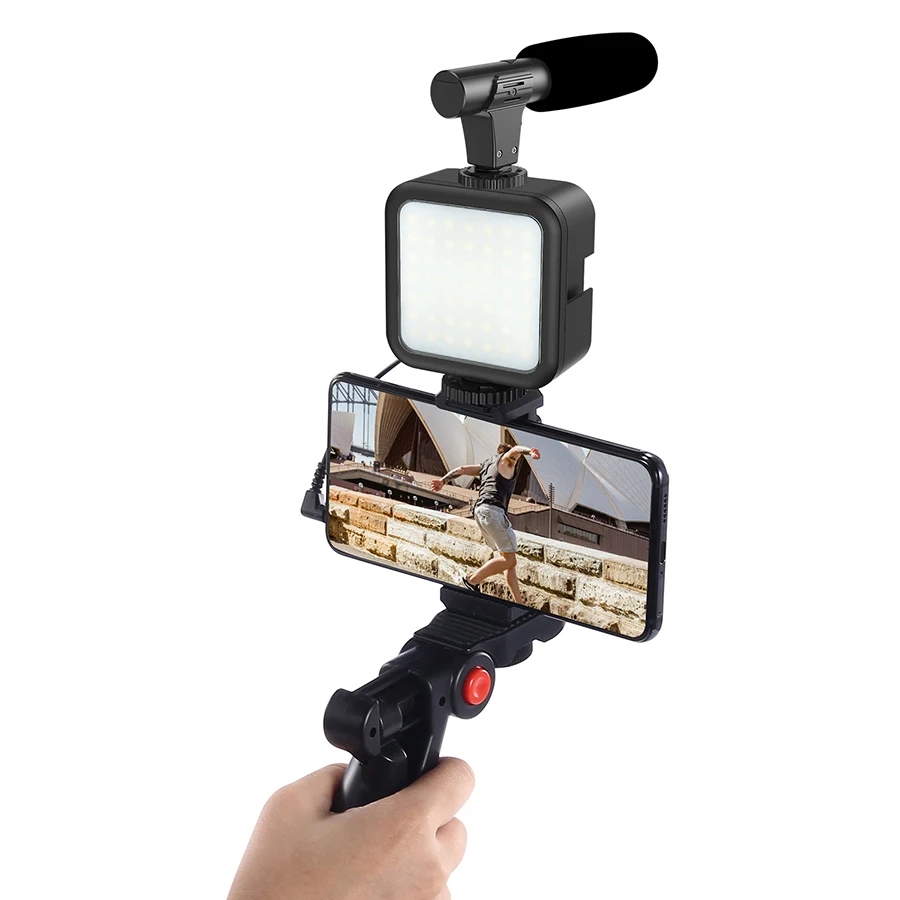
Utilize Portrait Mode: Take advantage of the dual-lens system on the iPhone 7 Plus to create stunning portrait photos with a blurred background effect. Experiment with different lighting conditions and distances to achieve professional-looking portraits.
Explore Manual Controls: While the iPhone camera app offers automatic settings, consider using manual controls to have more control over your shots. Adjust settings like ISO, shutter speed, and focus manually to achieve the desired look.
Try Different Shooting Modes: Experiment with different shooting modes like panorama, HDR, or burst mode to capture unique and creative images. Each mode offers a different way to enhance your photography skills.
Edit Like a Pro: After capturing your photos, use editing apps like Lightroom or Snapseed to enhance your images further. Adjust colors, contrast, and sharpness to give your photos a professional touch.
Practice Makes Perfect: The key to mastering the iPhone 7 Plus camera is practice. Take your camera with you everywhere you go and experiment with different settings and techniques. The more you practice, the better your photos will become.
Understanding the Camera Features
When using your iPhone 7 Plus camera like a pro, it’s essential to understand the various features it offers. Here are some key features you should know:
1. Dual Lens System
The iPhone 7 Plus comes with a dual lens system that includes a wide-angle lens and a telephoto lens. This allows you to zoom in without losing image quality and capture stunning portrait photos with a blurred background.
2. Optical Image Stabilization (OIS)
The OIS feature helps reduce blur caused by shaky hands when taking photos or recording videos. It ensures your shots are sharp and clear, even in low-light conditions.
By mastering these features, you can take your photography skills to the next level and capture professional-quality images with your iPhone 7 Plus.
Exploring Manual Settings
One of the key features of the iPhone 7 Plus camera is its manual settings, which allow you to have more control over your photos.
When using the manual mode, you can adjust settings such as exposure, focus, white balance, and ISO to achieve the desired effect in your photos.
Experiment with different settings to understand how each one affects your photos and to find the perfect combination for the shot you want.
By exploring the manual settings on your iPhone 7 Plus camera, you can take your photography skills to the next level and capture stunning images like a pro.
Utilizing Portrait Mode Effectively
Portrait Mode on the iPhone 7 Plus camera allows you to capture stunning photos with a shallow depth of field, creating a beautiful bokeh effect. Here are some tips to help you make the most of this feature:
1. Choose the Right Subject
When using Portrait Mode, select subjects that are well-defined and stand out from the background. This will help the camera focus on the subject and blur the background effectively.
2. Control the Lighting
Lighting plays a crucial role in portrait photography. Make sure your subject is well-lit, but avoid harsh lighting that can create shadows. Natural light works best for portrait mode shots.
Experimenting with Different Lighting
One of the keys to taking professional-quality photos with your iPhone 7 Plus camera is to experiment with different lighting conditions. Natural light is always a great option, so try taking photos outdoors or near a window to capture the best lighting possible. You can also play around with artificial lighting sources like lamps or overhead lights to create unique effects in your photos.
Adjusting the exposure settings on your camera can also help you achieve the desired lighting for your photos. You can tap on the screen to focus on a specific area and adjust the exposure accordingly. This will ensure that your subject is well-lit and the background is properly exposed.
Don’t be afraid to get creative with your lighting setups. Try using a flashlight or a colored light source to add drama and interest to your photos. Experimenting with different lighting techniques will help you develop your photography skills and take your iPhone 7 Plus camera to the next level.
Capturing Stunning Landscapes
When capturing landscapes with your iPhone 7 Plus, there are a few key tips to keep in mind to ensure you get stunning results:
| 1. Use the Rule of Thirds: | Divide your frame into thirds both horizontally and vertically, and place key elements of the landscape at the intersections of these lines to create a balanced composition. |
| 2. Utilize Leading Lines: | Look for natural lines in the landscape such as roads, rivers, or fences that can lead the viewer’s eye into the scene, adding depth and interest to your photos. |
| 3. Experiment with Different Perspectives: | Try shooting from different angles and heights to find unique perspectives that showcase the beauty of the landscape in a new way. |
| 4. Pay Attention to Lighting: | The quality of light can make or break a landscape photo. Shoot during the golden hours of sunrise and sunset for soft, warm light that enhances the colors and textures of the landscape. |
| 5. Use HDR Mode: | High Dynamic Range (HDR) mode on the iPhone 7 Plus can help you capture landscapes with a greater range of light and shadow, resulting in more balanced and detailed photos. |
Enhancing Photos with Editing Apps
After capturing stunning photos with your iPhone 7 Plus, take your photography skills to the next level by using editing apps. These apps offer a wide range of tools and features to enhance your photos and make them truly stand out. Here are some popular editing apps that you can use:
1. Adobe Lightroom: This app provides professional-grade editing tools like exposure adjustments, color correction, and selective editing.
2. VSCO: Known for its stylish filters and film-inspired presets, VSCO is a favorite among photographers for creating unique looks.
3. Snapseed: Google’s Snapseed offers a variety of editing tools like selective adjustments, healing brush, and HDR Scape for enhancing your photos.
Experiment with different editing apps to find the ones that best suit your style and workflow. With these tools at your disposal, you can transform your iPhone 7 Plus photos into works of art.
Sharing Your Masterpieces
Once you have captured stunning photos and videos using your iPhone 7 Plus camera like a pro, it’s time to share your masterpieces with the world. Here are some simple steps to showcase your talent:
| 1. | Share on Social Media: | Post your photos and videos on platforms like Instagram, Facebook, and Twitter to reach a wider audience and receive feedback from friends and followers. |
| 2. | Print Your Photos: | Turn your digital photos into physical prints by using services like Shutterfly or Walgreens for displaying your work in your home or creating personalized gifts. |
| 3. | Enter Photo Contests: | Submit your best shots to photography contests online or in local exhibitions to gain recognition and potentially win prizes. |
| 4. | Create a Portfolio: | Build a portfolio of your work on websites like Behance or Adobe Portfolio to showcase your talent to potential clients or collaborators. |
Continuously Improving Your Photography Skills
Photography is a skill that can always be improved upon, no matter how experienced you are. Here are some tips to help you continuously enhance your iPhone 7 Plus camera skills:
1. Practice Regularly: The more you use your iPhone 7 Plus camera, the better you’ll get at understanding its features and capabilities. Take photos regularly to hone your skills.
2. Experiment with Different Settings: Don’t be afraid to try out different camera settings such as HDR, exposure, and focus modes. Experimenting will help you understand how each setting affects your photos.
3. Learn from Others: Follow photography blogs, watch tutorials, and seek feedback from other photographers to learn new techniques and perspectives.
4. Keep Up with Trends: Stay updated on the latest photography trends and techniques to keep your skills fresh and innovative.
5. Critique Your Work: Review your photos critically to identify areas for improvement. Analyze what you could have done differently to achieve better results.
By constantly challenging yourself and seeking to improve, you’ll become a pro at using your iPhone 7 Plus camera in no time.


What are the main differences between using Portrait Mode and regular mode for shooting portraits? Is it worth the extra effort?
I've been using the iPhone 7 Plus for landscape photography, and I love the HDR mode! It really helps balance the light and brings out details in both the shadows and highlights. Plus, shooting during golden hour makes such a difference in the colors.
Can you explain what 'optical image stabilization' means in simple terms? How does it help with photos?
Don't forget to clean your lens! A dirty lens can ruin great shots.
How would the iPhone 7 Plus camera compare to newer models for photography? Is it still a good choice?
While newer models have advanced features and improved sensors, the iPhone 7 Plus still holds up well for casual photography, especially with its dual lens and manual controls.
I think using manual controls is overrated. The automatic settings do a great job for most situations.
I see your point, but manual settings can give you so much more control over the shot. It's worth trying out!