
 Carmen J. Moore

Have you ever thought about using your GoPro as a dashboard camera? With its compact size, high-quality video recording capabilities, and wide-angle lens, a GoPro can be a great option for capturing your driving adventures or for added security on the road. In this article, we will explore how you can easily repurpose your GoPro as a dashboard camera.
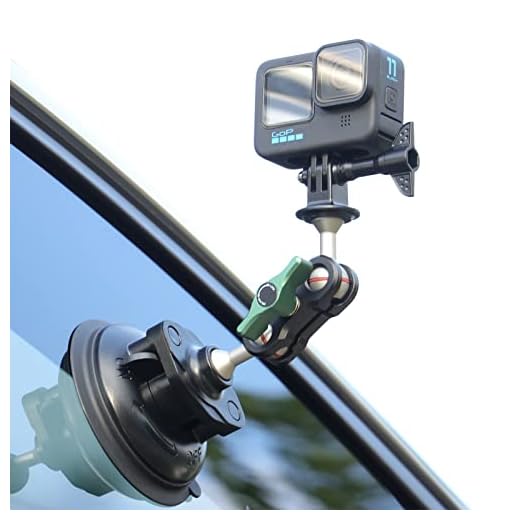
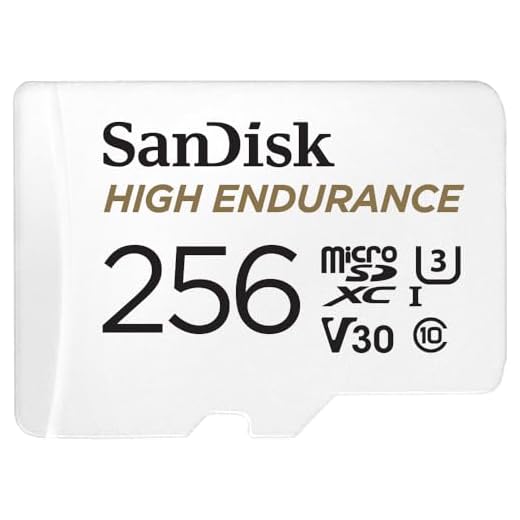
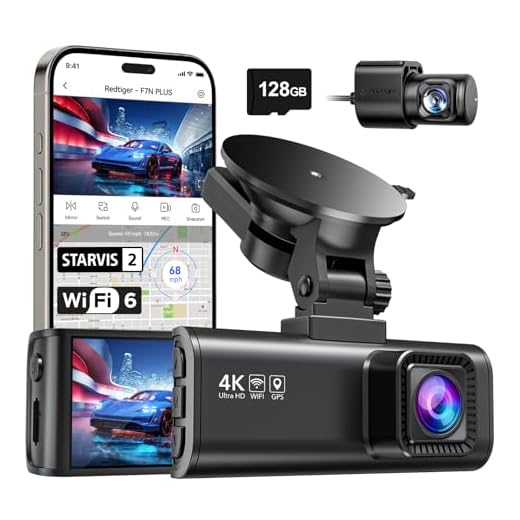
Before you start, make sure your GoPro is securely mounted in your vehicle and that it has enough battery life and memory space to record your journey. You may also want to consider investing in a dash mount or suction cup mount to ensure your GoPro stays in place while you drive.
Once you have your GoPro set up in your car, you can start recording your drives with the press of a button. Whether you want to capture scenic road trips, document your daily commute, or have a record of any unexpected events on the road, using your GoPro as a dashboard camera can provide you with peace of mind and high-quality footage.
Benefits of using GoPro as a dashboard camera
There are several benefits to using a GoPro as a dashboard camera:
- High-quality footage: GoPro cameras are known for their high-quality video recording capabilities, ensuring that you capture clear and detailed footage of your driving experiences.
- Compact size: The small and lightweight design of GoPro cameras makes them easy to mount on your dashboard without obstructing your view or being too bulky.
- Wide-angle lens: GoPro cameras typically have a wide-angle lens, allowing you to capture a broad view of the road and your surroundings, providing comprehensive footage.
- Waterproof and durable: Most GoPro cameras are built to withstand various weather conditions, ensuring that your dashboard camera is durable and reliable in different situations.
Easy installation and setup
Setting up your GoPro as a dashboard camera is a simple process that can be done in a few easy steps. First, make sure your GoPro is fully charged and insert a microSD card for storage. Next, mount your GoPro securely on your dashboard using a suction cup or adhesive mount.
Once your GoPro is mounted, adjust the camera angle to capture the view of the road ahead. Make sure the camera is positioned in a way that doesn’t obstruct your view while driving. Connect the GoPro to a power source using a USB cable or a car charger to ensure continuous recording.
Before you start driving, turn on the GoPro and set it to video recording mode. You can also adjust the video settings such as resolution and frame rate to suit your preferences. Once everything is set up, you’re ready to hit the road with your GoPro functioning as a reliable dashboard camera.
High-quality video recording
One of the key features of a GoPro camera is its ability to capture high-quality video footage. With resolutions up to 4K and advanced image stabilization technology, your GoPro can record crystal-clear videos of your driving experience.
Make sure to adjust the camera settings to the highest resolution and frame rate for the best quality footage. Additionally, consider using a high-capacity memory card to store all your recordings without running out of space.
By utilizing your GoPro’s high-quality video recording capabilities, you can capture all the details of your journey on the road and have a reliable dashboard camera for your car.
Wide-angle lens for capturing the entire road
One of the key features of GoPro cameras is their wide-angle lens, which allows you to capture a large field of view. When using your GoPro as a dashboard camera, this wide-angle lens is especially useful for capturing the entire road ahead of you, including multiple lanes of traffic and any potential hazards.
With the wide-angle lens, you can ensure that you have a clear view of everything happening on the road, providing you with valuable footage in case of an accident or altercation. Make sure to adjust the camera angle to get the best possible view of the road ahead.
Loop recording feature for continuous footage
One of the key features of using your GoPro as a dashboard camera is the loop recording function. This feature allows your GoPro to continuously record footage in a loop, overwriting the oldest files with the newest ones when the memory card is full.
This ensures that you always have the most recent footage available, making it ideal for use as a dashboard camera where you may need to capture unexpected events on the road.
Built-in stabilization for smooth video playback
One of the key features of GoPro cameras is their built-in stabilization technology, which helps to reduce shakiness and ensure smooth video playback. This feature is especially useful when using your GoPro as a dashboard camera, as it helps to capture clear footage even when driving on bumpy roads or in challenging conditions.
The stabilization technology works by using sensors to detect motion and vibrations, and then compensating for these movements in real-time. This results in smoother, more professional-looking footage that is easier to watch and analyze. Whether you’re capturing scenic drives or monitoring your daily commute, the built-in stabilization of your GoPro will help you get the best possible video quality for your dashboard camera needs.
Additional features like GPS tracking and speedometer
Using your GoPro as a dashboard camera can offer additional features such as GPS tracking and a speedometer. With GPS tracking, you can overlay your location data onto your video footage, allowing you to see your route and speed during playback. This can be useful for reviewing your driving habits or tracking your journey.
The speedometer feature can display your current speed directly on the video feed, giving you real-time information on how fast you are going. This can be helpful for monitoring your speed and staying within legal limits while driving.
By utilizing these additional features, you can enhance the functionality of your GoPro as a dashboard camera and make your driving experience safer and more informative.


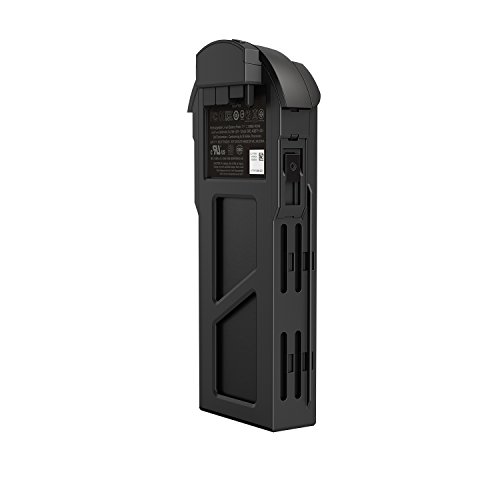


I'm curious if using a GoPro for dashboard recording affects battery life significantly. Do I need to connect it to a power source for longer trips?
Yes, connecting your GoPro to a power source is recommended for longer trips, as continuous recording can drain the battery quickly.
I recently used my GoPro as a dashboard camera during a road trip. The footage was fantastic! The wide-angle lens captured everything, and I appreciated the loop recording feature. I just wish I had known about the need for a high-capacity memory card beforehand—had to delete some old videos on the fly!
Do you have to adjust the settings every time you use the GoPro as a dashcam?
Once you set the desired resolution and frame rate, you won't need to adjust them every time. Just make sure everything is charged and ready to go!
I’m not sure if a GoPro is really the best option for a dashboard camera compared to dedicated dashcams. They’re built for that purpose, right?
You're correct that dedicated dashcams often have features like automatic recording and incident detection, but GoPros can still provide high-quality footage in a compact design.