
 Carmen J. Moore

Keeping your DSLR camera sensor clean is essential for capturing high-quality images. Dust and dirt on the sensor can result in annoying spots and blemishes on your photos, which can be time-consuming to remove in post-processing. Thankfully, many modern DSLR cameras come equipped with auto-cleaning functions that can help keep your sensor free from debris.


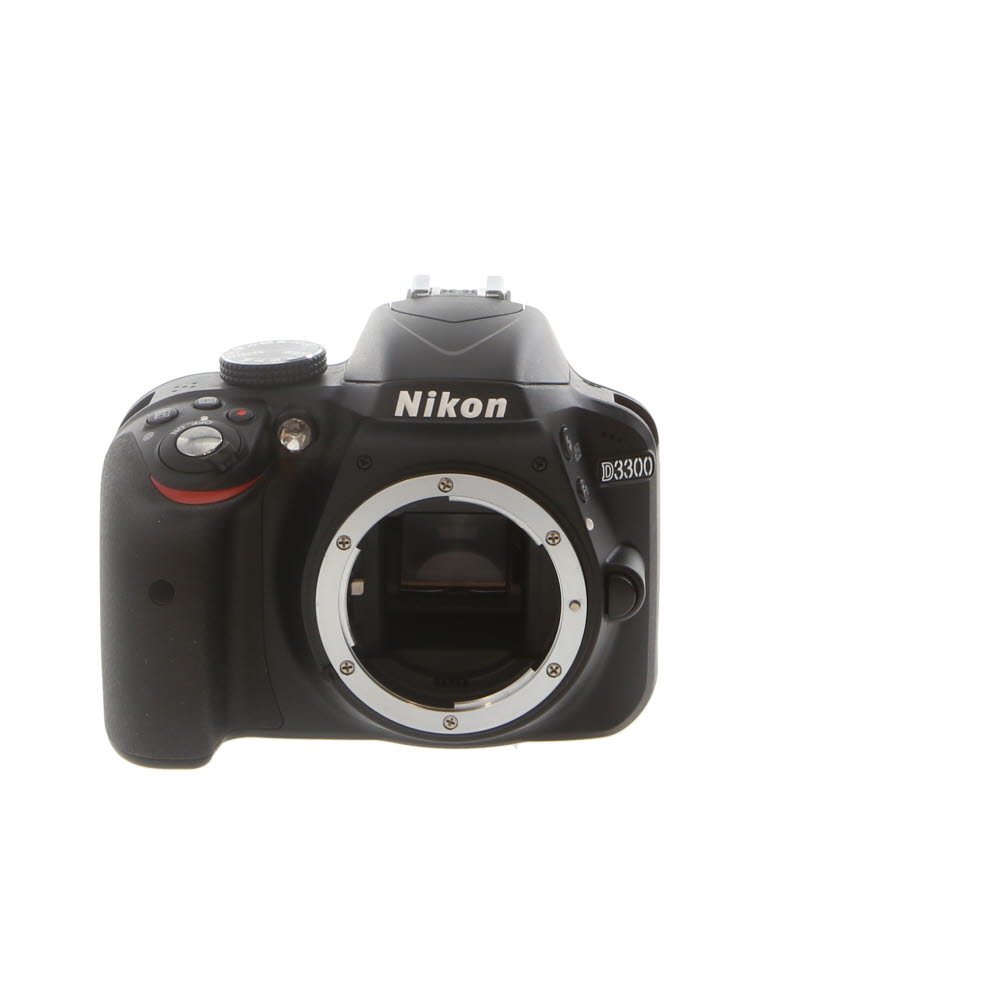
In this article, we will explore the various ways you can utilize the auto-cleaning feature on your DSLR camera to maintain a spotless sensor. From enabling the automatic sensor cleaning function in your camera settings to using specialized sensor cleaning kits, we will provide you with all the information you need to ensure your sensor stays pristine.
By following these tips and tricks, you can save time and effort in post-processing and focus more on capturing stunning images with your DSLR camera. Say goodbye to sensor spots and hello to crystal-clear photos!
Step-by-Step Guide to Cleaning Your DSLR Camera Sensor
Keeping your DSLR camera sensor clean is essential for maintaining the quality of your photos. Follow these steps to safely and effectively clean your camera sensor:
1. Prepare Your Workspace
- Find a clean, well-lit area to work in.
- Gather all the necessary cleaning supplies, including a sensor cleaning kit.
2. Turn on Your Camera’s Sensor Cleaning Mode
Before you start cleaning, activate your camera’s sensor cleaning mode to lock the mirror and expose the sensor.
3. Use an Air Blower
- Gently blow air onto the sensor to remove any loose dust particles.
- Do not use canned air, as it may contain harmful chemicals.
4. Use a Sensor Cleaning Swab
- Apply a small amount of sensor cleaning solution to a sensor cleaning swab.
- Gently swipe the swab across the sensor in one direction to remove stubborn dirt or smudges.
5. Check Your Sensor
- Take a test shot to check if any dust or dirt remains on the sensor.
- If needed, repeat the cleaning process until the sensor is clean.
By following these steps, you can effectively clean your DSLR camera sensor and ensure that your photos are free from unwanted spots or blemishes.
Importance of Regular Sensor Cleaning
Regular sensor cleaning is crucial for maintaining the quality of your DSLR camera’s photos. Dust, dirt, and other debris can accumulate on the sensor, leading to visible spots and blemishes on your images. By cleaning the sensor regularly, you can ensure that your photos remain sharp and free from imperfections.
Additionally, a clean sensor can improve the overall performance of your camera. Dust particles on the sensor can affect autofocus accuracy and lead to inaccurate exposure settings. By keeping the sensor clean, you can ensure that your camera operates at its best and produces high-quality photos consistently.
| Benefits of Regular Sensor Cleaning: |
| 1. Improved image quality |
| 2. Enhanced camera performance |
| 3. Prevention of visible spots and blemishes on images |
Tools and Materials Needed for Sensor Cleaning
Before attempting to clean your DSLR camera sensor, you will need to gather the following tools and materials:
- Sensor cleaning swabs
- Sensor cleaning solution
- Rubber air blower
- Sensor loupe or magnifying glass
- Cotton swabs
- Microfiber cloth
- Lens cleaning solution
- Lens cleaning cloth
- Camera body cap
- Charged camera battery
Make sure you have all these items ready before you start cleaning your camera sensor to ensure a successful and safe cleaning process.
Precautions to Take Before Cleaning Your Sensor
Before you begin the process of cleaning your DSLR camera sensor, it’s important to take some precautions to ensure that you don’t damage the sensor or other delicate parts of your camera. Here are some key precautions to keep in mind:
- Turn off your camera: Before you start cleaning, make sure your camera is turned off to prevent any accidental damage.
- Remove the lens: Take off the lens from your camera carefully to access the sensor for cleaning.
- Use a fully charged battery: Ensure that your camera’s battery is fully charged to prevent any issues during the cleaning process.
- Work in a clean environment: Choose a dust-free and well-lit area to avoid introducing more dirt or dust into your camera.
- Avoid touching the sensor: Handle the sensor with care and avoid touching it with your fingers to prevent smudges or damage.
- Use the right tools: Make sure you have the appropriate cleaning tools, such as a sensor cleaning kit, to avoid causing damage to the sensor.
How to Clean Your DSLR Camera Sensor Safely
Keeping your DSLR camera sensor clean is essential for capturing high-quality photos. Dust, dirt, and smudges on the sensor can affect the image quality and lead to visible spots in your photos. Here are some tips on how to safely clean your DSLR camera sensor:
1. Check Your Camera’s Manual
Before you start cleaning your camera sensor, it’s important to check your camera’s manual for specific instructions on how to clean the sensor. Different camera models may have different cleaning methods, so make sure to follow the manufacturer’s recommendations.
2. Use a Sensor Cleaning Kit
Invest in a sensor cleaning kit that includes tools like a blower, sensor swabs, and sensor cleaning solution. These tools are specifically designed for cleaning camera sensors and can help you safely remove dust and dirt without damaging the sensor.
Important: Be gentle when cleaning your camera sensor to avoid scratching or damaging the sensitive surface. If you’re not comfortable cleaning the sensor yourself, consider taking your camera to a professional for cleaning.
Post-Cleaning Checks and Tests
After cleaning your DSLR camera sensor, it is important to perform several checks and tests to ensure that the sensor is clean and functioning properly. Here are some post-cleaning checks and tests you can do:
1. Visual Inspection: Use a sensor loupe or a magnifying glass to visually inspect the sensor for any remaining dust or debris. Check for any smudges or streaks that may have been left behind during the cleaning process.
2. Test Shots: Take a series of test shots at different apertures and focal lengths to check for any spots or artifacts that may appear in the images. Pay close attention to areas of uniform color or brightness where dust spots are more likely to be visible.
3. Autofocus Test: Test the autofocus performance of your camera to ensure that it is still functioning properly after cleaning the sensor. Make sure that the camera is able to focus accurately on subjects at different distances.
4. Image Sensor Cleaning Setting: Some DSLR cameras have a built-in sensor cleaning function that can be activated in the camera menu. Run the sensor cleaning function to further remove any remaining dust particles.
5. Repeat Cleaning if Necessary: If you notice any dust spots or debris on the sensor during your checks and tests, you may need to repeat the cleaning process using a different method or cleaning tool.
By performing these post-cleaning checks and tests, you can ensure that your DSLR camera sensor is clean and ready for use, allowing you to capture high-quality images without any unwanted artifacts or blemishes.
Tips for Maintaining a Clean Sensor
Keeping your DSLR camera sensor clean is essential for capturing clear and crisp images. Here are some tips to help you maintain a clean sensor:
1. Avoid changing lenses in dusty or dirty environments
Try to change lenses in a clean and dust-free area to prevent particles from getting inside your camera.
2. Use a blower to remove dust
Invest in a good quality blower to gently remove dust particles from the sensor. Avoid using compressed air as it can damage the sensor.
Remember: Regular sensor cleaning is important to ensure your camera continues to perform at its best and produce high-quality images.
FAQ
How often should I clean my DSLR camera sensor?
It is recommended to clean your DSLR camera sensor whenever you notice dust spots appearing in your photos. This could range from a few weeks to a few months depending on how frequently you change lenses and shoot in dusty environments.
What are the tools needed to auto clean a DSLR camera sensor?
To auto clean a DSLR camera sensor, you will need a sensor cleaning kit which typically includes a sensor cleaning swab, sensor cleaning solution, a blower, and a sensor loupe for checking the cleanliness of the sensor.
Can I damage my DSLR camera sensor while auto cleaning it?
While it is possible to damage the sensor if not done properly, following the manufacturer’s instructions and using the right tools can minimize the risk. It is important to be gentle and avoid excessive pressure when cleaning the sensor to prevent any damage.







Can you clarify what specific tools are needed in a sensor cleaning kit? I want to make sure I get everything.
A typical sensor cleaning kit includes sensor cleaning swabs, cleaning solution, a rubber air blower, and sometimes a sensor loupe for inspection. Make sure to choose a kit that matches your camera's sensor size!
I found that using a blower before swabbing really helps remove loose dust! Definitely recommend trying it.
I disagree with the idea of cleaning the sensor too often. Overdoing it might actually cause more harm than good. I think it’s better to clean it only when necessary, like when you start seeing spots in your images.
Great article! I'm curious, how often should I really check my sensor for dust? I sometimes see spots in my photos, but I'm not sure if I should clean it right away or wait.
I usually check every few weeks, especially after a shoot in a dusty environment. If you see spots, it's a good idea to clean it.
I've had a DSLR for a couple of years now, and I started using a sensor cleaning kit after reading about it. The difference in image quality is amazing! I didn't realize how much dust was affecting my photos until I cleaned it. Just be super gentle when using the swabs! It's definitely worth the investment.