
 Carmen J. Moore

Have you ever experienced the frustration of turning on your digital camera, only to be met with a black screen? It’s a common issue that many people encounter, and it can be caused by a variety of factors.
One possible reason for a black screen on your digital camera is a malfunctioning or damaged LCD screen. If the screen is cracked or has been exposed to moisture, it may no longer function properly, resulting in a black display.
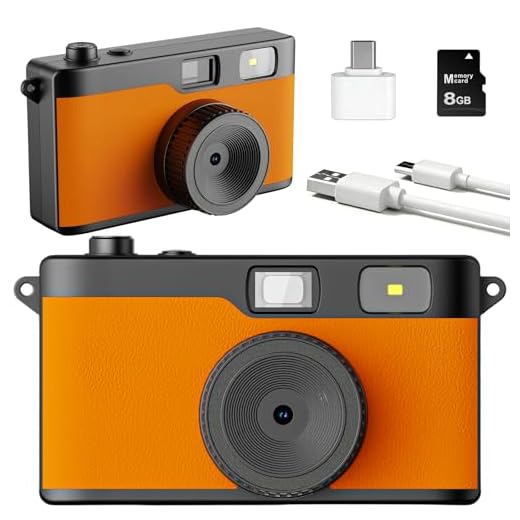
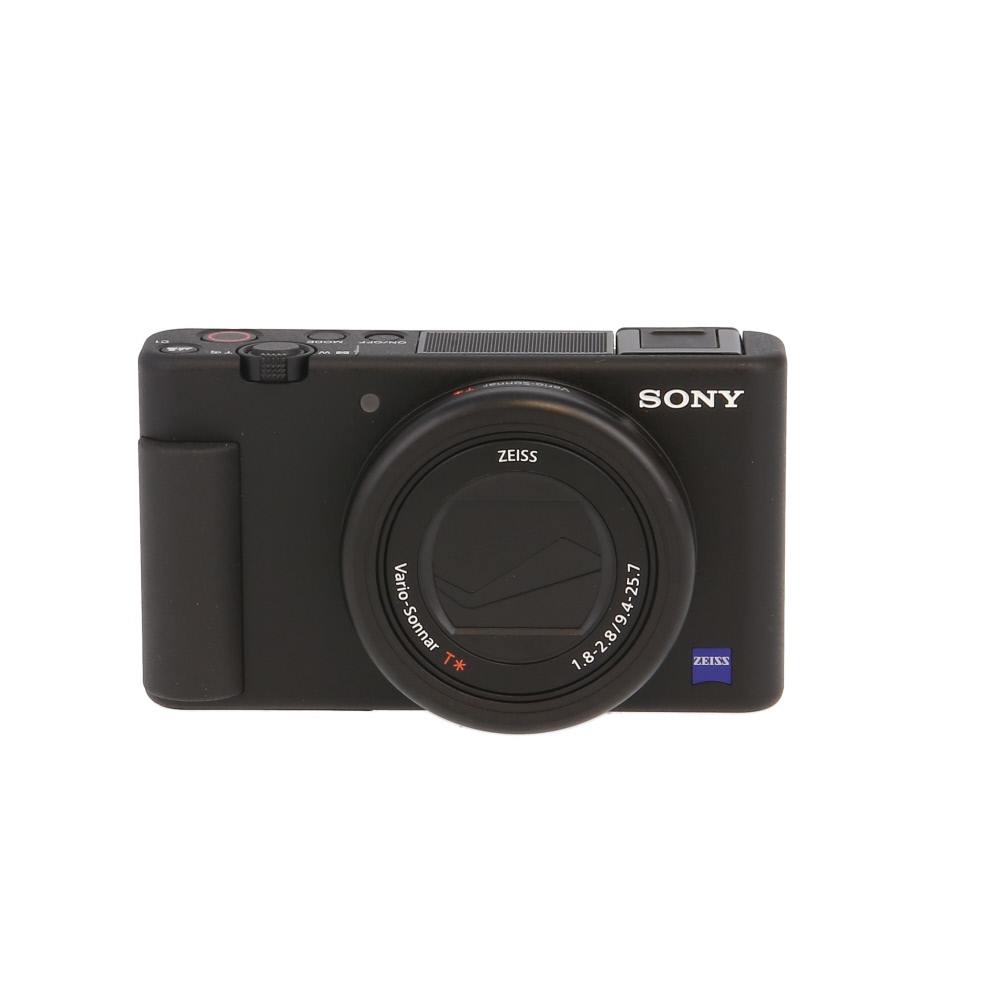


Another potential cause of a black screen is a problem with the camera’s settings or software. If the camera is set to a mode that does not allow for proper display, or if there is a software glitch, it could lead to a black screen.
Common Reasons for a Black Digital Camera Screen
There are several common reasons why your digital camera screen might be black. Here are some potential causes:
| 1. | Dead battery: Make sure your camera has sufficient battery power. |
| 2. | Memory card issues: Check if the memory card is properly inserted and functioning. |
| 3. | Settings: Ensure that the camera settings are correct and the lens cap is removed. |
| 4. | Hardware problems: There may be a malfunction in the camera hardware that needs to be repaired. |
| 5. | Software glitches: Update or reset the camera software to resolve any software-related issues. |
Possible Causes of a Dark Camera Display
There are several reasons why your digital camera screen might be black. Here are some common culprits:
1. Battery Issues
If your camera’s battery is low or dead, it may not have enough power to illuminate the screen. Make sure your battery is fully charged or replace it with a new one.
2. Settings and Mode
Check if your camera is in a mode that turns off the display screen, such as a power-saving mode or a specific shooting mode that disables the screen. Adjust the settings to ensure the screen is active.
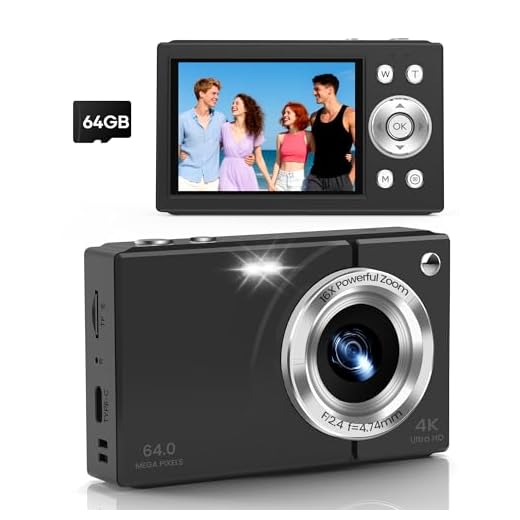
These are just a few potential causes of a dark camera display. If none of these solutions work, there may be a more serious issue with your camera that requires professional repair.
Issues with Camera Settings
One common reason for a black screen on your digital camera could be related to the camera settings. If the settings are incorrect or not properly configured, it may result in a black screen when trying to use the camera.
1. Exposure Settings
Check the exposure settings on your camera. If the exposure settings are too low, the camera may not be able to capture enough light, resulting in a black screen. Adjust the exposure settings to ensure proper light exposure.
2. Shutter Speed and Aperture
Incorrect shutter speed or aperture settings can also lead to a black screen. Make sure that the shutter speed and aperture settings are appropriate for the lighting conditions to avoid a black screen.
Connection Problems with the Display
If your digital camera screen is black, it could be due to connection problems with the display. Check the connection between the camera and the screen to ensure it is securely plugged in. If the connection is loose or damaged, it may result in a black screen. Try reseating the connection or using a different cable to see if that resolves the issue.
Software Glitches and Malfunctions
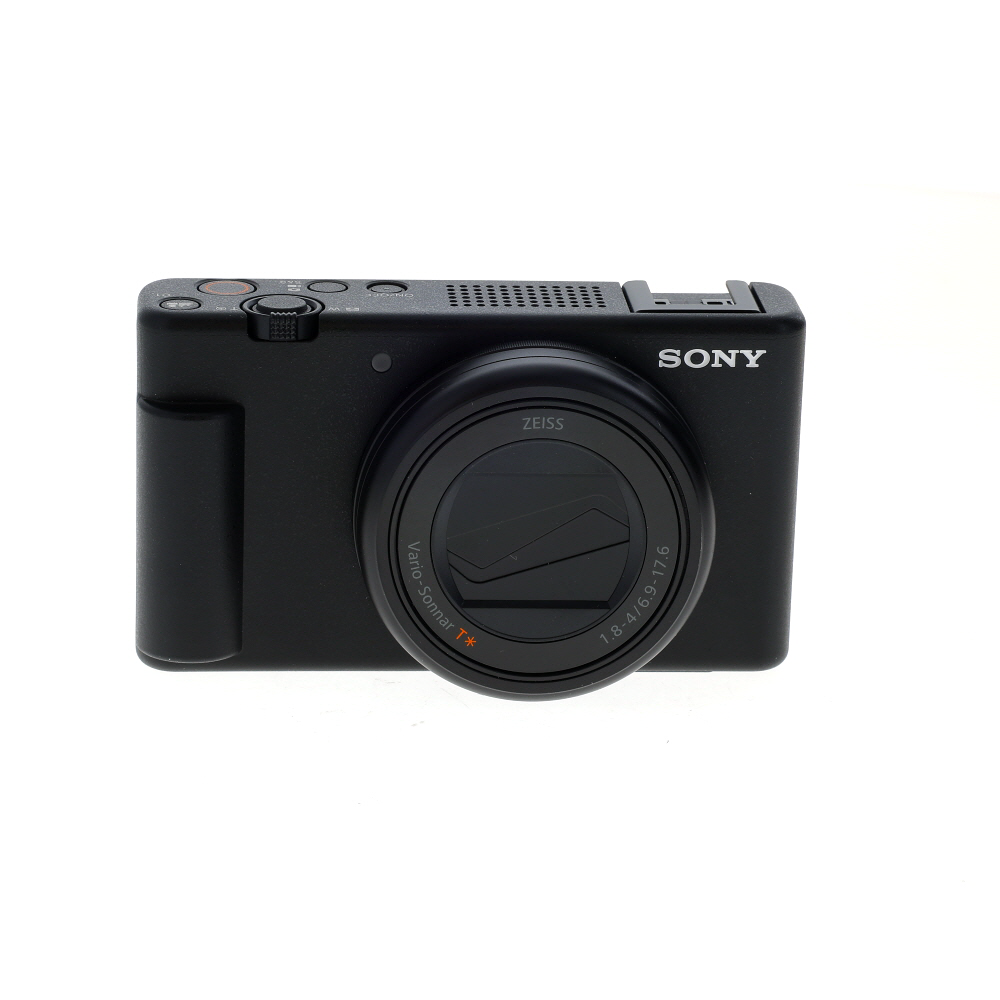
One common reason for a black screen on a digital camera is software glitches or malfunctions. Sometimes the camera’s software can encounter errors or bugs that cause the screen to go black. This can happen if the camera’s firmware is outdated or corrupted. In such cases, restarting the camera or updating the firmware may help resolve the issue.
Additionally, if the camera’s software is not functioning properly, it may not be able to properly display images on the screen. This could be due to a variety of reasons, such as a software conflict or a memory issue. Resetting the camera to its default settings or performing a factory reset may help in such situations.
Hardware Damage or Malfunction
If your digital camera screen is black, it could be due to hardware damage or malfunction.
Some possible reasons for hardware issues include:
- Physical damage to the camera, such as a cracked screen or water damage, can cause the screen to go black.
- Internal components may be malfunctioning, leading to a black screen.
- Loose connections or faulty wiring could also be the culprit.
If you suspect hardware damage or malfunction, it’s best to contact the manufacturer or a professional repair service to diagnose and fix the issue.

Impact of Low Battery Levels
Low battery levels can cause your digital camera screen to turn black. When the battery is running low, the camera may not have enough power to properly display images on the screen. This can result in a black screen or the screen freezing. It’s important to regularly check and charge your camera’s battery to avoid this issue.
Effects of Extreme Temperatures
Extreme temperatures, whether hot or cold, can have a significant impact on the functioning of digital cameras. High temperatures can cause the camera’s sensor to overheat, leading to image distortion or a black screen. On the other hand, very low temperatures can cause the camera’s battery to drain quickly, resulting in a black screen or the camera shutting down unexpectedly.
High Temperatures:
Overheating: When a digital camera is exposed to high temperatures for an extended period, the sensor may get too hot, causing it to malfunction. This can result in a black screen or distorted images.
Low Temperatures:
Battery Drain: In cold weather, the camera’s battery may lose its charge more quickly, leading to a black screen or the camera turning off unexpectedly. It is essential to keep the camera and battery warm in cold temperatures to avoid this issue.
Correlation between Memory Card and Screen
One possible reason for a black screen on your digital camera could be a problem with the memory card. If the memory card is malfunctioning or not properly inserted, it could cause the camera screen to display nothing. Make sure to check if the memory card is securely inserted and properly formatted.

Additionally, if the memory card is full or corrupted, it may also affect the camera’s ability to display images on the screen. Try removing the memory card and inserting a new one to see if the issue persists.
It is important to regularly check the status of your memory card and ensure it is functioning correctly to prevent any potential issues with your digital camera’s screen.
Role of Ambient Light Conditions
Ambient light conditions play a crucial role in the performance of digital cameras. When the ambient light is too bright, it can cause the camera sensor to be overwhelmed, resulting in a black screen or overexposed images. On the other hand, low ambient light conditions can cause the camera to struggle to capture enough light, leading to dark or black images.
It is important to consider the ambient light conditions when using a digital camera. If the screen is black, try adjusting the exposure settings or using additional lighting to improve the image quality. Additionally, be mindful of the direction of light and avoid shooting directly into bright light sources to prevent black screens in your photos.
Importance of Seeking Professional Help
When your digital camera screen is black, it can be tempting to try to troubleshoot and fix the issue on your own. However, seeking professional help is important for several reasons:
Expertise
Professional technicians have the knowledge and expertise to diagnose and fix issues with digital cameras. They have the necessary tools and experience to identify the root cause of the problem and provide an effective solution.
Prevent Further Damage
Attempting to fix a black screen on your digital camera without proper knowledge can potentially lead to further damage. Professional help can prevent costly repairs or irreversible damage to your device.
FAQ
Why is my digital camera screen black?
There could be several reasons why your digital camera screen is black. It could be due to a dead battery, a malfunctioning camera sensor, a faulty memory card, or a software issue. Try charging the battery, removing and reinserting the memory card, resetting the camera, or updating the firmware to see if it resolves the issue.
What should I do if my digital camera screen is black?
If your digital camera screen is black, first check if the battery is charged. Try turning the camera off and on again, removing and reinserting the memory card, and resetting the camera settings. If the issue persists, consult the camera manual for troubleshooting steps or contact customer support for further assistance.
Is a black screen on my digital camera a common problem?
Yes, a black screen on a digital camera is a common issue that many users encounter. It can be caused by various factors such as a drained battery, camera sensor malfunction, memory card problem, or software glitch. By following some basic troubleshooting steps like checking the battery, memory card, and camera settings, you can often resolve the black screen issue on your digital camera.




You mentioned checking the memory card. What should I look for specifically? Can it just be a simple loose insertion or something more serious?
Yes, a loose memory card is a common issue, but also check for corruption by trying to format it in your camera. If it’s full or damaged, that could cause display issues too.
I've been having issues with my camera screen going black intermittently. Could this be related to the battery, or is it more likely a software glitch? Any tips on how to diagnose the problem?
I once had a black screen on my DSLR after dropping it. Turns out, the display connection was loose. I opened it up and reseated the cable, and it worked again! Just be careful if you decide to DIY, as it could void any warranty.