
 Carmen J. Moore
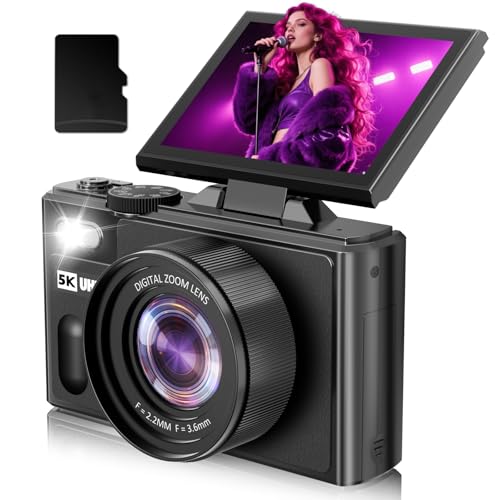
Noise in digital cameras is a common phenomenon that can affect the quality of your photos.
It manifests as random variations in brightness or color in images, resembling grain or speckles.


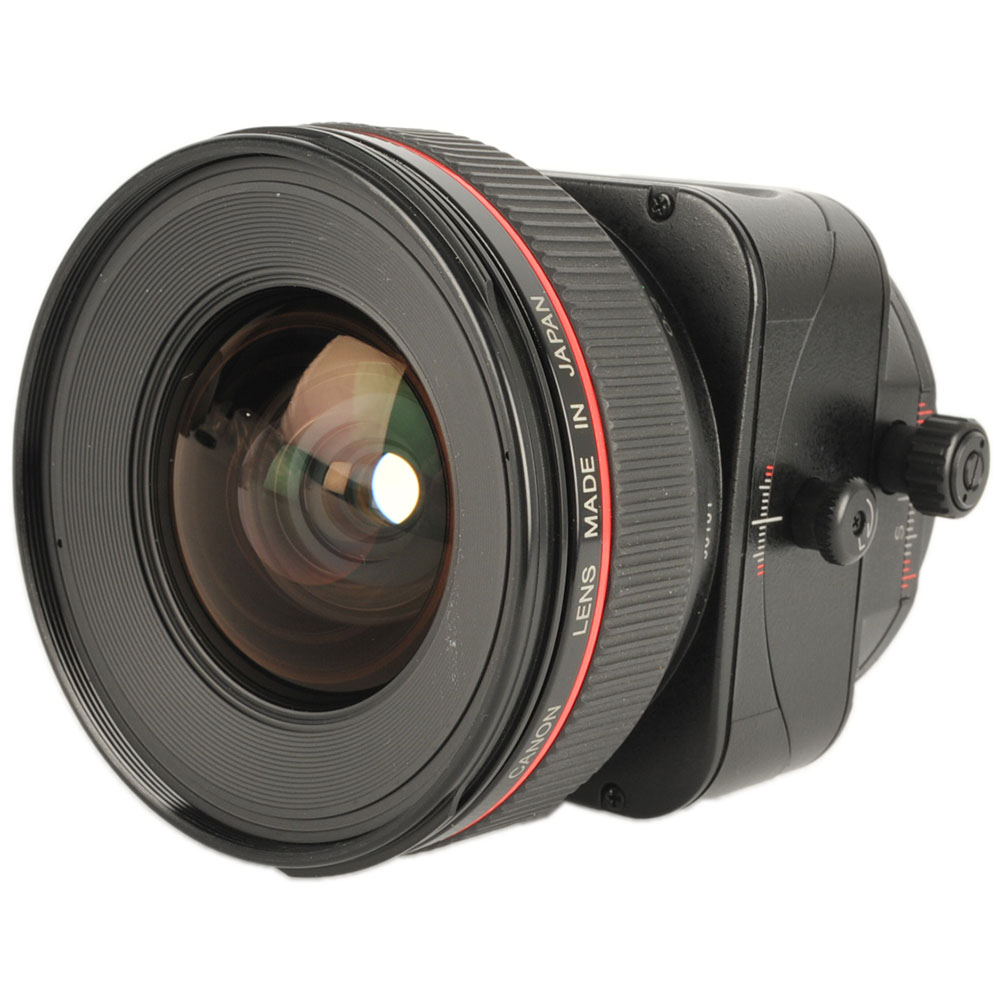
Understanding the reasons behind this noise can help photographers minimize its impact and capture better images.
Understanding Digital Camera Noise: The Basics
When you take a photo with a digital camera, you may notice grainy or speckled patches in the image. This is known as digital noise, and it can detract from the overall quality of the photo.
Digital noise is caused by various factors, including the sensitivity of the camera’s sensor, the amount of light available when the photo is taken, and the camera’s internal processing. Higher ISO settings, for example, can increase the likelihood of noise in your photos.
To reduce digital noise, you can try using lower ISO settings, improving the lighting conditions, or using noise reduction software during post-processing. Understanding the basics of digital noise can help you capture clearer and sharper images with your digital camera.
Causes of Digital Camera Noise: A Detailed Analysis
When it comes to digital photography, noise in images can be a common issue that many photographers face. Understanding the causes of digital camera noise can help you take better photos and minimize this unwanted effect. Here are some factors that contribute to digital camera noise:

1. Sensor Size: The size of the sensor in a digital camera plays a significant role in determining the amount of noise in an image. Smaller sensors tend to produce more noise compared to larger sensors.
2. ISO Sensitivity: Increasing the ISO sensitivity of your camera can lead to more noise in your images. Higher ISO settings amplify the signal from the sensor, which can result in increased noise.
3. Temperature: Extreme temperatures can also contribute to digital camera noise. High temperatures can cause the sensor to generate more heat, leading to increased noise in the final image.
4. Long Exposure: When using long exposure times, digital cameras are more prone to noise. The sensor continues to capture light over an extended period, increasing the likelihood of noise in the image.
5. Image Processing: The image processing algorithms used by the camera can also impact the amount of noise in the final image. Different cameras may apply noise reduction techniques differently, affecting the overall noise level.
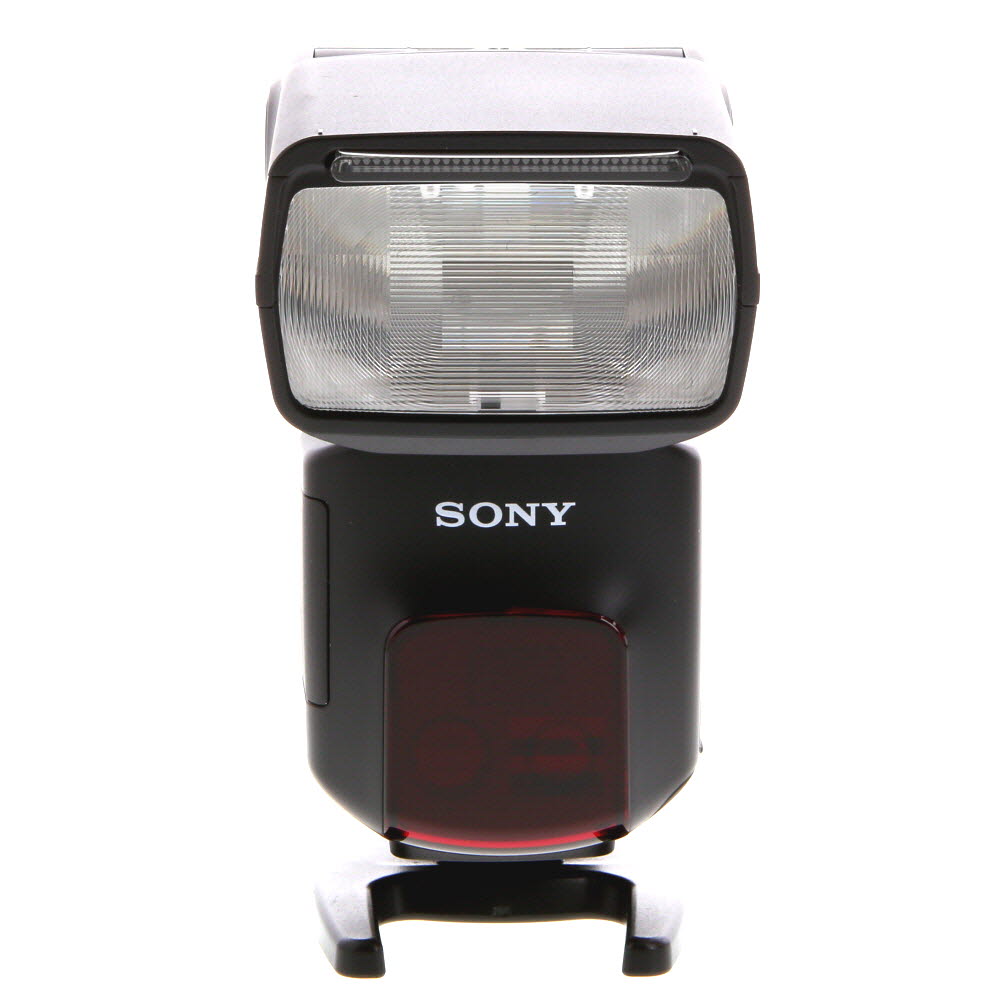
By understanding these factors and how they contribute to digital camera noise, photographers can take steps to minimize noise in their images and achieve better results.
Effects of Digital Camera Noise on Image Quality
When digital cameras capture images, they often introduce noise due to various factors such as sensor size, ISO settings, and image processing algorithms. This noise can degrade image quality by introducing unwanted artifacts like graininess, color distortion, and loss of detail.
High ISO settings can amplify noise in low-light conditions, resulting in a decrease in image sharpness and overall clarity. Additionally, smaller sensor sizes tend to produce more noise, especially in high-contrast areas of an image.
Image processing algorithms play a crucial role in reducing noise, but they can also introduce artifacts known as “smoothing” or “blurring.” Finding the right balance between noise reduction and preserving image detail is essential for achieving optimal image quality.
In conclusion, digital camera noise can significantly impact image quality by affecting sharpness, color accuracy, and overall clarity. Understanding the factors that contribute to noise and how to mitigate its effects is essential for capturing high-quality images with digital cameras.

How to Reduce Digital Camera Noise: Practical Tips
Digital camera noise can be a frustrating issue that affects the quality of your photos. Fortunately, there are several ways to reduce noise and improve the overall image quality. Here are some practical tips to help you minimize digital camera noise:
1. Use Lower ISO Settings
High ISO settings can introduce more noise into your images. Try using lower ISO settings whenever possible to reduce noise. Keep in mind that lower ISO settings may require longer exposure times, so using a tripod can help stabilize your camera.
2. Shoot in Good Lighting Conditions
Poor lighting conditions can also contribute to digital camera noise. Try to shoot in well-lit environments to minimize noise in your photos. Natural light is often the best option, but if you’re shooting indoors, consider using additional lighting sources to improve the overall image quality.
By following these practical tips, you can effectively reduce digital camera noise and capture clearer, more professional-looking photos.
Advanced Techniques for Noise Reduction in Digital Photography
As digital cameras continue to evolve, manufacturers are constantly developing advanced techniques to reduce noise in digital photography. One such technique is image sensor technology, where manufacturers are improving the quality of image sensors to minimize noise during image capture.
Additionally, software algorithms and processing techniques play a crucial role in noise reduction. Many cameras now come equipped with built-in noise reduction algorithms that analyze and reduce noise in images during post-processing.
Furthermore, advanced camera settings such as ISO optimization and long exposure noise reduction can help minimize noise in low-light conditions. These settings adjust the camera’s sensitivity to light and reduce noise in images taken in challenging lighting situations.
Overall, the combination of improved image sensor technology, sophisticated software algorithms, and advanced camera settings allows photographers to capture high-quality images with minimal noise, enhancing the overall digital photography experience.
FAQ
Why do digital cameras produce noise in photos?
Digital cameras produce noise in photos due to the limitations of the image sensor. The sensor generates electrical signals when capturing light, and these signals can be affected by various factors such as temperature, ISO settings, and exposure time, resulting in the appearance of noise in the final image.
How does the ISO setting on a digital camera affect noise in photos?
The ISO setting on a digital camera can affect noise in photos by amplifying the signal from the image sensor. Higher ISO settings amplify the signal more, which can lead to increased noise in the image. Lower ISO settings produce less noise but may require longer exposure times, which can introduce other sources of noise.
Can noise in digital photos be reduced or eliminated?
Noise in digital photos can be reduced through various techniques such as using lower ISO settings, optimizing exposure settings, post-processing with noise reduction software, and utilizing noise reduction algorithms in-camera. However, completely eliminating noise may not be possible, especially in low-light conditions or with high ISO settings.


Good article! I'm curious, how much does temperature really affect noise? I've heard it can make a difference, but I'm not sure how significant it is.
Good lighting is crucial! I always try to use natural light as much as possible to reduce noise.
Why does noise seem worse in low light conditions? Wouldn't a camera with a larger sensor perform better?
Yes, larger sensors tend to handle low light better, but even they can show noise at high ISO settings. It's all about balancing those settings.
I often notice noise in my night shots. Switching to a lower ISO really helped me!
I disagree with the idea that ISO is the only factor in noise. I've noticed that even at lower ISO settings, some cameras still produce a lot of noise. It really depends on the make and model.
You make a good point! While ISO plays a significant role, other factors like sensor technology and processing algorithms can also greatly influence noise levels in different camera models.
I disagree that temperature affects noise that much. I’ve shot in hot and cold weather and didn’t notice a big difference in my images.
Temperature can influence sensor performance, especially during long exposures. However, individual results can vary based on the camera model and settings.
I own two cameras: one with a small sensor and one with a larger sensor. The difference in noise levels is night and day, especially in low-light conditions. The larger sensor captures cleaner images, and I often shoot at higher ISO without the same noise issues. Anyone else had similar experiences with different sensor sizes?
This article really highlights the importance of sensor size. I wish more cameras would offer larger sensors at a reasonable price!
I've used both a DSLR and a mirrorless camera in low light, and I found the DSLR had less noise at similar ISO settings. Is that common?
I've struggled with noise in my photos, especially in low-light situations. Switching to a tripod and using a lower ISO has helped a bit. It’s nice to see that others face similar challenges. I still find that even with lower settings, my images can still get noisy. Does anyone else have tips for specific lighting situations?
Could you explain how long exposure contributes to noise? I thought it only affected light capture.