
 Carmen J. Moore

Choosing the right memory card for your digital camera is crucial to ensure optimal performance and storage capacity. With the wide variety of memory cards available on the market, it can be overwhelming to determine which one is best suited for your camera.
One of the most common types of memory cards used in digital cameras is the Secure Digital (SD) card. SD cards come in different sizes and speeds, so it’s important to check your camera’s specifications to ensure compatibility.

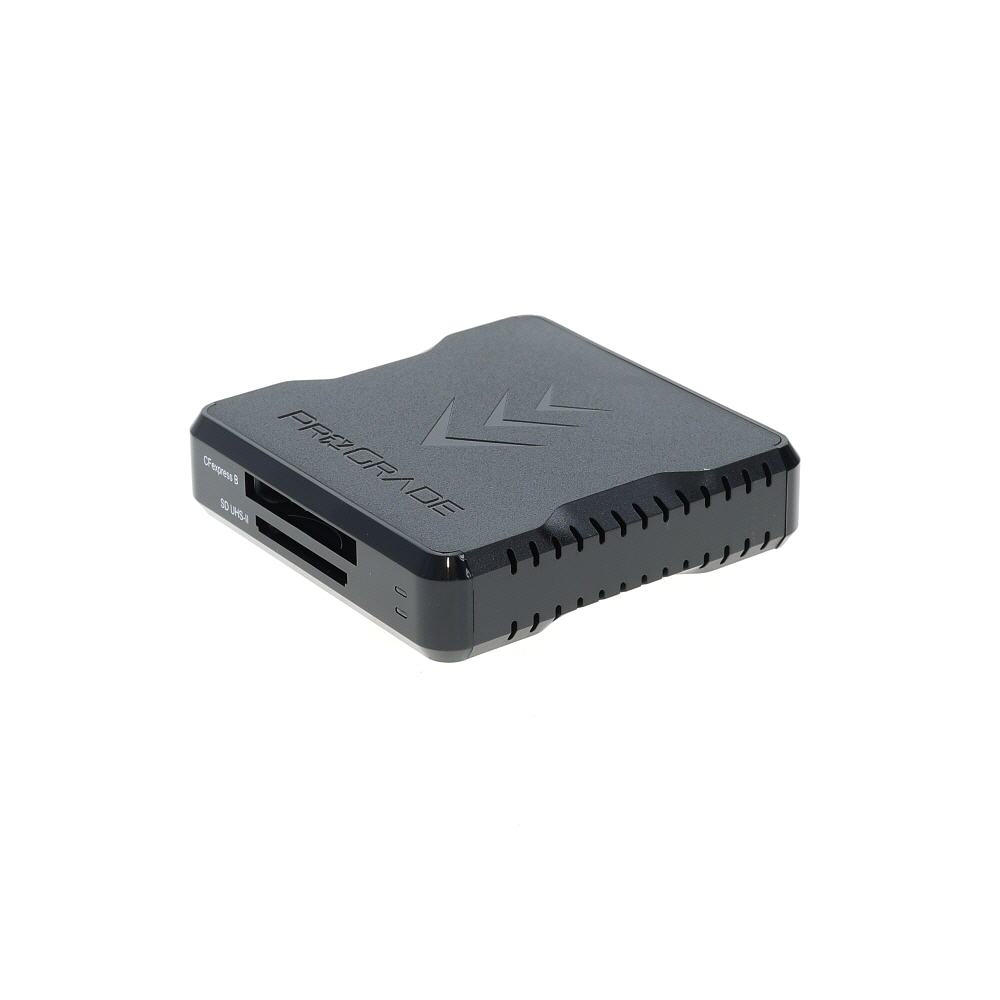


Another popular option is the CompactFlash (CF) card, which is known for its durability and fast read/write speeds. CF cards are commonly used in professional-grade cameras and offer higher storage capacities compared to SD cards.
Choosing the Right Memory Card
When it comes to choosing a memory card for your digital camera, there are a few key factors to consider. The type of memory card you need will depend on the specific requirements of your camera and how you plan to use it.
| Memory Card Type | Compatibility | Capacity |
|---|---|---|
| SD (Secure Digital) | Most common type, widely compatible | Available in various capacities |
| microSD | Used in smaller devices, may require an adapter | Available in smaller capacities |
| CompactFlash | Used in professional cameras, fast read/write speeds | Available in larger capacities |
It’s important to check your camera’s specifications to see which type of memory card is recommended. Additionally, consider the capacity you need based on how many photos and videos you plan to store. Remember that higher capacity cards can store more data but may be more expensive.
Overall, choosing the right memory card is essential for ensuring smooth operation and optimal performance of your digital camera. Take the time to research and select the best option for your specific needs.
Types of Memory Cards
When choosing a memory card for your digital camera, it’s important to consider the type of card that is compatible with your device. There are several types of memory cards available on the market, each with its own advantages and disadvantages.

1. SD (Secure Digital) Card: SD cards are one of the most common types of memory cards used in digital cameras. They are available in various storage capacities and are widely supported by most camera manufacturers.
2. microSD Card: A smaller version of the SD card, microSD cards are commonly used in compact devices such as smartphones and action cameras. They can also be used in digital cameras with an adapter.
3. CompactFlash (CF) Card: CF cards are larger and more robust than SD cards, making them ideal for professional photographers and those who require fast data transfer speeds.
4. XQD Card: XQD cards are a newer type of memory card that offer faster read and write speeds compared to other formats. They are commonly used in high-end digital cameras.
5. Memory Stick: Memory Stick cards are proprietary to Sony devices and are not as widely supported as other formats. They are commonly used in Sony digital cameras and camcorders.
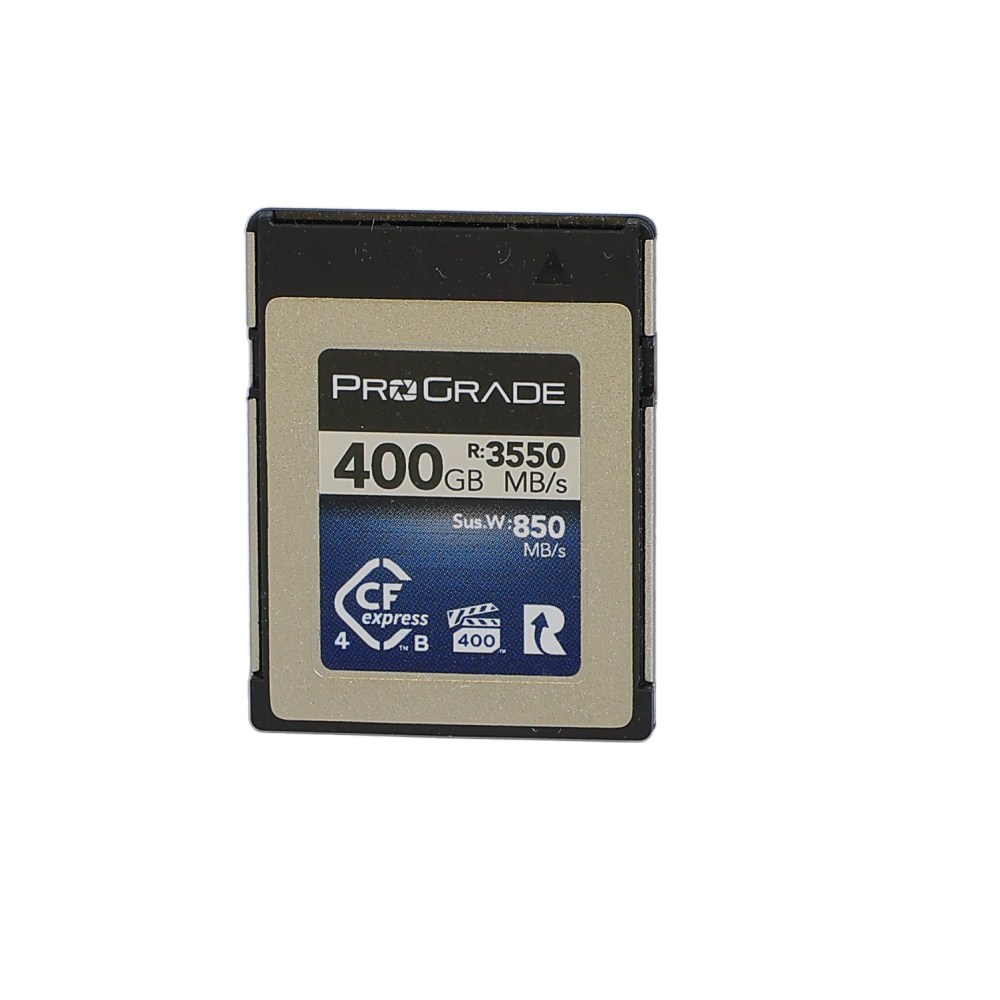
Before purchasing a memory card for your digital camera, make sure to check the compatibility with your device and consider factors such as storage capacity, speed, and brand reputation.
Compatibility with Your Camera
When choosing a memory card for your digital camera, it is essential to ensure compatibility with your specific camera model. Different cameras may require different types of memory cards, such as SD, SDHC, or CF cards. Check your camera’s manual or manufacturer’s website to determine the type of memory card recommended for your camera.
It is also important to consider the storage capacity and speed of the memory card. Make sure the card has enough storage capacity to accommodate the size of the files your camera produces. Additionally, a faster card may be necessary if you shoot high-resolution photos or videos or if you frequently capture fast-moving subjects.
Storage Capacity Considerations
When choosing a card for your digital camera, it’s important to consider the storage capacity of the card. The storage capacity of a card is measured in gigabytes (GB) and determines how many photos and videos you can store on the card before it gets full.
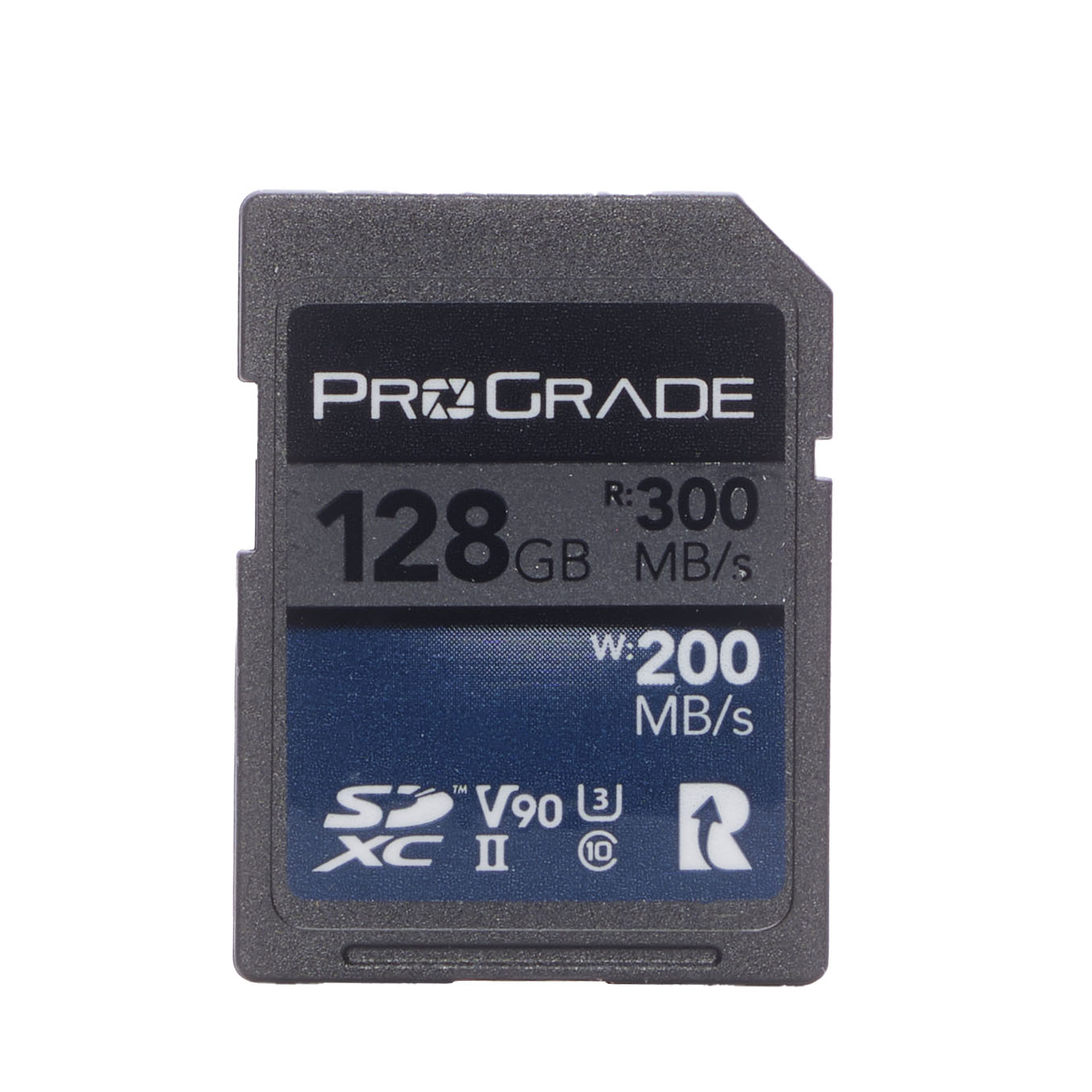
Higher capacity cards, such as 32GB, 64GB, or even 128GB, allow you to store more photos and videos without having to frequently transfer them to a computer or other storage device. However, higher capacity cards also tend to be more expensive.

Factors to Consider:
1. Number of photos and videos you plan to take
2. Size and resolution of your photos and videos
3. Frequency of transferring files to another storage device
It’s important to strike a balance between storage capacity and cost to ensure you have enough space for your needs without overspending on a card that is larger than necessary.
| Card Capacity | Approximate Number of Photos (12MP) | Approximate Video Recording Time (1080p) |
|---|---|---|
| 16GB | Approx. 4000 | Approx. 2 hours |
| 32GB | Approx. 8000 | Approx. 4 hours |
| 64GB | Approx. 16000 | Approx. 8 hours |
Speed Class Ratings
When choosing a memory card for your digital camera, one important factor to consider is the speed class rating. Speed class ratings indicate the minimum sustained write speed of the card, which is crucial for capturing high-resolution photos and videos without any lag or buffering.

There are different speed class ratings for memory cards, such as Class 2, Class 4, Class 6, Class 10, UHS Speed Class 1 (U1), and UHS Speed Class 3 (U3). The higher the class number, the faster the card’s write speed. For most digital cameras, a Class 10 card or higher is recommended to ensure smooth performance when shooting in burst mode or recording high-definition videos.
It’s essential to check your camera’s specifications to determine the minimum speed class rating required for optimal performance. Investing in a high-speed memory card will not only improve your camera’s performance but also provide faster transfer speeds when transferring files to your computer or other devices.
Reliability and Durability
When choosing a memory card for your digital camera, it is important to consider the reliability and durability of the card. Look for cards from reputable brands that have a track record of producing high-quality products. These cards are more likely to be reliable and less likely to fail, resulting in lost photos or videos.
Additionally, consider the durability of the memory card. Some memory cards are designed to be more robust and able to withstand physical damage, such as drops or water exposure. If you are using your digital camera in outdoor or rugged environments, opt for a memory card that is designed to be durable.
Final Tips for Using Memory Cards
When using memory cards in your digital camera, there are a few final tips to keep in mind to ensure optimal performance and longevity:
- Always format your memory card in your camera before using it for the first time to ensure compatibility.
- Make sure to properly eject the memory card from your camera or computer to avoid data corruption.
- Store your memory cards in a protective case to prevent damage from dust, moisture, and physical impact.
- Avoid using the same memory card in multiple devices to prevent potential compatibility issues.
By following these tips, you can maximize the lifespan of your memory cards and ensure reliable performance for all your photography needs.
FAQ
What type of memory card is compatible with most digital cameras?
Most digital cameras use SD (Secure Digital) cards or microSD cards with an adapter. These cards are widely available and come in various capacities to suit different needs.
Can I use a memory card with a higher capacity than what is recommended for my digital camera?
It is generally safe to use a memory card with a higher capacity than what is recommended for your digital camera. However, some older camera models may have limitations on the maximum capacity they can support. It is always a good idea to check your camera’s specifications to ensure compatibility with higher capacity memory cards.




I recently switched to using a CompactFlash card in my professional camera. The speed is noticeably better than the SD card I was using before. I can shoot in burst mode without any lag, which is great for capturing fast action shots. However, I find that CF cards can be more expensive and harder to find. Has anyone else made this switch?
I've used CF cards too, and I agree they are faster. But I still prefer SD cards for casual shooting because they are easier to manage and cheaper.
What type of SD card would you recommend for a beginner's DSLR? I've heard there are different classes and speeds. How important is that?
Can anyone clarify if using a higher capacity card can affect performance? For example, will a 128GB card work slower than a 32GB card?
In general, a higher capacity card should not affect performance if it meets the required speed class for your camera. However, very large cards can sometimes have slower write speeds in older devices, so it's best to check compatibility.