
 Carmen J. Moore

Digital Camera Raw Compatibility Update is a software update provided by camera manufacturers or software developers to ensure that the raw image files produced by digital cameras are compatible with a wide range of photo editing software.
Raw image files contain unprocessed image data captured by the camera’s sensor, providing greater flexibility and control over the final image compared to JPEG files. However, different camera models use different raw file formats, and software applications need to be updated to support these formats.
Raw Compatibility Updates typically include support for new camera models, improvements in image quality, and bug fixes. They allow photographers to work with their raw files in popular editing programs like Adobe Photoshop, Lightroom, or Capture One without any compatibility issues.
Learn About Digital Camera Raw Compatibility Update
The Digital Camera Raw Compatibility Update is a software update provided by Apple that adds support for new digital camera models to be used with Apple’s software applications, such as iPhoto and Aperture. This update allows users to import and edit raw image files from their digital cameras directly in Apple’s software programs.

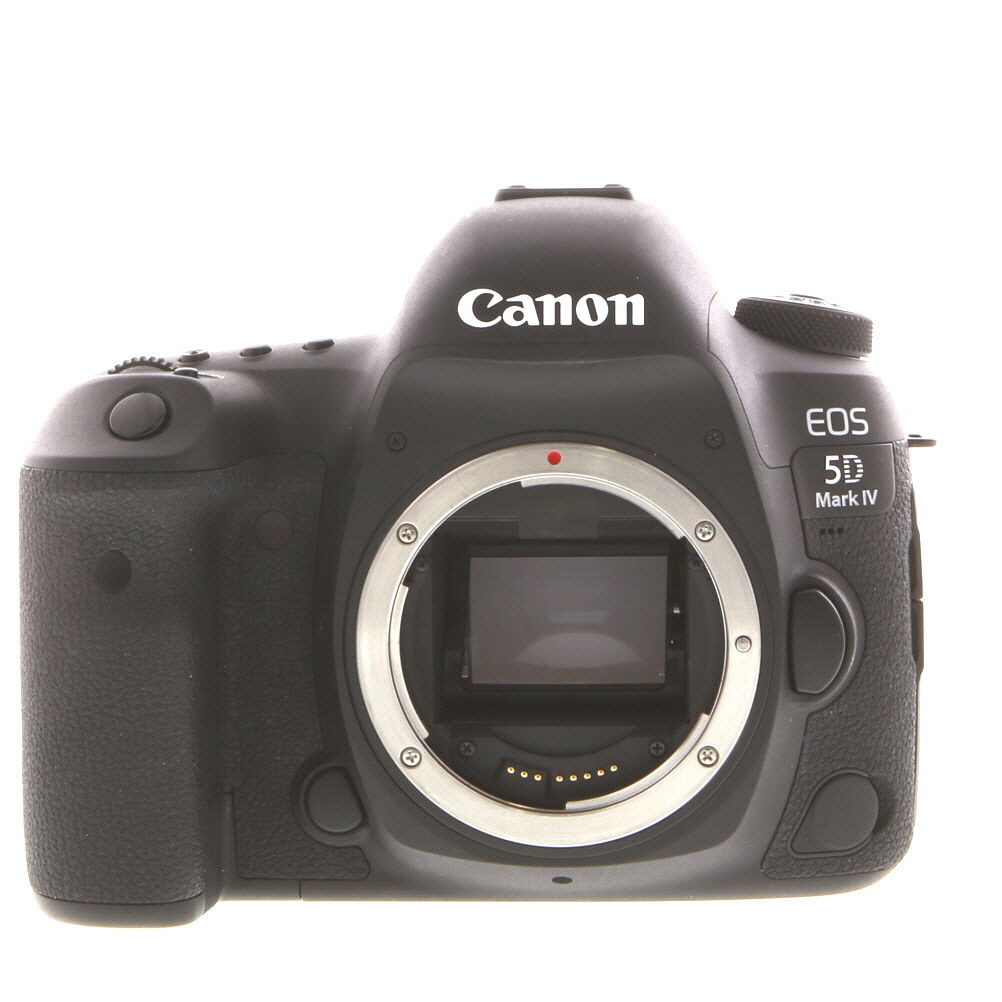


Raw image files contain unprocessed data captured by the camera’s sensor, providing higher quality and more flexibility for editing compared to JPEG files. With the Digital Camera Raw Compatibility Update, users can take advantage of this raw data to make more precise adjustments to their photos, such as white balance, exposure, and color correction.
It is important to regularly check for updates to ensure that your digital camera is compatible with Apple’s software applications and to take full advantage of the features and capabilities of your camera. The Digital Camera Raw Compatibility Update is a simple and easy way to stay up-to-date with the latest camera models and software improvements.
Benefits of Camera Raw Support
Camera Raw support offers several benefits for photographers and graphic designers, including:
- Preservation of image quality: Camera Raw files retain all the original data captured by the camera sensor, allowing for greater flexibility in post-processing without losing image quality.
- Enhanced control: Camera Raw provides advanced tools for adjusting exposure, white balance, contrast, and other settings with precision, giving users more control over their final images.
- Non-destructive editing: Camera Raw edits are non-destructive, meaning the original image data is preserved and can be reverted to at any time, allowing for experimentation without fear of losing the original image.
- Compatibility with a wide range of cameras: Camera Raw updates ensure compatibility with the latest camera models, allowing users to work with raw files from a variety of cameras without limitations.
- Improved workflow efficiency: Camera Raw integration with Adobe Photoshop and other software streamlines the editing process, making it easier to import, edit, and export raw files seamlessly.
How to Install Camera Raw Update
Installing Camera Raw update is a simple process that ensures your digital camera is compatible with your device. Follow these steps to update Camera Raw:
Step 1: Check Compatibility
Before installing the update, make sure that your digital camera is supported by the Camera Raw update. Visit the official website of the camera manufacturer to check for compatibility.

Step 2: Download the Update
Go to the official website of the camera manufacturer or the Adobe website to download the Camera Raw update. Make sure to download the correct update version for your camera model and operating system.
| Operating System | Camera Raw Update Link |
| Windows | Link to Windows Camera Raw Update |
| Mac OS | Link to Mac OS Camera Raw Update |
Once the download is complete, double-click the downloaded file to start the installation process.
Compatibility with Camera Models
The Digital Camera RAW Compatibility Update ensures that your Mac can support the raw image formats produced by various camera models. Some of the camera models that may benefit from this update include:
- Canon EOS R5
- Nikon Z6 II
- Sony Alpha 7S III
- Fujifilm X-T4
By installing this update, you can seamlessly import and edit raw images from these and other supported camera models in applications like Photos and Aperture on your Mac.
Why Camera Raw Update is Important
Camera Raw Update is essential for digital photographers as it ensures compatibility between their digital cameras and software applications. Camera Raw files contain unprocessed image data captured by the camera’s sensor, providing photographers with greater flexibility and control over the editing process.
By regularly updating Camera Raw, photographers can access the latest features, improvements, and bug fixes that enhance their workflow and image quality. Compatibility updates ensure that new camera models are supported, allowing photographers to work with their RAW files seamlessly without any issues.
Without Camera Raw compatibility updates, photographers may encounter compatibility issues, rendering their RAW files inaccessible or causing editing problems. Therefore, staying up-to-date with Camera Raw updates is crucial for maintaining a smooth and efficient photography workflow.
Enhancements in Camera Raw Update
The Camera Raw compatibility update enhances the performance and compatibility of digital camera raw files in Adobe applications. It includes support for new camera models, improved color rendering, and better noise reduction algorithms. The update also adds new lens profiles for correcting distortion and chromatic aberrations, as well as updates to existing profiles for improved accuracy. These enhancements ensure that photographers can achieve the best possible results when working with raw files in Adobe software.
Future Updates and Improvements
The digital camera raw compatibility update is continuously evolving to provide support for the latest camera models and improve compatibility with various editing software. Apple regularly releases updates to ensure that users can seamlessly work with raw image files from a wide range of digital cameras. Future updates may include enhancements to performance, additional camera support, and bug fixes to address any issues that users may encounter. By keeping your system up to date with the latest compatibility updates, you can ensure a smooth editing workflow and access the full potential of your raw images.
Camera Raw Update for Different Software
Camera Raw updates are essential for ensuring compatibility between your digital camera’s raw files and various software applications. Different software programs require specific Camera Raw updates to properly recognize and process raw image files. Here is a list of popular software applications that may require Camera Raw updates:

| Software | Camera Raw Update Required |
|---|---|
| Adobe Photoshop | Regular Camera Raw updates are released to support new camera models and provide enhanced compatibility. |
| Adobe Lightroom | Camera Raw updates are often necessary to ensure seamless integration with the latest camera models and raw file formats. |
| Capture One | Camera Raw updates may be needed to enable support for specific camera models and optimize raw file processing. |
| Phase One Media Pro | Camera Raw updates can improve compatibility with new camera models and enhance raw file rendering capabilities. |
By regularly updating your Camera Raw software, you can ensure that your digital camera’s raw files are fully supported and compatible with the latest software applications, enabling you to achieve the best results in your photography workflow.
FAQs About Camera Raw Update
What is Camera Raw Update?
Camera Raw Update is a software update provided by Adobe that adds support for new camera models and lenses to Adobe Camera Raw, allowing users to open and edit raw image files from these new devices.
Why do I need Camera Raw Update?
If you have a new camera model that is not supported by the current version of Adobe Camera Raw, you will need to install the Camera Raw Update to be able to open and edit raw files from that camera.

How do I install Camera Raw Update?
To install Camera Raw Update, you can download the update from the Adobe website and follow the instructions provided. Alternatively, you can use the Adobe Creative Cloud application to update Camera Raw automatically.
How often is Camera Raw Update released?
Adobe typically releases Camera Raw Updates several times a year to add support for new camera models and lenses. It is recommended to check for updates regularly to ensure that your software is up to date.
FAQ
What is the purpose of the digital camera raw compatibility update?
The digital camera raw compatibility update is designed to ensure that your Mac can read and process raw image files from various digital cameras. This update adds support for new camera models and ensures that your Mac’s operating system can handle the latest raw formats.
How do I know if I need to install the digital camera raw compatibility update?
If you are using a digital camera that is not supported by your current Mac system, you may encounter issues when trying to import or view raw image files. To check if you need the update, you can visit the Apple website and look for the list of supported cameras for your specific Mac model. If your camera is not on the list, you may need to install the compatibility update.
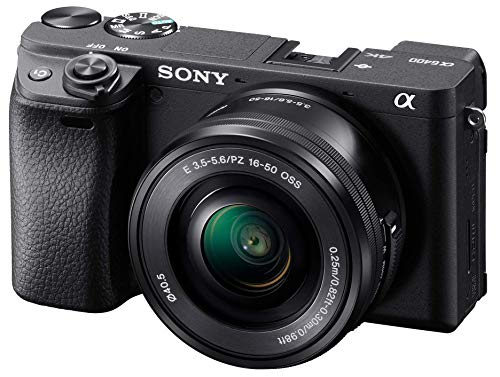


I'm curious about how often these Camera Raw updates are released. Is it a regular schedule or does it depend on new camera releases?
I think the updates can be a bit overwhelming. Sometimes it feels like every time I turn around there's a new update, and I worry about losing features I liked from the older versions. Has anyone else felt this way?
I can see where you're coming from. It does take time to adjust to new features. But I've found that most updates actually improve the workflow once you get used to them.
I recently updated my Camera Raw for my Canon EOS R5. The new features are really impressive! I noticed that the color rendering is much better, especially in the shadows. Also, the non-destructive editing feature gives me more confidence while experimenting with my photos. I've been using Lightroom for a while, but this update made my editing workflow smoother. Highly recommend keeping your Camera Raw updated!
Does the Camera Raw update also improve editing tools, like sharpening and noise reduction?