
 Carmen J. Moore

Have you ever wondered what the term “diopter” means when it comes to digital cameras? If you’re new to photography or just want to understand your camera better, it’s essential to grasp the concept of diopter and its significance in capturing sharp images.

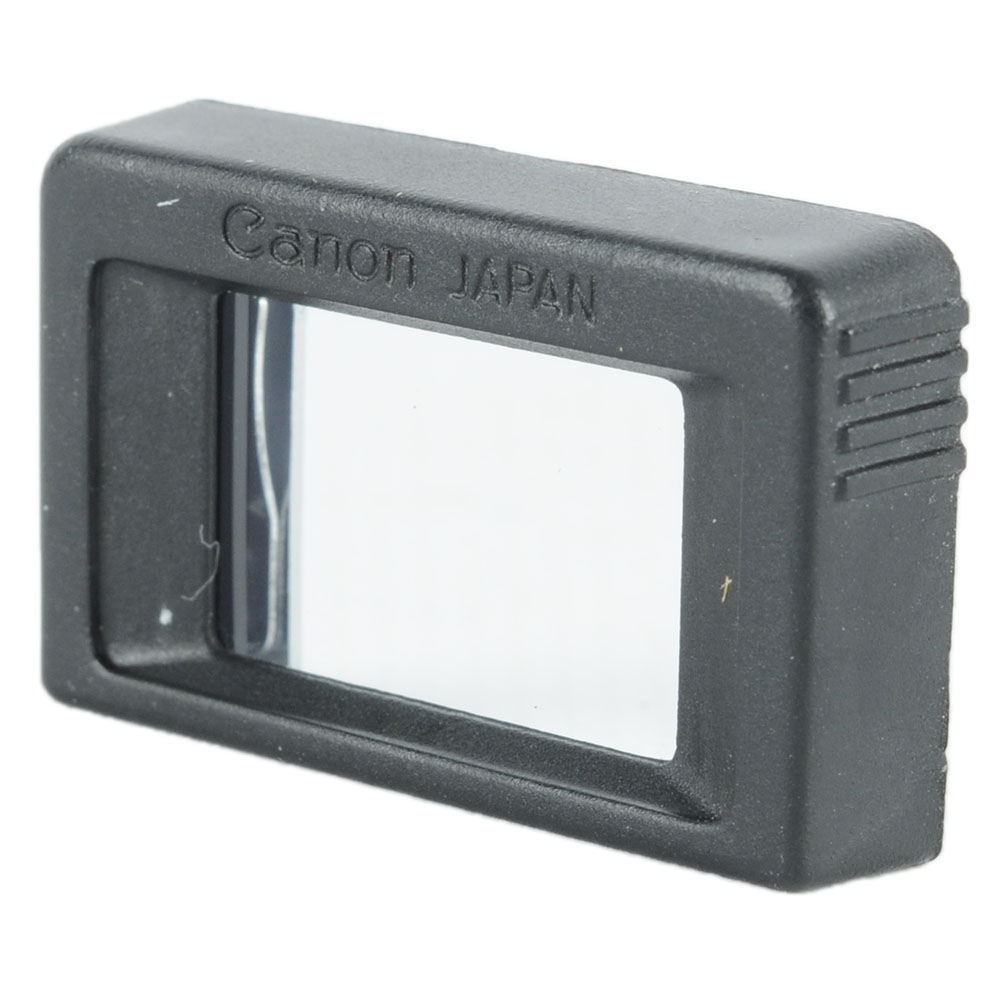


In simple terms, a diopter is a unit of measurement that indicates the strength of the lens or viewfinder’s optical system in a camera. It plays a crucial role in adjusting the focus of the viewfinder to match your eyesight, ensuring that the image you see is sharp and clear.
Understanding how to set the diopter on your digital camera can help improve your photography skills and enhance your overall shooting experience. By correctly calibrating the diopter, you can achieve accurate focus and composition, leading to better-quality photos.
Understanding Diopter Adjustment
When using a digital camera, the diopter adjustment is a feature that allows you to customize the viewfinder to match your eyesight. The diopter adjustment is especially useful for photographers who wear glasses or contact lenses, as it helps to ensure that the view through the viewfinder is sharp and clear.
To adjust the diopter on your camera, locate the diopter dial near the viewfinder. Look through the viewfinder and turn the diopter dial until the scene appears sharp and in focus. This adjustment is crucial for achieving accurate focus and composition in your photos.
Definition of Diopter Setting
The diopter setting on a digital camera is a feature that allows users to adjust the focus of the viewfinder to match their individual eyesight. It is particularly useful for photographers who wear glasses or contact lenses, as it helps them see the scene in focus without having to rely solely on the camera’s autofocus system. By adjusting the diopter setting, users can ensure that the viewfinder image appears sharp and clear, making it easier to compose and capture photos accurately.

Importance of Diopter on Camera
The diopter on a camera is a crucial feature that allows photographers to adjust the viewfinder to match their eyesight. By adjusting the diopter, photographers can ensure that what they see through the viewfinder is clear and in focus, making it easier to compose their shots accurately.
Having a properly adjusted diopter is especially important for photographers who wear glasses or contact lenses, as it allows them to compensate for their vision correction and see the scene clearly without any distortion. This can make a significant difference in the quality of the images captured, as accurate focusing is essential for sharp and well-composed photos.
Overall, the diopter on a camera plays a vital role in helping photographers achieve the best possible results by ensuring that they have a clear view of the scene they are capturing, allowing them to focus accurately and compose their shots with precision.
How to Adjust Diopter on Digital Camera
Step 1: Locate the diopter adjustment dial near the viewfinder on your digital camera. It is usually a small wheel or slider that can be turned or moved.
Step 2: Look through the viewfinder and focus on a subject. Make sure the image is sharp and clear.
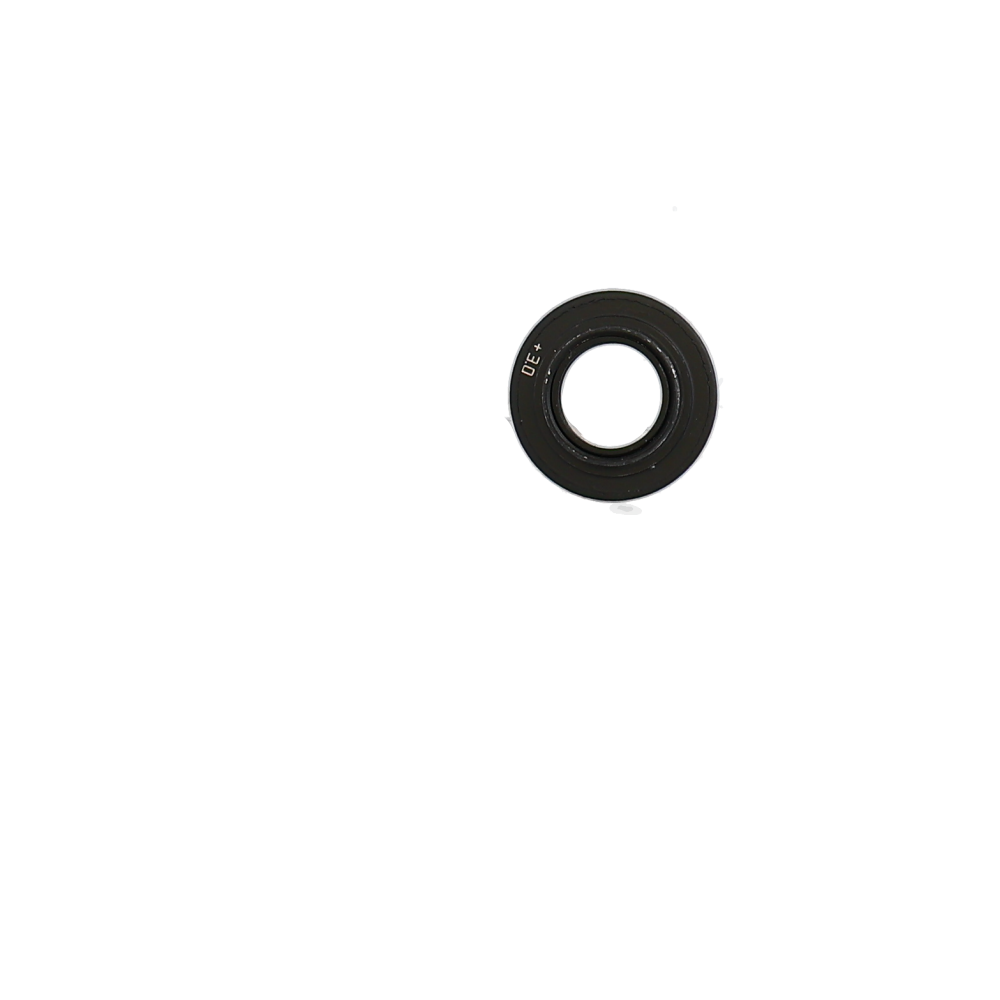
Step 3: While looking through the viewfinder, adjust the diopter dial until the text or image in the viewfinder appears sharp to your eyes. You may need to move the dial back and forth until you find the right setting.
Step 4: Once you have adjusted the diopter, double-check the focus by taking a few test shots and reviewing them on the camera’s LCD screen.
Step 5: If the image is still not sharp, repeat the process of adjusting the diopter until you achieve the desired clarity.
Note: It’s important to adjust the diopter to match your eyesight, especially if you wear glasses or contact lenses. This will ensure that you can accurately focus and compose your shots when using the viewfinder.
Effects of Incorrect Diopter Settings
Having the correct diopter setting on your digital camera is crucial for achieving sharp and clear images. If the diopter setting is incorrect, you may experience the following effects:

1. Blurry Images: An incorrect diopter setting can cause your images to appear blurry or out of focus. This is because the viewfinder is not properly adjusted to your eyesight, resulting in a lack of sharpness in your photos.
2. Eye Strain: Using a digital camera with an incorrect diopter setting can lead to eye strain and discomfort. This is because your eyes are forced to work harder to focus on the viewfinder, leading to fatigue and potential headaches.
3. Difficulty in Framing: A misaligned diopter setting can make it challenging to compose your shots accurately. This can result in poorly framed images and missed opportunities for capturing the perfect moment.
It is essential to ensure that your diopter setting is correctly adjusted to your eyesight to avoid these negative effects and achieve optimal image quality.
Common Issues with Diopter Adjustment
While diopter adjustment is a helpful feature on digital cameras, there are some common issues that users may encounter:

- Incorrect Adjustment: One of the most common issues is setting the diopter adjustment incorrectly. This can result in blurry images even if the camera settings are correct.
- Lack of Awareness: Some users may not be aware of the diopter adjustment feature or how to use it effectively, leading to frustration with focusing issues.
- Physical Limitations: Individuals with vision impairments may find it challenging to adjust the diopter to a level that suits their eyesight, limiting the effectiveness of the feature.
- Environmental Factors: Changes in lighting conditions or shooting environments can impact the effectiveness of the diopter adjustment, requiring constant readjustment.
- Compatibility: Not all digital cameras have a diopter adjustment feature, which can be a limitation for users who rely on this function for clear and sharp images.
Expert Tips for Diopter Adjustment
Adjusting the diopter on your digital camera is a crucial step to ensure sharp and clear images, especially if you wear glasses or contact lenses. Here are some expert tips to help you make the most of this feature:
1. Understand the Diopter: The diopter adjustment on a camera allows you to customize the viewfinder’s focus to match your eyesight. It is usually a small dial near the viewfinder.
2. Start with the Viewfinder: Before adjusting the diopter, make sure the viewfinder is clean and free from dust or smudges. This will help you see the image clearly.
3. Use a Reference Point: To find the correct diopter setting, look through the viewfinder at a well-defined object and adjust the diopter until the image appears sharp and in focus.
4. Take Your Time: Fine-tuning the diopter may require some trial and error. Be patient and take your time to find the perfect setting for your eyes.
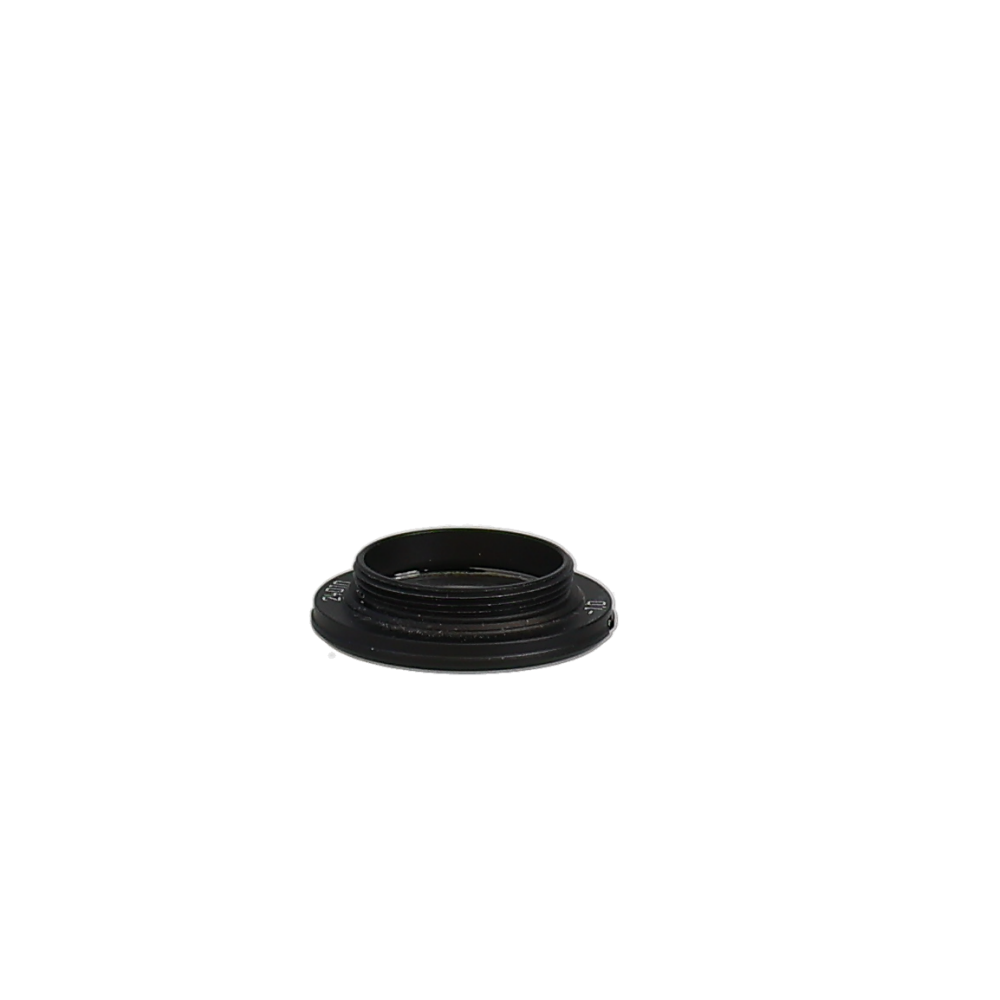
5. Check Regularly: Your eyesight may change over time, so it’s essential to check and readjust the diopter periodically to ensure optimal focus.
By following these expert tips, you can make the most of the diopter adjustment on your digital camera and capture sharp, crisp images with ease.
FAQ
What is a diopter on a digital camera?
A diopter on a digital camera is a small adjustment knob or dial usually located near the viewfinder that allows you to adjust the focus of the viewfinder to match your eyesight. It helps those who wear glasses or have vision impairments to see clearly through the viewfinder without wearing their glasses.
How do I use the diopter on a digital camera?
To use the diopter on a digital camera, first, look through the viewfinder and adjust the focus by turning the diopter dial until the scene appears sharp and clear to your eyes. Make sure to do this adjustment without wearing glasses if you normally use them, as the diopter compensates for your eyesight.
Can the diopter adjustment affect the sharpness of the photos I take with the digital camera?
No, the diopter adjustment on a digital camera only affects the focus of the viewfinder and does not impact the sharpness of the actual photos you take. It is a personal adjustment to ensure that you can see the scene clearly through the viewfinder when composing your shots.




I have a DSLR and adjusting the diopter made a huge difference for me. I wear glasses and used to struggle with getting a clear image in the viewfinder. Once I found the right setting, it felt like a whole new camera! I just wish I had learned about this feature sooner.
I’ve heard a lot about diopters but never really understood how to adjust them properly. Can someone explain the process a bit more? How do I know if I’ve set it right?
Good question! The adjustment is all about making sure what you see through the viewfinder is clear. You should look at something sharp, then turn the diopter dial until that object is in focus for your eyes.