
 Carmen J. Moore

Canon PowerShot SX210 IS is a versatile digital camera that offers a range of features for capturing high-quality photos and videos. Whether you are a beginner or an experienced photographer, this camera can help you take your photography to the next level. In this article, we’ll explore how to use the Canon PowerShot SX210 IS effectively to get the best results.
First and foremost, familiarize yourself with the camera’s basic controls and settings. The PowerShot SX210 IS features a user-friendly interface with intuitive buttons and menus that make it easy to navigate. Take some time to read the camera’s manual and experiment with different settings to understand how they affect your photos.

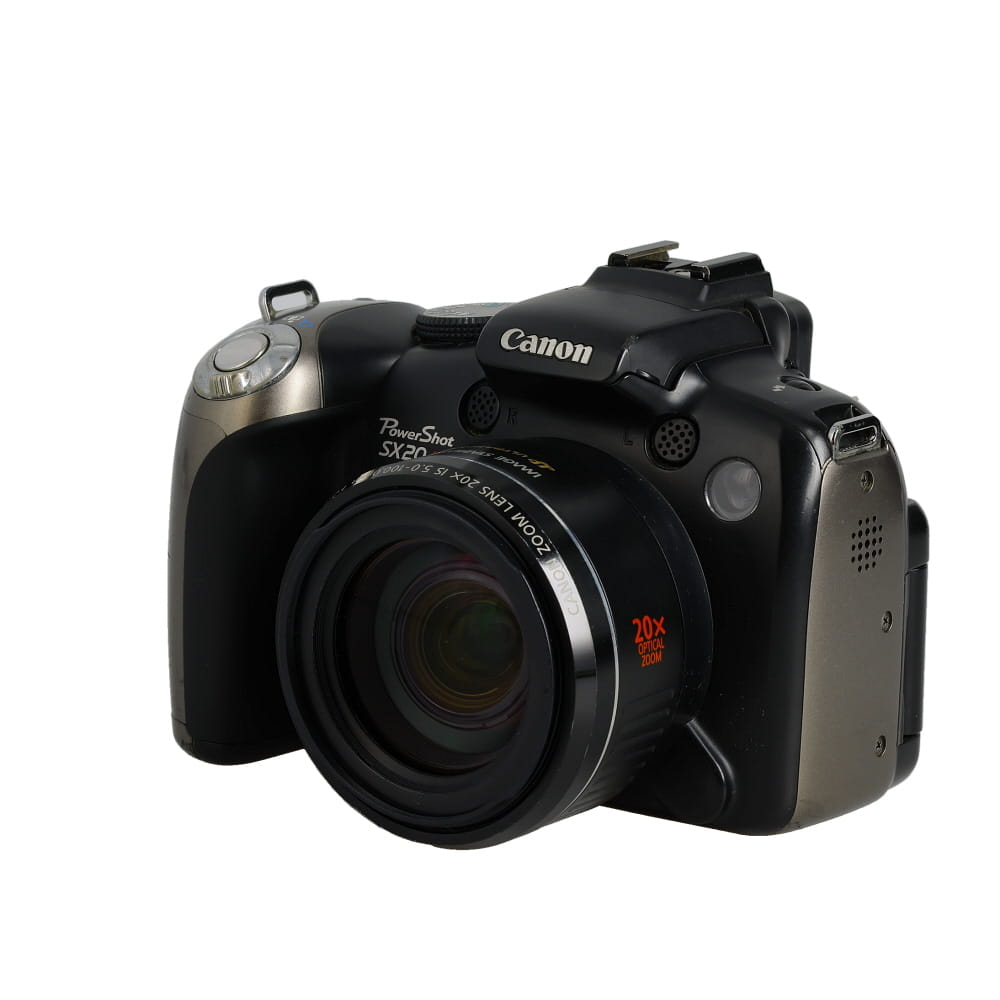


When taking photos with the Canon PowerShot SX210 IS, pay attention to composition and lighting. Use the camera’s zoom function to get close-up shots or capture wide-angle scenes. Experiment with different shooting modes, such as portrait, landscape, and macro, to achieve the desired effect.
Overview of Canon Powershot SX210 IS
The Canon Powershot SX210 IS is a compact digital camera that offers users a range of features to enhance their photography experience. With a 14.1 megapixel sensor, 14x optical zoom, and image stabilization technology, this camera delivers high-quality images with sharp detail and vibrant colors.
Equipped with a 3.0-inch LCD screen, the Powershot SX210 IS allows for easy framing and reviewing of images. It also offers various shooting modes, including Smart Auto, which automatically selects the best settings for the scene, as well as manual controls for those who want more creative freedom.
Key Features:
- 14.1 Megapixel Sensor: Capture detailed images with high resolution.
- 14x Optical Zoom: Get closer to your subjects without compromising image quality.
- Image Stabilization: Minimize blur caused by camera shake for sharp photos.
- 3.0-inch LCD Screen: Easily compose and review your shots.
- Smart Auto Mode: Let the camera do the work and choose the best settings for you.
Features and Functions of Canon Powershot SX210 IS
The Canon Powershot SX210 IS is a versatile digital camera that offers a range of features and functions to enhance your photography experience. Here are some of the key features of this camera:
1. 14.1 Megapixel Resolution
The SX210 IS boasts a 14.1-megapixel resolution, allowing you to capture high-quality images with excellent detail and clarity.

2. 14x Optical Zoom
With a 14x optical zoom lens, you can get up close to your subject without sacrificing image quality. This feature is ideal for capturing distant subjects or shooting close-up shots.
These are just a few of the many features and functions that the Canon Powershot SX210 IS has to offer. Whether you are a beginner or an experienced photographer, this camera is a great option for capturing stunning photos and videos.
How to Take Photos with Canon Powershot SX210 IS
Canon Powershot SX210 IS is a versatile digital camera that allows you to capture stunning photos with ease. Here are some tips on how to take great photos with this camera:
| 1. Set the Mode Dial: | Choose the appropriate shooting mode on the mode dial based on your shooting conditions. Options include Auto, Program, and various scene modes. |
| 2. Frame Your Shot: | Compose your shot by using the LCD screen or the viewfinder. Pay attention to the framing and make sure your subject is in focus. |
| 3. Adjust Settings: | Use the camera’s settings to adjust exposure, white balance, ISO, and other parameters to suit your creative vision. |
| 4. Focus: | Press the shutter button halfway to focus on your subject. Once the focus is locked, press the button fully to take the shot. |
| 5. Use Image Stabilization: | Canon Powershot SX210 IS features image stabilization to reduce camera shake. Make sure to enable this feature for sharper images. |
| 6. Experiment with Different Angles: | Try shooting from different angles and perspectives to add interest to your photos. Get creative with your compositions. |
| 7. Review and Edit: | After taking photos, review them on the camera’s LCD screen. You can also transfer them to a computer for further editing and enhancement. |
Settings and Modes of Canon Powershot SX210 IS
The Canon Powershot SX210 IS comes with a variety of settings and modes that allow you to capture stunning images and videos. Here are some of the key settings and modes you should be familiar with:
1. Shooting Modes:
- Auto Mode: Ideal for beginners, the camera automatically adjusts settings for optimal results.
- Program Mode: Allows you to adjust settings like ISO, white balance, and exposure compensation.
- Scene Modes: Offers preset modes for specific shooting conditions like portrait, landscape, macro, etc.
- Manual Mode: Gives you full control over settings like aperture, shutter speed, and ISO.
2. Image Quality Settings:
- Image Size: Choose from various image sizes to suit your needs, from small to large.
- Image Compression: Adjust the level of compression to balance image quality and file size.
Experiment with these settings and modes to unleash the full potential of your Canon Powershot SX210 IS camera and capture amazing photos and videos.

Tips for Getting the Most Out of Canon Powershot SX210 IS
1. Familiarize Yourself with the Camera: Take the time to read the user manual and explore the various settings and features of the Canon Powershot SX210 IS. Understanding how the camera works will help you capture better photos.
2. Experiment with Different Modes: The camera offers various shooting modes such as Auto, Program, and Scene modes. Experiment with these modes to see which one works best for different situations.
3. Use Image Stabilization: The Canon Powershot SX210 IS comes with image stabilization technology to reduce camera shake and blur in photos. Make sure to turn this feature on when shooting in low light or using the zoom function.
4. Adjust Exposure Settings: Learn how to adjust the exposure settings such as aperture, shutter speed, and ISO to control the brightness and quality of your photos. Experiment with different settings to achieve the desired effect.
5. Get Creative with Composition: Explore different composition techniques such as rule of thirds, leading lines, and framing to create visually interesting photos. Don’t be afraid to try new angles and perspectives.

6. Practice Regularly: The more you practice using your Canon Powershot SX210 IS, the more comfortable you will become with its features. Take your camera with you wherever you go and practice capturing different subjects and scenes.
FAQ
How do I turn on the Canon PowerShot SX210 IS digital camera?
To turn on the Canon PowerShot SX210 IS digital camera, simply press the power button located on top of the camera. The power button is usually labeled with a small circle icon. Press and hold the button for a few seconds until the camera powers on and the LCD screen lights up.
Can I change the exposure settings on the Canon PowerShot SX210 IS digital camera?
Yes, you can change the exposure settings on the Canon PowerShot SX210 IS digital camera. To adjust the exposure, press the “Func./Set” button on the back of the camera to access the Function menu. From there, you can navigate to the exposure settings and make adjustments using the control dial or arrow buttons. You can change the aperture, shutter speed, ISO, and other settings to control the exposure of your photos.



Can someone clarify if the camera has a built-in flash? I didn’t see it mentioned in the article.
How does the image stabilization on the Canon PowerShot SX210 IS compare to other cameras in its class? I tend to shoot in low light a lot and I'm curious if it performs well.
The image stabilization on the Canon PowerShot SX210 IS is quite effective for its class, helping to minimize blurriness from camera shake, especially in low light. Many users have found it satisfactory for casual photography, but if you plan to do a lot of low light shooting, you might also consider looking into models with enhanced stabilization features.
I've had the Canon PowerShot SX210 IS for about a year now. Overall, it’s been a great camera for traveling. The 14x optical zoom is impressive, and I love how compact it is. I had some issues with the battery life initially, but now that I’m more aware of my usage and keep a spare battery, it’s not as much of a hassle. I also found that using the Smart Auto mode really does help in a pinch, especially when I’m in a rush to capture moments.
Great question! Many users find that while Smart Auto does a decent job in most situations, manual settings give you greater creative control over the final photo, especially in complex lighting scenarios.