
 Carmen J. Moore

Are you looking for a budget-friendly way to turn your digital camera into a dash cam? With the rise in popularity of dash cams for capturing road incidents, using your digital camera as a dash cam can be a cost-effective solution. By following a few simple steps, you can repurpose your digital camera to serve as a reliable dash cam for your car.
Using your digital camera as a dash cam can provide you with high-quality video recordings of your driving experiences, as well as any unexpected incidents on the road. Whether you want to document your scenic road trips or have evidence in case of accidents, repurposing your digital camera can be a practical and affordable option.
Before you begin, make sure your digital camera has the necessary features to function effectively as a dash cam. Look for a camera with a wide-angle lens, good low-light performance, and the ability to record video in loop mode. Additionally, make sure your camera has a reliable power source, such as a car charger or power bank, to ensure continuous recording while driving.
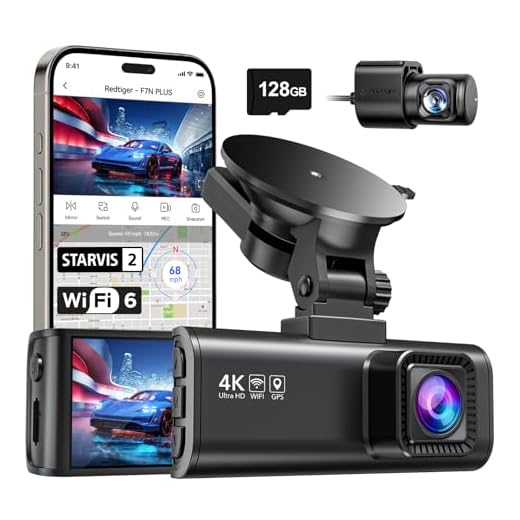

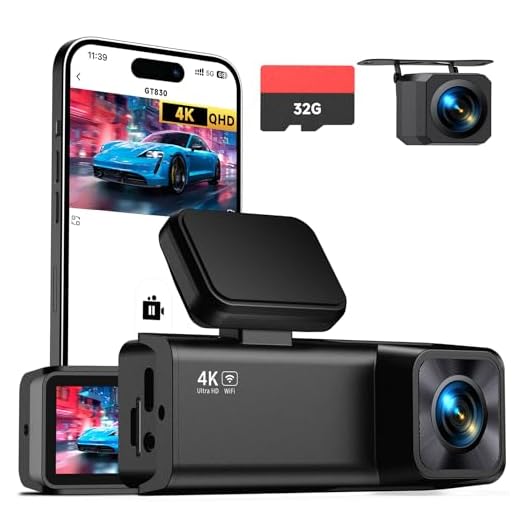
Benefits of Using a Digital Camera as a Dash Cam
There are several benefits to using a digital camera as a dash cam. Here are a few key advantages:
1. Cost-Effective Solution
Using a digital camera as a dash cam can be a cost-effective solution compared to purchasing a dedicated dash cam. Most digital cameras have a video recording feature that can capture footage of your driving without the need for additional equipment.
2. High-Quality Video Recording
Digital cameras often offer higher video quality compared to standard dash cams. This means that you can capture clearer footage of any incidents or accidents that may occur while driving. The high-resolution videos can be useful for insurance claims or legal purposes.
Convenient Setup and Installation
Setting up your digital camera as a dash cam is a straightforward process that requires minimal effort. First, ensure that your camera is fully charged and has enough storage space for recording. Next, mount the camera securely on your dashboard or windshield using a suction cup or adhesive mount.
Once the camera is mounted, adjust the angle to capture the entire road ahead. Make sure the camera is positioned in a way that does not obstruct your view while driving. Connect the camera to a power source using a USB cable or a car charger. Some cameras may require a separate memory card for recording, so make sure to insert one if needed.

Benefits of using a digital camera as a dash cam:
- Cost-effective: Using a digital camera you already own saves you from purchasing a dedicated dash cam.
- High-quality footage: Digital cameras often have better image quality compared to standard dash cams.
Cost-Effective Alternative to Traditional Dash Cams
Using a digital camera as a dash cam can be a cost-effective alternative to purchasing a traditional dash cam. Digital cameras are often more affordable and offer similar functionalities, such as recording video footage and capturing images.
Benefits of Using a Digital Camera as a Dash Cam:
Cost Savings: Digital cameras are generally more budget-friendly compared to dedicated dash cams, making them a cost-effective option for those on a tight budget.
Multi-Purpose Use: In addition to serving as a dash cam, digital cameras can also be used for capturing photos and videos in other settings, providing more value for your money.
By repurposing a digital camera as a dash cam, you can enjoy the benefits of having a recording device in your vehicle without breaking the bank.
High-Quality Video Recording Capabilities
Using a digital camera as a dash cam provides you with high-quality video recording capabilities that can capture clear footage of your driving experiences. Most digital cameras offer HD video recording options, allowing you to record in crisp detail and vibrant colors.
With a digital camera, you can adjust settings such as resolution, frame rate, and exposure to ensure that you capture the best possible footage. This gives you the flexibility to customize your recording preferences based on your driving conditions and personal preferences.
Wide Angle Lens for Comprehensive Coverage
One of the key features to consider when using a digital camera as a dash cam is the field of view. A wide angle lens provides a broader perspective, allowing you to capture more of the road ahead. This is crucial for comprehensive coverage and ensuring that all important details are recorded.
With a wide angle lens, you can capture more of the surrounding environment, including multiple lanes of traffic, pedestrians, and road signs. This can be especially useful in the event of an accident or incident, as it provides a more complete picture of what happened.
When selecting a digital camera to use as a dash cam, look for one with a wide angle lens to maximize coverage and ensure that you don’t miss any important details on the road.
Automatic Loop Recording Feature
One of the key features of using a digital camera as a dash cam is the automatic loop recording function. This feature ensures that your camera continuously records footage in a loop, overwriting the oldest files when the memory card is full. This way, you don’t have to worry about running out of storage space or manually deleting old files.

How it works:
Once you set up your digital camera as a dash cam and activate the loop recording feature, the camera will start recording video footage automatically. As the memory card fills up, the camera will automatically overwrite the oldest files with new recordings, ensuring that you always have the most recent footage available.
Benefits of loop recording:
- Continuous recording without the need to manually delete files
- Ensures that you always have the most recent footage available
- Helps save storage space on your memory card
GPS Functionality for Location Tracking
One of the key features of using a digital camera as a dash cam is its built-in GPS functionality. This allows the camera to track your location as you drive, providing valuable information such as speed, route, and time of travel. With GPS data, you can accurately record where and when any incidents or accidents occur on the road.
By utilizing the GPS feature, you can also view your driving route on a map, helping you to analyze your driving habits and improve your overall safety on the road. Additionally, GPS data can be crucial evidence in case of any disputes or insurance claims following an accident.
Make sure to enable the GPS functionality on your digital camera and set up any necessary settings for accurate location tracking. Regularly check the GPS data recorded by the camera to ensure that it is functioning correctly and capturing the information you need for your dash cam footage.
Impact Detection and G-Sensor Technology
Many modern digital cameras come equipped with G-sensor technology, which allows the camera to detect sudden changes in acceleration or deceleration. This feature is crucial for using a digital camera as a dash cam because it enables the camera to automatically save and lock footage in the event of an impact.

The G-sensor technology works by measuring the force of impact and determining if it is strong enough to indicate a collision. When the camera detects a significant impact, it triggers the G-sensor to save the current recording and prevent it from being overwritten by new footage. This ensures that important evidence of an accident is preserved for later review.
Benefits of Impact Detection and G-Sensor Technology:
- Automatically saves and locks footage in the event of a collision
- Preserves crucial evidence for insurance claims and legal purposes
- Enhances overall safety and security while driving
| Feature | Description |
|---|---|
| Impact Detection | Recognizes sudden changes in acceleration or deceleration |
| G-Sensor Technology | Automatically saves and locks footage upon impact detection |
Easy Access to Footage with Built-In Display
One of the advantages of using a digital camera as a dash cam is the built-in display that allows for easy access to footage. Many digital cameras come equipped with a screen that enables you to view the recordings directly on the device. This feature is particularly useful for reviewing footage on the spot or quickly locating a specific recording.
By utilizing the built-in display, you can easily navigate through the recorded videos, pause, rewind, or fast forward to find the exact moment you need. This convenience makes it simple to access and manage your footage without the need for additional equipment or software.
Versatile Use Beyond Dash Cam Functionality
While using your digital camera as a dash cam can be incredibly useful, its versatility extends far beyond just this one function. Here are some additional ways you can make the most out of your digital camera:
1. Photography
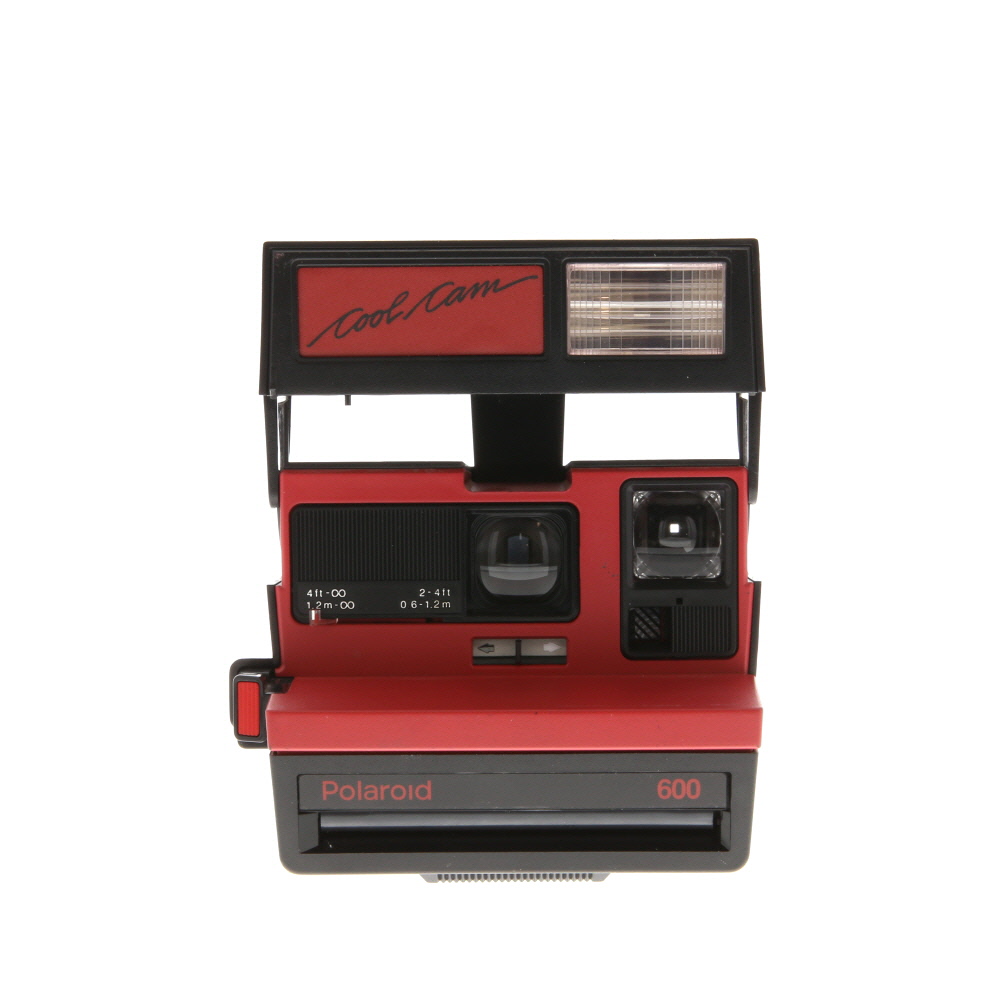
Of course, the primary function of a digital camera is for photography. Whether you’re capturing scenic landscapes, special moments with friends and family, or creative shots for social media, your digital camera can help you take high-quality photos.
2. Video Recording
Most digital cameras also come with video recording capabilities. You can use your camera to shoot videos of events, vacations, or even create short films. The high-quality video output can add a professional touch to your recordings.
- Time-Lapse Photography
- Live Streaming
- Webcam Functionality
FAQ
Can I use my digital camera as a dash cam?
Yes, you can use a digital camera as a dash cam by mounting it securely in your vehicle and setting it to record video while you drive. However, keep in mind that dash cams are specifically designed for this purpose and may offer additional features like loop recording and impact detection that a regular digital camera may not have.
What are the advantages of using a digital camera as a dash cam?
Using a digital camera as a dash cam can be a cost-effective solution if you already own a suitable camera. It allows you to record your driving footage, which can be useful in case of accidents or disputes on the road. Additionally, some digital cameras may offer high-quality video recording capabilities.
How do I set up my digital camera as a dash cam?
To set up your digital camera as a dash cam, you will need to mount it securely in your vehicle, ensure that it has a reliable power source (such as a car charger), and set it to record video continuously while you drive. You may also want to adjust the camera settings to optimize video quality and storage space.
What features should I look for in a digital camera to use as a dash cam?
If you plan to use a digital camera as a dash cam, consider looking for a camera that has a wide-angle lens to capture a broader view of the road, good low-light performance for night driving, and the ability to record in high definition. You may also want to choose a camera with a reliable power source and durable construction for use in a vehicle.

Are there any downsides to using a digital camera as a dash cam?
While using a digital camera as a dash cam can be a cheaper alternative, there are some downsides to consider. Regular digital cameras may not have features like loop recording, impact detection, or automatic saving of footage in case of accidents. Additionally, using a digital camera as a dash cam may not be as user-friendly or convenient as purpose-built dash cams.


I tried using my old DSLR as a dash cam last summer during a road trip. The video quality was incredible compared to standard dash cams! However, I found that battery life was an issue; I had to keep it plugged in. Just a heads up for anyone considering this option!
Thanks for sharing! Did you find a good way to securely mount it? I worry about it falling while driving.
I don't think using a digital camera is practical for everyone. Dedicated dash cams have features like night vision and easier setup that are worth the price.
What specific features should I look for in my digital camera to ensure it works well as a dash cam?