
 Carmen J. Moore
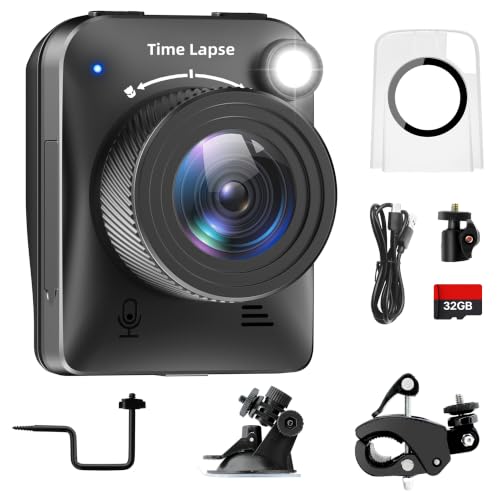
If you’ve ever wanted to capture the passage of time in a visually stunning way, creating your own time-lapse digital camera is a great DIY project to take on. Time-lapse photography allows you to condense hours, days, or even weeks into a short video clip, showcasing the changing world around you in a unique and captivating manner.
With the advancements in digital technology, building a time-lapse digital camera has become more accessible and affordable than ever before. By following a few simple steps and using readily available components, you can create a custom time-lapse camera that suits your needs and budget.
In this guide, we will walk you through the process of building your own time-lapse digital camera, from selecting the right camera and intervalometer to setting up the perfect time-lapse scene. Whether you’re a photography enthusiast looking to expand your skills or simply interested in exploring the world of time-lapse photography, this project is sure to offer a rewarding and creative experience.


Choosing the Right Camera
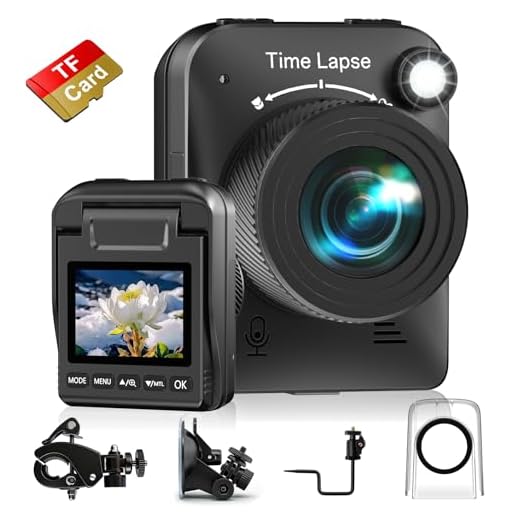
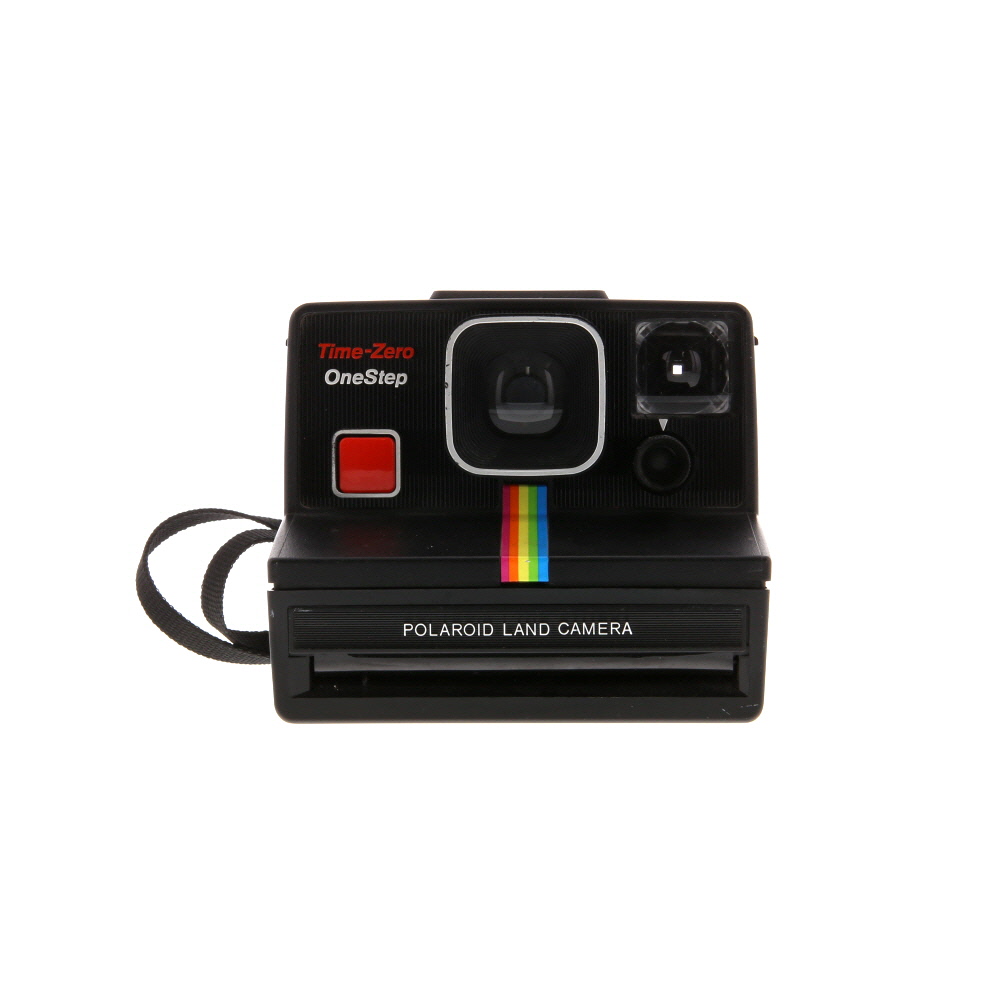
When selecting a camera for time lapse photography, there are several key factors to consider:
- Resolution: A higher resolution camera will produce clearer and more detailed time lapse videos.
- Battery Life: Look for a camera with a long battery life to ensure it can capture images for an extended period of time.
- Interval Shooting: Make sure the camera has interval shooting capabilities, allowing you to set the frequency of shots for your time lapse.
Additionally, consider the size and weight of the camera for portability, as well as any additional features such as built-in Wi-Fi or weatherproofing depending on your shooting conditions.
Setting Up Your Camera
Before you begin shooting your time lapse, it’s important to properly set up your camera. Follow these steps to ensure you capture high-quality footage:
- Choose a sturdy tripod to keep your camera stable throughout the shooting process.
- Set your camera to manual mode to have full control over the exposure settings.
- Adjust the white balance to match the lighting conditions of your shooting environment.
- Select a suitable interval for capturing images based on the speed of the motion you want to capture.
- Ensure your camera is fully charged or connected to a power source to avoid interruptions.
By setting up your camera correctly, you’ll be ready to start creating stunning time lapse videos.
Choosing the Right Location
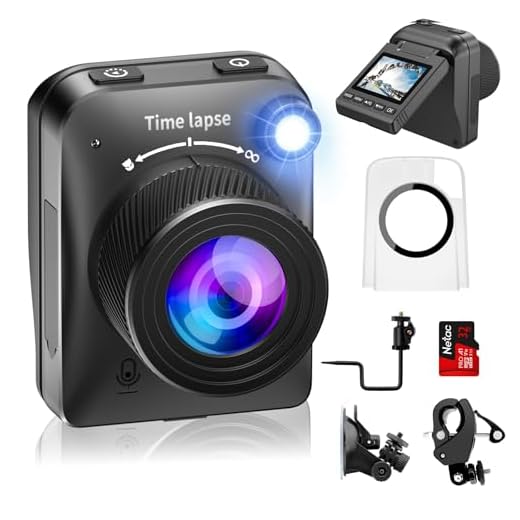
When selecting a location for your time lapse project, there are several key factors to consider:
- Scenery: Choose a location with interesting and dynamic scenery to capture visually stunning time lapse footage.
- Lighting: Consider the lighting conditions at different times of day to ensure optimal exposure and image quality.
- Accessibility: Select a location that is easily accessible so you can set up and monitor your camera without difficulty.
- Safety: Ensure the chosen location is safe and secure for both your camera equipment and yourself.
- Weather: Take into account the weather conditions in the area to protect your camera from rain, snow, or extreme temperatures.
Adjusting Camera Settings
Before you start capturing your time-lapse sequence, you need to adjust your camera settings for optimal results. Here are some key settings to consider:
| Resolution: | Set your camera to the desired resolution. Higher resolutions will result in sharper images but may require more storage space. |
| Exposure: | Adjust the exposure settings to ensure proper lighting conditions for your time-lapse. Experiment with different exposure times to achieve the desired effect. |
| Interval: | Determine the interval between shots based on the duration of your time-lapse sequence. Shorter intervals will result in smoother motion. |
| White Balance: | Set the white balance to match the lighting conditions of your scene. This will help maintain consistent colors throughout the sequence. |
| Focus: | Ensure your camera is focused on the subject of your time-lapse. Use manual focus to prevent the camera from refocusing between shots. |
By adjusting these camera settings, you can optimize the quality of your time-lapse sequence and capture stunning footage.
Setting the Interval
One of the key factors in creating a time lapse video is setting the interval at which your camera will take photos. The interval determines how often the camera will capture a frame, and it plays a crucial role in the final look of your time lapse.
When setting the interval, you need to consider the speed at which the subject is changing and how long you want the final video to be. A shorter interval will result in a smoother and faster time lapse, while a longer interval will create a slower and more gradual effect.
Choosing the Right Interval
It’s important to experiment with different interval settings to find the right balance for your specific project. Start with shorter intervals (e.g., 1-5 seconds) for fast-moving subjects or shorter time lapses, and longer intervals (e.g., 10-30 seconds) for slower-moving subjects or longer time lapses.
Tip: Consider using an intervalometer or a camera with built-in time lapse functionality to easily set and automate the interval settings for your time lapse project.
Power Source Considerations
When creating a time lapse digital camera, one of the most important considerations is the power source. Since the camera will be running for an extended period of time, you need to ensure that it has a reliable power supply. Here are some key points to consider:
Battery Life
Choose a high-capacity rechargeable battery that can provide enough power to run the camera for the desired duration. Make sure to calculate the estimated battery life based on the camera’s power consumption and adjust accordingly.
External Power Options
Consider using an external power source such as a power bank or AC adapter for longer time lapse projects. This will ensure that the camera stays powered without the need to constantly change batteries.
- Power Bank: Use a power bank with a high capacity and multiple output ports to keep the camera running for extended periods.
- AC Adapter: If the camera will be stationed in a fixed location, consider using an AC adapter to provide continuous power.
By carefully considering the power source for your time lapse digital camera, you can ensure that it operates smoothly and captures stunning time lapse sequences without interruptions.

Choosing the Right Software
When creating a time lapse digital camera, choosing the right software is crucial for a successful project. The software you select will determine the quality of your final time lapse video and the ease of editing and sharing your footage.
Look for software that is compatible with your camera and offers features such as interval shooting, image stabilization, and easy editing tools. Popular options include Adobe Premiere Pro, Final Cut Pro, and LRTimelapse.
Consider your skill level and the complexity of the software interface. Some programs are more user-friendly for beginners, while others offer advanced features for experienced users. Take the time to research and test different software options to find the best fit for your needs.
Processing Your Time-lapse
Once you have captured all the images for your time-lapse sequence, it’s time to process them. Here are the steps to follow:
- Transfer all your images to your computer.
- Organize the images in the correct sequence.
- Use software like Adobe Premiere Pro, Final Cut Pro, or LRTimelapse to create the time-lapse video.
- Adjust the speed of the video to achieve the desired effect.
- Apply any necessary color correction or effects to enhance the visuals.
- Export the final time-lapse video in the desired format and resolution.
Remember to save your project files in case you want to make any further edits in the future. Enjoy watching your stunning time-lapse come to life!

Sharing Your Time-lapse
Once you have created an amazing time-lapse video with your digital camera, it’s time to share it with the world. Here are some ways you can share your time-lapse masterpiece:
1. Social media platforms: Upload your video to popular social media platforms like YouTube, Instagram, Facebook, or Twitter to showcase your work to a larger audience.
2. Personal website: If you have a personal blog or website, consider embedding your time-lapse video on a dedicated page to share it with your followers.
3. Video sharing websites: Share your time-lapse video on video-sharing websites like Vimeo or Dailymotion to reach a wider audience of video enthusiasts.
4. Collaborate with other creators: Reach out to other content creators or filmmakers who may be interested in featuring your time-lapse video on their platforms for increased exposure.
5. Film festivals: Submit your time-lapse video to film festivals or online competitions to showcase your talent and potentially win awards or recognition.
By sharing your time-lapse video through various channels, you can inspire and impress others with your creative skills and unique perspective on the world.
Tips and Tricks
1. Use a sturdy tripod to ensure stability and avoid camera shake.
2. Choose a location with interesting subjects and good lighting for captivating time lapse footage.
3. Set your camera to manual mode to control exposure settings and avoid flickering in the final video.

4. Consider using an intervalometer to automate the process of taking photos at set intervals.
5. Keep your camera battery fully charged and bring extras to avoid interruptions during shooting.
6. Experiment with different intervals between shots to achieve the desired speed of motion in your time lapse.
7. Protect your camera from the elements by using a weatherproof housing or covering it with a protective case.
8. Edit your time lapse footage using software like Adobe Premiere Pro or Final Cut Pro to enhance the final result.
FAQ
What materials do I need to make a time lapse digital camera?
To make a time lapse digital camera, you will need a digital camera with a time lapse feature or the ability to install custom firmware for time lapse functionality, a sturdy tripod, a memory card with sufficient storage capacity, a power source such as batteries or a power adapter, and optionally, a remote shutter release for precise control over the camera.



Can you explain a bit more about why white balance is so important for time-lapse videos?
I’m curious about which specific cameras are best for time-lapse photography. Are there any models you would recommend?
Great question! For time-lapse photography, look for cameras like the Canon EOS 90D or the Nikon D7500, as they both offer excellent interval shooting options and good battery life.
I recently tried making a time-lapse video of a sunset, and I found that using a sturdy tripod made a huge difference. Initially, I used a cheap one, and the footage was shaky. Investing in a stable tripod is worth it!
I think using a power bank isn’t always necessary. If you're shooting for less than a few hours, regular batteries should be fine.
I’ve seen discussions about using DSLRs and mirrorless cameras for time-lapse. Is one better than the other in terms of features or ease of use?
Both DSLRs and mirrorless cameras have their pros and cons. DSLRs typically have longer battery life while mirrorless models are often more compact and lightweight. Choose based on your specific needs and shooting style.