
 Carmen J. Moore

Creating your own stereo camera can be an exciting project that opens up a world of possibilities for 3D photography and videography. By combining two digital cameras, you can capture images with depth perception, giving your photos and videos a more immersive and realistic feel.




Building a stereo camera requires some technical knowledge and a bit of DIY skills, but the results can be truly rewarding. In this guide, we’ll walk you through the process of setting up two digital cameras to work in sync, adjusting their settings for optimal 3D capture, and exploring the creative potential of stereo photography.
Whether you’re a photography enthusiast looking to expand your skills or a tech-savvy individual interested in experimenting with new gadgets, building a stereo camera is a fun and educational project that will take your imaging capabilities to the next level.
Step-by-step guide to creating a stereo camera
Creating a stereo camera from two digital cameras can be a fun and rewarding DIY project. By following these steps, you can capture 3D images and videos like a pro!
Step 1: Gather your materials
First, you’ll need two identical digital cameras, a mounting bracket to hold them together, a sync cable to link the cameras, and a tripod for stability.
Step 2: Set up the cameras
Mount the cameras on the bracket side by side, making sure they are aligned and level. Connect the sync cable between the cameras to ensure they capture images simultaneously.

Follow these steps carefully to create your own stereo camera and start exploring the world of 3D photography!
Choose the right cameras for your project
When selecting cameras for your stereo camera project, there are several factors to consider to ensure optimal performance. Here are some key considerations:
Resolution: Choose cameras with high resolution sensors to capture detailed images.
Lens quality: Opt for cameras with high-quality lenses to ensure sharp and clear images.
Sync capabilities: Look for cameras that can be synchronized to capture images simultaneously for accurate depth perception.
Size and weight: Consider the size and weight of the cameras to ensure they can be easily mounted for stereo imaging.
Compatibility: Ensure that the cameras are compatible with the software and hardware you plan to use for processing the stereo images.
By carefully considering these factors, you can choose the right cameras for your stereo camera project that will meet your requirements and deliver high-quality results.
Prepare the cameras for stereo imaging
Before you can start creating a stereo camera setup, you need to prepare the two digital cameras that you will be using. Here are the steps to get the cameras ready:
1. Choose compatible cameras
Make sure that the two cameras you choose are compatible with each other in terms of resolution, lens focal length, and sensor size. This will help ensure that the images captured by both cameras will align correctly for stereo imaging.

2. Set up the cameras
Mount the two cameras on a stable surface or a tripod to keep them steady during the imaging process. Make sure that both cameras are set to the same settings, such as exposure, ISO, and white balance, to maintain consistency in the images captured by each camera.
Mount the cameras in a stereo configuration
Once you have your two digital cameras ready, it’s time to mount them in a stereo configuration. This involves positioning the cameras in a way that mimics human eyes, allowing them to capture images from slightly different perspectives.
Step 1: Choose a mounting method
You can use a variety of methods to mount the cameras, such as a camera rig, a 3D-printed mount, or a simple DIY setup. The key is to ensure that the cameras are securely fixed in place and that they are aligned properly.
Step 2: Adjust the camera position
Position the cameras so that they are parallel to each other and at a distance that matches the interocular distance of a human. This distance is typically around 6-7 centimeters. Make sure the lenses of the cameras are at the same height and angle.
Calibrate the cameras for accurate depth perception
Before using your stereo camera setup, it’s crucial to calibrate the cameras to ensure accurate depth perception. Calibration involves adjusting the cameras to account for any discrepancies in their intrinsic parameters (such as focal length, principal point, and lens distortion) and extrinsic parameters (such as the distance and orientation between the cameras).

One common method for calibrating stereo cameras is using a checkerboard pattern. By capturing images of the checkerboard from different angles and analyzing the corresponding image points, you can calculate the camera parameters needed for accurate depth estimation. This calibration process typically involves using software tools like OpenCV to perform camera calibration.
Tip: Make sure to carefully follow the calibration procedure and capture enough images from different angles to ensure accurate calibration. Proper calibration is essential for achieving precise depth perception in your stereo camera setup.
Develop software for stereo image processing
Once you have captured stereo images using your two digital cameras, the next step is to develop software for stereo image processing. This software will help you extract depth information from the stereo images and create a 3D representation of the scene.
There are several open-source libraries available for stereo image processing, such as OpenCV and Point Cloud Library (PCL). You can use these libraries to perform tasks such as feature matching, disparity calculation, and point cloud generation.
Feature matching
Feature matching involves finding corresponding points in the left and right images. This is essential for calculating the disparity between the images and ultimately extracting depth information.
Disparity calculation
Disparity calculation is the process of determining the pixel-wise differences between the left and right images. This information is used to calculate the depth of each pixel in the scene.
By developing software for stereo image processing, you can unlock the full potential of your stereo camera setup and create immersive 3D images and videos.
Test and adjust the stereo camera setup
Once you have assembled your stereo camera using two digital cameras, it’s time to test and adjust the setup to ensure proper functionality. Here are some steps to follow:
1. Calibration: Start by calibrating the cameras to ensure they are perfectly aligned and synchronized. Use a calibration target or software to adjust the cameras’ settings for optimal stereo vision.
2. Distance and angle: Position the cameras at the desired distance and angle to capture the stereo image. Ensure that the cameras are parallel to each other to avoid distortion in the final image.

3. Focus: Adjust the focus of both cameras to ensure sharp and clear images. Make sure that both cameras are focused on the same subject to achieve accurate depth perception.
4. Test shots: Take test shots with the stereo camera setup to evaluate the quality of the images. Check for any discrepancies in the alignment, exposure, or color balance between the two cameras.
5. Fine-tuning: Make any necessary adjustments to the camera settings, angle, or distance to improve the stereo effect and image quality. Repeat the testing process until you are satisfied with the results.
6. Feedback: Seek feedback from others or experts in stereo photography to get valuable insights and suggestions for further improving your stereo camera setup.
By following these steps and conducting thorough testing, you can ensure that your stereo camera setup is properly adjusted and ready to capture stunning stereo images.

Explore the possibilities of stereo imaging applications
Stereo imaging has a wide range of applications across various industries, including robotics, computer vision, augmented reality, and more. By capturing images from two slightly different perspectives, stereo cameras can provide depth perception and 3D information, enabling a whole new level of visual understanding.
Enhanced depth perception
One of the key benefits of stereo imaging is the ability to accurately measure distances and create depth maps. This can be useful in applications such as object recognition, scene reconstruction, and obstacle avoidance in robotics.
Virtual reality and augmented reality
Stereo imaging is essential for creating immersive experiences in virtual reality and augmented reality applications. By capturing 3D images, stereo cameras can provide a more realistic and engaging environment for users.
Overall, the possibilities of stereo imaging applications are vast and continue to expand as technology advances. By exploring the capabilities of stereo cameras, developers and researchers can unlock new opportunities for innovation and creativity.
FAQ
What are the advantages of using a stereo camera made from two digital cameras?
There are several advantages of using a stereo camera made from two digital cameras. Firstly, a stereo camera provides depth perception, allowing for more accurate measurements and 3D reconstructions. Additionally, stereo cameras can be used for creating immersive VR experiences and enhancing augmented reality applications. Stereo cameras also enable the creation of 3D models of objects, which can be useful in various fields such as robotics, computer vision, and medical imaging.
Can any two digital cameras be used to create a stereo camera setup?
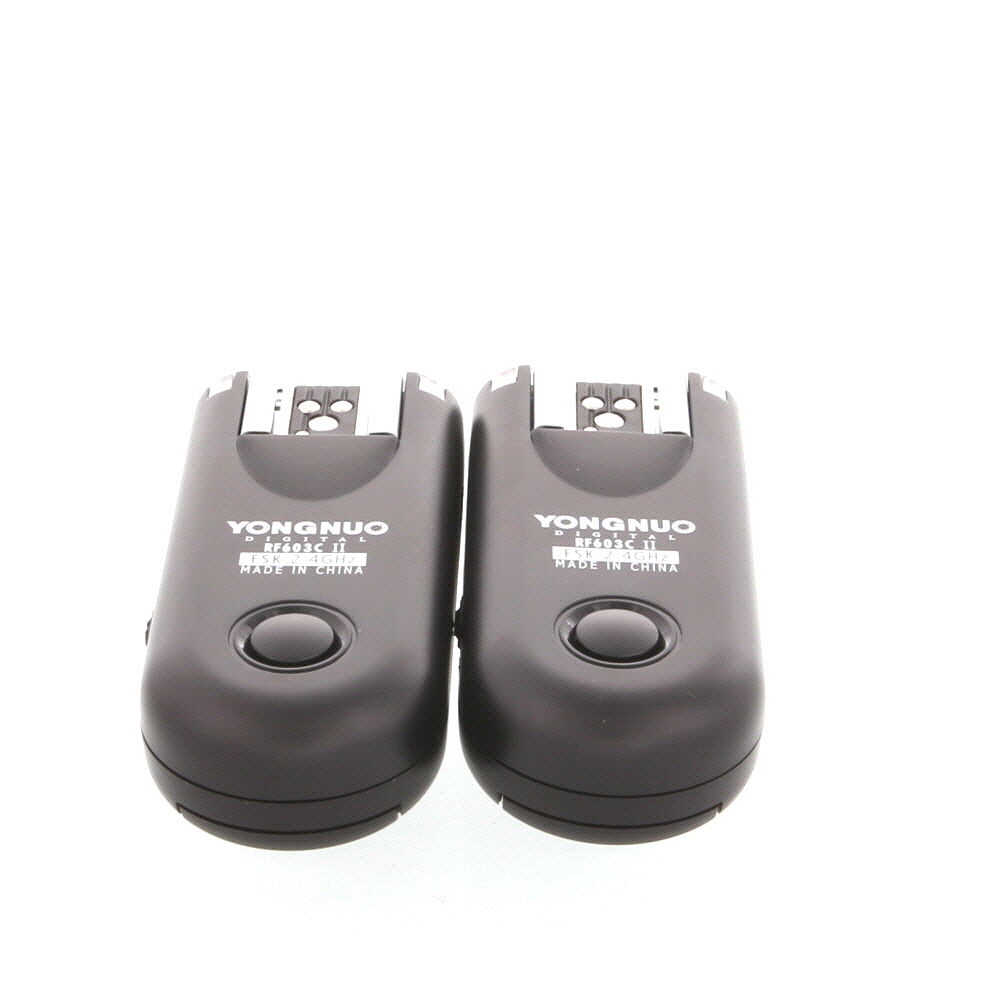
Not all digital cameras are suitable for creating a stereo camera setup. To create a stereo camera, it is important that the two cameras are identical models with the same specifications. This ensures that the images captured by both cameras are consistent and can be easily synchronized. Additionally, the cameras should have a way to trigger them simultaneously to capture images at the same time. It is recommended to use cameras that allow for manual control of settings such as exposure, focus, and white balance to ensure consistent image quality.


I recently built a stereo camera using two Nikon D5300s. It wasn't too complicated, but I had a tough time with the calibration part. Using a checkerboard pattern made it easier, but it took several tries to get it right. The 3D images turned out amazing once I got everything set up correctly! Just make sure to keep the cameras as parallel as possible to avoid distortion.
For image processing, OpenCV is a popular choice and has good resources for calibrating and creating 3D images from stereo setups.
That's great to hear! I have D5300s too. Did you find a specific software that worked best for processing the stereo images?
I'm really interested in trying this out, but I'm not sure what specific camera models would work best together. Any recommendations?
Good question! I've heard that matching Canon models like the EOS Rebel series can work well because they have similar specs and sync capabilities.
When selecting cameras, look for identical models with similar resolutions and sync features to ensure compatibility and reduce discrepancies in image quality.