
 Carmen J. Moore

Have you ever wanted to explore the world of full spectrum photography? By converting a digital camera to full spectrum, you can capture images beyond the visible spectrum, opening up a whole new realm of creative possibilities. In this article, we will guide you through the process of making your own full spectrum camera.

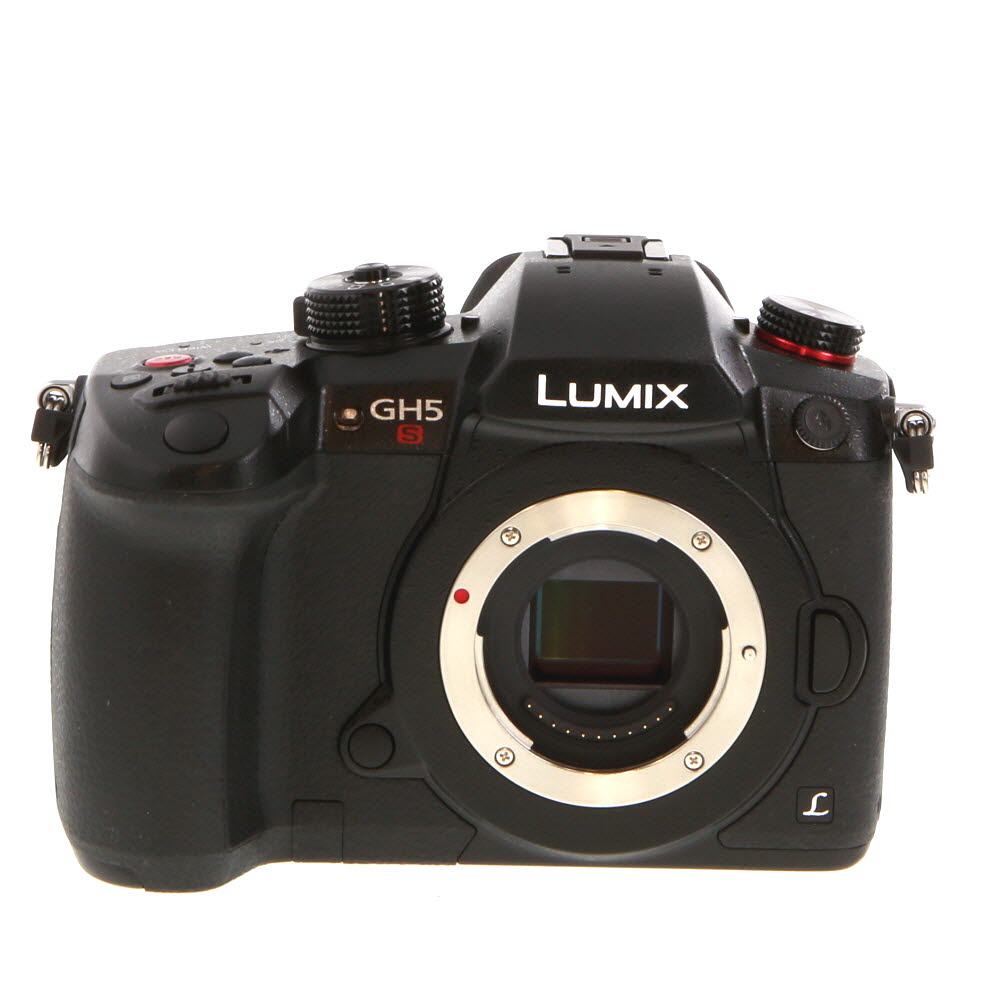


Full spectrum photography involves removing the infrared-blocking filter from your camera’s sensor, allowing it to capture ultraviolet, visible, and infrared light. This modification can be done at home with the right tools and techniques.
Before you begin, it’s important to note that converting your camera to full spectrum may void its warranty, so proceed at your own risk. Additionally, some cameras are more suitable for this modification than others, so research your specific model before starting.
Understanding the concept
Before diving into the process of making a digital camera full spectrum, it is essential to understand the concept behind it. A full spectrum camera is a camera that is modified to capture light beyond the visible spectrum, including ultraviolet (UV) and infrared (IR) light. By removing the infrared blocking filter from the camera’s sensor and replacing it with a filter that allows a wider range of light to pass through, the camera becomes sensitive to a broader spectrum of light. This modification opens up a whole new world of creative possibilities for photographers, allowing them to capture unique and surreal images that are not possible with a standard camera.
Necessary tools and materials
Before you start converting your digital camera to full spectrum, make sure you have the following tools and materials:
| 1. Digital camera | – Make sure the camera is compatible with the conversion process |
| 2. Infrared pass filter | – Necessary for filtering out visible light and allowing only infrared light to pass through |
| 3. Small screwdriver set | – To disassemble the camera and access its internal components |
| 4. Tweezers | – For handling small parts and delicate components |
| 5. Cleaning cloth | – To clean the camera’s sensor and other parts during the conversion process |
| 6. Lens cleaning solution | – For cleaning the camera lens and ensuring optimal image quality |
Optional tools and materials:
If you want to enhance your full spectrum camera further, consider getting the following optional tools and materials:

- 1. UV pass filter
- 2. Full spectrum lens filter
- 3. UV/IR cut filter
- 4. UV flashlight for focusing
Disassembling the camera
Before you can convert your digital camera to full spectrum, you will need to disassemble it carefully. Here is a step-by-step guide to disassembling a digital camera:
| 1. | Remove the batteries and memory card from the camera. |
| 2. | Use a small screwdriver to carefully remove all the screws from the camera casing. |
| 3. | Gently pry open the camera casing using a plastic opening tool to avoid damaging the camera internals. |
| 4. | Locate the sensor inside the camera and carefully detach it from the rest of the components. |
| 5. | Remove the IR cut filter from the sensor to make it sensitive to full spectrum light. |
| 6. | Reassemble the camera carefully, ensuring all components are back in place and the casing is securely closed. |
Removing the IR filter
One of the crucial steps in converting a digital camera to full spectrum is removing the IR filter. This filter is typically placed in front of the camera sensor to block out infrared light, allowing only visible light to pass through. By removing this filter, the camera becomes sensitive to infrared light, which is essential for capturing full spectrum images.
Before attempting to remove the IR filter, it is important to note that this process requires precision and caution to avoid damaging the camera sensor. It is recommended to seek professional help or follow a detailed guide to ensure a successful conversion.
Once the IR filter is removed, the camera will be able to capture a wider range of light, including ultraviolet (UV) and infrared (IR) wavelengths. This opens up a whole new world of creative possibilities for photography, allowing you to experiment with different light sources and filters to achieve unique and stunning images.
Installing the full spectrum filter
To make your digital camera full spectrum, you will need to install a full spectrum filter. This filter allows all wavelengths of light to pass through, opening up the possibility of capturing images in both the visible and invisible spectrum. Here is a step-by-step guide to installing the full spectrum filter:
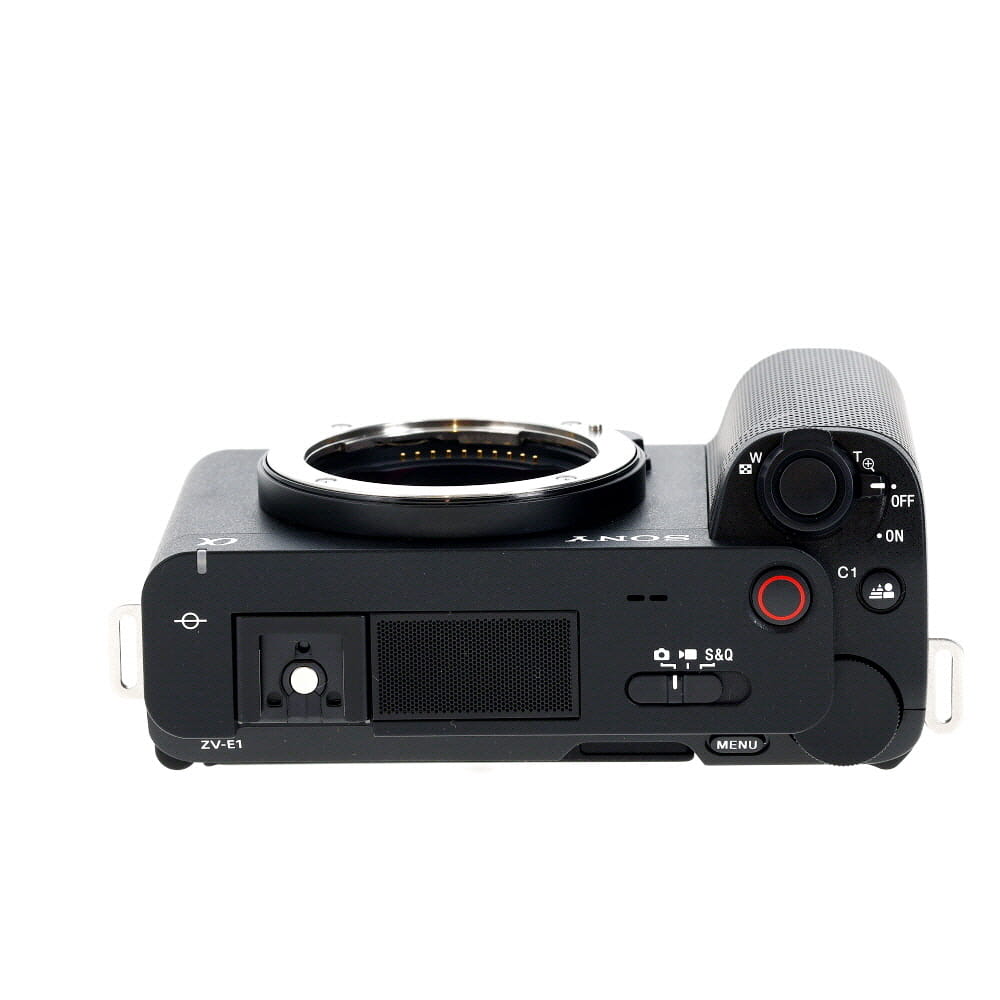
| Step 1: | Turn off your camera and remove the battery to ensure safety during the installation process. |
| Step 2: | Locate the filter on your camera that needs to be replaced with the full spectrum filter. This is usually the IR cut filter placed in front of the camera sensor. |
| Step 3: | Use a small screwdriver to carefully remove the screws holding the filter in place. Keep track of the screws to avoid losing them. |
| Step 4: | Gently lift the old filter out of its place and replace it with the full spectrum filter. Ensure that the filter is positioned correctly and securely in place. |
| Step 5: | Reassemble the camera by tightening the screws back in place. Double-check that the filter is installed properly before reinserting the battery. |
| Step 6: | Turn on your camera and test the full spectrum filter by capturing images in different lighting conditions. Adjust the camera settings as needed to optimize the image quality. |
Reassembling the camera
Once you have successfully removed the IR filter and replaced it with a full spectrum filter, it’s time to reassemble the camera. Follow these steps:
- Place the sensor back into the camera body, ensuring it is aligned correctly.
- Reattach the sensor’s ribbon cable securely to the camera’s circuit board.
- Carefully place the camera cover back on and screw it into place.
- Insert the battery and memory card back into the camera.
- Power on the camera and test the functionality to ensure everything is working correctly.
Once you have completed these steps, your digital camera should now be fully converted to a full spectrum camera ready for capturing a wide range of wavelengths.
Testing the modified camera
Before using your newly modified full spectrum camera, it is important to conduct some tests to ensure that the conversion was successful. Here are some steps you can take to test the functionality of your modified camera:
1. White balance test
Take a photo of a white object in different lighting conditions to check the white balance of the camera. The white object should appear neutral in color without any color casts.
2. Infrared test
Take a photo of a remote control or other infrared-emitting device to test the camera’s ability to capture infrared light. The infrared light should be visible in the photo as a bright light source.

| Test | Procedure | Expected Result |
|---|---|---|
| White balance | Take a photo of a white object in different lighting conditions. | The white object should appear neutral without any color casts. |
| Infrared | Take a photo of an infrared-emitting device. | The infrared light should be visible as a bright light source. |
Adjusting settings for full spectrum photography
When converting a digital camera to full spectrum, it’s important to adjust the settings to get the best results. Here are some key settings to consider:
1. White balance
Since the camera sensor is now sensitive to a wider range of light, you may need to adjust the white balance settings to ensure accurate color reproduction. Experiment with different white balance presets or use a custom setting to get the desired color temperature.
2. Exposure
Full spectrum photography may require different exposure settings compared to regular photography. Make sure to adjust the exposure compensation or manual exposure settings to account for the increased sensitivity of the sensor. Bracketing exposures can also help capture a wider range of tones in your images.
Tips for capturing stunning full spectrum images
1. Choose the right lighting: Full spectrum photography works best in natural light, so try to shoot outdoors or near a window to capture the full range of colors.
2. Use a tripod: To ensure sharp and clear images, use a tripod to stabilize your camera and prevent any blurring from hand movement.
3. Experiment with different filters: Consider using UV, IR, or other filters to enhance the effects of full spectrum photography and create unique images.
4. Adjust your camera settings: Play around with your camera’s settings, such as white balance, exposure, and ISO, to achieve the desired effect and capture stunning full spectrum images.
5. Get creative with composition: Experiment with different angles, perspectives, and compositions to create visually striking full spectrum photographs.
FAQ
What is a full spectrum camera?
A full spectrum camera is a modified digital camera that is capable of capturing light beyond the visible spectrum, including ultraviolet (UV) and infrared (IR) light. This modification involves removing the internal IR cut filter and sometimes adding a visible light cut filter, allowing the camera sensor to capture a wider range of light.
How can I convert a digital camera to full spectrum?
To convert a digital camera to full spectrum, you will need to remove the internal IR cut filter, which blocks out infrared light. This process involves disassembling the camera, locating the IR cut filter, and carefully removing it. Additionally, you may choose to add a visible light cut filter to prevent unwanted light from entering the sensor. This modification should be done with caution and precision to avoid damaging the camera.


I think removing the IR filter can be risky for the camera's lifetime. I've read that not all models can handle being modified well.
What settings adjustments should be made after the conversion for the best results? Any tips on exposure or white balance?
After conversion, adjusting the white balance is crucial to avoid color casts. Experimenting with exposure settings will also help, as full spectrum photography often requires different adjustments compared to standard photography.
I recently converted my old Nikon D3100 following this guide. The whole process took about an hour. I was super careful when removing the IR filter, but everything went smoothly. The first test shot came out amazing, capturing some infrared detail I never saw before. Highly recommend trying it if you have an old camera lying around!
Can someone explain the difference between an infrared pass filter and a full spectrum filter? I’m a bit confused about which one I need to buy.
An infrared pass filter only allows infrared light to pass through while blocking visible light. A full spectrum filter permits all wavelengths, allowing for both UV and IR photography.
Don’t forget to keep your workspace clean when disassembling the camera! It’s easy to lose small screws.
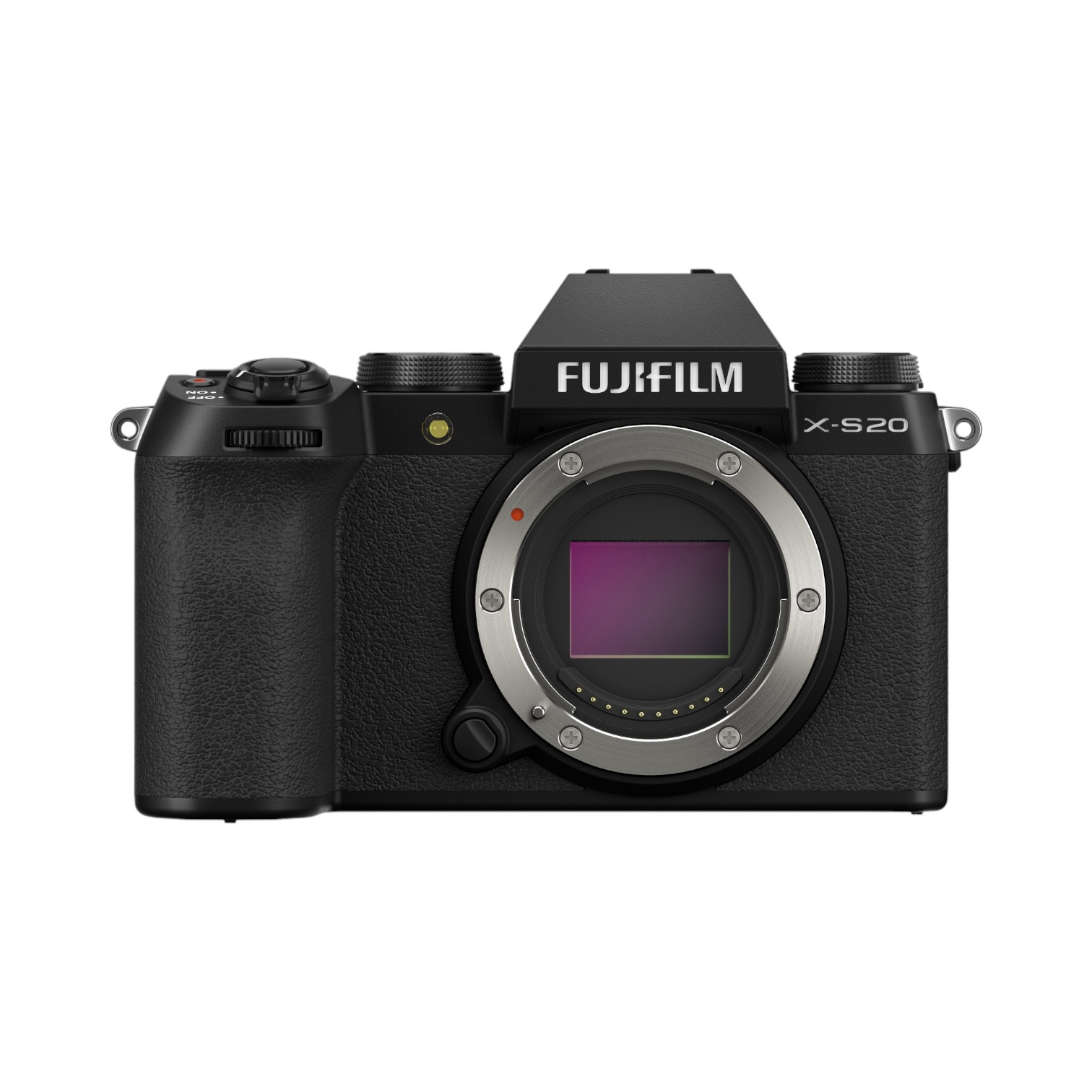
I'm curious about what types of cameras are best for this conversion. Are there specific models that work better than others?
I found that older DSLR models tend to be more compatible with this type of modification. My Canon EOS 1000D worked well when I converted it.