
 Carmen J. Moore

Are you facing issues with the LCD screen on your digital camera? A malfunctioning or broken LCD screen can be frustrating, as it hampers your ability to view and capture images. However, there are ways to fix the LCD screen on your digital camera without having to replace the entire device.

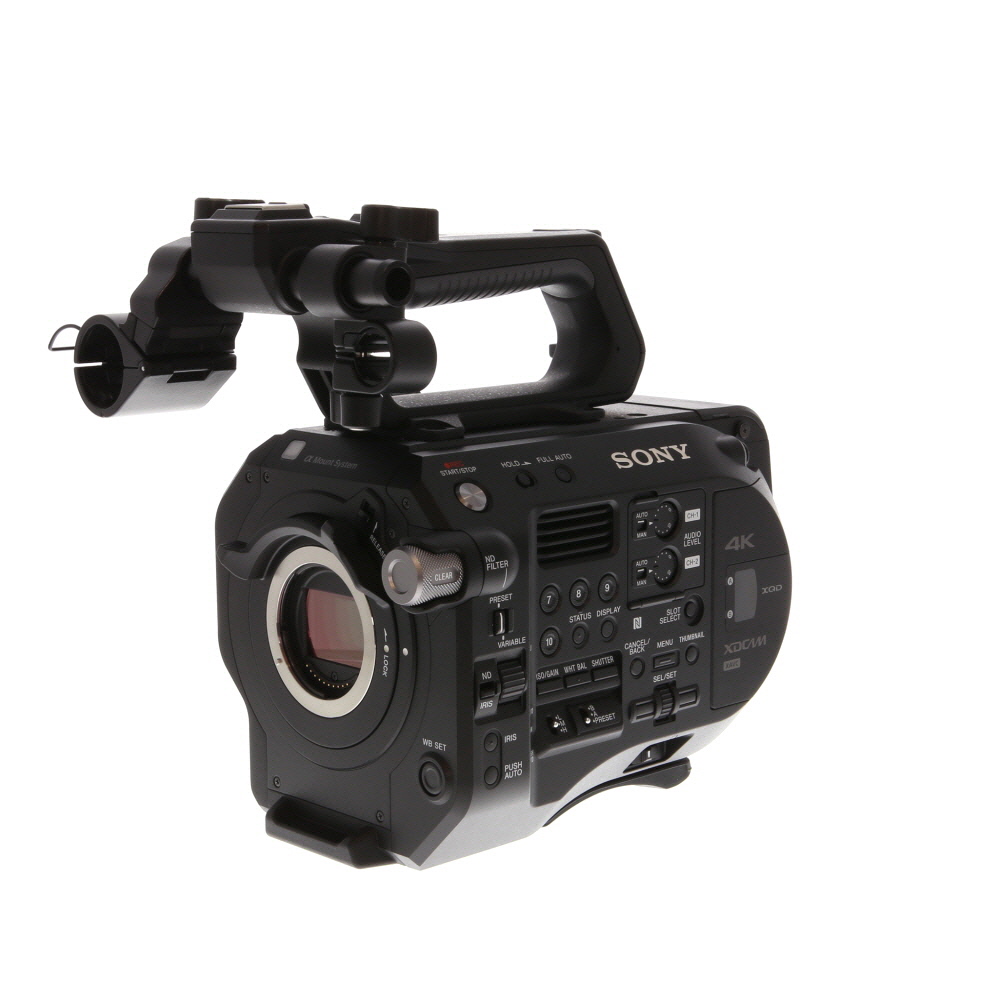


In this guide, we will explore some common problems that may occur with digital camera LCD screens and provide step-by-step instructions on how to troubleshoot and repair them.
Whether your LCD screen is displaying a blank image, has lines running across it, or is completely black, we have solutions that can help you get your digital camera back in working order. Follow our tips and tricks to bring your camera’s LCD screen back to life and resume capturing memories with ease.
How to Repair LCD Screen on Digital Camera
If the LCD screen on your digital camera is cracked or not functioning properly, you may be able to fix it yourself. Here are some steps to help you repair the LCD screen:
1. Identify the Issue
Before attempting any repairs, you should first identify the problem with the LCD screen. Is it cracked, blank, displaying distorted images, or unresponsive to touch? Understanding the issue will help you determine the appropriate course of action.
2. Purchase a Replacement Screen
If the LCD screen is damaged beyond repair, you will need to purchase a replacement screen. Make sure to buy a screen that is compatible with your camera model. You can find replacement screens online or at electronics stores.

3. Disassemble the Camera
To replace the LCD screen, you will need to disassemble the camera. Be sure to follow the manufacturer’s instructions or look for online tutorials specific to your camera model. Use the appropriate tools and be gentle to avoid causing further damage.
4. Install the New Screen
Once you have access to the LCD screen, carefully disconnect the old screen and install the new one. Make sure to connect all the cables securely and test the new screen before reassembling the camera.
5. Reassemble the Camera
After successfully installing the new LCD screen, carefully reassemble the camera following the disassembly steps in reverse order. Make sure all components are correctly placed and securely fastened.
6. Test the Camera
Turn on the camera and test the new LCD screen to ensure it is functioning properly. Check for any display issues, touch responsiveness, and image quality. If everything looks good, you have successfully repaired the LCD screen on your digital camera.
Troubleshooting Common Issues
When dealing with an LCD screen issue on your digital camera, it’s important to first identify the root cause of the problem. Here are some common issues you may encounter and some troubleshooting tips:
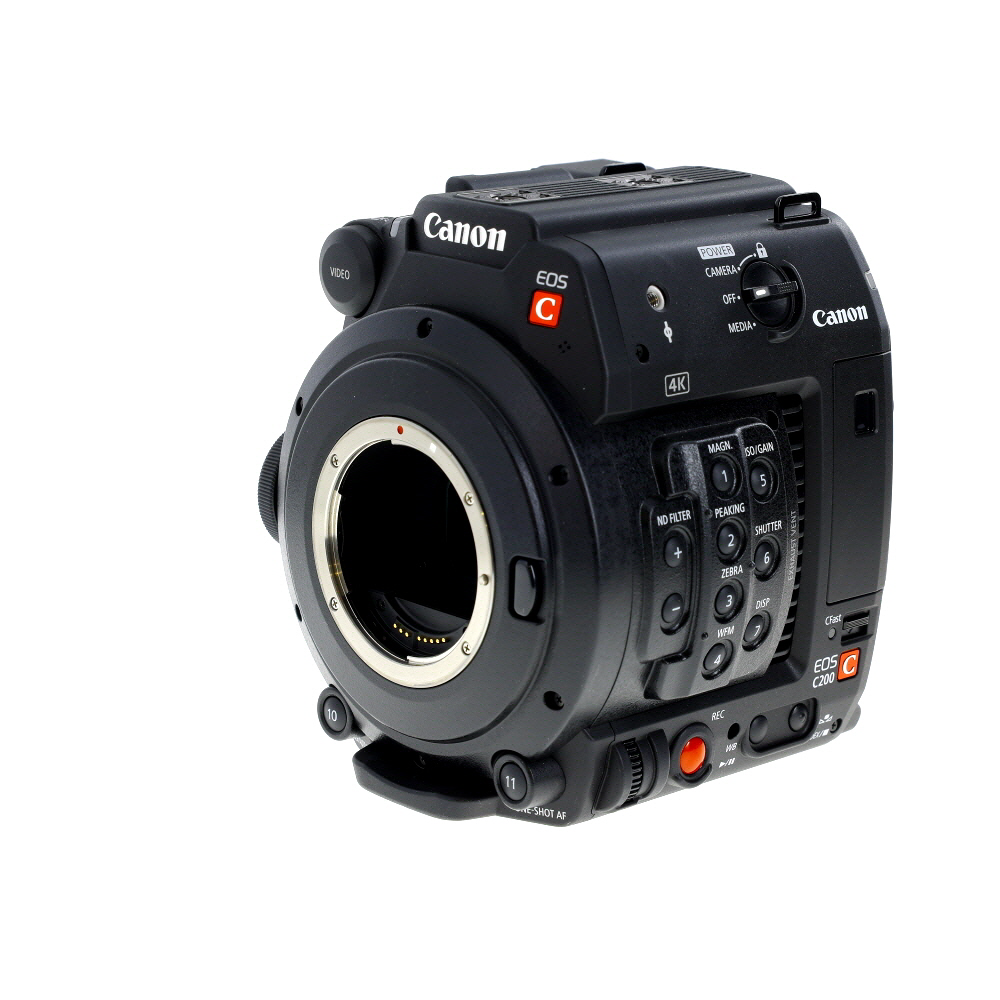
- Blank Screen: If your LCD screen is blank, make sure the camera is on and the battery is charged. Try adjusting the brightness settings or resetting the camera to factory settings.
- Cracked Screen: If your LCD screen is cracked, unfortunately, it will need to be replaced. Contact the manufacturer or a professional repair service for assistance.
- Unresponsive Screen: If the screen is unresponsive to touch or button inputs, try restarting the camera or updating the firmware. If the issue persists, it may indicate a hardware problem that requires professional repair.
- Display Issues: If the display is distorted, flickering, or showing abnormal colors, try cleaning the screen with a soft cloth and checking the display settings. If the issue continues, it may be a sign of a faulty LCD panel.
Tools Needed for Repair
When repairing an LCD screen on a digital camera, you will need the following tools:
- Small screwdriver set
- Plastic opening tools or spudger
- Tweezers
- Cotton swabs
- Cleaning solution for electronics
- Replacement LCD screen
- Adhesive tape or glue
- Anti-static wrist strap (optional but recommended)
Step-by-Step Guide to Fixing LCD Screen
If your digital camera’s LCD screen is not working properly, follow these steps to fix it:
Step 1: Check for any visible cracks or damage on the LCD screen. If there are any, you may need to replace the screen.
Step 2: Try resetting the camera by removing the battery and memory card for a few minutes, then reinserting them.
Step 3: Clean the LCD screen using a soft, lint-free cloth and a mild cleaning solution. Avoid using harsh chemicals or abrasive materials.

Step 4: Adjust the screen brightness and contrast settings in the camera’s menu to see if that helps improve the display.
Step 5: Update the camera’s firmware to the latest version, as sometimes software glitches can affect the LCD screen.
Step 6: If the above steps do not work, consider taking the camera to a professional technician for repair or replacement of the LCD screen.
Replacing a Damaged LCD Screen
If the LCD screen on your digital camera is damaged, you may need to replace it. Here are the steps to do so:
1. Purchase a Replacement Screen: Make sure to buy a compatible replacement LCD screen for your camera model.

2. Gather Tools: You will need small screwdrivers, tweezers, and a clean workspace.
3. Remove the Old Screen: Carefully disassemble the camera and disconnect the old LCD screen from the circuit board.
4. Install the New Screen: Connect the new LCD screen to the circuit board and reassemble the camera.
5. Test the Screen: Power on the camera to ensure the new LCD screen is working properly.
6. Secure the Camera: Make sure all screws are tightened and the camera is functioning correctly.
By following these steps, you can successfully replace a damaged LCD screen on your digital camera.
Preventive Maintenance Tips
Regular maintenance can help prevent issues with the LCD screen on your digital camera. Here are some tips to keep your LCD screen in top condition:
1. Keep it clean
Use a soft, lint-free cloth to wipe the screen clean regularly. Avoid using harsh chemicals or abrasive materials that can damage the screen.
2. Protect it from impact
Handle your camera with care to avoid dropping it or subjecting it to impact. Use a protective case or cover to shield the LCD screen from scratches and damage.
By following these preventive maintenance tips, you can ensure that your digital camera’s LCD screen stays in good working condition for longer.

Professional Repair Services
If you are not comfortable attempting to fix the LCD screen on your digital camera yourself, you may want to consider professional repair services. Many camera manufacturers offer repair services for their products. You can contact the manufacturer directly to inquire about repair options.
Alternatively, there are third-party repair shops that specialize in camera repairs. These shops have experienced technicians who can diagnose and fix issues with your camera, including LCD screen problems. Make sure to research and read reviews before choosing a repair shop to ensure they have a good reputation and provide quality service.
Professional repair services may cost more than fixing the screen yourself, but they offer the benefit of expertise and warranty on the repair, giving you peace of mind that your camera will be properly fixed.
FAQ
My digital camera’s LCD screen is cracked. Can I fix it myself?
Fixing a cracked LCD screen on a digital camera can be a delicate process and may require some technical expertise. If you have experience with electronics and feel comfortable working with small parts, you may be able to replace the screen yourself. However, if you are unsure or uncomfortable with the process, it is best to take your camera to a professional repair service to avoid causing further damage.
What are some common issues that can cause the LCD screen on a digital camera to malfunction?
There are several common issues that can cause an LCD screen on a digital camera to malfunction. These include physical damage such as cracks or scratches on the screen, loose or damaged internal connections, software glitches, or a faulty backlight. It is important to troubleshoot the problem carefully to determine the exact cause of the issue before attempting any repairs.



How can I tell if my LCD screen is just dirty or if it really needs to be replaced? Any tips on troubleshooting before jumping to a replacement?
A good first step is to clean the screen gently and see if that resolves any display issues. If problems persist, it could indicate a need for replacement.
I think attempting to fix a cracked screen is too risky, especially for amateur DIYers. Sometimes it’s better to just go to a professional from the start.
That's a valid point. Not everyone is comfortable with DIY repairs, and professional help can ensure the job is done correctly.
I followed a similar guide to fix my cracked LCD. It was tedious, but I managed to replace it successfully. Just make sure to take your time when disassembling!
What tools do I need to fix my camera's LCD screen?
I'm considering whether to attempt fixing my LCD screen myself or take it to a professional. Has anyone compared the costs and outcomes of DIY vs. professional repair? It would be helpful to know if the DIY approach is really worth it.
Be careful with the screws when disassembling! I lost one and had to order a replacement.