
 Carmen J. Moore

Accidents happen, and dropping your digital camera in water can be a common mishap. But don’t panic! With the right steps, you may be able to save your camera and prevent further damage.
First things first, remove the camera from the water immediately. Do not try to turn it on or press any buttons, as this can cause a short circuit. Remove the battery, memory card, and any other removable parts from the camera.
Next, gently wipe down the camera with a soft, dry cloth to remove any excess water. Do not use a hairdryer or heat gun to dry the camera, as this can damage the internal components.

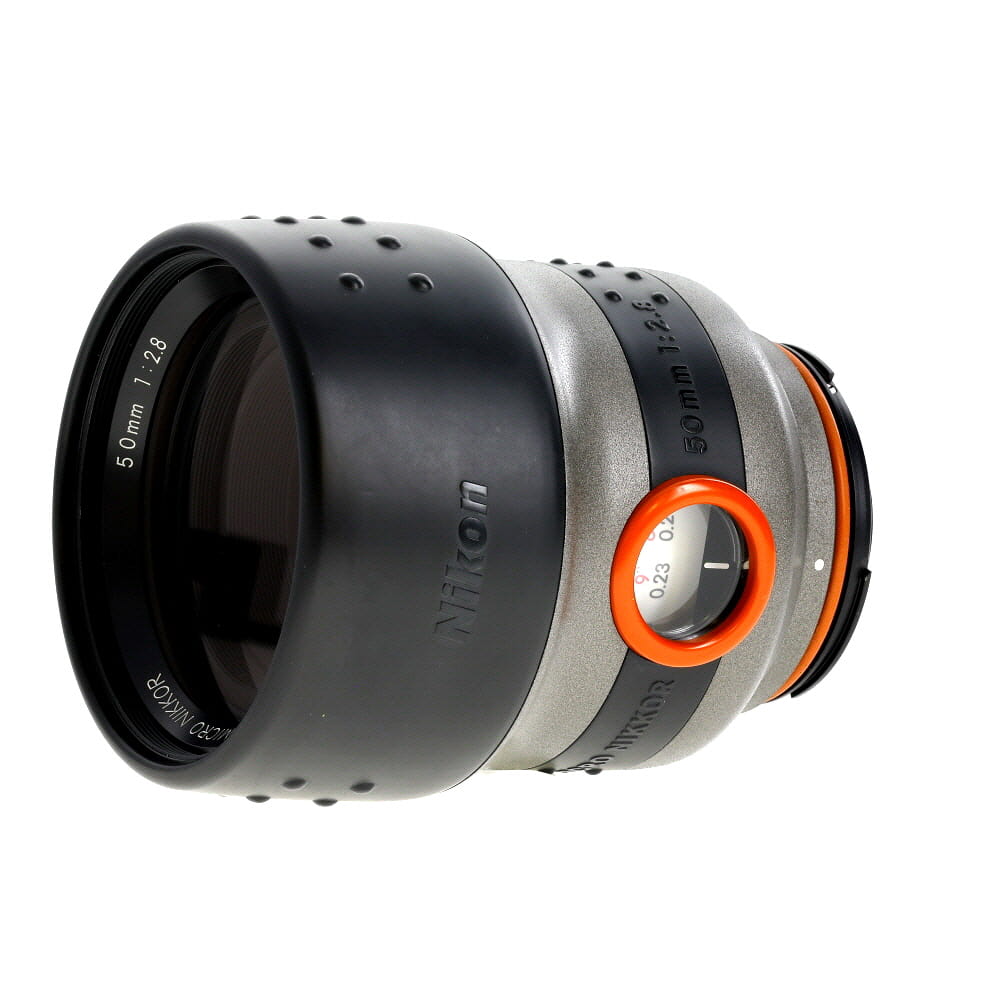


Finally, place the camera in a bowl of uncooked rice or silica gel packets to absorb the moisture. Leave it in a dry place for at least 48 hours before reassembling the camera and attempting to turn it on.
Step-by-step guide to fix a digital camera dropped in water
1. Remove the camera from the water: If your digital camera has been dropped in water, the first step is to remove it immediately. Do not try to turn it on or use any buttons as this may cause further damage.
2. Remove the battery and memory card: Open the camera’s battery and memory card compartments and remove both components. This will help prevent any short circuits and further damage to the camera.
3. Dry the camera: Use a dry cloth or paper towel to gently pat the camera dry. Avoid using heat sources such as hairdryers or heaters as they can damage the camera’s internal components.
4. Rice or silica gel method: Place the camera in a bag of uncooked rice or silica gel packets for 24-48 hours. These materials will help absorb any moisture remaining inside the camera.

5. Check for signs of water damage: After the drying period, inspect the camera for any signs of water damage such as water spots, corrosion, or a foggy lens. If any of these are present, consider taking the camera to a professional for repair.
6. Test the camera: Once you have allowed the camera to dry completely, reinsert the battery and memory card, and try turning the camera on. If it powers up and functions normally, you have successfully fixed your digital camera dropped in water.
Assess the damage
After retrieving your digital camera from water, the first step is to carefully assess the extent of the damage. Do not attempt to turn on the camera immediately, as this could cause further harm. Instead, remove the battery and memory card and inspect the camera for any visible signs of water damage.
Look for:
- Water inside the battery compartment
- Moisture under the lens or LCD screen
- Corrosion or rust on metal parts
If you notice any of these signs, it’s likely that water has penetrated the camera and caused damage. In such cases, it’s important to take quick action to prevent further issues.
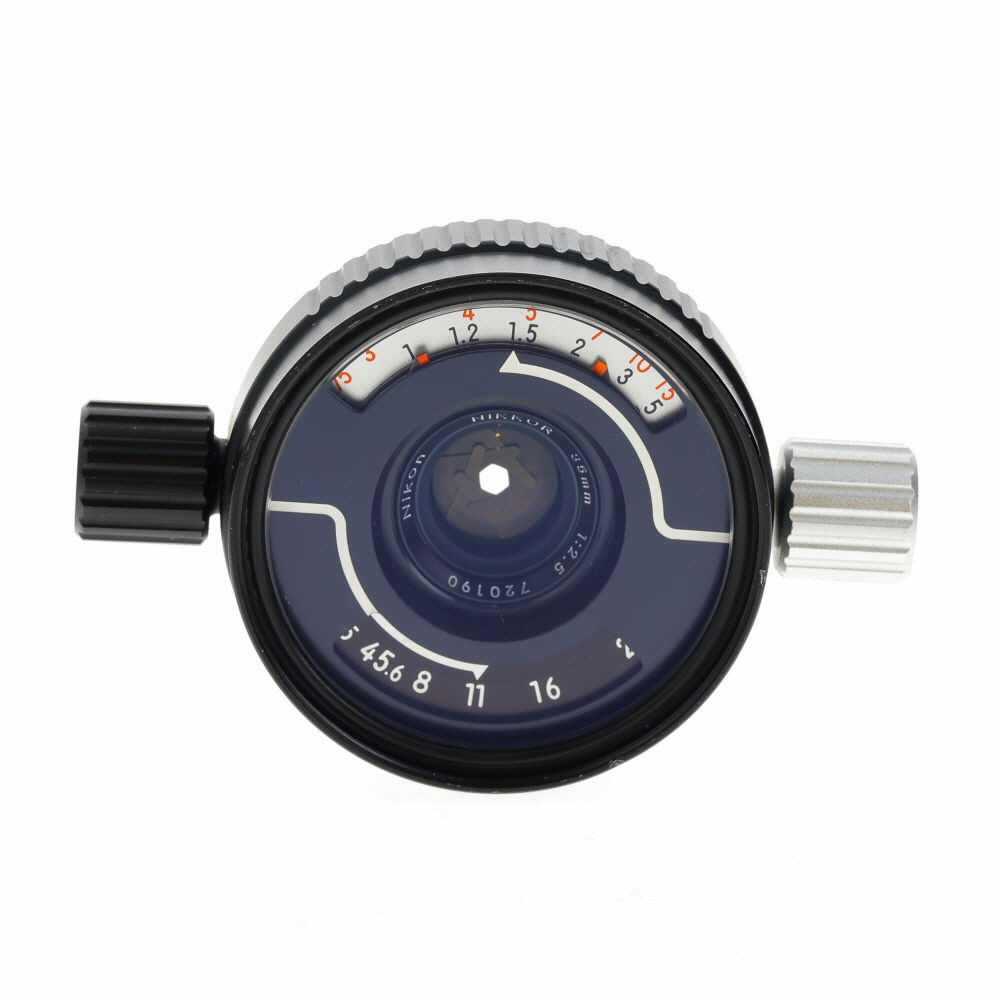
Remove the battery and memory card
When a digital camera is dropped in water, the first step is to remove the battery and memory card immediately. This will help prevent any potential short circuits and further damage to the camera.
Make sure to carefully open the camera’s battery compartment and remove the battery. Then, locate the memory card slot and take out the memory card as well. It’s important to do this quickly to minimize the exposure of the internal components to water.
Dry the camera
After removing the battery and memory card, the next step is to dry the camera thoroughly to prevent further damage.
1. Towel drying:
Use a clean, dry towel to gently pat the exterior of the camera. Be careful not to apply too much pressure to avoid pushing water further into the device.
2. Air drying:
Place the camera in a dry, warm area with good air circulation. Avoid exposing it directly to sunlight or using a hairdryer, as excessive heat can damage the internal components.

Allow the camera to air dry for at least 24-48 hours before attempting to power it on again.
Use silica gel packets
Silica gel packets are a great way to absorb moisture from electronic devices, including digital cameras. If your camera has been dropped in water, carefully remove the battery and memory card. Place the camera in a sealed container along with several silica gel packets. The silica gel will help to absorb the moisture and prevent further damage to the camera.
Important:
Make sure to keep the camera in the sealed container with the silica gel packets for at least 24-48 hours to ensure that all the moisture is absorbed. Do not attempt to turn on the camera until you are certain it is completely dry.
Do not apply heat
Do not try to dry out your camera by using a hairdryer, heater, or any other heat source. Applying heat can cause further damage to the delicate internal components of the camera. It can also cause the water to evaporate too quickly, leading to potential corrosion or short circuits.
Instead, gently dab the camera with a soft, dry cloth to remove any excess water. Then, let the camera air dry in a warm, dry area for at least 24-48 hours. You can also place the camera in a container with uncooked rice or silica gel packets to help absorb moisture.

Test the camera
After you have let your camera dry completely, it’s time to test it to see if it still functions properly. Insert a fully charged battery and memory card into the camera. Turn it on and check if the camera powers up without any issues.
If the camera turns on, try taking a few test shots to see if the image quality is still good and if all the functions are working as they should. Pay attention to any unusual sounds or error messages that may indicate damage.
If the camera doesn’t work:
If your camera fails to turn on or if you notice any issues with its functionality, it may have sustained irreparable damage from the water. In this case, it’s best to consult a professional camera repair service to assess the extent of the damage and determine if it can be fixed.
Consider professional repair
If you are not comfortable attempting to fix your water-damaged camera on your own, or if the damage seems too severe, it may be best to seek professional repair services. A professional technician will have the expertise and tools needed to assess the damage and make necessary repairs. While this option may be more costly, it can provide peace of mind knowing that your camera is in capable hands.
FAQ
What should I do if I accidentally drop my digital camera in water?
If your digital camera gets dropped in water, the first step is to immediately remove the battery and memory card. Do not try to turn the camera on. Next, gently dry the camera with a soft cloth and try to remove as much water as possible. Then, place the camera in a bag of uncooked rice or silica gel packets to absorb the moisture. Leave it in a dry place for at least 24-48 hours before attempting to turn it on again.
Can I use a hairdryer to dry my digital camera after it’s been in water?
No, using a hairdryer to dry a digital camera that has been dropped in water is not recommended. The heat from the hairdryer can cause damage to the internal components of the camera. It’s best to use a gentle method like placing the camera in a bag of rice or silica gel to absorb the moisture and then letting it air dry in a dry place for a couple of days.
What are the chances of fixing a digital camera that has been submerged in water?
The chances of fixing a digital camera that has been dropped in water depend on how quickly you act and the extent of the damage. If you follow the proper steps of removing the battery and memory card, drying the camera, and letting it sit in a drying agent like rice or silica gel for a couple of days, there is a chance that the camera may still work. However, there is no guarantee, as water damage can be unpredictable and may result in permanent damage to the camera’s internal components.


If the camera doesn’t turn on after drying, I’d recommend taking it to a pro right away. Don’t wait too long!
I actually used a hairdryer on a phone once and it worked fine. I think it depends on the device.
What if I don't have rice or silica gel? Is there another way to dry the camera?
I’m a bit confused about the drying process. If I can't use heat, how can I ensure the camera dries well without moisture? Should I just leave it in an air-conditioned room?
Good question! A dry, well-ventilated area is ideal for air drying. Avoid direct sunlight and high heat sources to prevent further damage.
I dropped my camera in a pool once. I followed these steps and left it in rice for 48 hours. Thankfully, it worked again! Just make sure to be patient with the drying process.