
 Carmen J. Moore

Keeping your digital camera sensor clean is essential for producing high-quality images. Dust, dirt, and other particles can accumulate on the sensor, leading to spots and smudges on your photos. If you own a mirrorless camera, you may be wondering how to properly clean its sensor. In this guide, we’ll walk you through the steps to safely and effectively clean your mirrorless camera sensor.
Before you begin, it’s important to note that cleaning your camera sensor requires caution and precision. If you’re unsure or uncomfortable with the process, it’s best to seek professional help. However, if you’re confident in your abilities, follow these steps carefully to ensure a clean sensor and clear images.
First, make sure to fully charge your camera battery to prevent any unexpected shutdowns during the cleaning process. Additionally, remove the lens from your camera body and locate the sensor. Most mirrorless cameras have a sensor cleaning mode that will lock the mirror up and expose the sensor for cleaning. Activate this mode before proceeding with the cleaning.

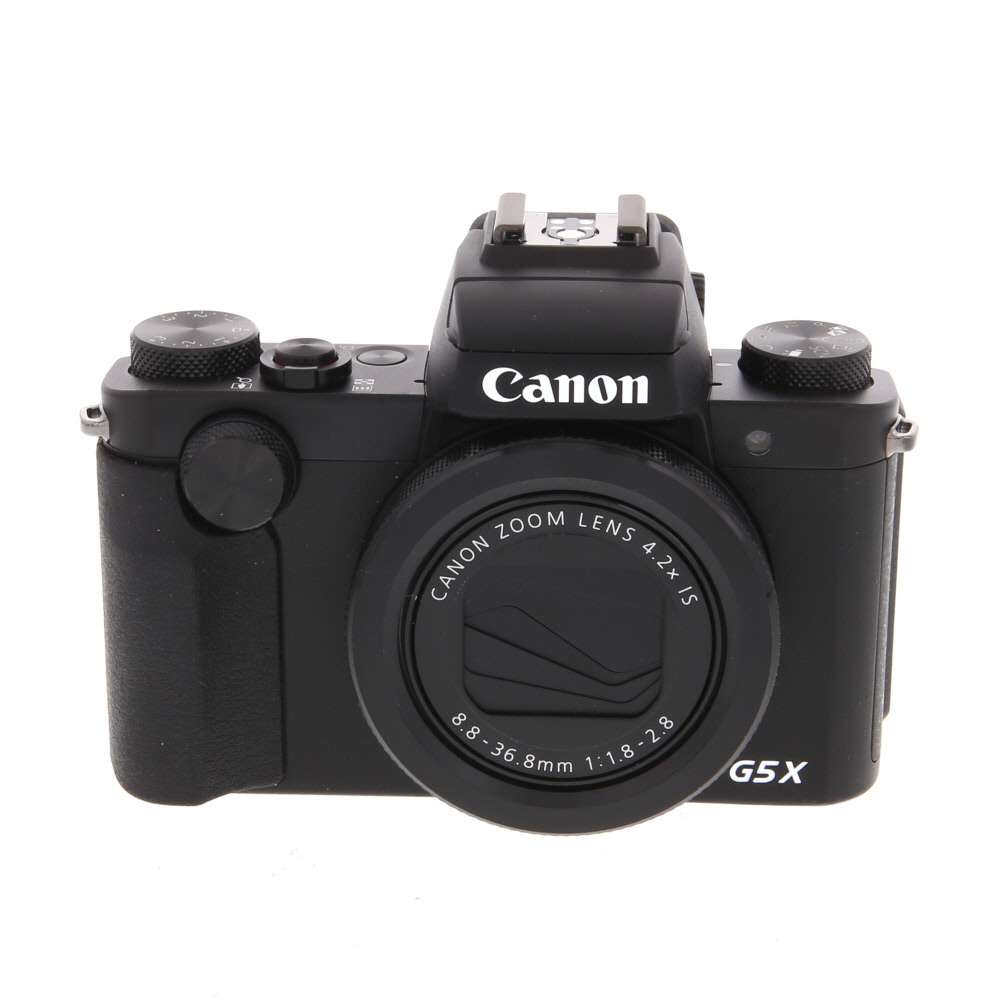


Guide to Cleaning Mirrorless Camera Sensor
1. Prepare Your Workspace:
Find a clean and well-lit area to work on cleaning your mirrorless camera sensor. Make sure you have all the necessary tools handy, such as a blower, sensor swabs, and cleaning solution.
2. Power Off Your Camera:
Before starting the cleaning process, make sure to turn off your camera to prevent any damage to the sensor or other components.
3. Use a Blower:

Start by using a blower to remove any loose dust or debris from the sensor. Hold the camera with the lens mount facing downward to prevent particles from falling back onto the sensor.
4. Inspect the Sensor:
Use a sensor loupe or magnifying glass to inspect the sensor for any stubborn spots or smudges that may require further cleaning.
5. Clean the Sensor:
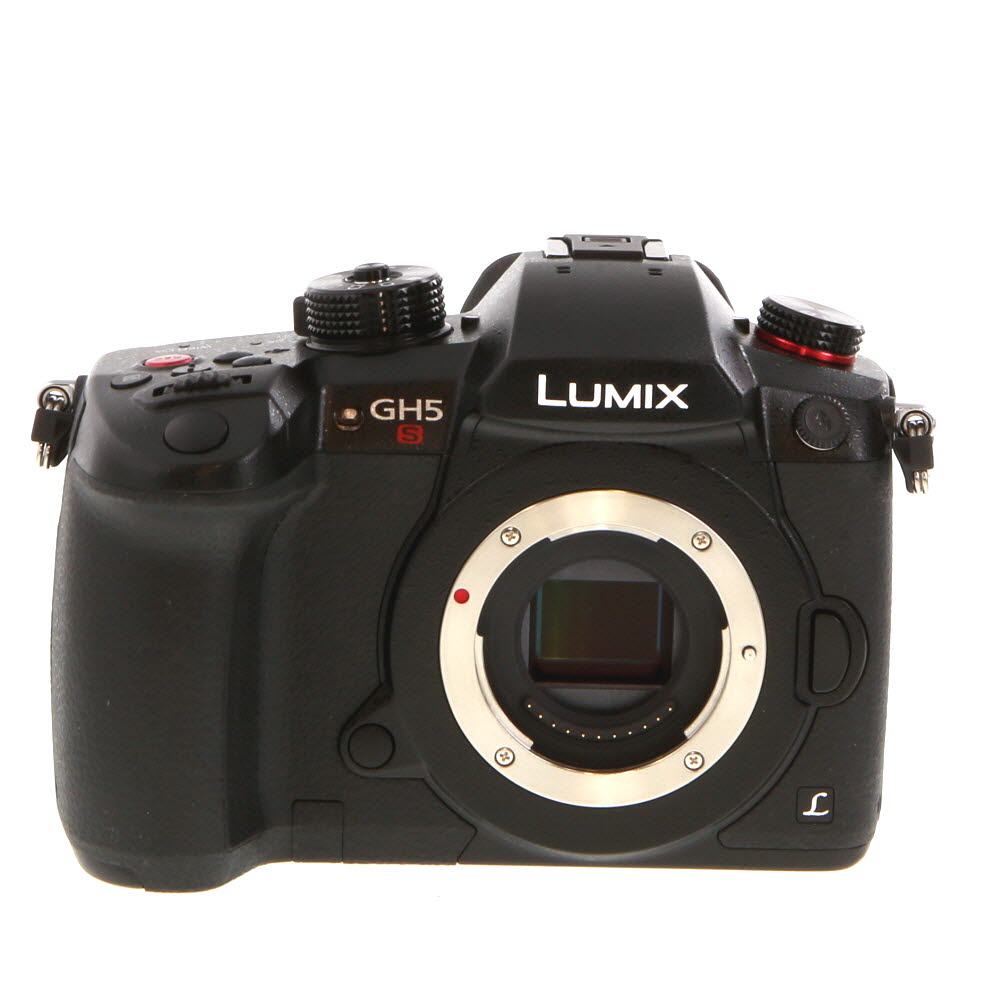
Gently swipe the sensor with a sensor swab moistened with cleaning solution. Be sure to follow the manufacturer’s instructions and avoid applying too much pressure.
6. Test Your Camera:
After cleaning the sensor, take a test shot to ensure that the image quality has improved. If necessary, repeat the cleaning process until the sensor is free of any debris.
7. Store Your Tools Properly:
Once you have finished cleaning your mirrorless camera sensor, store your cleaning tools in a clean and dry place to prevent contamination.
Step 1: Gather Necessary Tools
Before you begin cleaning your camera sensor, make sure you have the following tools handy:

- Rocket Air Blower: This tool is essential for removing loose dust particles from the sensor without touching it.
- Sensor Cleaning Swabs: These swabs are specifically designed for sensor cleaning and help remove stubborn dirt or smudges.
- Sensor Cleaning Solution: Use a specialized sensor cleaning solution to safely remove any oil or smudges from the sensor surface.
- Cleaning Brush: A soft brush can be used to gently remove larger debris before using the swabs.
- Microfiber Cloth: This cloth is useful for wiping down the camera body and lens before reattaching them.
Having these tools ready will ensure that you can effectively clean your camera sensor without causing any damage.
Step 2: Prepare the Workspace
Before you start cleaning the sensor of your mirrorless digital camera, it’s important to prepare your workspace properly. Here are some steps to follow:
Gather the Necessary Supplies
Make sure you have all the essential tools and materials for sensor cleaning. This may include a blower, sensor swabs, sensor cleaning solution, and a clean microfiber cloth.
Create a Clean and Dust-Free Environment
Choose a well-lit area with a stable surface to work on. Avoid dusty or windy environments that can introduce more particles to the sensor. Turn off any fans or air conditioning to minimize airflow.
Step 3: Turn Off the Camera
Before you start cleaning the sensor of your mirrorless camera, make sure to turn off the camera. This will prevent any accidental damage to the sensor or other internal components. Turning off the camera also ensures that the sensor is not actively collecting dust or debris while you clean it.

Step 4: Remove the Lens
Before you start cleaning the sensor of your mirrorless camera, it’s essential to remove the lens to access the sensor properly.
Follow these steps to safely remove the lens:
- Turn off the camera: Ensure the camera is turned off to prevent any damage to the sensor or lens during removal.
- Press the lens release button: Locate the release button on the camera body and press it while twisting the lens counterclockwise to detach it from the camera.
- Store the lens properly: Place the lens in a clean and safe location to avoid dust or debris from getting inside.
Step 5: Use a Blower to Remove Dust
1. Take a blower designed for camera sensor cleaning.
2. Hold the camera with the mount facing down to prevent dislodged dust from falling back onto the sensor.
3. Gently squeeze the blower to release a burst of air onto the sensor surface.
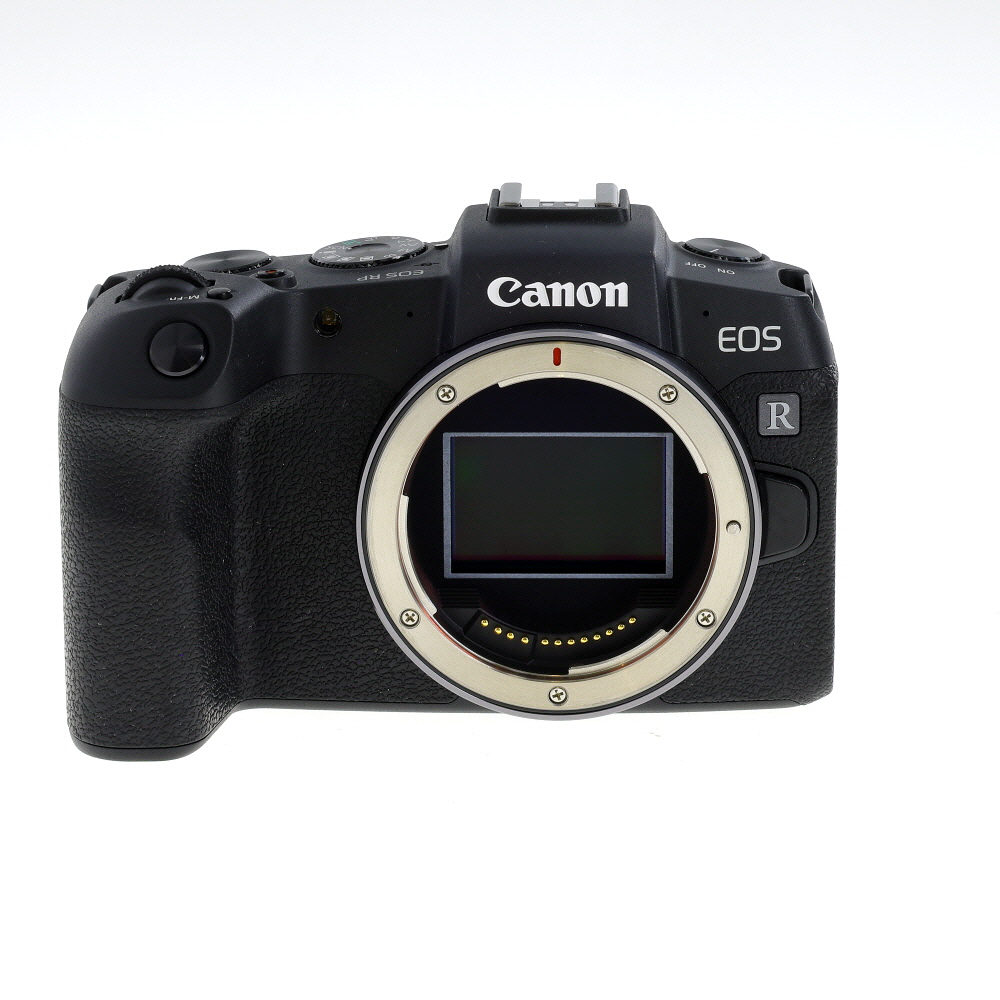
4. Repeat this process a few times to ensure all loose dust particles are removed.
5. Avoid using canned air or compressed air, as they may contain harmful chemicals that can damage the sensor.
Step 6: Clean the Sensor with a Sensor Cleaning Kit
Once you have carefully removed any dust and debris from the sensor, it’s time to clean it using a sensor cleaning kit. These kits typically include sensor swabs and a cleaning solution specifically designed for camera sensors.
Important: Follow the instructions provided with the sensor cleaning kit carefully to avoid damaging the sensor.
1. Begin by turning off the camera and removing the lens.

2. Use a blower to remove any loose particles from the sensor surface.
3. Carefully apply a small amount of cleaning solution to the sensor swab.
4. Gently and smoothly swipe the sensor swab across the sensor surface in one direction.
5. Repeat the swiping motion with a clean sensor swab if necessary.
6. Allow the sensor to dry completely before reattaching the lens and turning on the camera.

By following these steps and using a sensor cleaning kit, you can effectively clean the sensor of your digital camera mirrorless and improve the image quality of your photos.
Step 7: Reattach the Lens and Test the Camera
Once you have cleaned the camera sensor, carefully reattach the lens by lining up the mounting points and twisting it clockwise until it clicks into place.
After reattaching the lens, turn on the camera and take a test shot to ensure that the sensor is clean and there are no visible spots or smudges on the images.
FAQ
What are the signs that my digital camera sensor needs cleaning?
If you start noticing spots, smudges, or dust particles in your photos, it’s a sign that your camera sensor needs cleaning. You may also notice a decrease in image quality or strange artifacts appearing in your images.
Can I clean my camera sensor at home or do I need to take it to a professional?
You can clean your camera sensor at home, but it requires caution and the right tools. If you’re not comfortable doing it yourself, it’s best to take it to a professional to avoid damaging the sensor.
What tools do I need to clean a mirrorless camera sensor?
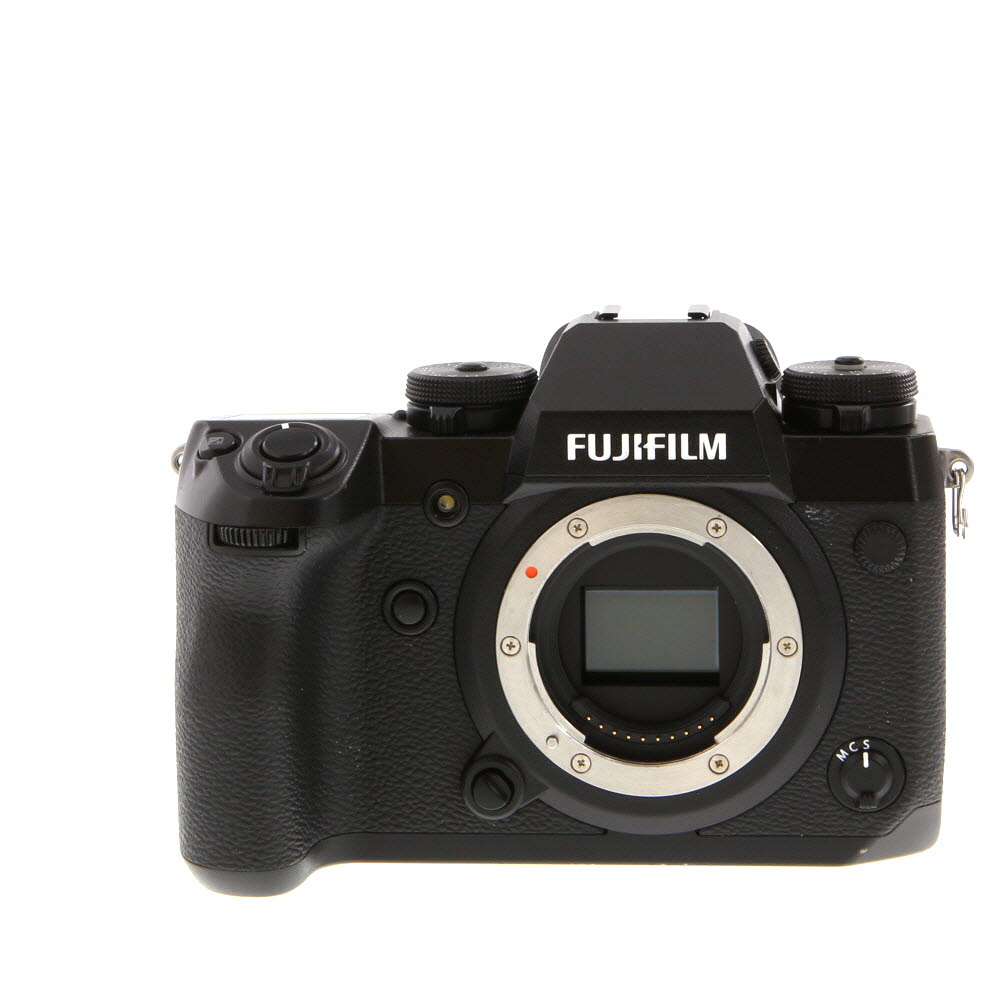
To clean a mirrorless camera sensor, you will need a sensor cleaning kit that includes a sensor cleaning swab, sensor cleaning solution, and a blower. You may also need a sensor loupe to inspect the sensor for dust and debris.
How often should I clean my camera sensor?
The frequency of sensor cleaning depends on how often you use your camera and the shooting conditions. As a general guideline, you can clean your camera sensor every 3-6 months or whenever you notice dirt or spots in your photos.



How often should I really clean my camera sensor? Is it okay to do it every month if I use my camera a lot?
I usually clean mine every couple of months unless I notice spots in my photos. Better to be safe than sorry!
I tried cleaning my mirrorless camera sensor following your steps, but I still see some spots. I used a blower but maybe I didn’t use enough pressure? Should I retry or try a different cleaning solution?
It's not uncommon to have to clean the sensor more than once. Make sure to use a gentle, consistent motion with the swab, and don’t hesitate to use a fresh swab if needed. If spots persist, consider consulting a professional.
I think it’s better to always take your camera to a pro for cleaning. I’ve seen too many friends mess it up and damage their sensors.