
 Carmen J. Moore

In the age of digital photography, we rely heavily on our digital cameras to capture precious moments and memories. However, accidents happen, and sometimes we accidentally delete photos that we didn’t mean to. The question then arises: can deleted photos be recovered from a digital camera?
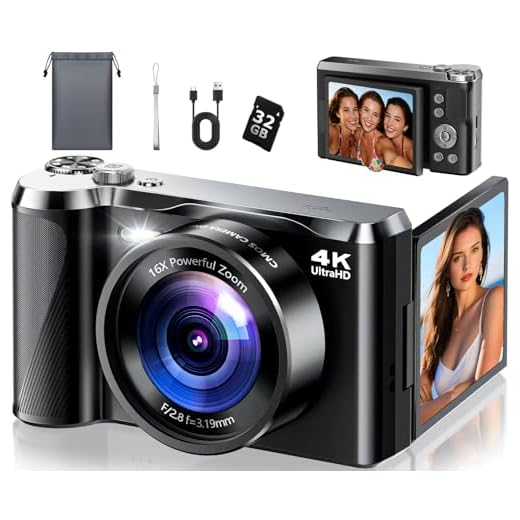



The answer is not a simple yes or no. The ability to recover deleted photos from a digital camera depends on a variety of factors, including the type of camera, the storage media used, and the actions taken after the deletion. In some cases, it is possible to recover deleted photos using specialized software or services.
It’s important to note that the sooner you attempt to recover deleted photos, the higher the chances of success. Once new photos are taken or the camera’s memory is overwritten, the chances of recovering deleted photos diminish. So, if you’ve accidentally deleted photos from your digital camera, act quickly to increase your chances of successful recovery.
Can Deleted Photos Be Recovered from Digital Camera
Accidentally deleting photos from your digital camera can be a frustrating experience, but there is hope for recovering those precious memories. With the right tools and techniques, it is possible to retrieve deleted photos from a digital camera’s memory card.
Steps to Recover Deleted Photos:
- Stop using the camera immediately to avoid overwriting the deleted photos.
- Remove the memory card from the camera and connect it to a computer using a card reader.
- Use a data recovery software program designed for digital cameras to scan the memory card for deleted files.
- Select the deleted photos you want to recover and follow the software’s instructions to restore them to your computer.
Remember that the success of photo recovery depends on how soon you attempt to recover the deleted photos and how much the data on the memory card has been overwritten. It is always recommended to regularly back up your photos to prevent data loss.
| Pros | Cons |
|---|---|
| Possible to recover deleted photos | Success rate may vary |
| Quick and easy process | Risk of overwriting deleted files |
Understanding the Data Deletion Process
When you delete a photo from your digital camera, the file is not immediately removed from the memory card or internal storage. Instead, the camera marks the space occupied by the deleted file as available for new data to be written over it. This means that the actual data of the deleted photo remains on the storage medium until it is overwritten by new information.

How Data Recovery Works
When you attempt to recover a deleted photo, specialized software can scan the storage device for traces of the deleted file. By analyzing the memory card or internal storage at a low level, data recovery tools can identify and reconstruct the deleted photo’s data to restore it back to a readable format.
It’s important to note that the chances of successful data recovery decrease over time as the deleted file’s data may be gradually overwritten by new files. Therefore, it’s recommended to stop using the camera or storage device immediately after realizing a deletion mistake to maximize the chances of successful photo recovery.
Common Methods of Photo Recovery
When trying to recover deleted photos from a digital camera, there are several common methods that can be used:
- 1. Use photo recovery software: There are many software programs available that specialize in recovering deleted photos from digital cameras. These programs can scan the camera’s memory card and attempt to retrieve lost photos.
- 2. Connect the camera to a computer: By connecting the camera to a computer using a USB cable, you may be able to access the camera’s memory card and recover deleted photos using data recovery software.
- 3. Check the camera’s recycle bin: Some digital cameras have a recycle bin or trash folder where deleted photos are temporarily stored before being permanently deleted. Check this folder to see if your deleted photos can be restored.
- 4. Use a memory card reader: If the camera itself is not able to connect to a computer, you can remove the memory card and insert it into a memory card reader. This allows you to access the card on a computer and attempt photo recovery.
- 5. Seek professional help: If the above methods do not work or if you are not comfortable attempting photo recovery on your own, you can seek help from professional data recovery services that specialize in recovering lost photos from digital cameras.
Factors Affecting Photo Recovery Success
When attempting to recover deleted photos from a digital camera, several factors can influence the success of the recovery process. Understanding these factors can help improve the chances of recovering your lost images. Some key factors to consider include:
1. File System
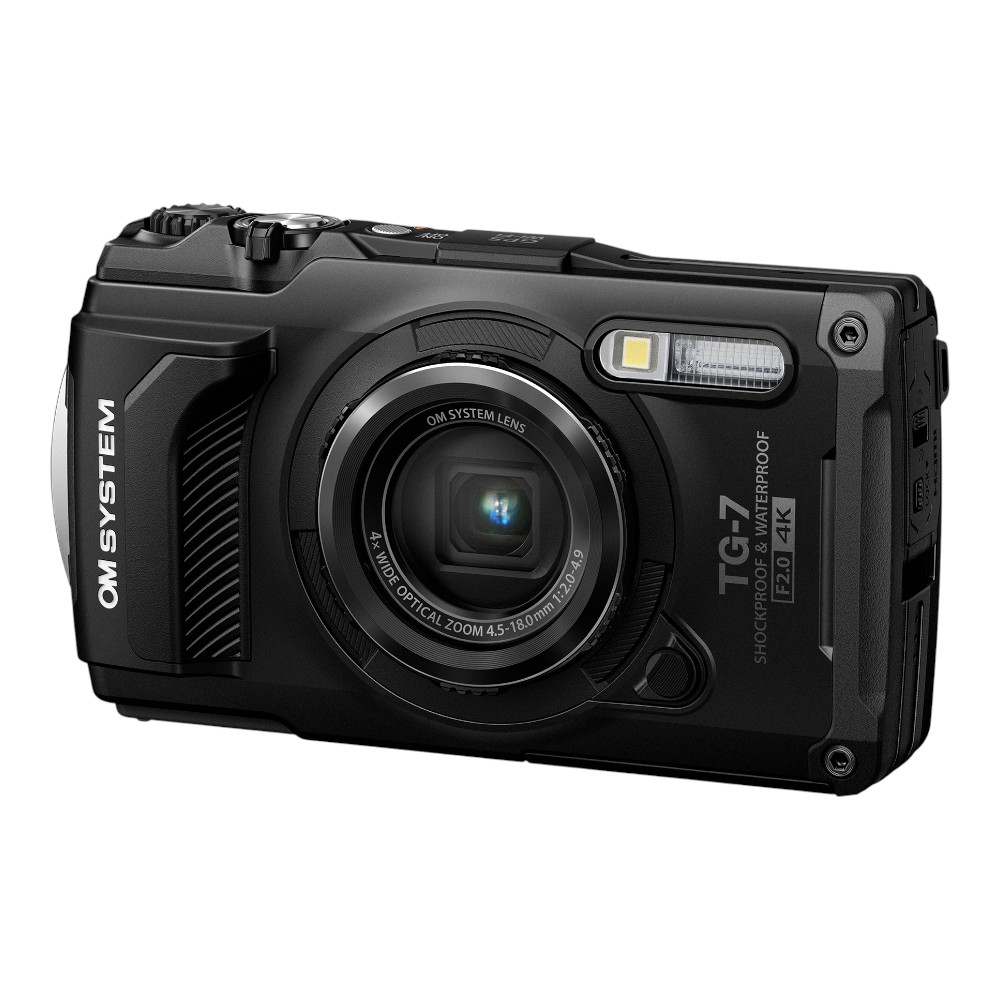
The file system used by the digital camera can impact the success of photo recovery. Different file systems store data in different ways, and some are more conducive to recovery than others. Common file systems used in digital cameras include FAT32, exFAT, and NTFS. It is important to know which file system your camera uses before attempting recovery.
2. Overwriting Data
Once a photo is deleted from a digital camera, the space it occupied on the memory card is marked as available for new data. If new data is written to the memory card before recovery is attempted, it can overwrite the deleted photo, making recovery more difficult or even impossible. To maximize the chances of successful recovery, it is important to stop using the memory card as soon as you realize photos have been deleted.
| Factor | Impact |
|---|---|
| File System | Can affect how data is stored and recovered. |
| Overwriting Data | Can make recovery more difficult or impossible. |
Precautions to Take After Accidental Deletion
Accidental deletion of photos from a digital camera can be a frustrating experience. To increase the chances of recovering deleted photos, it is important to take the following precautions:
| 1. | Stop using the camera immediately: | Continuing to use the camera after deleting photos can overwrite the deleted data, making it harder to recover. Turn off the camera and remove the memory card to prevent further data loss. |
| 2. | Do not save new data: | Avoid taking new photos or videos on the camera after deletion as this can overwrite the deleted files. Saving new data increases the risk of permanent data loss. |
| 3. | Handle the memory card with care: | Protect the memory card from physical damage or corruption. Avoid bending, dropping, or exposing the card to extreme temperatures to prevent further data loss. |
| 4. | Use reliable data recovery software: | Choose a reputable data recovery tool designed for digital cameras to recover deleted photos. Follow the instructions carefully to maximize the chances of successful recovery. |
| 5. | Consult a professional: | If you are unable to recover the deleted photos on your own, consider seeking help from a professional data recovery service. They may have advanced tools and techniques to recover lost data. |
Professional Data Recovery Services
If you have accidentally deleted photos from your digital camera and are unable to recover them using DIY methods, you may need to consider professional data recovery services. These services are offered by specialized companies that have the expertise and tools to retrieve lost data from various storage devices, including digital cameras.
Benefits of Professional Data Recovery Services:
- Expertise: Professional data recovery technicians have the knowledge and experience to handle complex data loss situations.
- Specialized Tools: These companies use specialized tools and software to recover data that may not be accessible through traditional methods.
- Success Rate: Professional data recovery services have a higher success rate in recovering lost data compared to DIY methods.
- Confidentiality: Your data privacy is protected when you use professional data recovery services, ensuring that your sensitive information remains secure.
When considering professional data recovery services, make sure to choose a reputable company with a proven track record of successful data recovery. It’s important to inquire about the cost, turnaround time, and guarantee policy before proceeding with the service.

DIY Photo Recovery Software
If you have accidentally deleted photos from your digital camera, don’t panic! There are several DIY photo recovery software programs available that can help you retrieve your lost images. These programs are designed to scan your camera’s memory card and recover deleted photos, even if they have been erased or formatted.
How DIY photo recovery software works:
1. Download and install the software on your computer.
2. Connect your digital camera to the computer using a USB cable or card reader.
3. Run the software and follow the on-screen instructions to scan the memory card.

4. The software will search for deleted photos and display the results.
5. Select the photos you want to recover and save them to your computer.
Note: It’s important to stop using your camera or memory card immediately after deleting photos to prevent overwriting the data. The sooner you use DIY photo recovery software, the higher the chances of successful recovery.
Final Thoughts on Photo Recovery from Digital Cameras
Recovering deleted photos from a digital camera can be a challenging task, but with the right tools and techniques, it is possible to retrieve lost images. It is important to act quickly and avoid using the camera to prevent overwriting the deleted files. Using reliable photo recovery software can greatly increase the chances of successful recovery.
Remember to always back up your photos regularly to avoid losing important memories. If you have accidentally deleted photos from your digital camera, follow the steps outlined in this article to attempt recovery. With patience and perseverance, you may be able to recover your lost images and cherish them once again.

FAQ
Is it possible to recover photos that have been deleted from a digital camera?
Yes, it is possible to recover deleted photos from a digital camera. When a photo is deleted from a camera, it is not permanently erased from the memory card. The data is still present on the card until it is overwritten by new data. By using specialized data recovery software, you can scan the memory card and potentially recover the deleted photos.
How can I recover deleted photos from my digital camera?
To recover deleted photos from a digital camera, you can use data recovery software designed for this purpose. First, stop using the memory card to prevent new data from overwriting the deleted photos. Then, connect the memory card to your computer and run the data recovery software. The software will scan the memory card and display a list of recoverable files, including deleted photos. You can then select the photos you want to recover and save them to your computer.


I read that if you delete a photo, it doesn't really disappear right away. Could someone explain how long the data stays recoverable before it's overwritten?
Great question! The data remains recoverable until it's overwritten by new files. This can vary based on usage, so it's best to act immediately.
Can you recover deleted photos from all types of digital cameras? Or does it depend on the brand or model?
Does the success of recovering deleted photos depend on the camera brand? I have a Canon, but I’m not sure if that changes anything.
Camera brand can influence recovery success due to differences in file systems and how data is managed. It's best to check specific recovery software reviews for your camera model.
I think it might! Some brands have better software support for recovery. I have a Nikon, and I've read some good reviews about recovery on its models.
Is there a difference in recovery success rates between using software and seeking professional services?
I’ve tried data recovery software before, and it didn’t work for me at all. Sometimes I think they just overhype the possibility of recovery.
Sorry to hear that! Recovery success can vary significantly based on several factors, including how much the card has been used since deletion.
Always back up your photos regularly! It really saves a lot of stress in case of accidental deletions.
I've accidentally deleted photos from my Canon camera before, and I found a recovery software that worked really well for me. I stopped using the camera right away and followed the steps to connect the memory card to my computer. It took a bit of time, but I managed to get almost all my photos back. So, it really works if you act fast!
I accidentally deleted over a hundred photos from my memory card last week. I followed the steps listed in the article, and I was able to recover most of them using a recovery software I found online. I stopped using the camera immediately and used the software right away, which I think helped a lot. Just wanted to share that it can work if you act fast!