
 Carmen J. Moore

Security cameras are an essential tool for monitoring and protecting your property, but they can often struggle to capture clear footage in low light conditions, especially at night. Blurry or grainy images can make it difficult to identify potential threats or incidents. However, there are several steps you can take to improve the clarity of your security camera footage in the dark.
One of the most effective ways to enhance the night vision of your security cameras is to ensure they are equipped with infrared (IR) technology. IR cameras use infrared light to illuminate the area being monitored, allowing them to capture clear images even in complete darkness. By investing in IR cameras, you can significantly improve the quality of your nighttime surveillance.
Additionally, it is important to regularly clean and maintain your security cameras to ensure optimal performance. Dust, dirt, and debris can accumulate on the lenses of the cameras, obstructing the view and reducing image quality. By keeping your cameras clean and free of obstructions, you can help them capture sharper and clearer footage, even in low light conditions.
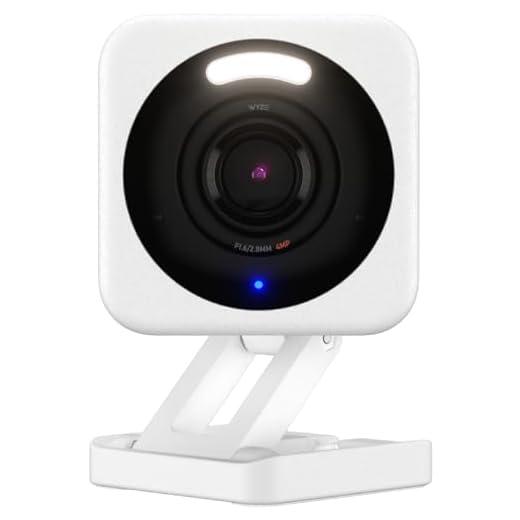

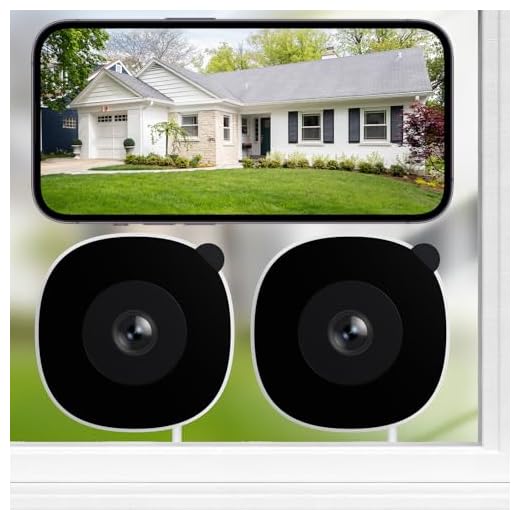
Enhancing Night Vision
Enhancing the night vision capabilities of your security cameras can greatly improve the quality of the footage they capture in low-light conditions. Here are some tips to help you achieve clearer images at night:
1. Use Infrared Illumination
Consider investing in security cameras with built-in infrared illumination. These cameras emit infrared light that is invisible to the human eye but can illuminate the scene for the camera, allowing it to capture clear images even in complete darkness.
2. Adjust Camera Settings
Make sure to adjust the camera settings to optimize the night vision performance. This may include adjusting the exposure settings, sensitivity levels, and infrared cut filter to ensure the best possible image quality in low-light conditions.
Tips for Clear Video
Having clear video footage from your security cameras at night is crucial for ensuring the safety of your property. Here are some tips to improve the clarity of your night vision:
1. Use Infrared Lighting
Make sure your security cameras have infrared lighting capabilities. This will help illuminate the area in low light conditions, allowing the camera to capture clear images even in the dark.
2. Position Cameras Strategically
Ensure that your cameras are positioned correctly to cover the area you want to monitor. Avoid placing them too close to bright lights or reflective surfaces, as this can cause glare and reduce image quality.
Choosing the Right Camera
When selecting a security camera for night vision, it is essential to consider a few key factors to ensure optimal performance. Here are some important aspects to keep in mind:
1. Infrared (IR) Capability
Look for cameras equipped with infrared technology, as this feature allows the camera to capture clear images in low light or complete darkness. IR LEDs illuminate the scene, providing visibility without attracting unwanted attention.
2. Resolution and Lens Quality
Opt for cameras with high resolution and quality lenses to ensure sharp and detailed images, even in low-light conditions. A higher resolution camera will capture more details, making it easier to identify objects and individuals in the dark.
Proper Camera Placement
Proper placement of security cameras is crucial for achieving clear night vision footage. Here are some tips for optimal camera placement:
| 1. | Position cameras away from direct light sources such as street lights or porch lights to prevent glare and overexposure. |
| 2. | Ensure cameras are mounted at a proper height and angle to capture the desired area without obstructions. |
| 3. | Consider the infrared range of the camera and adjust placement accordingly to maximize night vision capabilities. |
| 4. | Install cameras in areas with minimal ambient light to enhance the night vision performance. |
Optimizing Night Vision
When setting up security cameras for night vision, there are a few key factors to consider to ensure the best possible image quality:
1. Position your cameras strategically to minimize glare and reflection from artificial light sources.
2. Adjust the camera settings to optimize the infrared lighting for clearer night vision.
3. Keep the camera lenses clean and free of debris to prevent distortion of the image.
4. Consider investing in cameras with advanced night vision technology for superior performance in low-light conditions.
Adjusting Camera Settings
One of the key ways to make security cameras clearer at night is by adjusting the camera settings. Here are some tips on how to do this:
1. Increase the Exposure
Exposure refers to the amount of light that the camera sensor captures. By increasing the exposure settings on your camera, you can make the image brighter and clearer, especially in low-light conditions.
2. Adjust the White Balance
White balance settings help ensure that colors in the image appear natural. By adjusting the white balance settings on your camera, you can reduce color casts and improve image clarity, even in low-light situations.
External Lighting Solutions
One effective way to improve the clarity of security camera footage at night is to install external lighting solutions. Proper lighting can help illuminate the area being monitored and provide better visibility for the cameras. Here are a few external lighting options to consider:
1. Floodlights: Installing bright floodlights around the perimeter of your property can help enhance visibility and deter potential intruders.
2. Motion-Activated Lights: Motion-activated lights are a cost-effective solution that only turn on when motion is detected, helping to conserve energy while still providing sufficient lighting.
3. Infrared Illuminators: Infrared illuminators emit light that is invisible to the human eye but can be detected by security cameras, enhancing night vision capabilities.
By incorporating these external lighting solutions, you can significantly improve the clarity of your security camera footage at night, making it easier to monitor your property and enhance overall security.
Improving Visibility
There are several ways to improve the visibility of security cameras at night:
1. Use Infrared (IR) Illuminators
Installing infrared illuminators can greatly enhance the night vision capabilities of security cameras. IR illuminators emit infrared light that is invisible to the human eye but can be detected by the camera, allowing for clearer images in low-light or no-light conditions.
2. Adjust Camera Settings
Make sure to adjust the camera settings to optimize night vision. This includes adjusting the exposure settings, sensitivity levels, and other parameters to ensure that the camera can capture clear images in low-light environments.
| Tip | Description |
|---|---|
| Position Cameras Properly | Ensure that the cameras are positioned correctly to minimize glare, reflections, and obstructions that may affect visibility at night. |
| Regular Maintenance | Regularly clean the camera lenses and check for any obstructions that may hinder visibility, such as dust, dirt, or spider webs. |



What are the best infrared cameras you've used for clear night vision? I'm thinking about upgrading but I'm not sure where to start.
I recently got the Ring Night Vision Camera, and it's been great! Super clear at night.
Thanks for your input! The Ring cameras are known for their good night vision, especially with IR capabilities. Consider checking specifications like resolution and lens quality before buying.
I have to disagree about the need for infrared lighting. I have a camera without it that does just fine with regular outdoor lighting. Sometimes less is more!
I installed some motion-activated floodlights along with my security cameras, and it made a huge difference! The footage is so much clearer now at night. I used to struggle with grainy images, but the extra lighting really helped enhance visibility. Just remember to position the cameras away from the floodlights to avoid glare.