
 Carmen J. Moore
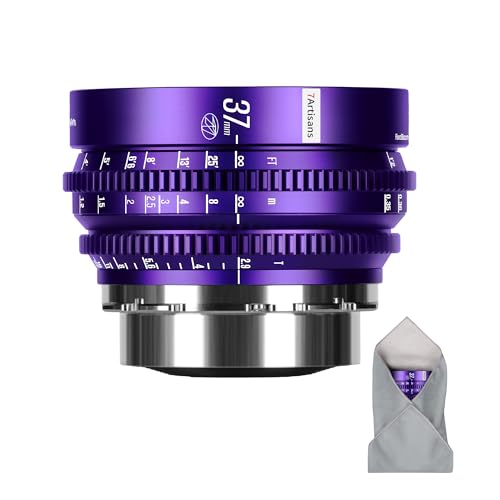
In the world of photography, there is a certain allure to using vintage film lenses on modern digital cameras. These classic lenses, renowned for their unique character and image quality, can bring a touch of nostalgia and creativity to your digital photography. But how exactly can you use film lenses on digital cameras? In this guide, we will explore the steps and considerations involved in adapting and utilizing film lenses on your modern camera.

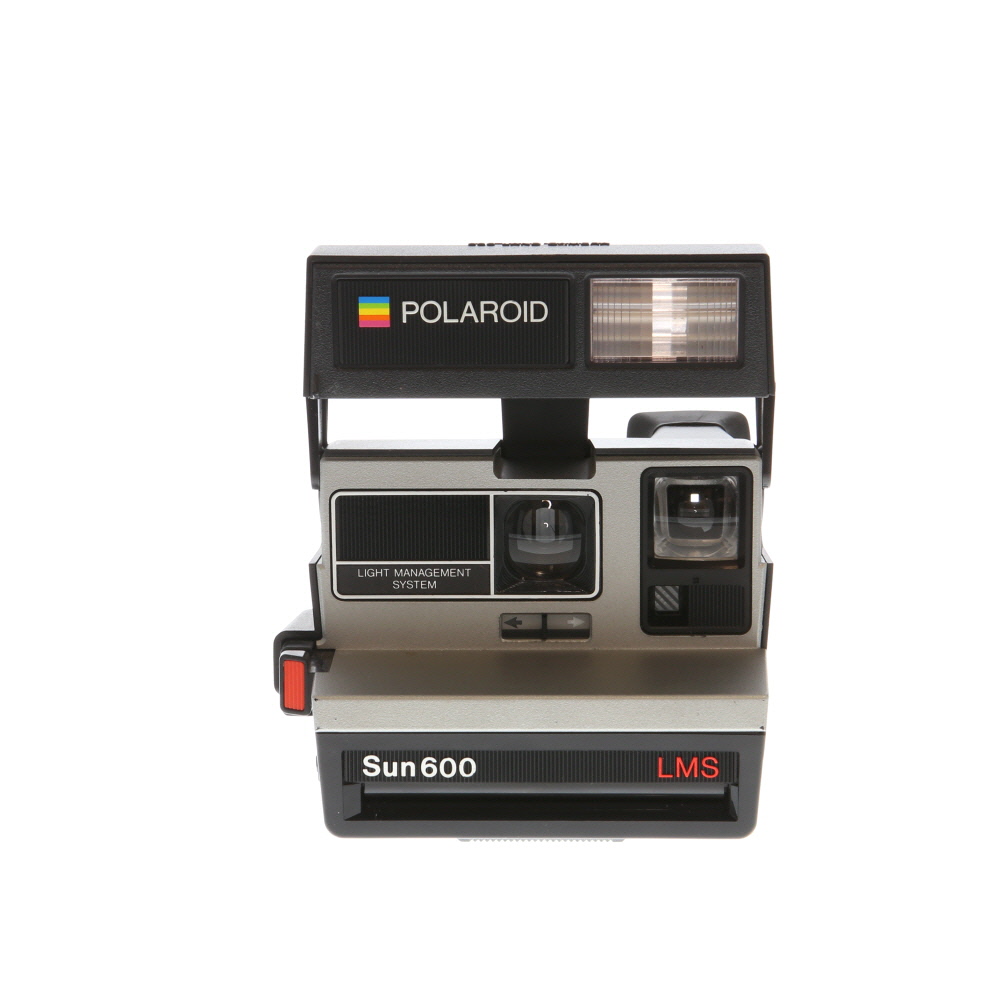

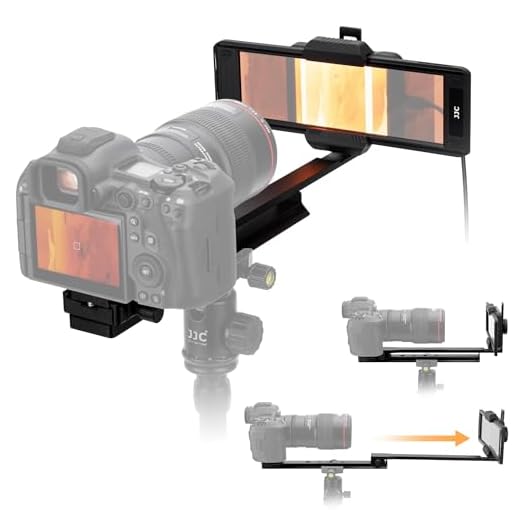
One of the key advantages of using film lenses on digital cameras is the ability to experiment with different focal lengths, apertures, and optical characteristics that may not be readily available in modern lenses. By adapting a film lens to your digital camera, you can unlock a world of creative possibilities and achieve distinctive, vintage-inspired looks in your photos.
However, adapting film lenses to digital cameras requires careful consideration and the use of specific adapters to ensure compatibility and functionality. In this guide, we will walk you through the process of selecting the right adapter for your camera and lens combination, as well as provide tips for achieving optimal results when using film lenses on your digital camera.
Choosing the right lens adapter
When using film lenses on a digital camera, it’s crucial to select the correct lens adapter to ensure compatibility and proper functionality. Here are a few key factors to consider when choosing the right lens adapter:
1. Mount compatibility
Make sure the lens adapter you choose is compatible with both the mount of your film lens and the mount of your digital camera. Different cameras and lenses have varying mounts, so it’s essential to match them correctly to avoid any issues.
2. Quality and build
Opt for a high-quality lens adapter made from durable materials to ensure a secure fit and reliable performance. Cheaper adapters may not provide a snug connection between the lens and camera, leading to potential problems like light leaks or poor image quality.

Mounting the film lens on the digital camera
When using a film lens on a digital camera, the first step is to ensure compatibility between the lens mount of the film lens and the digital camera body. If the mounts are not compatible, you may need an adapter to make them fit together.
Once you have the right adapter (if needed), carefully line up the lens mount of the film lens with the camera body’s lens mount. Gently twist the lens clockwise until it locks into place. Be sure not to force the lens as this could damage the camera or lens.
After mounting the lens, turn on the camera and adjust the settings to manual mode. Since film lenses do not communicate electronically with digital cameras, you will need to manually set the aperture, focus, and possibly the exposure settings on the camera.
With the film lens successfully mounted on the digital camera, you can now start capturing photos with a unique look and feel that film lenses can provide.
Adjusting settings for film lenses
When using film lenses on a digital camera, there are a few adjustments you may need to make to ensure optimal performance.
1. Set the aperture manually
Since film lenses do not communicate electronically with digital cameras, you will need to set the aperture manually on the lens itself. Adjust the aperture ring to your desired f-stop before taking a photo. Keep in mind that some modern digital cameras may not meter accurately with manual lenses, so you may need to rely on trial and error or use a separate light meter.
2. Enable manual focus mode
Most film lenses do not have autofocus capabilities, so you will need to switch your digital camera to manual focus mode when using these lenses. This will allow you to adjust the focus ring on the lens to achieve sharp images.
By making these adjustments, you can successfully use film lenses on your digital camera and take advantage of their unique characteristics and optical qualities.
Understanding the differences in image quality
When using film lenses on digital cameras, it’s important to understand the differences in image quality that may arise. One of the key factors to consider is the resolution of the digital sensor compared to the film grain. Digital sensors have a fixed resolution, which can sometimes lead to a different look compared to the organic film grain.
Additionally, the color rendition and contrast may also vary between film and digital sensors. Film often has a unique color palette and contrast characteristics that may not be replicated exactly on a digital sensor. It’s essential to experiment with different settings and post-processing techniques to achieve the desired look when using film lenses on digital cameras.

Experimenting with different film lenses
One of the most exciting aspects of using film lenses on a digital camera is the opportunity to experiment with different types of lenses. Each lens has its own unique characteristics, such as focal length, aperture, and bokeh effect, which can create stunning and diverse images.
By trying out various film lenses on your digital camera, you can discover new perspectives and styles in your photography. Wide-angle lenses can capture expansive landscapes, while telephoto lenses can bring distant subjects closer. Vintage lenses can add a nostalgic, soft focus effect to your photos, while modern lenses offer crisp and sharp images.
Experimenting with different film lenses allows you to push the boundaries of your creativity and explore new ways to express your vision through photography. So don’t be afraid to mix and match lenses to see what unique results you can achieve!
Tips for using film lenses on digital cameras
When using film lenses on digital cameras, there are some important considerations to keep in mind to ensure optimal performance and compatibility. Here are some tips to help you make the most of your film lenses on digital cameras:
1. Check lens compatibility
Before attaching a film lens to your digital camera, make sure to check its compatibility. Some film lenses may not be fully compatible with digital cameras, leading to issues such as vignetting or loss of image quality. Research your specific camera model and lens to ensure they are compatible.

2. Use an adapter if necessary
If your film lens is not directly compatible with your digital camera, you may need to use an adapter. Adapters are available for various lens mounts, allowing you to attach a film lens to a digital camera. Be sure to use a high-quality adapter to maintain proper alignment and avoid any issues.
| 3. Experiment with manual focus | Many film lenses do not have autofocus capabilities, so you may need to focus manually when using them on a digital camera. Take the time to practice manual focusing to ensure sharp and accurate results. Some digital cameras also offer focus peaking or magnification features to assist with manual focusing. |
|---|---|
| 4. Adjust aperture settings | When using a film lens on a digital camera, you may need to adjust the aperture settings manually. Some digital cameras may not be able to control the aperture of a film lens, so you will need to set the aperture on the lens itself. Be aware of the effects of different aperture settings on your images. |
FAQ
Can I use film lenses on a digital camera?
Yes, you can use film lenses on a digital camera with the help of lens adapters. By using the appropriate adapter, you can mount your film lenses onto your digital camera and continue using them to capture images.
What are the benefits of using film lenses on a digital camera?
Using film lenses on a digital camera can provide unique characteristics to your photographs, such as a vintage or artistic look. Additionally, film lenses often have high-quality optics that can enhance the sharpness and overall image quality of your digital photos.
Do film lenses work differently on a digital camera compared to a film camera?
When using film lenses on a digital camera, you may experience differences in focal length and depth of field due to the crop factor of digital sensors. It’s important to consider these factors when using film lenses on a digital camera to achieve the desired results.
How do I choose the right lens adapter for my film lenses?
To choose the right lens adapter for your film lenses, you need to determine the mount type of your lenses and the mount type of your digital camera. There are various adapters available for different combinations of mounts, so make sure to research and select the appropriate adapter for your specific setup.

Are there any limitations or drawbacks to using film lenses on a digital camera?
One limitation of using film lenses on a digital camera is that some older lenses may not be compatible with certain digital camera models. Additionally, you may experience manual focusing and aperture control with film lenses on a digital camera, which can require more effort compared to using modern autofocus lenses.



I love using vintage lenses! They add such a unique feel to my photos. It’s like capturing a piece of history.
Good article! I’m wondering if using a cheaper lens adapter can really affect image quality. Has anyone experienced that?
I recently tried using my old Pentax film lens on my digital camera. The colors were so much more vibrant than my usual digital lenses! However, I struggled with focusing manually, especially in low light. Any tips for that?