
 Carmen J. Moore
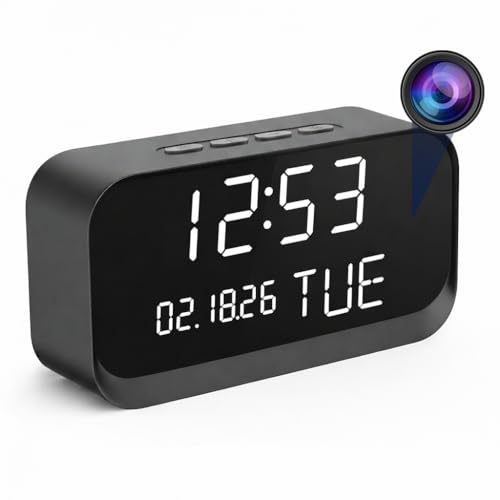
Do you have an old digital camera lying around collecting dust? Instead of letting it go to waste, why not repurpose it into a security camera? With a few simple steps, you can turn your unused camera into a powerful tool for monitoring your home or office.
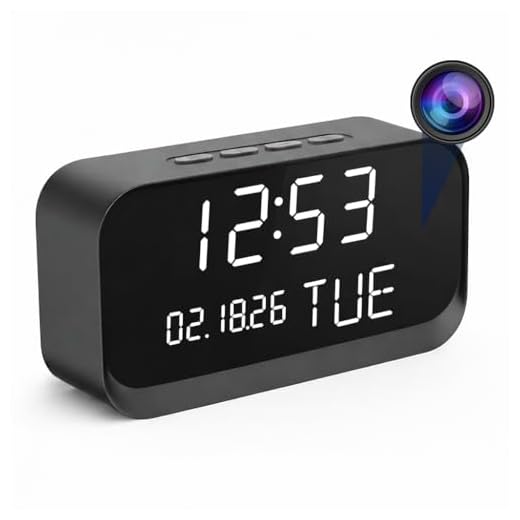
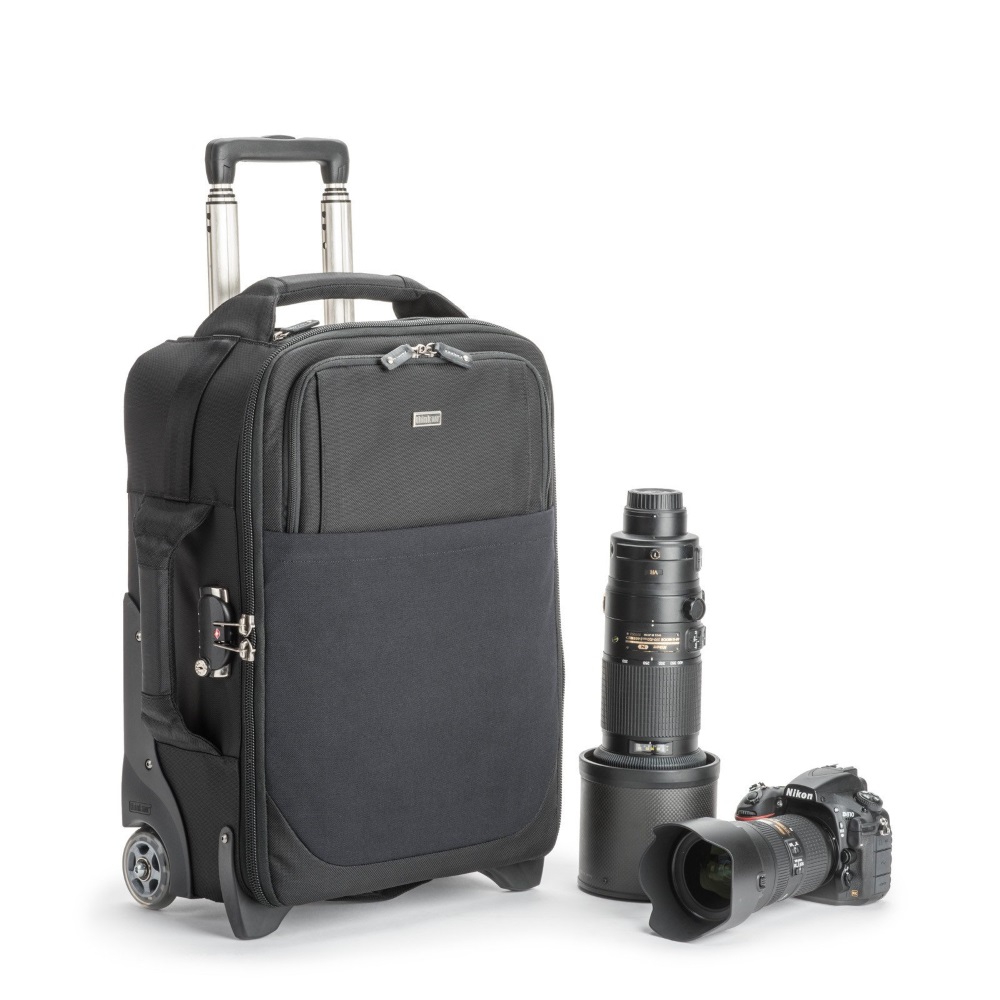


By following the steps outlined in this guide, you can set up your digital camera to capture footage, detect motion, and even send alerts to your phone or email. Whether you’re looking to enhance your home security or keep an eye on your pets while you’re away, turning your digital camera into a security camera is a cost-effective and creative solution.
Benefits of Using Digital Camera as Security Camera
Using a digital camera as a security camera offers various benefits, making it a cost-effective and versatile solution for monitoring your property. Some of the key advantages include:
| 1. High-Quality Images: | Most digital cameras provide high-resolution images, allowing you to capture clear details of any suspicious activity. |
| 2. Remote Monitoring: | With the right software or app, you can remotely access the camera feed from your smartphone or computer, giving you real-time monitoring capabilities. |
| 3. Motion Detection: | Many digital cameras come equipped with motion detection features, triggering alerts when any movement is detected in the camera’s field of view. |
| 4. Easy Installation: | Setting up a digital camera as a security camera is relatively simple and can be done without the need for professional installation services. |
| 5. Cost-Effective Solution: | Using a digital camera that you already own eliminates the need to purchase dedicated security camera equipment, saving you money in the process. |
Steps to Repurpose a Digital Camera for Security Monitoring
Repurposing a digital camera for security monitoring can be a cost-effective solution to enhance your home security. Here are the steps to turn your digital camera into a security camera:
1. Select the Right Camera
Choose a digital camera with features that suit your security needs, such as motion detection, night vision, and Wi-Fi connectivity.
2. Install Surveillance Software
Download and install surveillance software on your computer or a Raspberry Pi. Popular options include iSpy, Blue Iris, or ZoneMinder.

Follow the software’s instructions to set up your digital camera as a surveillance device, configuring settings like motion detection zones and recording schedules.
3. Position the Camera
Place the digital camera in a strategic location to monitor the area you want to secure. Ensure the camera has a clear view and is protected from weather elements if placed outdoors.
Connect the camera to a power source and your network, if applicable, to enable remote viewing and monitoring.
By following these steps, you can repurpose your digital camera into a security camera and enhance your home security without investing in dedicated surveillance equipment.
Necessary Equipment for Converting Digital Camera to Security Camera
Converting a digital camera into a security camera requires certain equipment to ensure proper functionality and surveillance capabilities. Here are the necessary items you will need:

| 1. Digital Camera | A high-quality digital camera with video recording capabilities is essential for capturing clear footage. |
| 2. Power Source | An uninterrupted power source or battery pack to ensure continuous operation of the camera. |
| 3. Memory Card | A large-capacity memory card to store the recorded video footage for later review. |
| 4. Mounting Hardware | Mounting brackets or stands to securely attach the camera in the desired location for surveillance. |
| 5. Internet Connection | An internet connection for remote access to the camera feed and monitoring capabilities. |
| 6. Software | Security camera software for configuring the digital camera to function as a surveillance system. |
Setting Up the Digital Camera for Surveillance Purposes
Converting your digital camera into a security camera is a cost-effective way to monitor your home or office. Here’s how to set up your digital camera for surveillance purposes:
Step 1: Choose the Right Camera
First, select a digital camera with features that are suitable for surveillance, such as motion detection, night vision, and remote access capabilities. Make sure the camera has a power source and sufficient memory to store recordings.
Step 2: Position the Camera
Place the camera in a strategic location to capture the area you want to monitor. Ensure the camera is securely mounted and has a clear view of the surroundings. Consider factors like lighting and potential obstructions when positioning the camera.
- Mount the camera at a height that provides a wide-angle view of the area.
- Angle the camera to cover entry points and high-traffic areas.
- Avoid placing the camera near reflective surfaces or bright lights that could affect the image quality.
By following these steps, you can effectively turn your digital camera into a security camera for surveillance purposes.
Configuring Motion Detection and Remote Monitoring Features
One of the key features of turning a digital camera into a security camera is the ability to set up motion detection. This allows the camera to detect any movement within its field of view and trigger recording or alerts. To configure motion detection, you will need to access the camera’s settings through its software interface or app.
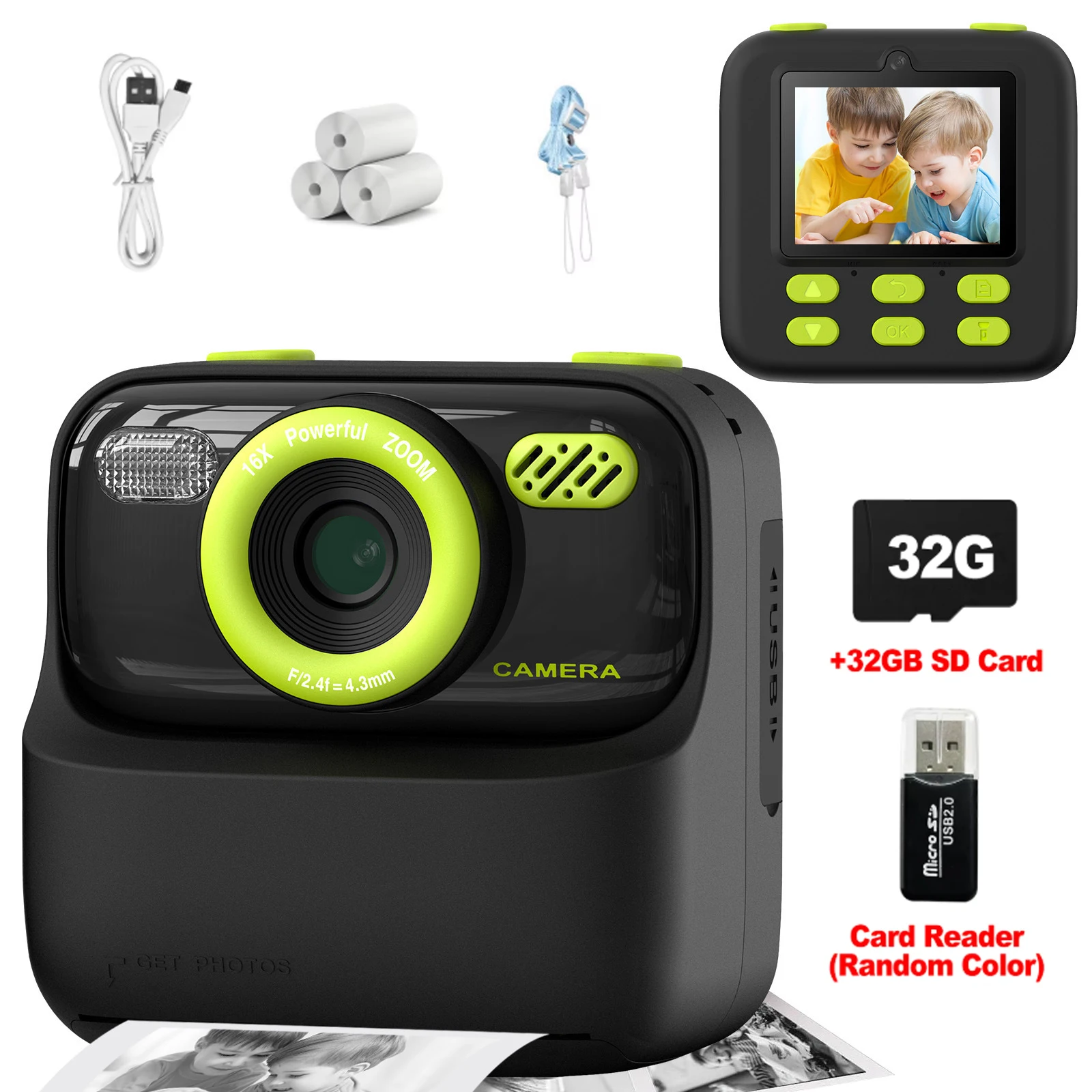
Once motion detection is set up, you can also enable remote monitoring. This feature allows you to access the camera feed from anywhere using a computer or mobile device. To enable remote monitoring, you will need to configure the camera to connect to your home network and set up port forwarding on your router to access the camera feed remotely.
Advantages of Using Digital Camera for Home Security
There are several advantages to using a digital camera for home security:
1. High-Quality Images and Videos
A digital camera can provide high-quality images and videos, allowing you to capture clear details of any potential security threats.
2. Remote Monitoring
With digital cameras, you can monitor your home security remotely using a smartphone or computer, giving you peace of mind even when you’re away.
Using a digital camera for home security can be a cost-effective and efficient way to protect your property and loved ones.
Tips for Maximizing the Security Camera Functionality
Turning your digital camera into a security camera can be a cost-effective solution for monitoring your home or office. Here are some tips to help you maximize the functionality of your DIY security camera:
1. Positioning
Place your camera in a strategic location to capture the most important areas. Consider angles that provide a wide view of the space you want to monitor.
2. Motion Detection
Enable motion detection on your camera to receive alerts when activity is detected. This can help you stay informed about any unusual movements in your monitored area.
| Tip | Description |
| 3. Lighting | Ensure proper lighting for clear footage. Consider using infrared lights for night vision capabilities. |
| 4. Storage | Set up a storage solution to save recordings. You can use a cloud service or a local storage device for this purpose. |
| 5. Remote Access | Opt for a camera model that offers remote access. This feature allows you to view live footage and recordings from anywhere using a smartphone or computer. |
FAQ
Can I use my old digital camera as a security camera?
Yes, you can repurpose your old digital camera into a security camera by using software like Manything or Alfred. These apps allow you to turn your camera into a surveillance device and monitor your home remotely.
What equipment do I need to turn a digital camera into a security camera?
To turn a digital camera into a security camera, you will need a compatible camera, a power source, a stable internet connection, and software that enables remote monitoring. Additionally, you may need a mounting device to position the camera properly.

Is it legal to use a digital camera as a security camera?
Before using a digital camera as a security camera, it’s crucial to check the legal regulations in your area. In most places, it is legal to use a camera for home security purposes as long as you are not violating anyone’s privacy rights. Make sure to comply with local laws and regulations.
Can I access the footage from my digital camera security system remotely?
Yes, with the right software and setup, you can access the footage from your digital camera security system remotely. Apps like Manything or Alfred allow you to monitor your camera feed from your smartphone or computer, providing you with real-time surveillance of your home or property.


What software options are best for setting this up? I’ve heard of a few, but are there others?
I've used iSpy and had a pretty good experience. It’s user-friendly and has lots of options.
I’ve used an old DSLR as a security camera with good results. Just make sure to have a reliable power source and proper positioning.
I’m wondering how using a digital camera compares to a standard security camera. Are there major differences in image quality and reliability?
Don’t forget to check your camera's resolution! Higher resolution means better footage.
I think using old cameras is not as reliable as dedicated systems. They might fail at critical moments.
While dedicated systems are designed for security, repurposing a digital camera can still be effective if set up properly. It’s important to weigh your needs and the camera's capabilities.
Can I really use any digital camera for this purpose? What features should I look for?