
 Carmen J. Moore

Having scratches on your digital camera screen can be frustrating, especially when they affect the quality of your photos and videos. However, there are several methods you can try to remove or reduce the appearance of scratches on your camera screen.

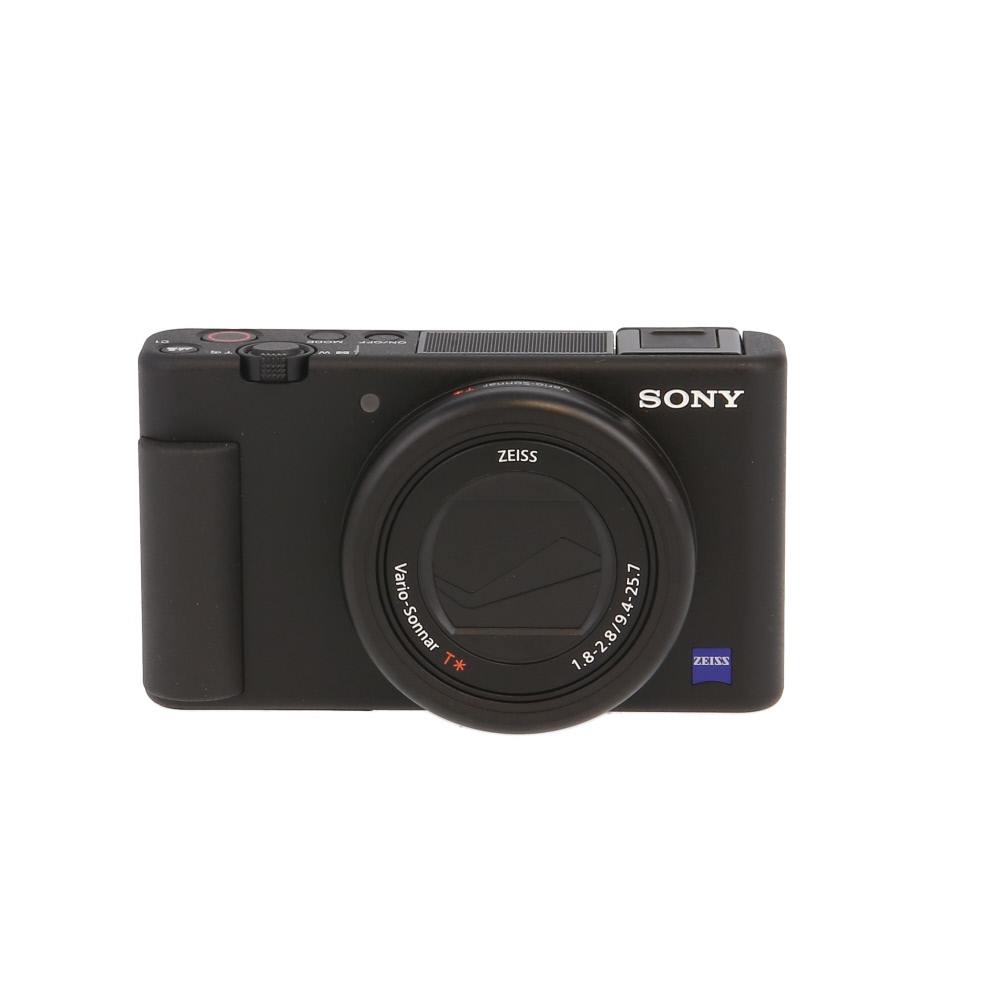


1. Toothpaste: One popular method is to use a small amount of toothpaste on a soft cloth and gently rub it in circular motions over the scratch. The abrasive properties of the toothpaste can help to buff out the scratch and make it less noticeable.
2. Baking Soda Paste: Another option is to create a paste using baking soda and water. Apply the paste to the scratch and gently rub it in with a soft cloth. This method can also help to reduce the appearance of scratches on your camera screen.
3. Scratch Removal Products: There are also specialized scratch removal products available on the market that are designed specifically for digital camera screens. These products can be effective in removing scratches and restoring the clarity of your camera screen.
Understanding the Problem
Scratches on your digital camera screen can be frustrating and distracting, affecting the quality of your photos and videos. These scratches can occur from accidental drops, contact with rough surfaces, or improper storage. Not only do they detract from the appearance of your camera, but they can also impact your ability to clearly see the screen and adjust settings.
It is important to address these scratches promptly to prevent further damage and maintain the functionality of your digital camera. In this guide, we will explore effective methods to remove scratches from your camera screen and restore its clarity.

Materials Needed
Before attempting to remove scratches from your digital camera screen, make sure you have the following materials on hand:
| Microfiber cloth |
| Lens cleaning solution |
| Plastic polish or scratch remover |
| Cotton swabs |
| Soft brush |
Step-by-Step Guide
To remove scratches from your digital camera screen, follow these steps:
- Turn off the camera and remove the battery to prevent any damage.
- Use a microfiber cloth to gently clean the screen and remove any dust or dirt.
- Apply a small amount of toothpaste or metal polish to the scratched area.
- Gently rub the toothpaste or metal polish using a soft cloth in circular motions.
- Continue rubbing for a few minutes until the scratches start to fade.
- Wipe off the toothpaste or metal polish residue with a clean cloth.
- Turn on the camera and check if the scratches have been removed.
If the scratches are still visible, repeat the process until they are no longer noticeable. Be gentle to avoid causing further damage to the screen.
Tips and Tricks
Here are some tips and tricks to help you remove scratches from your digital camera screen:
- Use a microfiber cloth to gently buff out minor scratches.
- Apply a small amount of toothpaste to the scratch and rub it in a circular motion with a soft cloth.
- Try using a mild abrasive like baking soda mixed with water to create a paste for stubborn scratches.
- Use a scratch remover product specifically designed for electronic screens.
- Consider applying a screen protector to prevent future scratches.
Preventive Measures
While it’s important to know how to remove scratches from your digital camera screen, taking preventive measures can help avoid scratches in the first place. Here are some tips to keep your camera screen scratch-free:
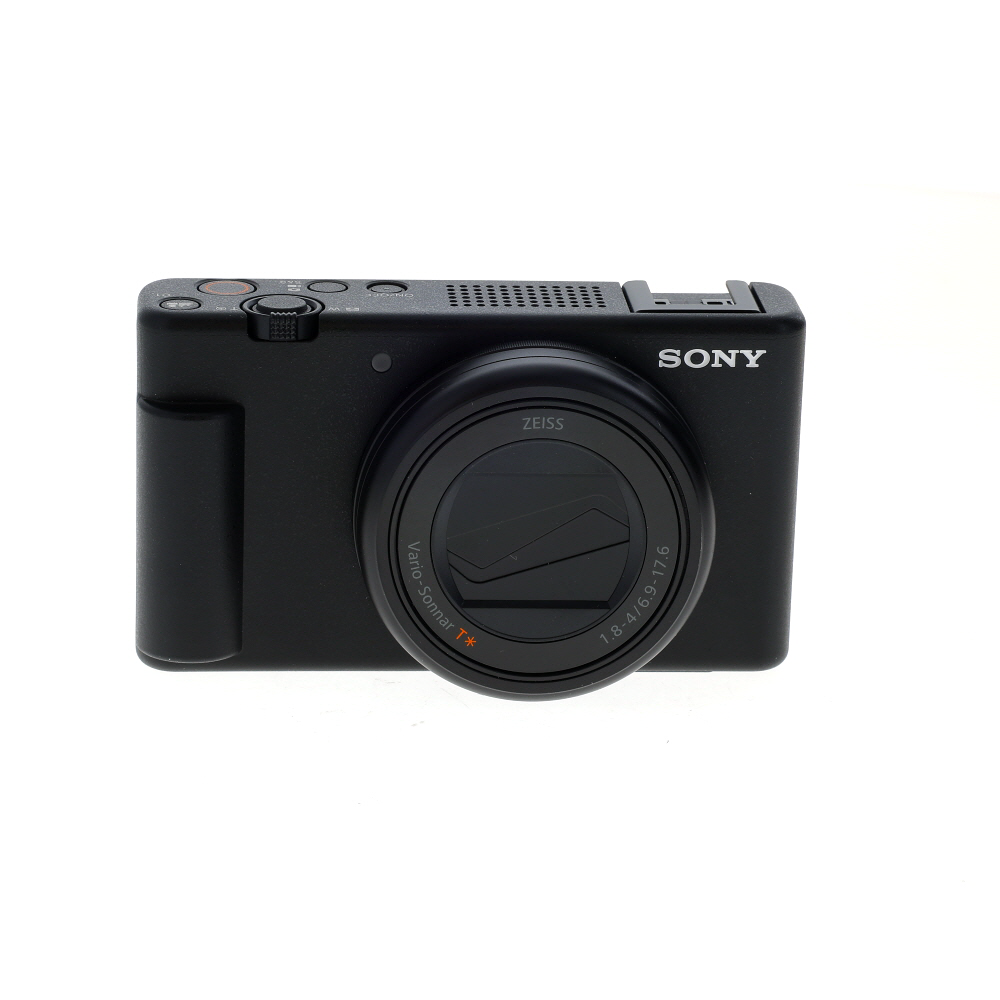
Avoid Contact with Sharp Objects
Be mindful of where you place your camera and avoid placing it near sharp objects such as keys, coins, or other items that can potentially scratch the screen.
Use a Screen Protector
Consider investing in a screen protector for your digital camera. Screen protectors are thin, transparent films that can be easily applied to the screen to provide an additional layer of protection against scratches.
| 1. | Keep your camera in a protective case when not in use. |
| 2. | Regularly clean your camera screen with a microfiber cloth to remove dirt and debris that can cause scratches. |
| 3. | Avoid using harsh chemicals or abrasive materials when cleaning your camera screen. |
Final Thoughts
In conclusion, removing scratches from a digital camera screen can be a delicate process that requires patience and care. It is important to assess the severity of the scratch before attempting any DIY methods. If the scratch is minor, using a microfiber cloth and a mild cleaning solution may help reduce its visibility. For deeper scratches, seeking professional help from a camera repair specialist is recommended to avoid causing further damage to the screen. Remember to always handle your digital camera with care to prevent scratches in the future.
FAQ
What are some common methods to remove scratches from a digital camera screen?
There are several common methods to remove scratches from a digital camera screen, including using a microfiber cloth and a cleaning solution, applying a screen protector, using a scratch removal kit, or seeking professional help from a camera repair service.
Can toothpaste be used to remove scratches from a digital camera screen?
Yes, toothpaste can be used to remove minor scratches from a digital camera screen. Simply apply a small amount of toothpaste to the scratched area, gently rub it in with a soft cloth in a circular motion, and then wipe it off with a clean cloth. This method may help reduce the visibility of the scratches, but it may not work for deep scratches.






I highly recommend getting a screen protector. It’s so much easier than trying to fix scratches later on!
I tried using baking soda paste on a few scratches on my camera screen, and it worked surprisingly well! I mixed it a bit thicker than suggested, applying it gently with a microfiber cloth. Just make sure to wipe it off properly after. However, I did notice that it didn’t fully remove deeper scratches, so I might look into a specialized product next.