
 Carmen J. Moore

Accidents happen, and sometimes the screen of your digital camera may get cracked or damaged. This can be a frustrating situation, especially if you rely on your camera for capturing important moments or professional work. The good news is that in many cases, it is possible to replace the screen of a digital camera.
However, whether or not you can replace the screen of your digital camera depends on a few factors, including the model of the camera, the availability of replacement parts, and your technical skills. Some cameras have screens that are relatively easy to replace, while others may require professional assistance or specialized tools.
If you are considering replacing the screen of your digital camera, it is important to research the process thoroughly and ensure that you have the necessary tools and expertise to do so. Alternatively, you can also seek the help of a professional technician or the manufacturer of the camera for assistance in replacing the screen.
Factors to consider
When replacing a digital camera screen, there are several factors to consider to ensure a successful repair:


| 1. Compatibility | Make sure the replacement screen is compatible with your specific camera model. |
| 2. Quality | Choose a high-quality replacement screen to ensure clear display and longevity. |
| 3. Tools | Ensure you have the necessary tools and expertise to safely replace the screen without causing further damage. |
| 4. Warranty | Check if the replacement screen comes with a warranty to protect against defects. |
| 5. Instructions | Follow detailed instructions or seek professional help to ensure the screen replacement is done correctly. |
Steps to replace the digital camera screen:
- Turn off the camera and remove the battery.
- Locate the screws around the screen and unscrew them using a screwdriver.
- Gently pry open the camera casing to access the screen.
- Disconnect the ribbon cable connected to the screen carefully.
- Remove the damaged screen and replace it with a new one.
- Connect the ribbon cable to the new screen and secure it in place.
- Close the camera casing and screw it back together.
- Insert the battery and turn on the camera to test the new screen.
Tools required
Before attempting to replace a digital camera screen, you will need the following tools:
Screwdriver Set
A precision screwdriver set with various sizes and types of screwdrivers to help you remove the screws that hold the camera together.
Opening Tools
Plastic opening tools or spudgers to safely open the camera casing without damaging the delicate components inside.
Note: It’s important to use the right tools to avoid causing further damage to your camera during the screen replacement process.
Cost of Replacement
Replacing a digital camera screen can vary in cost depending on the make and model of the camera, as well as the extent of the damage. In general, the cost of replacing a digital camera screen can range from $50 to $300. It is recommended to contact the manufacturer or a professional repair service to get an accurate quote for the specific camera model.

Factors Affecting Cost
The cost of replacement may be influenced by factors such as the size and type of the screen, the complexity of the repair, and the availability of replacement parts. Some cameras may require specialized tools or expertise for the replacement, which can also impact the overall cost.
| Cost Range | Description |
|---|---|
| $50-$100 | Basic screen replacement for older or simpler camera models. |
| $100-$200 | Mid-range cost for standard screen replacement on popular camera models. |
| $200-$300 | Higher cost for specialized screens or complex repair processes. |
DIY vs Professional Service
When it comes to replacing a digital camera screen, you have two options: doing it yourself or seeking professional service. Let’s compare the two approaches:
| DIY | Professional Service |
| Cost-effective but risky | More expensive but reliable |
| Requires technical skills and tools | Performed by trained technicians |
| No warranty for the repair | May come with a warranty |
| Time-consuming and potential mistakes | Quick and efficient service |
| Good for experienced DIYers | Recommended for those without technical knowledge |
Ultimately, the choice between DIY and professional service depends on your skills, budget, and willingness to take risks. Consider the pros and cons before making a decision.
Compatibility issues
When replacing a digital camera screen, it is crucial to ensure that the new screen is compatible with the specific model of the camera. Not all screens are universal, and using an incompatible screen can result in the screen not functioning properly or not fitting correctly. It is recommended to double-check the model number of the camera and the replacement screen to ensure compatibility before making a purchase.
Additionally, some digital cameras have specific requirements for the type of screen used, such as resolution, size, and connection type. Failure to meet these requirements can lead to issues with image quality, responsiveness, and overall functionality of the camera.
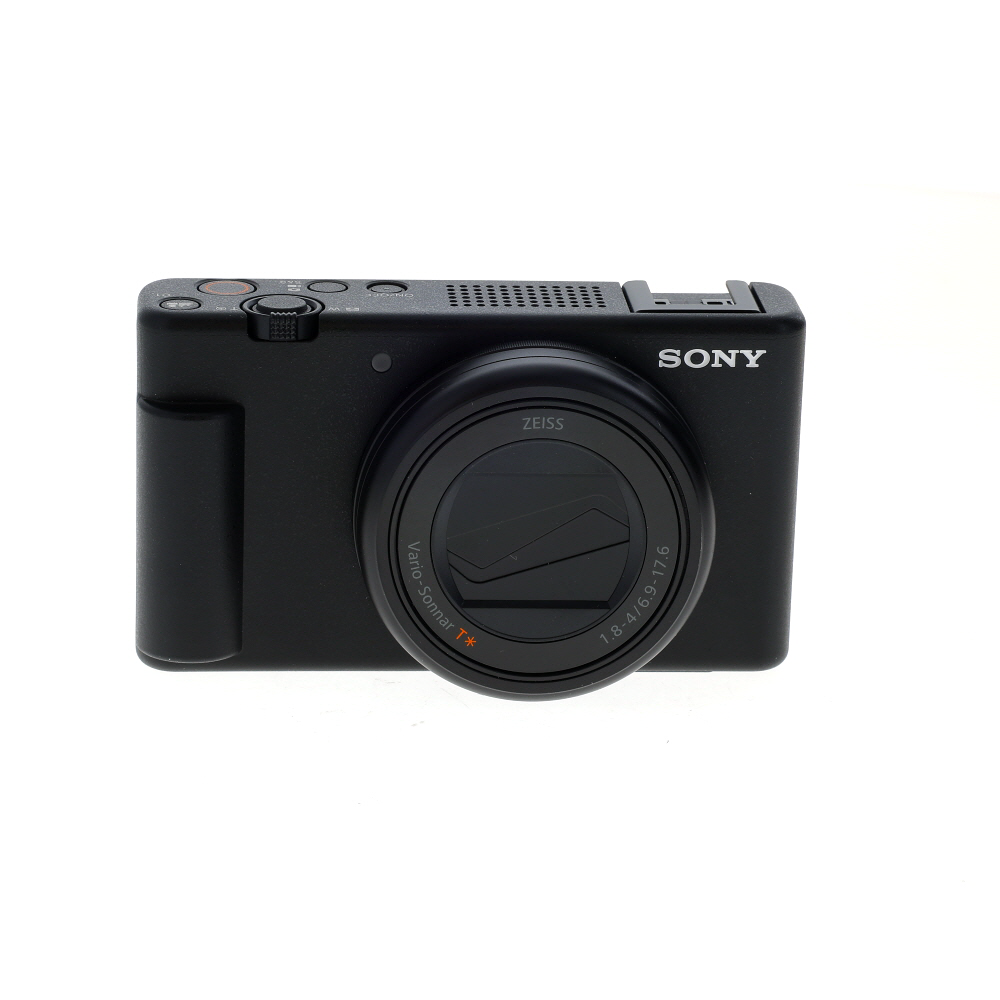
Before attempting to replace a digital camera screen, it is essential to research and verify the compatibility of the replacement screen to avoid any potential issues or damage to the camera.
Benefits of Replacement
1. Cost-effective solution: Replacing a digital camera screen can be a more affordable option compared to buying a new camera.
2. Extend the life of your camera: By replacing a damaged screen, you can prolong the lifespan of your camera and continue to enjoy its features.
3. Restore functionality: A new screen can restore the functionality of your camera, allowing you to capture high-quality images and videos.
4. Improved user experience: A clear and undamaged screen enhances the user experience, making it easier to navigate settings and review photos.

5. Professional repair: Replacing the screen by a professional technician ensures a proper installation and optimal performance of your camera.
Common problems
When it comes to digital camera screens, there are a few common problems that users may encounter. Some of the most frequent issues include:
Cracked or shattered screen
A cracked or shattered screen is a common problem with digital cameras, often caused by accidental drops or impacts. In this case, the screen will need to be replaced to restore functionality.
Blank or unresponsive screen
If your digital camera screen is blank or unresponsive, it could be due to a software glitch or a hardware issue. Troubleshooting steps may include resetting the camera or checking the connections, but ultimately, a replacement screen may be necessary.
| Issue | Solution |
| Cracked screen | Replace the screen with a new one |
| Blank screen | Try troubleshooting steps or replace the screen |
FAQ
Is it possible to replace a digital camera screen on your own?
Yes, it is possible to replace a digital camera screen on your own, but it requires some technical skill and knowledge. If you are comfortable with disassembling electronic devices and following instructions carefully, you can attempt to replace the screen yourself. However, if you are not confident in your abilities, it is recommended to take your camera to a professional repair service.

What tools are needed to replace a digital camera screen?
To replace a digital camera screen, you will typically need tools such as small screwdrivers, tweezers, a prying tool, and sometimes a heat gun or hair dryer to soften adhesive. It’s important to have the right tools to avoid damaging the camera during the replacement process. You may also need a replacement screen specific to your camera model.
How long does it take to replace a digital camera screen?
The time it takes to replace a digital camera screen can vary depending on the complexity of the camera model and your level of experience. On average, it can take anywhere from 30 minutes to a few hours to complete the replacement process. It’s important to work carefully and methodically to ensure the new screen is installed correctly.
How much does it cost to replace a digital camera screen?
The cost of replacing a digital camera screen can vary depending on the camera model, the quality of the replacement screen, and whether you choose to do it yourself or have it done by a professional. DIY replacement screens can range from $20 to $100 or more, while professional repair services may charge $100 to $300 or higher for the screen replacement.



Is it really worth attempting to replace the screen myself, or should I just go to a professional? I’m worried about making mistakes during the process.
I’ve done a screen replacement on my older camera and it was a bit tricky but rewarding! If you’re confident with tools, give it a shot. Just make sure to follow the instructions closely.
Whether to DIY or go professional really depends on your comfort level with tools and electronics. If you follow the instructions carefully, DIY can save you money, but having a pro do it ensures a reliable job.
I replaced the screen on my DSLR a few months ago. It took me about an hour, and I had to watch a couple of YouTube videos to get the steps right. It was definitely a challenge, but my camera works great now! Just be sure to have the right screwdrivers and go slowly to avoid breaking anything else.
I think it’s better to just pay for professional service. It’s not just about the tools; they have the experience and it’s less risky in the end.