
 Carmen J. Moore
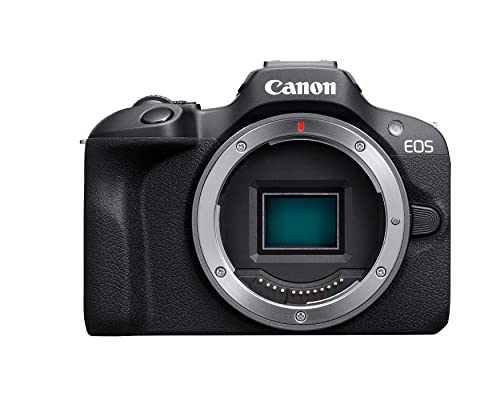
Modern digital cameras have revolutionized the way we capture and store memories. But have you ever wondered how these devices actually work?
At the heart of every digital camera is a sensor that converts light into digital information. When you press the shutter button, the sensor captures the scene in front of you by recording the intensity of light at each pixel.




This digital information is then processed by the camera’s image processor, which applies various algorithms to enhance the image quality, adjust colors, and reduce noise.
Finally, the processed image is stored on a memory card, ready to be viewed, shared, or edited on a computer or other device.
Understanding the digital camera
Before delving into how a digital camera works, it is important to understand the basic components that make up a digital camera. A digital camera consists of a lens, image sensor, processor, memory card, and LCD screen. The lens captures the light and focuses it onto the image sensor, which converts the light into digital data. The processor then processes this data and stores it on the memory card. Finally, the LCD screen displays the captured image for the user to view.
Digital Camera Components:
| Lens | Captures light and focuses it onto the image sensor. |
| Image Sensor | Converts light into digital data. |
| Processor | Processes the digital data. |
| Memory Card | Stores the processed digital data. |
| LCD Screen | Displays the captured image. |
Basics of Digital Photography
Digital photography is the process of capturing images using a digital camera instead of traditional film. Here are some basic concepts to help you understand how digital photography works:
- Sensor: A digital camera uses an image sensor to capture light and convert it into digital data. The sensor is made up of millions of tiny light-sensitive pixels.
- Resolution: The resolution of a digital photo is determined by the number of pixels in the image. Higher resolution images have more detail and can be printed at larger sizes.
- File formats: Digital photos are saved in file formats such as JPEG, TIFF, and RAW. Each format has its own advantages and disadvantages in terms of file size and image quality.
- Exposure: Exposure refers to the amount of light that reaches the camera sensor. Proper exposure is crucial for producing well-balanced and clear images.
- White balance: White balance is the process of adjusting the colors in a photo to accurately represent the true colors of the scene. Different light sources can affect the color temperature in a photo.
Components of a digital camera
A digital camera is a sophisticated device that consists of several key components working together to capture and store images. The main components of a digital camera include:

1. Image Sensor
The image sensor is the heart of a digital camera. It converts light into electrical signals, which are then processed to create digital images. The two most common types of image sensors are CCD (charge-coupled device) and CMOS (complementary metal-oxide-semiconductor).
2. Lens
The lens of a digital camera focuses light onto the image sensor. It plays a crucial role in determining the quality and clarity of the captured images. Digital cameras may have fixed or interchangeable lenses, depending on the model.
| Component | Description |
| 3. LCD Screen | The LCD screen allows users to preview and review images, navigate camera settings, and access various functions. |
| 4. Processor | The processor is responsible for handling image processing tasks, such as color correction, noise reduction, and image compression. |
| 5. Memory Card | Images are stored on a memory card, which can be removed from the camera for data transfer and storage. |
| 6. Battery | The battery powers the digital camera, allowing it to operate and capture images. |
Image Sensor Technology
Image sensors are at the heart of digital cameras, converting light into digital signals that create the image. There are two main types of image sensors used in digital cameras: CCD (Charge-Coupled Device) and CMOS (Complementary Metal-Oxide-Semiconductor).
CCD sensors use a series of capacitors to capture and convert light into electrical signals. They are known for producing high-quality images with low noise levels, making them ideal for professional photography.
CMOS sensors, on the other hand, use a different approach by converting light into electrical signals directly on the sensor itself. They are more energy-efficient and cost-effective than CCD sensors, making them popular in consumer-grade digital cameras.

Both types of sensors have their advantages and disadvantages, but they both play a crucial role in capturing the light and creating the digital images we see on our screens.
Processing and storing images
Once the digital camera captures an image, it processes the raw data from the image sensor to create a digital file. This process involves converting the analog signal captured by the sensor into a digital format that can be stored and manipulated by the camera’s internal software.
The camera’s image processor plays a crucial role in this step, as it applies various algorithms to enhance the image quality, adjust colors, contrast, and sharpness, and reduce noise. The processed image is then saved to a memory card or internal storage in a compressed format such as JPEG or RAW.
Storing images on a digital camera allows users to review, edit, and share their photos easily. Memory cards with different capacities are used to store a large number of images, and some cameras also offer the option to transfer images to a computer or cloud storage for safekeeping.
Display and User Interface
The digital camera’s display and user interface allow users to interact with the device and view the images they capture. The display typically shows a live preview of the scene before the photo is taken, providing users with a real-time view of what the camera sees. This feature helps users compose their shots and adjust settings such as focus, exposure, and white balance.
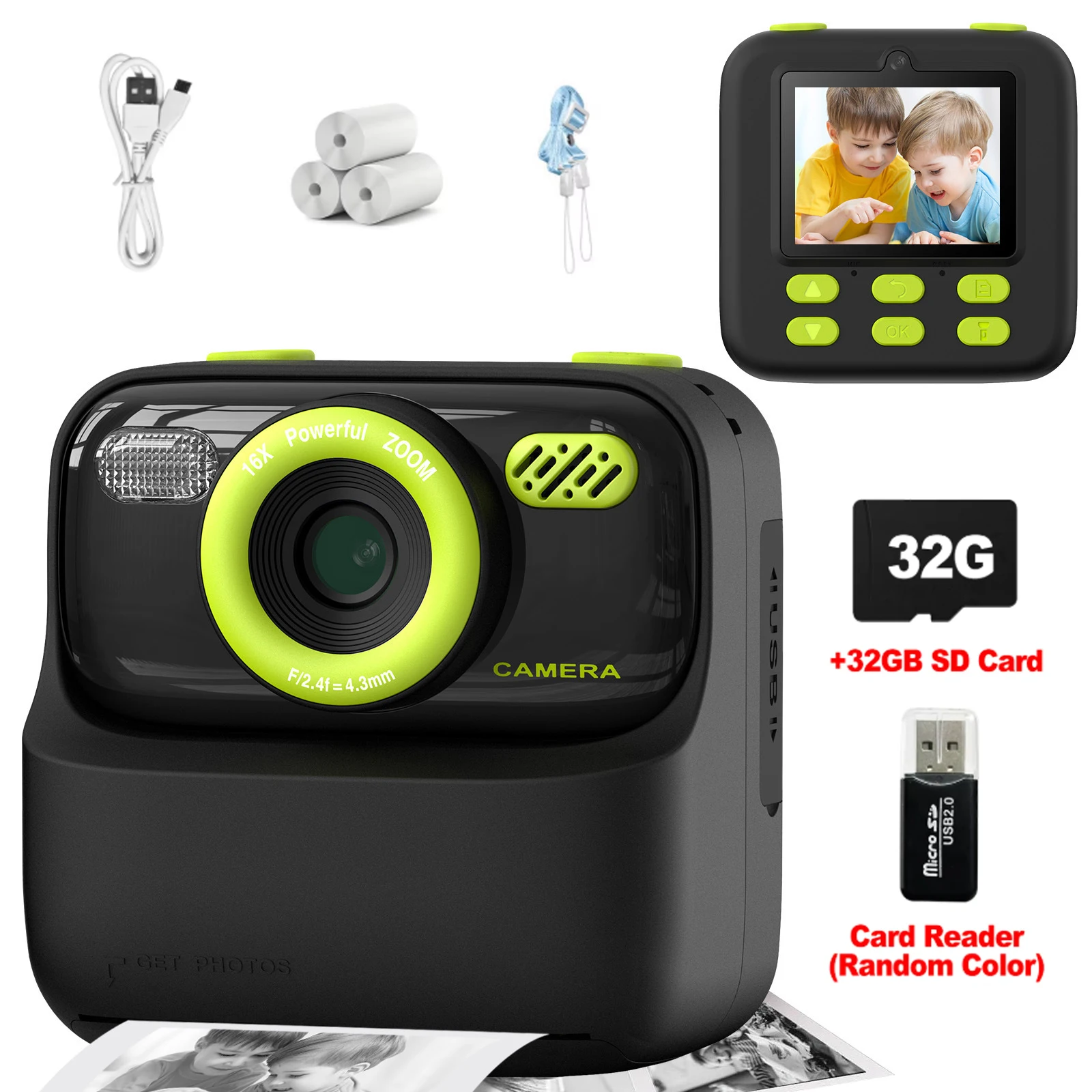
In addition to the live view, the display also allows users to review and delete photos they have taken. Some digital cameras have touchscreens that enable intuitive navigation through menus and settings, making it easier for users to customize their shooting experience. The user interface on a digital camera can vary widely depending on the model and brand, but its primary function is to provide a user-friendly way for photographers to control the camera and access its features.
Evolution of Digital Cameras
Over the years, digital cameras have evolved significantly, revolutionizing the way we capture and store images. Here are some key milestones in the evolution of digital cameras:
Digital Sensor Technology
One of the most significant advancements in digital cameras was the development of digital sensor technology. Early digital cameras used CCD (charge-coupled device) sensors, which were later replaced by CMOS (complementary metal-oxide-semiconductor) sensors. CMOS sensors offered better image quality, lower power consumption, and faster readout speeds.
Resolution and Megapixels
Another major evolution in digital cameras was the increase in resolution and megapixels. As technology advanced, digital cameras were able to capture higher resolution images with more megapixels, allowing for greater detail and clarity in photos.
FAQ
How does a digital camera capture images?
A digital camera captures images by using a sensor that converts light into electronic signals. When you press the shutter button, the sensor records the light that enters the camera lens, and then processes this information to create a digital image.

What is the difference between a digital camera and a film camera?
The main difference between a digital camera and a film camera is the way they capture images. A digital camera uses a sensor to convert light into electronic signals, while a film camera uses a chemical process to record images on film. Additionally, digital cameras offer instant preview of images, easier sharing and editing, while film cameras require developing the film to see the photos.
Can you explain the role of the image processor in a digital camera?
The image processor in a digital camera plays a crucial role in processing the electronic signals captured by the sensor into a usable digital image. It helps enhance image quality, adjust colors, apply filters, reduce noise, and perform other image processing tasks to produce a final image that can be stored on a memory card. A powerful image processor can significantly impact the overall image quality of a digital camera.


How does the image sensor's size affect the quality of the photos taken? Is it worth investing in a camera with a larger sensor?
Good question! Generally, larger sensors capture more light, which can lead to better image quality, especially in low-light conditions. It does make a difference, but it also depends on what you plan to shoot.
I love how digital cameras allow for easy editing. It's amazing how much you can enhance a photo with just a few tweaks!