
 Carmen J. Moore

Live streaming has become a popular way to share content in real-time with audiences around the world. Whether you are a content creator, vlogger, or business owner, live streaming allows you to engage with your audience in a more interactive and immediate way. One of the key components of live streaming is the camera you use to capture the video.


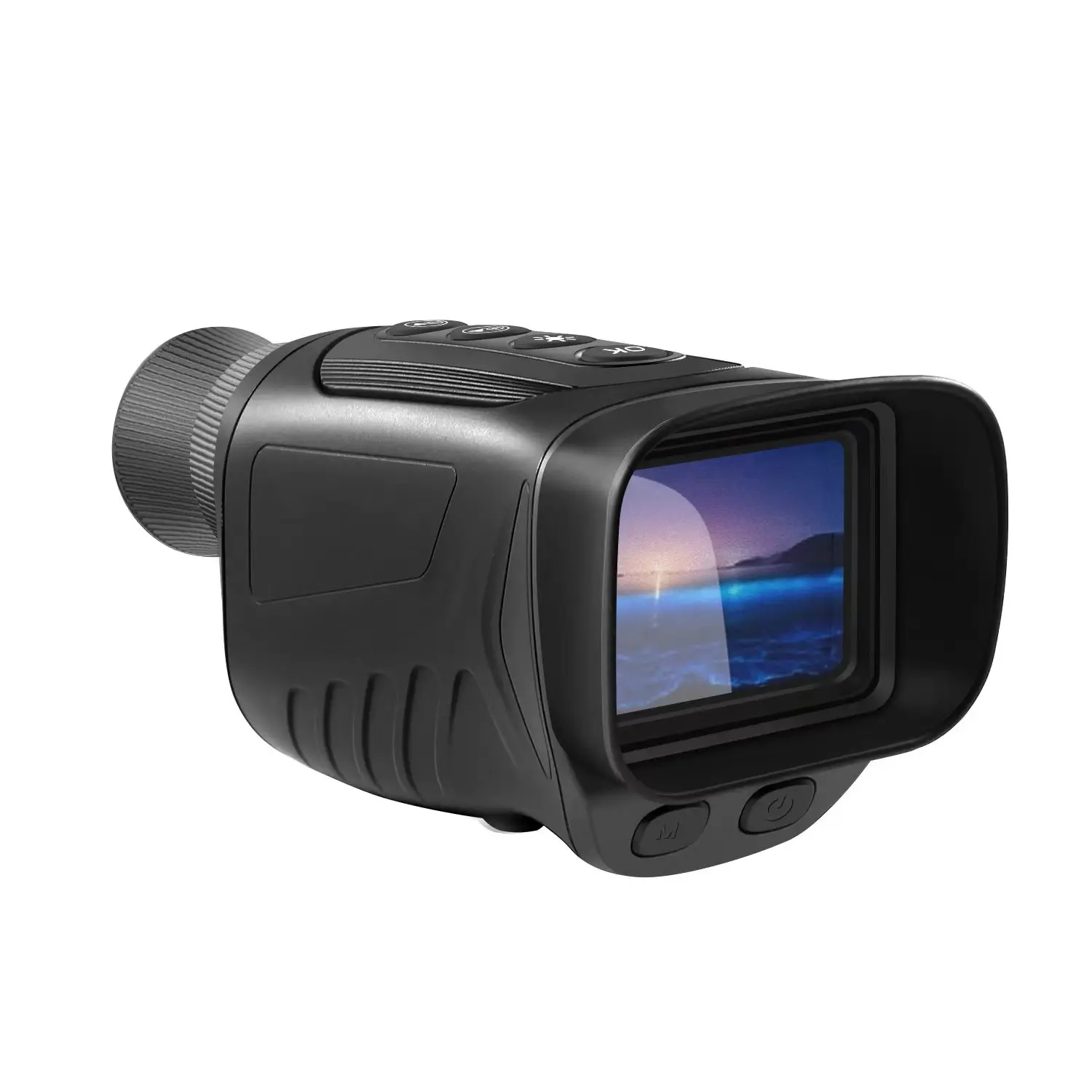

Digital cameras have advanced significantly in recent years, with many models offering high-quality video recording capabilities. This begs the question: can you use a digital camera for live streaming? The answer is yes, but there are some considerations to keep in mind to ensure a smooth streaming experience.
From choosing the right camera model to connecting it to your computer or streaming device, using a digital camera for live streaming can elevate the quality of your content and provide a professional look to your broadcasts. In this article, we will explore the benefits of using a digital camera for live streaming, discuss the technical requirements, and provide tips for optimizing your setup for the best results.
Benefits of Using a Digital Camera for Live Streaming
When it comes to live streaming, using a digital camera can offer numerous advantages over other devices. Here are some of the key benefits:
1. Improved Video Quality
A digital camera is designed to capture high-quality images and videos, which can significantly enhance the overall video quality of your live stream. With features such as higher resolution, better low-light performance, and advanced image stabilization, your viewers will enjoy a clearer and more professional-looking stream.
2. Versatility
Most digital cameras come with a variety of shooting modes and settings that allow you to customize your live stream according to your preferences. Whether you want to adjust the exposure, white balance, or focus, a digital camera gives you more control over the look and feel of your stream.

Additionally, many digital cameras can be easily connected to your computer or streaming device, making them a versatile and user-friendly option for live streaming.
High-Quality Video Output
When using a digital camera for live streaming, you can expect high-quality video output. Digital cameras are designed to capture crisp and clear images, which translates into sharp and detailed video footage. This can enhance the overall viewing experience for your audience, making your live streams more professional and engaging.
Additionally, many digital cameras offer various settings and features that allow you to customize the video output to suit your specific needs. You can adjust factors such as resolution, frame rate, and white balance to achieve the desired look for your live stream. This level of control over the video output can help you create visually stunning content that stands out from the crowd.
Flexibility in Camera Settings
One of the advantages of using a digital camera for live streaming is the flexibility it offers in camera settings. Most digital cameras allow you to adjust settings such as exposure, white balance, focus, and more, giving you greater control over the look and feel of your live stream. This flexibility can help you achieve professional-looking results and tailor your stream to suit your specific needs and preferences.
| Exposure | Adjust the exposure settings to control the amount of light entering the camera and ensure your stream is neither too bright nor too dark. |
| White Balance | Set the white balance to accurately represent colors in different lighting conditions, ensuring your stream looks natural and true to life. |
| Focus | Manually adjust the focus to ensure that your subject is sharp and clear, even in challenging or dynamic environments. |
Compatibility with Streaming Platforms
When using a digital camera for live streaming, it’s important to consider the compatibility with different streaming platforms. Most modern digital cameras can be connected to a computer via USB or HDMI, allowing you to stream directly to platforms like YouTube, Twitch, or Facebook Live.
Before you start streaming, make sure to check if your camera is compatible with the platform you want to use. Some platforms may require specific settings or software to be able to stream from a digital camera.
Additionally, some streaming platforms may have specific requirements for video resolution, frame rate, or encoding format. Make sure your camera meets these requirements to ensure a smooth streaming experience.
Professional Look and Feel
Using a digital camera for live streaming can greatly enhance the overall professional look and feel of your broadcast. The high-quality video output of a digital camera will make your live stream appear more polished and visually appealing.
With the ability to adjust settings such as exposure, focus, and white balance, you can ensure that your live stream looks professional and well-produced. This can help you attract and retain viewers, as they are more likely to engage with content that is visually appealing and of high quality.
Enhanced Audio and Video Control
When using a digital camera for live streaming, having enhanced audio and video control can greatly improve the quality of your broadcasts. Many digital cameras come equipped with features such as manual focus, exposure control, and white balance adjustments, which allow you to fine-tune your video feed for optimal clarity and brightness. Additionally, some cameras offer external microphone inputs for better audio quality, as well as built-in noise reduction technology to minimize background noise.
By taking advantage of these advanced controls, you can ensure that your live streams look and sound professional, engaging your audience and enhancing the overall viewing experience.
Cost-Effective Streaming Solution
Using a digital camera for live streaming can be a cost-effective solution for individuals or small businesses looking to broadcast high-quality content without breaking the bank. Digital cameras offer excellent image quality and are often more affordable than professional video cameras. With the right setup and equipment, you can achieve professional-looking live streams without the need for expensive gear.
By leveraging the capabilities of a digital camera, you can create engaging live streams that capture the attention of your audience. Whether you’re hosting a webinar, streaming a live event, or conducting an online tutorial, a digital camera can provide the visual clarity and crispness needed to make your content stand out.
FAQ
Can I use a digital camera for live streaming?
Yes, you can use a digital camera for live streaming. Many modern digital cameras have the capability to connect to a computer or streaming device through a USB cable or HDMI output, allowing you to use them as a webcam for live streaming. You may need to install additional software or drivers to enable this functionality, but it is definitely possible.
What are the advantages of using a digital camera for live streaming?
Using a digital camera for live streaming can provide higher image quality compared to a standard webcam. Digital cameras often have better sensors, lenses, and image processing capabilities, resulting in clearer and more detailed video. Additionally, some digital cameras offer features like manual focus, zoom, and exposure control, giving you more control over your live stream’s look and feel. However, keep in mind that using a digital camera for live streaming may require additional equipment and setup compared to a traditional webcam.
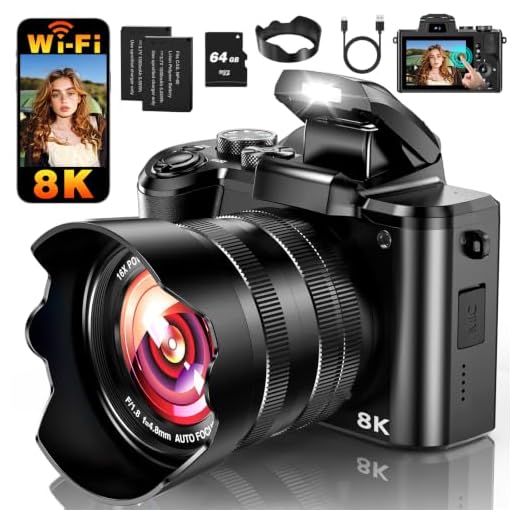



I've been using a DSLR for my live streams, and the video quality is a game changer! The manual control over focus and exposure really helps, especially when the lighting changes. I did have to buy a capture card, though, which added to the cost, but it was worth it for the professional look. Just make sure your camera supports the features you need!
It's important to choose a capture card that matches your camera's output. Many users find products like the Elgato Cam Link or similar devices to be user-friendly and effective.
That’s great to hear! What capture card did you end up going with, and do you think it was easy to set up?
Good article! Can you clarify if all digital cameras can be used for live streaming or just specific models? I’m considering buying one for this purpose.