
 Carmen J. Moore

When it comes to connecting your digital camera to other devices, the type of connector you use can make a big difference. From transferring photos to charging your camera, the right connector can ensure a smooth and efficient experience.
There are several types of connectors available for digital cameras, each with its own set of benefits and limitations. Understanding the different options can help you make an informed decision when selecting the right connector for your camera.
Whether you’re looking for speed, versatility, or compatibility with other devices, there is a connector that will meet your needs. From USB to HDMI, knowing the strengths and weaknesses of each option can help you make the best choice for your digital camera.

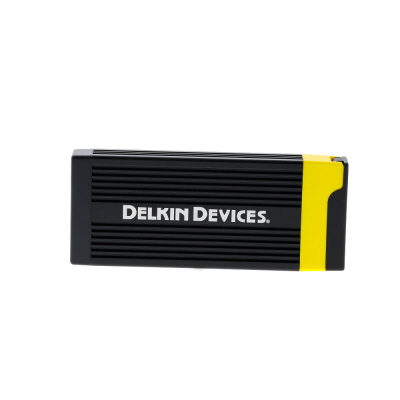


Choosing the Right Connector for Your Digital Camera
When selecting a connector for your digital camera, it is essential to consider compatibility, speed, and convenience. The right connector can make a significant difference in transferring your photos and videos efficiently. Here are some factors to keep in mind:
1. USB Type
USB connectors are commonly used for transferring data from your digital camera to a computer or other devices. Make sure your camera supports the latest USB standards for faster data transfer speeds. USB Type-C connectors are becoming increasingly popular due to their reversible design and faster transfer rates.
2. HDMI Output
If you want to display your photos and videos on a larger screen, consider a digital camera with an HDMI output. This allows you to connect your camera directly to a TV or monitor for high-definition viewing. HDMI connectors provide better video quality compared to traditional USB connections.
By choosing the right connector for your digital camera, you can ensure seamless data transfer and enhance your overall photography experience.
USB Cable for Data Transfer
When it comes to transferring data from your digital camera to your computer, a USB cable is an essential accessory. Most digital cameras come with a USB cable that allows you to connect the camera directly to your computer for easy file transfer. The USB cable typically has a USB Type-A connector on one end and a proprietary connector that fits into your camera on the other end.

Using a USB cable for data transfer is a fast and convenient way to transfer photos and videos from your camera to your computer. Simply connect one end of the cable to your camera and the other end to a USB port on your computer, and you can quickly and easily transfer your files.
USB cables are widely available and come in varying lengths to suit your needs. They are compatible with most digital cameras and are a cost-effective solution for transferring your photos and videos to your computer.
HDMI Port for High-Quality Display
Many modern digital cameras come equipped with an HDMI port, which stands for High-Definition Multimedia Interface. This port allows you to connect your camera directly to a high-definition display, such as a TV or monitor, to view your photos and videos in stunning clarity and detail.
HDMI ports provide a digital connection that delivers high-quality audio and video signals, ensuring that you get the best possible display of your images. This connection eliminates the need for analog conversion, resulting in a sharper image with vibrant colors and crisp details.
When using an HDMI port to connect your camera to a display, you can easily navigate through your photos and videos using the camera’s controls, making it a convenient way to showcase your work to others or enjoy your content on a larger screen.
Overall, the HDMI port on digital cameras offers a seamless way to enjoy your photos and videos in high definition, making it a valuable feature for photographers and videographers looking to share their work with others.
SD Card Slot for Storage Expansion
Many digital cameras come equipped with an SD card slot, allowing users to expand the storage capacity of their camera. SD (Secure Digital) cards are a popular choice for storing photos and videos due to their compact size and high storage capacity.
The SD card slot is typically located on the side or bottom of the camera body. Users can simply insert an SD card into the slot to instantly increase the camera’s storage space. This is especially useful when shooting high-resolution photos or recording high-definition videos that require a large amount of storage.
SD cards are available in various storage capacities, ranging from a few gigabytes to several terabytes. Users can choose the appropriate capacity based on their storage needs and budget. Additionally, SD cards are easily interchangeable, allowing users to swap out cards as needed without interrupting their shooting experience.
| Advantages of SD Card Slot: | – Easy storage expansion | – Compact and lightweight | – Interchangeable for flexibility |
|---|---|---|---|
| Disadvantages of SD Card Slot: | – Risk of losing or damaging cards | – Limited storage capacity per card | – Compatibility issues with older devices |
Wi-Fi Connectivity for Wireless Sharing
Many modern digital cameras come equipped with Wi-Fi connectivity, allowing users to easily share their photos wirelessly. This feature enables you to transfer photos and videos directly to your smartphone, tablet, or computer without the need for cables or memory cards.
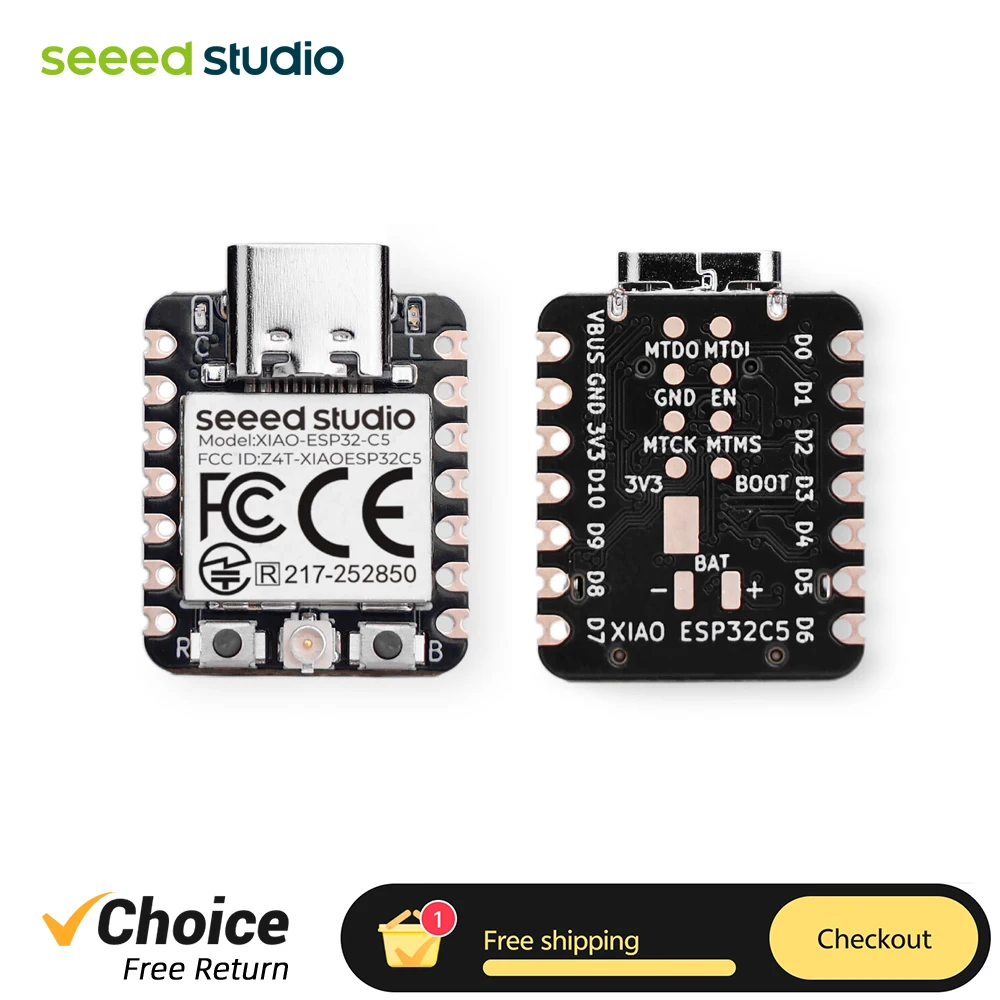
With Wi-Fi connectivity, you can quickly upload your images to social media platforms, email them to friends and family, or back them up to cloud storage services. This convenient feature makes it simple to share your photography in real-time and ensures that your memories are safely stored and easily accessible.
Bluetooth Capability for Easy Pairing
Many modern digital cameras come equipped with Bluetooth capabilities, allowing for easy pairing with other devices such as smartphones, tablets, and computers. This feature enables seamless transfer of images and videos wirelessly, eliminating the need for cables or card readers. With Bluetooth connectivity, users can quickly share their captured moments with friends and family or easily upload them to social media platforms. Additionally, Bluetooth pairing provides a convenient way to remotely control the camera using a smartphone or tablet, allowing for creative shots and self-portraits without the need to touch the camera. Overall, Bluetooth capability enhances the user experience and simplifies the process of transferring and sharing photos and videos.
Type-C Connector for Fast Charging
The Type-C connector is a versatile and powerful connector that is becoming increasingly popular for digital cameras. One of the key advantages of the Type-C connector is its ability to deliver fast charging speeds. With its high power delivery capabilities, the Type-C connector can charge your camera quickly and efficiently, allowing you to spend less time waiting for your camera to recharge and more time capturing memories.
In addition to fast charging, the Type-C connector also offers other benefits such as reversible plug orientation, which makes it easier to connect your camera without having to worry about the plug’s orientation. This can save you time and frustration when trying to plug in your camera in low-light situations or when you’re in a hurry.
Overall, the Type-C connector is a convenient and efficient option for charging your digital camera, offering fast charging speeds and a user-friendly design that makes it easy to use. If you’re looking for a reliable and speedy charging solution for your camera, the Type-C connector is definitely worth considering.

Microphone Input for Audio Recording
Many digital cameras come equipped with a microphone input that allows you to connect an external microphone for better audio recording quality. This feature is especially useful for capturing high-quality sound during video recording or when taking pictures with audio.
By using an external microphone, you can reduce background noise, improve the clarity of the audio, and enhance the overall audio recording experience. Whether you’re shooting a video blog, recording a concert, or capturing a special moment, having a microphone input on your digital camera can help you achieve professional-level audio quality.
When choosing a microphone to connect to your digital camera, make sure it is compatible with the camera’s input jack and provides the desired audio quality for your recording needs. Experimenting with different types of microphones can help you find the best one for your specific use case.
Remote Control Port for Hands-Free Operation
Many digital cameras come equipped with a remote control port that allows users to operate the camera hands-free. This feature is especially useful for taking self-portraits, group photos, or long exposure shots without the need to touch the camera and risk shaking it.
The remote control port is typically a small input located on the side or front of the camera body. It is compatible with a remote control device that can trigger the camera shutter wirelessly. This remote control device allows users to take photos from a distance, making it ideal for various photography scenarios.
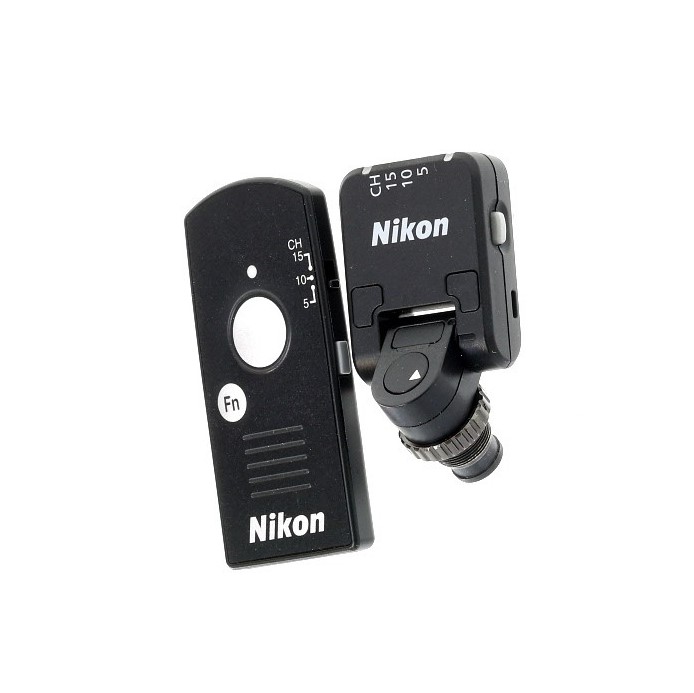
Benefits of Using a Remote Control Port:
- Enhanced convenience for self-portraits and group photos
- Reduced risk of camera shake for long exposure shots
- Allows for capturing candid moments without being noticed
Ethernet Port for Stable Internet Connection
An Ethernet port is a hardware interface that allows a device to connect to a local area network (LAN) or the internet using an Ethernet cable. This type of connection provides a stable and reliable internet connection, making it ideal for activities such as online gaming, video streaming, and video conferencing.
Benefits of Using an Ethernet Port:
1. Faster and more reliable internet connection compared to Wi-Fi.
2. Reduced latency and lag, resulting in better performance for online activities.
How to Use an Ethernet Port:
1. Connect one end of the Ethernet cable to the Ethernet port on your device.
2. Connect the other end of the cable to a router or modem with an available Ethernet port.
3. Enjoy a stable and fast internet connection for your digital camera or other devices.
Headphone Jack for Audio Monitoring
When it comes to audio monitoring on digital cameras, having a headphone jack is essential. This allows you to listen to the audio being recorded in real-time, ensuring that the sound quality is optimal. The headphone jack is typically a 3.5mm or 6.3mm (1/4 inch) stereo jack that allows you to plug in headphones or external speakers for monitoring.
With a headphone jack, you can easily monitor the audio levels, check for any unwanted noise or interference, and make adjustments as needed while recording. This is especially important when capturing live events, interviews, or any situation where audio quality is crucial.
Having a headphone jack on your digital camera provides you with greater control over the audio recording process, allowing you to capture high-quality sound that complements your video footage. Make sure to check if your camera has a headphone jack or invest in an external audio monitoring solution if it doesn’t.
FAQ
What are the most common types of connectors for digital cameras?
The most common types of connectors for digital cameras are USB, HDMI, and SD card slots. These connectors allow users to transfer images and videos from the camera to a computer or TV, as well as to insert memory cards for additional storage.
Can I use a different type of connector with my digital camera if it doesn’t have the standard one?
It depends on the camera model and the availability of adapters. Some cameras may have proprietary connectors that require specific adapters, while others may be compatible with universal adapters for USB or HDMI connections. It’s always best to check the camera’s manual or contact the manufacturer for guidance on using alternative connectors.


