Carmen J. Moore

Live view mode on digital cameras has become an essential feature for photographers, allowing them to preview and compose their shots directly on the camera’s LCD screen. This mode provides a real-time view of the scene in front of the lens, similar to what you see on a smartphone or point-and-shoot camera.
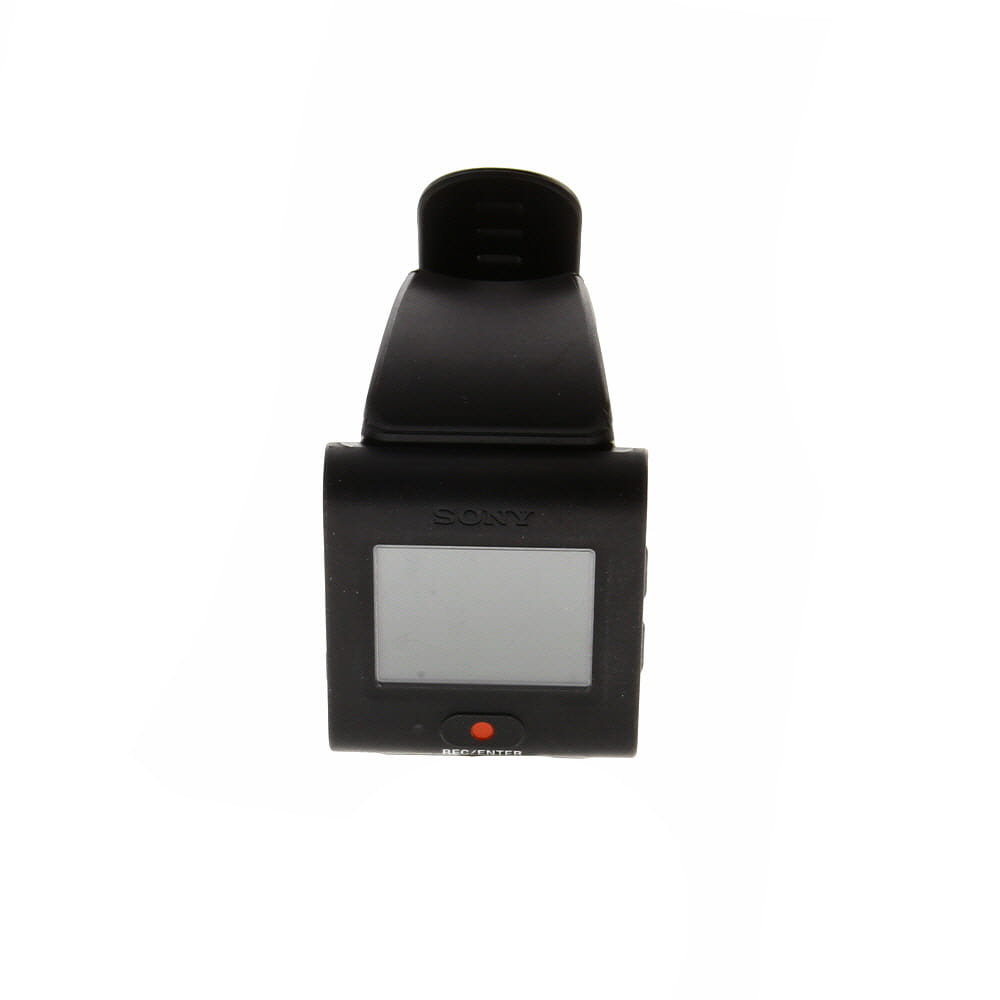


So, what exactly is live view mode and how does it work? In live view mode, the camera’s mirror is flipped up, and the image sensor is used to capture the preview image. This allows photographers to see the exact framing and exposure before taking the shot, making it easier to adjust settings and achieve the desired result.
Live view mode is particularly useful for shooting in challenging conditions, such as low light or when using a tripod. It also comes in handy for capturing video footage, as it provides a clear view of the scene and helps in achieving smooth and stable shots.
Understanding Live View Mode on Digital Camera
Live view mode on a digital camera allows you to preview the image on the camera’s LCD screen before taking a picture. This feature is particularly useful for composing shots in situations where it may be difficult to use the viewfinder, such as when shooting at odd angles or in bright sunlight.
When you activate live view mode, the camera’s mirror flips up, allowing light to hit the camera’s image sensor directly. This gives you a real-time view of what the camera sees, helping you to adjust settings like exposure, focus, and composition before capturing the image.
Some digital cameras also offer additional features in live view mode, such as grid lines to help with framing, focus peaking to aid in manual focusing, and histogram displays to assist with exposure settings.

Overall, live view mode can be a valuable tool for photographers looking to fine-tune their shots and ensure they capture the perfect image.
What is Live View Mode?
Live View Mode is a feature available on many digital cameras that allows you to preview and compose your shot using the camera’s LCD screen rather than the viewfinder. This feature is particularly useful for shooting in awkward angles or situations where it’s difficult to look through the viewfinder.
When using Live View Mode, you can see exactly what the camera sees in real-time on the LCD screen. This can help you ensure that your composition is just right before you take the shot. Some cameras also offer features like focus peaking, which highlights in-focus areas of the image, and grid lines to help with composition.
Advantages of Live View Mode:
- Allows for easier composition, especially in tricky shooting situations.
- Helps with manual focusing by providing a magnified view of the image.
- Useful for shooting video as it provides a live preview of the footage.
Disadvantages of Live View Mode:
- Can drain the camera’s battery faster than using the viewfinder.
- Can be difficult to see the screen in bright sunlight.
- May introduce a delay in capturing the image due to the camera’s processing time.
Advantages of Live View Mode
Live View Mode offers several advantages for photographers, making it a valuable feature on digital cameras:
1. Precise Framing
With Live View Mode, photographers can compose their shots more accurately by viewing the scene on the camera’s LCD screen. This allows for precise framing and composition, ensuring that the desired elements are included in the frame.
2. Manual Focus Assistance
Live View Mode provides manual focus assistance by allowing photographers to magnify the image on the LCD screen for a closer look. This feature helps in achieving sharp focus, especially in situations where autofocus may not be reliable.
Overall, Live View Mode enhances the shooting experience by offering additional tools and functionality that can improve the quality of images captured with a digital camera.
How to Access Live View Mode
Accessing Live View mode on your digital camera is a simple process that may vary slightly depending on the make and model of your camera. Here are some general steps to help you access Live View mode:
| 1. | Turn on your camera by pressing the power button. |
| 2. | Switch to the shooting mode dial to select the Live View mode. This may be indicated by an icon that looks like a small camera on the mode dial. |
| 3. | Press the Live View button, which is usually located near the LCD screen on the back of the camera. This button may be labeled “LV” or have a small camera icon. |
| 4. | Once in Live View mode, you can use the LCD screen to compose your shot and adjust settings as needed. |
| 5. | To exit Live View mode, simply press the Live View button again or switch to a different shooting mode on the mode dial. |
Using Live View Mode for Photography
Live View mode on a digital camera allows you to preview the image on the LCD screen before taking the shot. This feature can be particularly useful in certain shooting scenarios:
1. Manual Focus:
When using manual focus, Live View mode helps you achieve precise focus by magnifying the image on the screen. This is especially handy for macro photography or when shooting in low light conditions.

2. Composition and Framing:
Live View mode enables you to experiment with different compositions and framing options without looking through the viewfinder. You can easily adjust the positioning of your subject and explore creative angles.
Overall, Live View mode can enhance your photography experience by providing a real-time preview of your images and giving you more control over your shots.
Live View Mode vs. Optical Viewfinder
When using a digital camera, you have the option to compose your shot either through Live View mode or the optical viewfinder. Each method has its advantages and disadvantages, and the choice between the two depends on your shooting style and preferences.
- Live View Mode: In Live View mode, the camera’s LCD screen displays a real-time preview of the scene you are capturing. This allows you to see exactly what the camera sensor sees, making it easier to compose your shot and adjust settings such as exposure and white balance. Live View mode is particularly useful for shooting in challenging lighting conditions or when using manual focus.
- Optical Viewfinder: The optical viewfinder uses a system of mirrors and prisms to show you the scene through the camera’s lens. While optical viewfinders provide a clear and direct view of the subject, they do not show the exact framing or exposure of the final image. This can make it more challenging to compose your shot accurately, especially in situations where precise framing is required.
Ultimately, the choice between Live View mode and the optical viewfinder comes down to personal preference and the specific shooting conditions. Some photographers prefer the familiarity and responsiveness of an optical viewfinder, while others appreciate the convenience and accuracy of Live View mode. Experiment with both options to determine which works best for your photography style.
Tips for Using Live View Mode Effectively
Live View mode on digital cameras can be a powerful tool for capturing images in unique situations. Here are some tips for using Live View mode effectively:
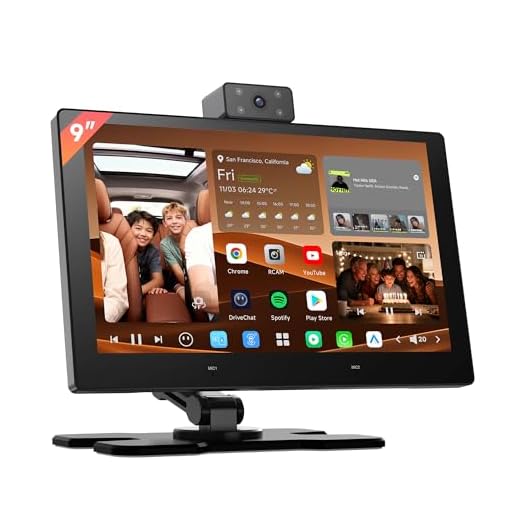
| 1. | Use a tripod: Since Live View mode can be more sensitive to camera shake, using a tripod can help stabilize your shots. |
| 2. | Adjust focus manually: In Live View mode, you can zoom in on your subject and manually adjust the focus for more precision. |
| 3. | Check exposure: Live View mode allows you to see the exposure in real-time, so make sure to adjust settings accordingly. |
| 4. | Use gridlines: Enable gridlines in Live View mode to help you compose your shots more effectively. |
| 5. | Experiment with angles: Live View mode gives you the flexibility to shoot from various angles, so don’t be afraid to try different perspectives. |
Common Mistakes When Using Live View Mode
Live View mode on a digital camera can be a powerful tool for capturing photos, but it also comes with its own set of challenges. Here are some common mistakes to avoid when using Live View mode:
1. Not Checking Focus Properly
One of the most common mistakes photographers make in Live View mode is not checking the focus properly. Since the image on the screen may look sharp even if it is not in focus, it’s important to zoom in and confirm focus before taking the shot.
2. Ignoring Exposure Settings
Another mistake is ignoring exposure settings when using Live View mode. The camera’s exposure settings may not accurately reflect the final image, so it’s crucial to pay attention to the exposure meter and make adjustments as needed.
By being aware of these common mistakes and taking the time to properly use Live View mode, you can improve your photography skills and capture better images.
Live View Mode in Different Camera Models
Live View mode is a feature that allows you to preview the image on the camera’s LCD screen before taking a photo. This feature is available in many digital camera models, offering photographers a more convenient way to compose their shots.
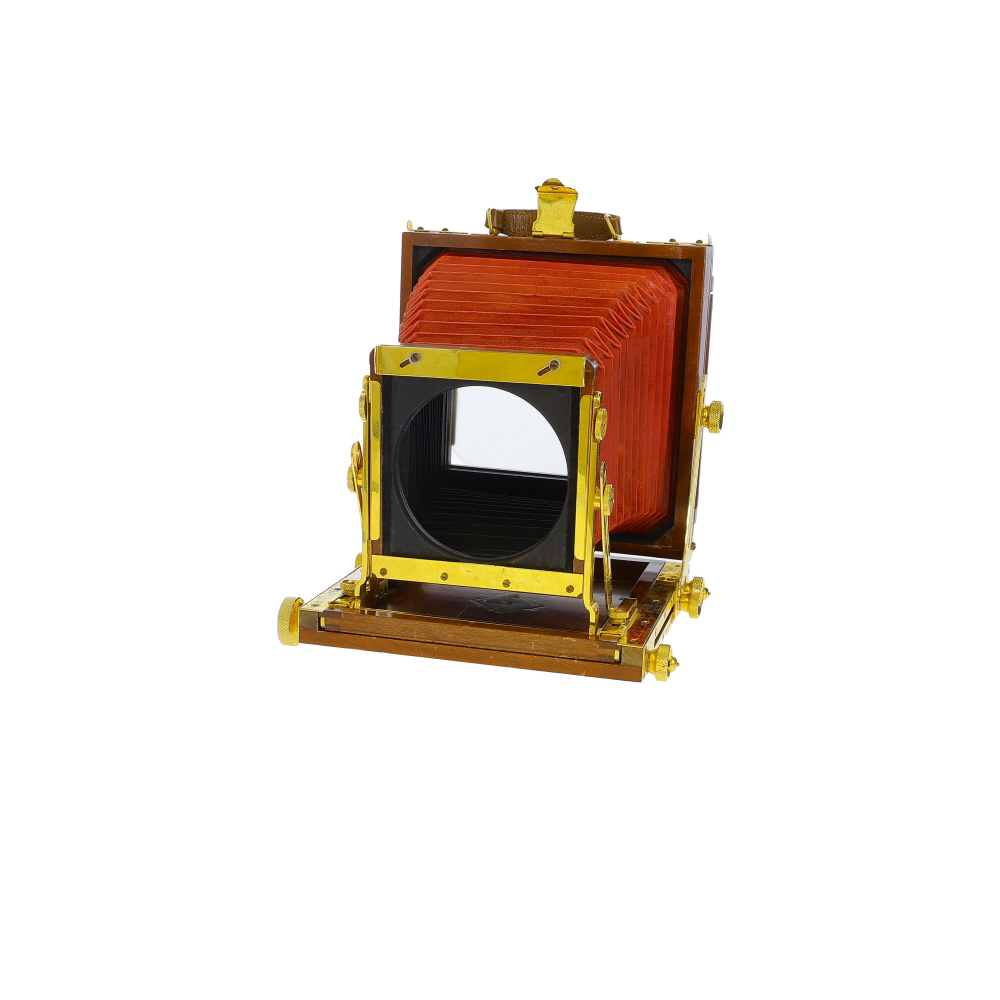
Canon Cameras
Canon cameras, such as the EOS series, offer Live View mode with various functionalities. Users can zoom in on the image, adjust focus, and even use touch screen controls to navigate the settings.
Nikon Cameras
Nikon cameras, like the D series, also come equipped with Live View mode. Users can take advantage of features such as face detection, grid lines, and exposure simulation to capture the perfect shot.
Future of Live View Technology
Live view technology in digital cameras has come a long way since its inception. As technology continues to evolve, the future of live view is expected to bring even more innovative features and improvements to enhance the user experience.
Some of the potential advancements in live view technology include:
- Enhanced resolution and clarity for a more detailed live view image
- Improved low-light performance for better visibility in challenging lighting conditions
- Integration of augmented reality (AR) elements for interactive and informative live view displays
- Advanced focus tracking and subject recognition capabilities for sharper and more accurate live view images
- Seamless connectivity with other devices for real-time sharing and collaboration
With these advancements and more on the horizon, live view technology is poised to revolutionize the way photographers compose their shots and interact with their subjects, opening up new creative possibilities in the world of digital photography.

FAQ
What is live view mode on a digital camera?
Live view mode on a digital camera allows you to see a real-time preview of the scene you are about to capture on the camera’s LCD screen. This mode is particularly useful for composing shots from awkward angles or when you want to see the exact framing before taking the picture.
How does live view mode work on a digital camera?
Live view mode works by using the camera’s sensor to display a live feed of the scene on the LCD screen. This feed is generated in real-time, allowing you to see changes in exposure, white balance, and composition before you capture the image. Some cameras may have different focusing options available in live view mode, such as contrast-detection autofocus.