
 Carmen J. Moore

If you have an old smartphone lying around unused, don’t let it go to waste! With a few simple steps, you can repurpose your old phone into a fully functional security camera. This DIY project not only helps you save money on buying a new camera but also gives your old device a new lease on life.
Why repurpose your old phone into a security camera?
There are several reasons why turning your old phone into a security camera is a great idea. Firstly, it allows you to keep an eye on your home or office while you’re away, giving you peace of mind. Additionally, repurposing your old phone is an eco-friendly choice, as it reduces electronic waste and extends the lifespan of your device.
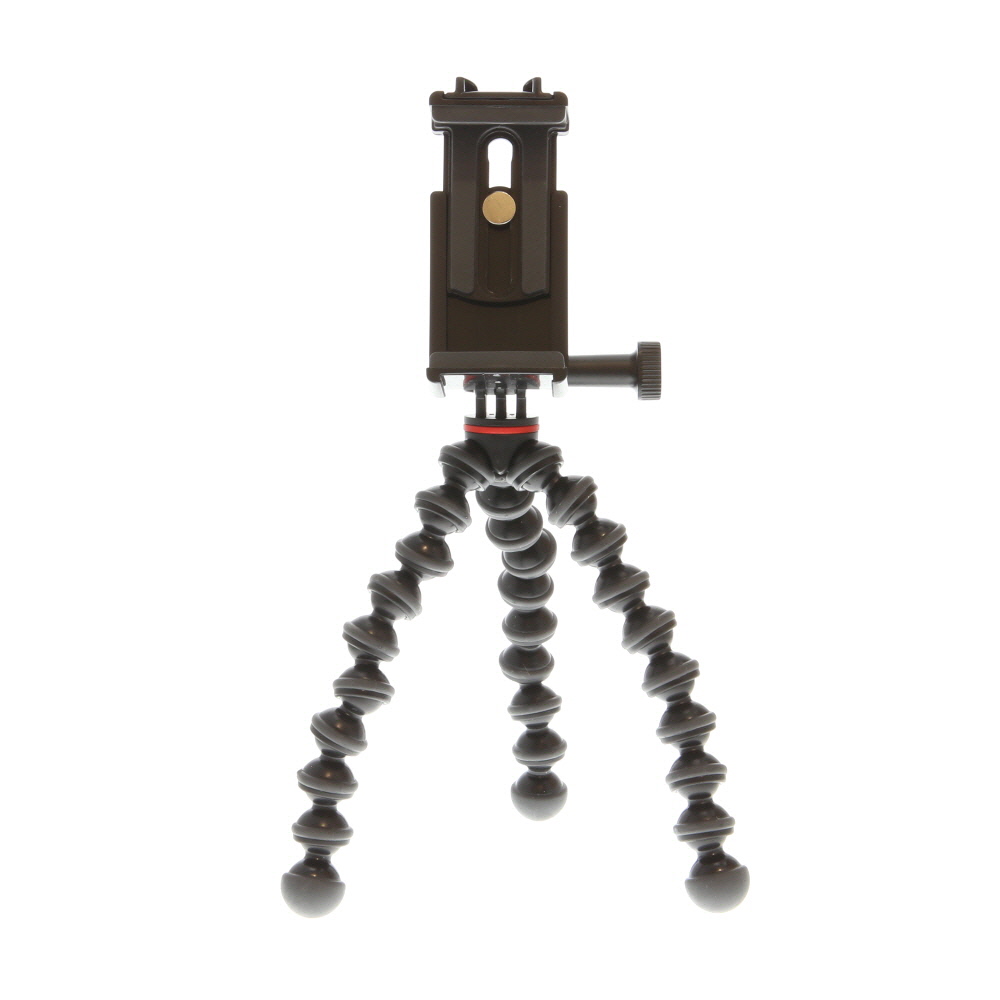
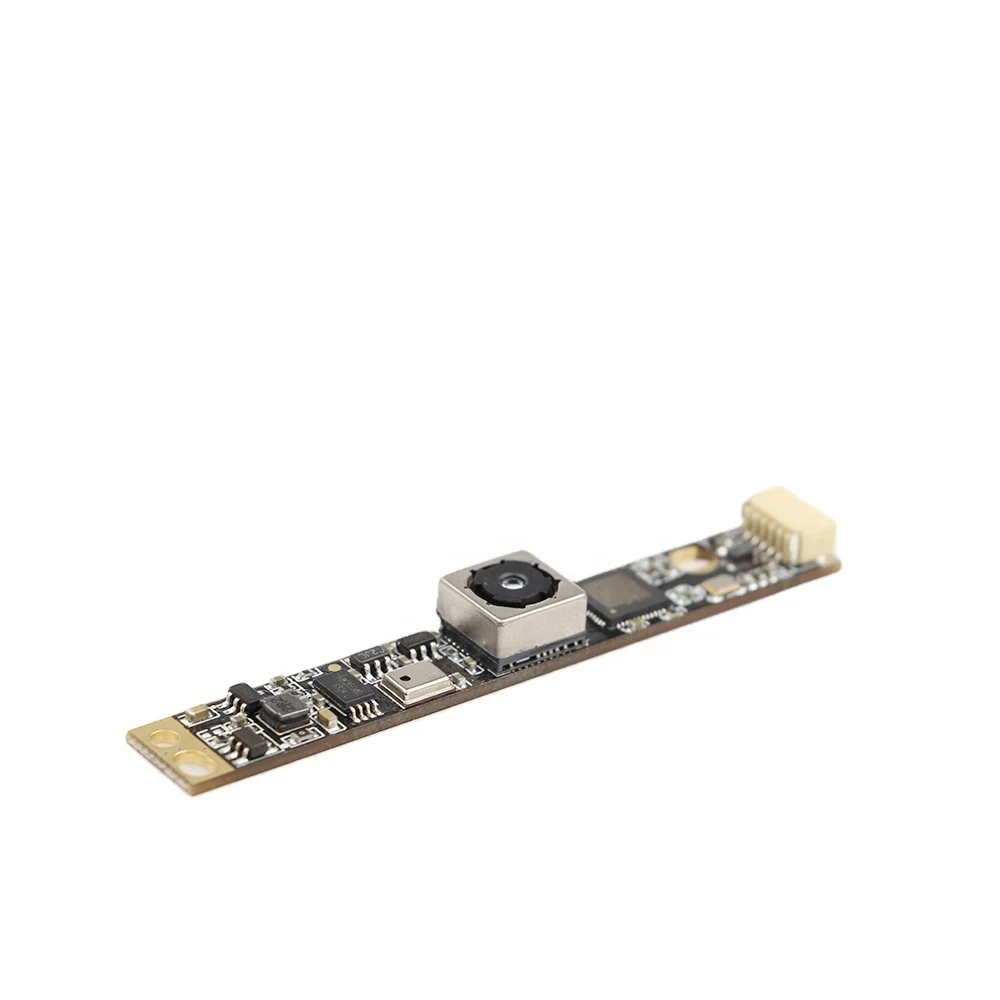
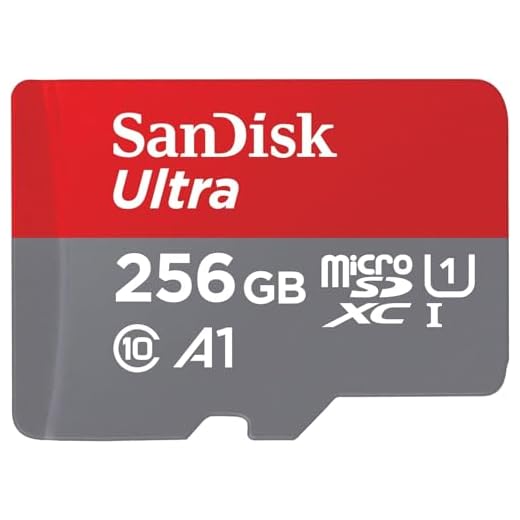
Step-by-step guide to repurpose old phone as security camera
Repurposing your old phone as a security camera is a cost-effective way to enhance your home security. Follow these simple steps to turn your old device into a DIY surveillance system:
- Choose the right app: Select a security camera app that is compatible with your old phone. Popular options include Alfred, Manything, or Presence.
- Install the app: Download and install the chosen app on both your old phone (the camera) and your current phone (the viewer).
- Set up the camera: Position your old phone in a strategic location with a good view of the area you want to monitor. Ensure it is plugged in and connected to Wi-Fi.
- Configure the app: Follow the app’s instructions to set up the camera. You may need to create an account and adjust settings like motion detection and alerts.
- Access the feed: Launch the app on your current phone to view the live feed from your old phone’s camera. You can now monitor your space remotely.
- Enhance security: Consider adding additional features like cloud storage, two-way audio, or integration with smart home devices for enhanced security.
- Regular maintenance: Check the camera periodically to ensure it is functioning correctly. Clean the lens and adjust settings as needed.
Choose the right phone for the job
When selecting an old phone to repurpose as a security camera, there are a few key factors to consider:
1. Camera quality: Look for a phone with a high-resolution camera to ensure clear footage.
2. Battery life: Choose a phone with a decent battery life so it can operate as a security camera for extended periods.
3. Storage capacity: Opt for a phone with ample storage space to save recorded videos.
4. Connectivity: Ensure the phone has Wi-Fi or mobile data capabilities to enable remote viewing.
By carefully selecting the right phone for the job, you can create an effective and reliable security camera system.
Install a security camera app on the device
To turn your old phone into a security camera, you will need to install a security camera app. There are various apps available for both Android and iOS devices that can transform your phone into a surveillance camera.
Here are some popular security camera apps you can consider:
| App Name | Platform |
|---|---|
| Manything | iOS, Android |
| Alfred | iOS, Android |
| Presence | iOS |
| IP Webcam | Android |
How to Install a Security Camera App:
1. Go to the App Store or Google Play Store on your old phone.
2. Search for the security camera app you want to use.
3. Download and install the app on your old phone.
4. Follow the app’s instructions to set up your phone as a security camera.
Position the phone for optimal surveillance
Once you have set up your old phone as a security camera, it is important to position it in a strategic location for optimal surveillance. Here are some tips on where to place your security camera:
1. Choose a high vantage point
Mount the phone at a high vantage point to get a broad view of the area you want to monitor. This will help capture a wider range and minimize blind spots.
2. Avoid obstructions
Make sure the camera is not obstructed by any objects that may interfere with the view. Clear any obstacles that could block the camera’s line of sight.
| 3. Use a secure mounting | Opt for a sturdy mounting option to secure the phone in place. This will prevent the camera from falling or being tampered with. |
Set up remote access to the camera
To access your security camera remotely, you need to set up remote access. Follow these steps:
| 1. | Ensure your old phone is connected to a stable Wi-Fi network. |
| 2. | Download a remote access app like IP Webcam or Alfred on your old phone. |
| 3. | Follow the app’s instructions to set up remote access and create a username and password. |
| 4. | Make sure the app is running and the camera is accessible through the app. |
| 5. | Access the camera remotely by entering the provided IP address, username, and password in a web browser or the app. |
Configure motion detection and alerts
One of the key features of a security camera is motion detection. This allows the camera to detect any movement in its field of view and alert you accordingly. To configure motion detection and alerts on your old phone security camera, follow these steps:
- Open the camera app on your old phone and navigate to the settings.
- Look for the motion detection or alert settings within the camera app.
- Enable the motion detection feature and adjust the sensitivity settings to your preference.
- Set up alerts to be sent to your current phone or email whenever motion is detected.
- Test the motion detection by moving in front of the camera and verifying that alerts are triggered.
By configuring motion detection and alerts, you can ensure that your old phone security camera is actively monitoring and notifying you of any suspicious activity in its vicinity.
Ensure power supply and storage for continuous monitoring
Power supply: To ensure your security camera operates continuously, you need a reliable power source. You can use a USB cable connected to a power adapter or a portable power bank to keep your old phone charged.
Storage: For continuous monitoring, make sure your old phone has enough storage space to save recorded footage. Consider using a memory card or regularly transferring files to a secure cloud storage service to prevent running out of space.



I tried using my old iPhone as a security camera with the Alfred app. Setup was super easy, and the video quality is surprisingly good! I placed it near my front door to monitor deliveries. Just a heads up—make sure to keep it plugged in; the battery drains quickly when streaming continuously. Overall, it’s a great way to repurpose an old device!
How do I know if my old phone's camera is good enough for this? Are there specific specs I should look for?